

 Español
 Polski
Four ways to identify the buyer
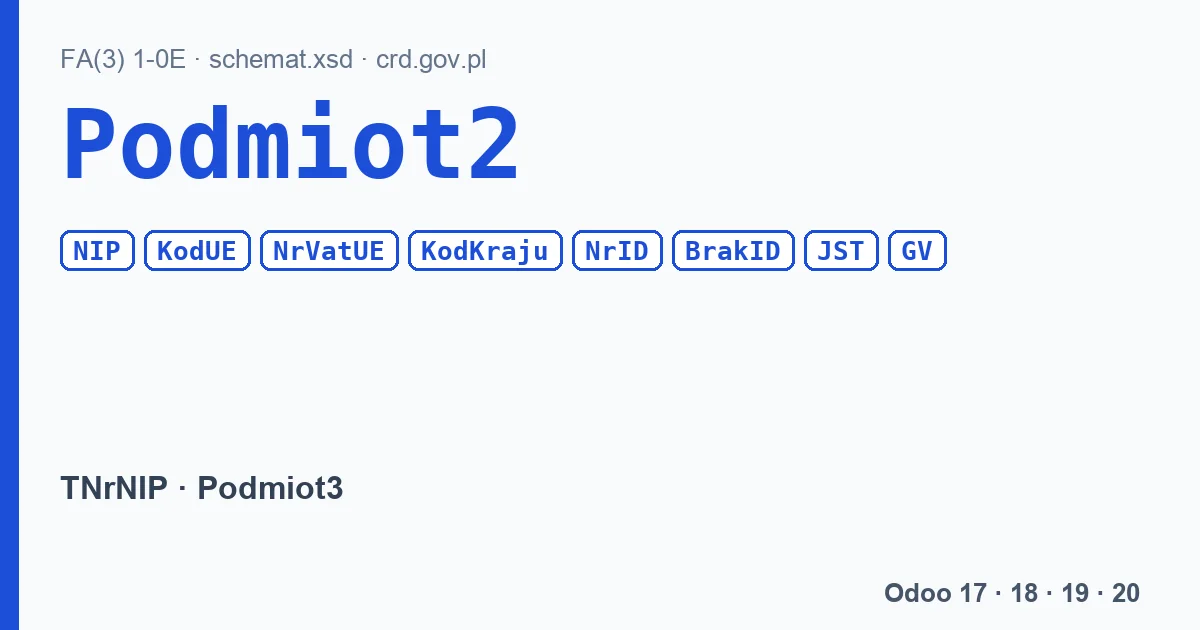
| FA(3) element | Description in the schema | When to use it |
|---|---|---|
NIP | “Identyfikator podatkowy NIP” (NIP tax ID) | Buyer with a Polish NIP. |
KodUE + NrVatUE | “Numer Identyfikacyjny VAT kontrahenta UE” (EU VAT number of the counterparty) | Buyer with a VAT number from another EU country, in the cases set by the VAT act. |
KodKraju + NrID | “Identyfikator podatkowy inny” (other tax ID) | Another tax identifier, for example from outside the EU. |
BrakID | “Podmiot nie posiada identyfikatora podatkowego lub identyfikator nie występuje na fakturze: 1- tak” (no tax ID, or none on the invoice) | Consumer or buyer without an identifier. |
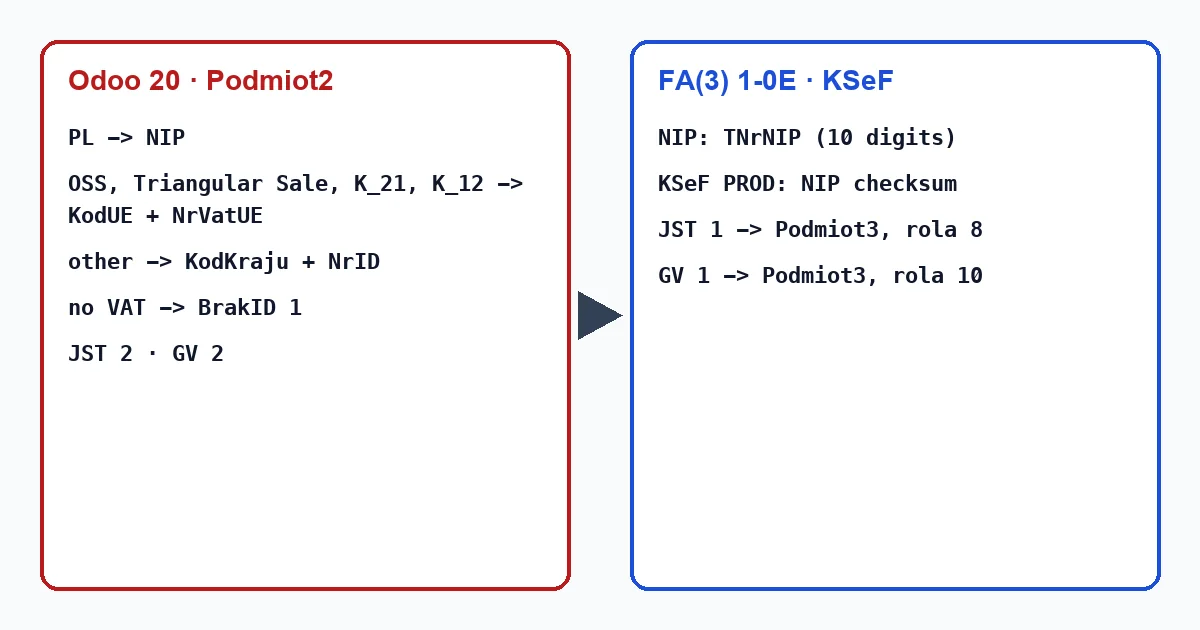
The schema only checks the NIP format: 10 digits following the TNrNIP pattern. It does not check the checksum. KSeF does, but only in production, for Podmiot1, Podmiot2, Podmiot3 and PodmiotUpowazniony. In the test environment the header X-KSeF-Feature: subject-identifier-validation turns that validation on. The documentation does not say which code KSeF uses to reject a wrong checksum.
The JST and GV markers
Both are mandatory in Podmiot2 and take the value 1 or 2:
- JST, “Znacznik jednostki podrzędnej JST.” (local government subordinate unit marker): 1 when the invoice concerns a subordinate unit of a local government; then
Podmiot3must be filled with role 8 and the unit's NIP or internal ID; - GV, “Znacznik członka grupy VAT.” (VAT group member marker): 1 when the invoice concerns a member of a VAT group; then
Podmiot3with role 10; - 2 in either means the invoice does not concern them.
What Odoo 18, 19 and 20 write
Odoo picks the identifier from the customer's VAT number. A Polish NIP goes to NIP. Odoo only writes KodUE and NrVatUE for special transactions, those with the tax tags OSS_Base, OSS_Tax, Triangular Sale, K_21 or K_12; any other foreign number goes to KodKraju and NrID. A customer without a VAT number gets BrakID 1.
Odoo always writes JST and GV as 2. So an invoice for a subordinate unit of a local government, or for a VAT group member, cannot be marked from Odoo the way the schema requires, and it will not reach that unit through Podmiot3.
What to check before sending
- The customer's VAT number: a Polish NIP with or without the PL prefix (without it, Odoo takes the country from the customer record), with a correct checksum.
- For an EU customer: whether the invoice really should carry
KodUEandNrVatUE, that is, whether the lines have the right tax. - For public-sector customers: whether the invoice should reach a subordinate unit; Odoo will not write that.
Does our module check the buyer's NIP?
Partly. When you use “Mark ready for KSeF upload”, Poland KSeF 2.0 Validator computes the Polish NIP checksum of the customer and, if it does not match, reports “Partner NIP invalid” and leaves the invoice in “Manual action required”: it does not move to “Ready to upload to KSeF”. It applies the checksum to any VAT number, foreign ones included, and a foreign number almost never passes it, so for a customer with a VAT number from another country the invoice stays there even when the number is correct. The FlexigoTech Cloud validation checks the file against the schema, that is, the format, without the checksum.
Keep reading
Checked in the module's source code (version 20.0) and the linked sources
Sources
- github.com/CIRFMF/ksef-api/blob/ce3670ea042de380039de4c5849fd6455811b292/faktury/schemy/FA
- github.com/CIRFMF/ksef-api/blob/ce3670ea042de380039de4c5849fd6455811b292/faktury/schemy/FA
- github.com/CIRFMF/ksef-api/blob/ce3670ea042de380039de4c5849fd6455811b292/faktury/schemy/FA
- github.com/CIRFMF/ksef-api/blob/ce3670ea042de380039de4c5849fd6455811b292/faktury/schemy/FA
- github.com/CIRFMF/ksef-api/blob/ce3670ea042de380039de4c5849fd6455811b292/faktury/schemy/FA
- github.com/CIRFMF/ksef-api/blob/ce3670ea042de380039de4c5849fd6455811b292/faktury/weryfikac
- github.com/CIRFMF/ksef-api/blob/ce3670ea042de380039de4c5849fd6455811b292/api-changelog.md#
- github.com/odoo/odoo/blob/2982b5f44af03fae6a9888f20632c1cc19f623ba/addons/l10n_pl_edi/data
- github.com/odoo/odoo/blob/4d2d4b5895db70596863df941d9a1f0beeb117f8/addons/l10n_pl_edi/data
- github.com/odoo/odoo/blob/2fec20391a8a61ea3a3bf15e9f24d59dba910a8d/addons/l10n_pl_edi/data
- github.com/odoo/odoo/blob/2982b5f44af03fae6a9888f20632c1cc19f623ba/addons/l10n_pl_edi/data
- github.com/odoo/odoo/blob/4d2d4b5895db70596863df941d9a1f0beeb117f8/addons/l10n_pl_edi/data
- github.com/odoo/odoo/blob/2fec20391a8a61ea3a3bf15e9f24d59dba910a8d/addons/l10n_pl_edi/data
- Module source code: flexigo_poland_ksef_2_0_e_invoice_connector_and_migrati 20.0 (ba7c60f1): models/account_move.py
- Module source code: FlexigoTech Cloud, validacion_efactura (motor_xsd.py y reglas.json)
- Module source code: flexigo_poland_ksef_2_0_e_invoice_connector_and_migrati 20.0 (ba7c60f1): models/ksef_cloud.py