

 Español
 Polski
What KSeF returns
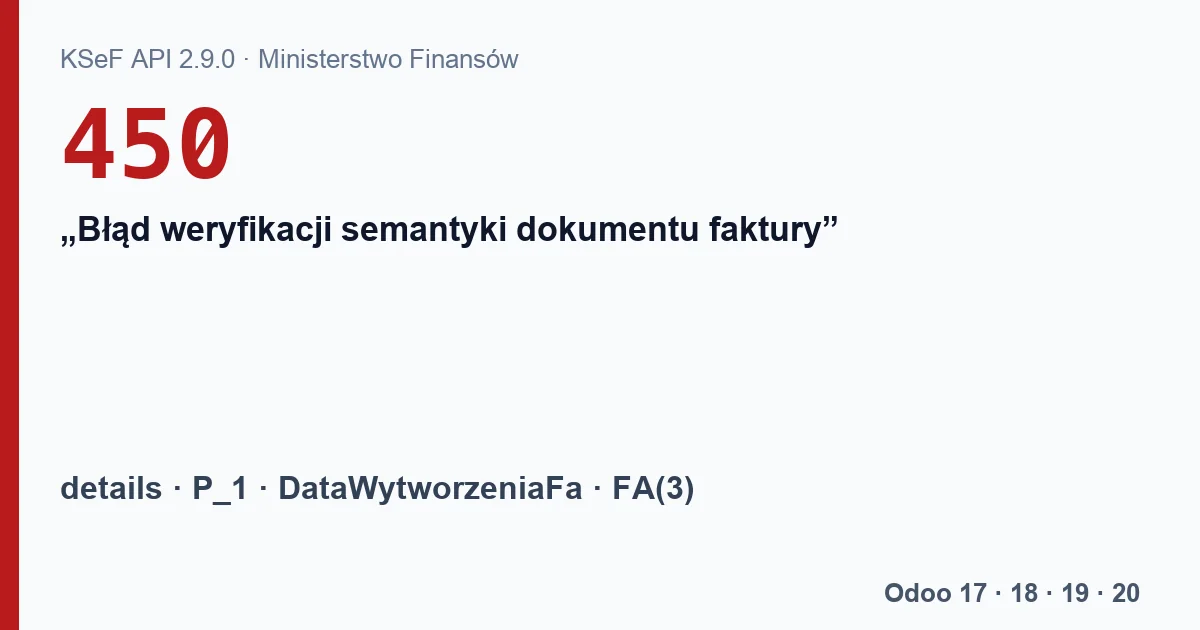
In the KSeF API 2.9.0 specification, invoice status 450 has a fixed description, “Błąd weryfikacji semantyki dokumentu faktury” (invoice document semantics verification error). What exactly is wrong goes in the details field of that same status. The Ministry of Finance does not publish a list of those messages, so there is no table saying “450 always means this one problem”.
What exists are cases the Ministry checks in the tests of its own ksef-client-csharp library, where it expects exactly code 450:
- issue date
P_1set to tomorrow in Polish time, because KSeF readsP_1in the Warsaw time zone and refuses a date later than the moment it receives the invoice; DataWytworzeniaFaearlier than 2025-09-01T00:00:00Z, the lower limit of that field in the FA(3) 1-0E schema.
What you see in Odoo
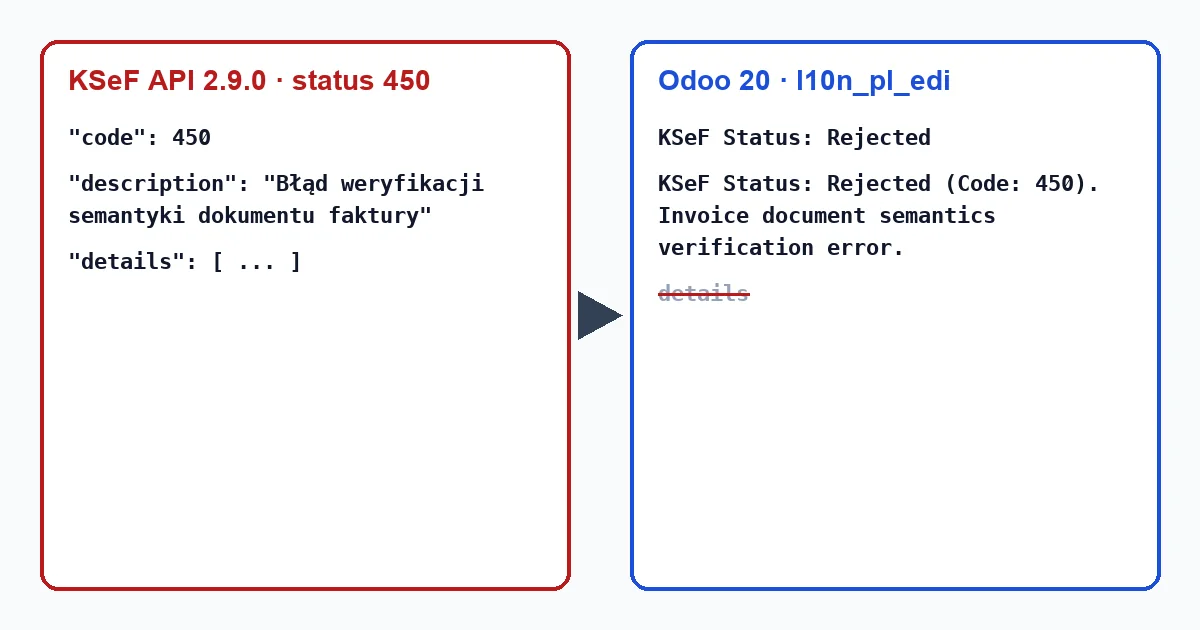
Invoices reach KSeF through Odoo's l10n_pl_edi module, which exists in Odoo 18, 19 and 20. When KSeF answers, it sets “KSeF Status” to Rejected and writes a message in the invoice history:
| Version | Message in Odoo |
|---|---|
| Odoo 18 and 19 in Polish | “Status KSeF: Odrzucono (kod: 450). Błąd weryfikacji semantyki dokumentu faktury.” |
| Odoo 20 | “KSeF Status: Rejected (Code: 450). Invoice document semantics verification error.” (the Polish translation of this module is empty in 20) |
| Odoo 17 | No l10n_pl_edi: another program sends the invoice and shows the error. |
From the KSeF answer Odoo reads the code, the description and the KSeF number. It does not store the details field (it only appends KSeF's description for code 500), so Odoo alone cannot tell you which part of the invoice failed.
Where to get the reason
The details text comes in KSeF's answer to the invoice status request. When you send from Odoo, you need someone who can read it from the API, or a check of the FA(3) file before sending. Odoo 18, 19 and 20 ship a copy of the FA(3) schema inside the module, but outside the tests nothing uses it: the file goes to KSeF without being validated against the schema.
Odoo does watch two things. It will not send an invoice dated after today in the user's time zone (“The move was skipped because it is future-dated”). And it fills DataWytworzeniaFa with the moment the file is generated, in UTC, so the 2025 limit should not come from an invoice issued in Odoo.
How to send it again
- Find the reason in
details, or check the FA(3) file against the schema. - Fix the data in Odoo: date, customer, lines.
- Reset the invoice to draft. For a rejected invoice Odoo clears its KSeF status, number, reference and session.
- Confirm it and send it again with the “by KSeF (e-Faktura)” option. Odoo only sends invoices without a KSeF status, so without step 3 nothing goes out.
With our module
Poland KSeF 2.0 Validator does not send invoices to KSeF. With the FlexigoTech Cloud subscription, if you click “Validate FA(3) (FlexigoTech Cloud)” before sending the invoice, it validates the FA(3) file against the 1-0E schema and lists each error as a line “[error] XSD (path)”: where in the file, without the message text, up to 100 errors. The result does not stop l10n_pl_edi from sending: a “Not valid” invoice goes out anyway if you send it. It cannot catch what KSeF only checks on its side, such as P_1 against the time of receipt. Once l10n_pl_edi sends the invoice, the earlier validation turns Expired and the module checks the file KSeF actually received. On Odoo 17 it validates the FA(3) file uploaded to the invoice.
Our module does not pick up code 450: from l10n_pl_edi it only takes the status (Submitted, Accepted or Rejected) and the KSeF number.
Keep reading
Checked in the module's source code (version 17.0 and 20.0) and the linked sources
Sources
- github.com/CIRFMF/ksef-api/blob/ce3670ea042de380039de4c5849fd6455811b292/open-api.json
- github.com/odoo/odoo/blob/2982b5f44af03fae6a9888f20632c1cc19f623ba/addons/l10n_pl_edi/mode
- github.com/odoo/odoo/blob/4d2d4b5895db70596863df941d9a1f0beeb117f8/addons/l10n_pl_edi/mode
- github.com/odoo/odoo/blob/2fec20391a8a61ea3a3bf15e9f24d59dba910a8d/addons/l10n_pl_edi/mode
- github.com/odoo/odoo/blob/2982b5f44af03fae6a9888f20632c1cc19f623ba/addons/l10n_pl_edi/i18n
- github.com/odoo/odoo/blob/2fec20391a8a61ea3a3bf15e9f24d59dba910a8d/addons/l10n_pl_edi/i18n
- github.com/odoo/odoo/blob/2fec20391a8a61ea3a3bf15e9f24d59dba910a8d/addons/l10n_pl_edi/mode
- github.com/CIRFMF/ksef-client-csharp/blob/a66cbc669814e6c2a615748a13a0a04a650ba04f/KSeF.Cl
- github.com/CIRFMF/ksef-client-csharp/blob/a66cbc669814e6c2a615748a13a0a04a650ba04f/KSeF.Cl
- github.com/CIRFMF/ksef-api/blob/ce3670ea042de380039de4c5849fd6455811b292/faktury/schemy/FA
- github.com/CIRFMF/ksef-api/blob/ce3670ea042de380039de4c5849fd6455811b292/faktury/schemy/FA
- github.com/CIRFMF/ksef-api/blob/ce3670ea042de380039de4c5849fd6455811b292/faktury/weryfikac
- github.com/odoo/odoo/blob/2fec20391a8a61ea3a3bf15e9f24d59dba910a8d/addons/l10n_pl_edi/data
- github.com/odoo/odoo/blob/2fec20391a8a61ea3a3bf15e9f24d59dba910a8d/addons/l10n_pl_edi/mode
- github.com/odoo/odoo/blob/2fec20391a8a61ea3a3bf15e9f24d59dba910a8d/addons/l10n_pl_edi/mode
- github.com/odoo/odoo/blob/2fec20391a8a61ea3a3bf15e9f24d59dba910a8d/addons/l10n_pl_edi/mode
- github.com/odoo/odoo/blob/2fec20391a8a61ea3a3bf15e9f24d59dba910a8d/addons/l10n_pl_edi/mode
- Module source code: FlexigoTech Cloud, validacion_efactura (motor_xsd.py y reglas.json)
- Module source code: flexigo_poland_ksef_2_0_e_invoice_connector_and_migrati 20.0 (ba7c60f1): models/ksef_cloud.py
- Module source code: flexigo_poland_ksef_2_0_e_invoice_connector_and_migrati 20.0 (ba7c60f1): models/account_move.py
- Module source code: flexigo_poland_ksef_2_0_e_invoice_connector_and_migrati 17.0 (2b2a93bb): __manifest__.py
- Module source code: flexigo_poland_ksef_2_0_e_invoice_connector_and_migrati 20.0 (ba7c60f1): views/account_move_views.xml