

 Español
 Polski
Where a date error comes from
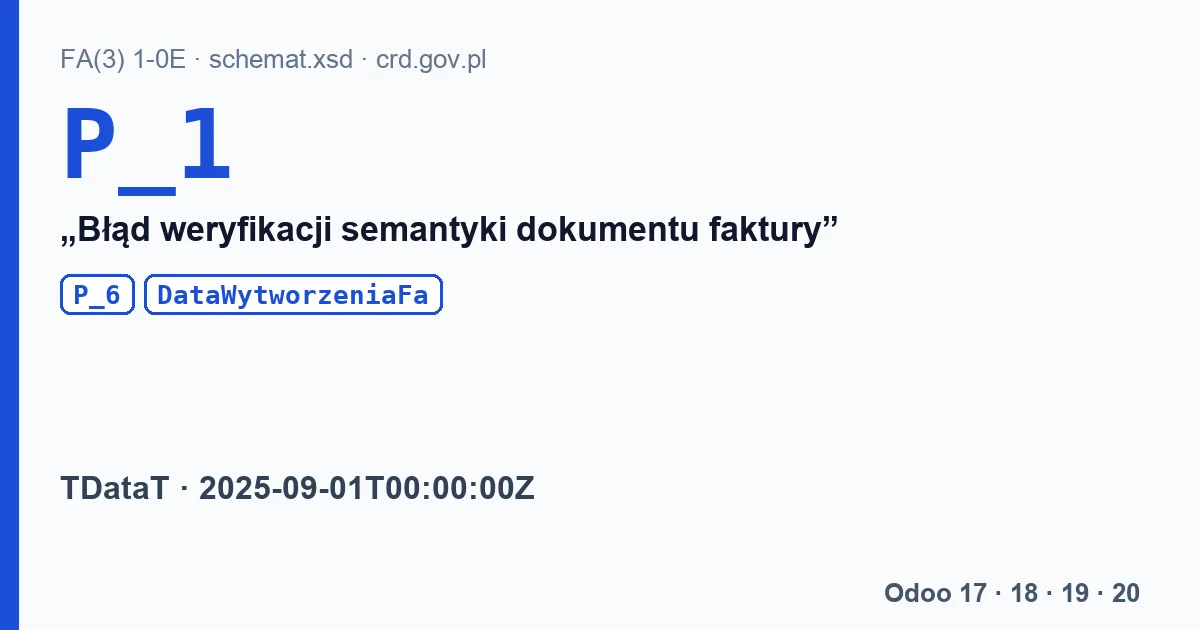
When a date falls outside the schema's range or outside KSeF's rule, the invoice gets status 450, “Błąd weryfikacji semantyki dokumentu faktury” (invoice document semantics verification error). The Ministry of Finance checks two such cases in the tests of its library: P_1 set to tomorrow in Polish time, and a DataWytworzeniaFa from before 2025-09-01.
The three dates and their rules
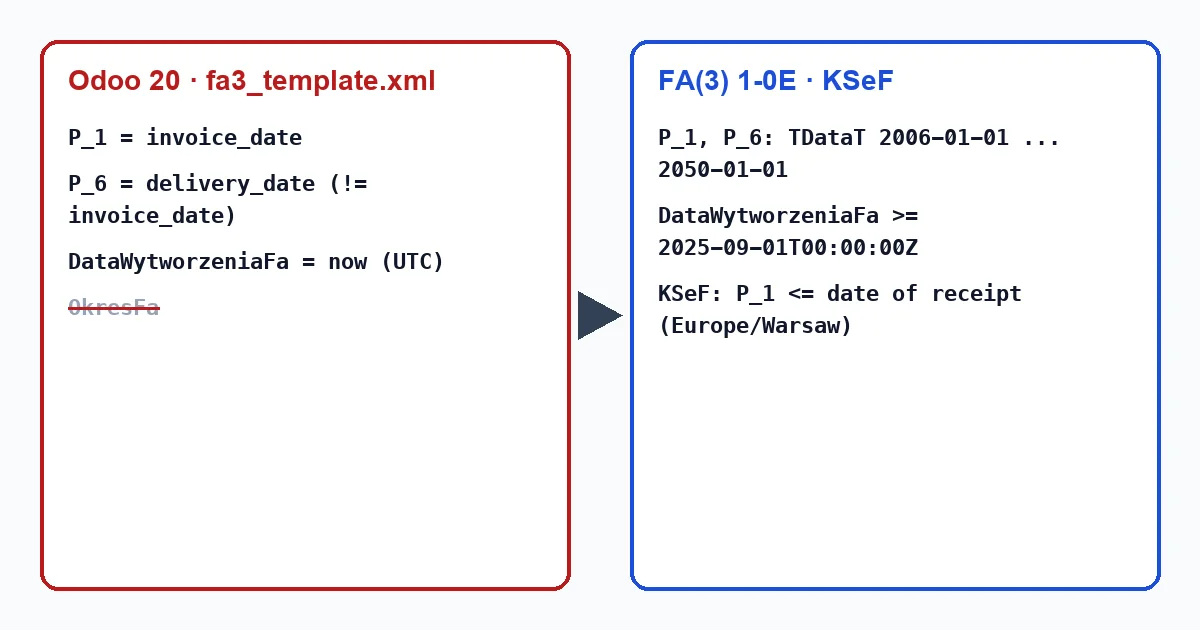
P_1- “Data wystawienia, z zastrzeżeniem art. 106na ust. 1 ustawy” (date of issue). Type TDataT, “Data zdarzenia w okresie od 2006-01-01 do 2050-01-01” (a date between 2006-01-01 and 2050-01-01). KSeF adds: it cannot be later than the date the document is received by the system, counted in Polish time.
P_6- Date of delivery of goods or completion of the service, when it is shared by all lines and differs from the issue date. Same TDataT type.
DataWytworzeniaFa- “Data i czas wytworzenia faktury” (date and time the invoice was generated), from 2025-09-01T00:00:00Z to 2050-01-01T23:59:59Z.
OkresFa- The period the invoice covers, with
P_6_OdandP_6_Do, instead of a singleP_6date.
How Odoo fills them
| FA(3) field | Odoo 18, 19 and 20 |
|---|---|
P_1 | The invoice date. |
P_6 | The delivery date, only when set and different from the invoice date. |
DataWytworzeniaFa | The moment the file is generated, in UTC. |
OkresFa | Not filled; the template only has a “TO-CHECK” comment. |
Before sending, Odoo skips an invoice dated after today: “The move was skipped because it is future-dated”. It counts “today” in the user's time zone, while KSeF counts it in Warsaw. When the user works in a time zone ahead of Poland, an invoice with the user's today can still be tomorrow in Poland and come back with 450. The Ministry's test flags the same thing the other way round: between 00:00 and 02:00 CET/CEST, “tomorrow in UTC” can be today in Poland.
Odoo 17 has no l10n_pl_edi: the date is set by the program that creates the FA(3) file.
What to do with a 450 caused by a date
- Check the invoice date: it cannot be later than the day of sending in Poland.
- Check the time zone of the user who sends the invoices, in their preferences in Odoo.
- If the service ran over a period, remember Odoo will not write
OkresFa; only the delivery date ends up on the invoice. - Reset the invoice to draft, fix the date, confirm it and send it again.
Our module, Poland KSeF 2.0 Validator, validates the file against the FA(3) schema with the FlexigoTech Cloud subscription, so it catches a P_1, P_6 or DataWytworzeniaFa outside the schema's ranges. It cannot check P_1 against the moment KSeF receives it, because only KSeF applies that rule. On Odoo 17 it validates the file uploaded to the invoice.
Keep reading
Checked in the module's source code (version 17.0 and 20.0) and the linked sources
Sources
- github.com/CIRFMF/ksef-api/blob/ce3670ea042de380039de4c5849fd6455811b292/open-api.json
- github.com/CIRFMF/ksef-api/blob/ce3670ea042de380039de4c5849fd6455811b292/faktury/schemy/FA
- github.com/CIRFMF/ksef-api/blob/ce3670ea042de380039de4c5849fd6455811b292/faktury/schemy/FA
- github.com/CIRFMF/ksef-api/blob/ce3670ea042de380039de4c5849fd6455811b292/faktury/schemy/FA
- github.com/CIRFMF/ksef-api/blob/ce3670ea042de380039de4c5849fd6455811b292/faktury/schemy/FA
- github.com/CIRFMF/ksef-api/blob/ce3670ea042de380039de4c5849fd6455811b292/faktury/schemy/FA
- github.com/CIRFMF/ksef-api/blob/ce3670ea042de380039de4c5849fd6455811b292/faktury/schemy/FA
- github.com/CIRFMF/ksef-api/blob/ce3670ea042de380039de4c5849fd6455811b292/faktury/weryfikac
- github.com/CIRFMF/ksef-client-csharp/blob/a66cbc669814e6c2a615748a13a0a04a650ba04f/KSeF.Cl
- github.com/CIRFMF/ksef-client-csharp/blob/a66cbc669814e6c2a615748a13a0a04a650ba04f/KSeF.Cl
- github.com/odoo/odoo/blob/2fec20391a8a61ea3a3bf15e9f24d59dba910a8d/addons/l10n_pl_edi/data
- github.com/odoo/odoo/blob/2fec20391a8a61ea3a3bf15e9f24d59dba910a8d/addons/l10n_pl_edi/data
- github.com/odoo/odoo/blob/2fec20391a8a61ea3a3bf15e9f24d59dba910a8d/addons/l10n_pl_edi/mode
- github.com/odoo/odoo/blob/2982b5f44af03fae6a9888f20632c1cc19f623ba/addons/l10n_pl_edi/mode
- github.com/odoo/odoo/blob/2fec20391a8a61ea3a3bf15e9f24d59dba910a8d/addons/l10n_pl_edi/mode
- github.com/odoo/odoo/blob/2fec20391a8a61ea3a3bf15e9f24d59dba910a8d/addons/l10n_pl_edi/data
- github.com/odoo/odoo/blob/2982b5f44af03fae6a9888f20632c1cc19f623ba/addons/l10n_pl_edi/i18n
- Module source code: FlexigoTech Cloud, validacion_efactura (motor_xsd.py y reglas.json)
- Module source code: flexigo_poland_ksef_2_0_e_invoice_connector_and_migrati 20.0 (ba7c60f1): models/ksef_cloud.py
- Module source code: flexigo_poland_ksef_2_0_e_invoice_connector_and_migrati 17.0 (2b2a93bb): __manifest__.py