

 Español
 Català
 Deutsch
 Français
 Português
 Italiano
 Nederlands
 Polski
Example Illustrative case: the company and its figures are made up to explain the flow.
The company
Herramientas Sierra is a small manufacturer of garden tools. It sells on three marketplaces that run on Mirakl: one for DIY, one for sport and one for home. It has no ERP. It runs the business with an invoicing program, a stock spreadsheet and the three seller panels open all day.

An ordinary Tuesday
In the morning, Marta goes into each panel and accepts new orders one by one. She copies each order into the orders sheet and, at the end, into the invoicing program. If an item has run out in the warehouse, she has to remember to lower the stock on all three panels. When she misses one, the order still arrives and has to be cancelled.
In the afternoon she prepares the shipments and copies the carrier's tracking number into each marketplace. At month end she cross-checks the three operators' settlements against the invoices to see what was actually paid.
None of this is hard. It is slow, it repeats every day and it depends on nobody making a mistake.
What changes with Odoo
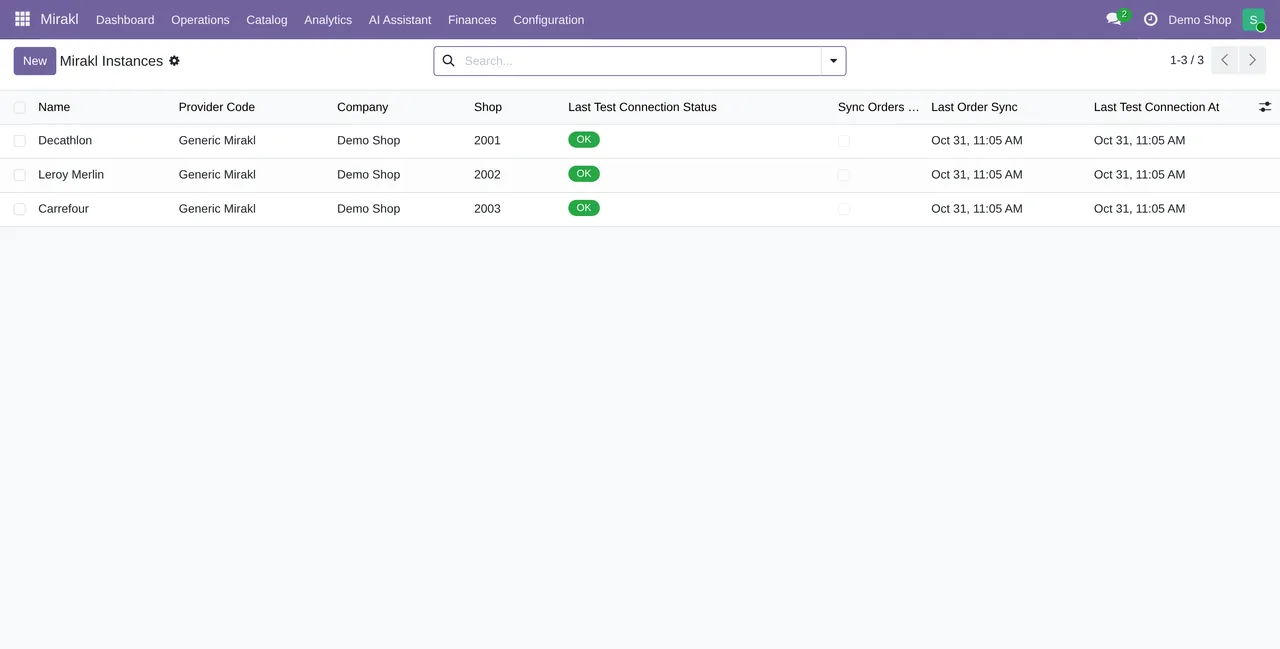
With Odoo and the Mirakl connector, published for Odoo 17, 18, 19 and 20, Herramientas Sierra registers the three marketplaces once in Odoo. From then on:
- Orders from all three come in on their own every 10 minutes, into one list.
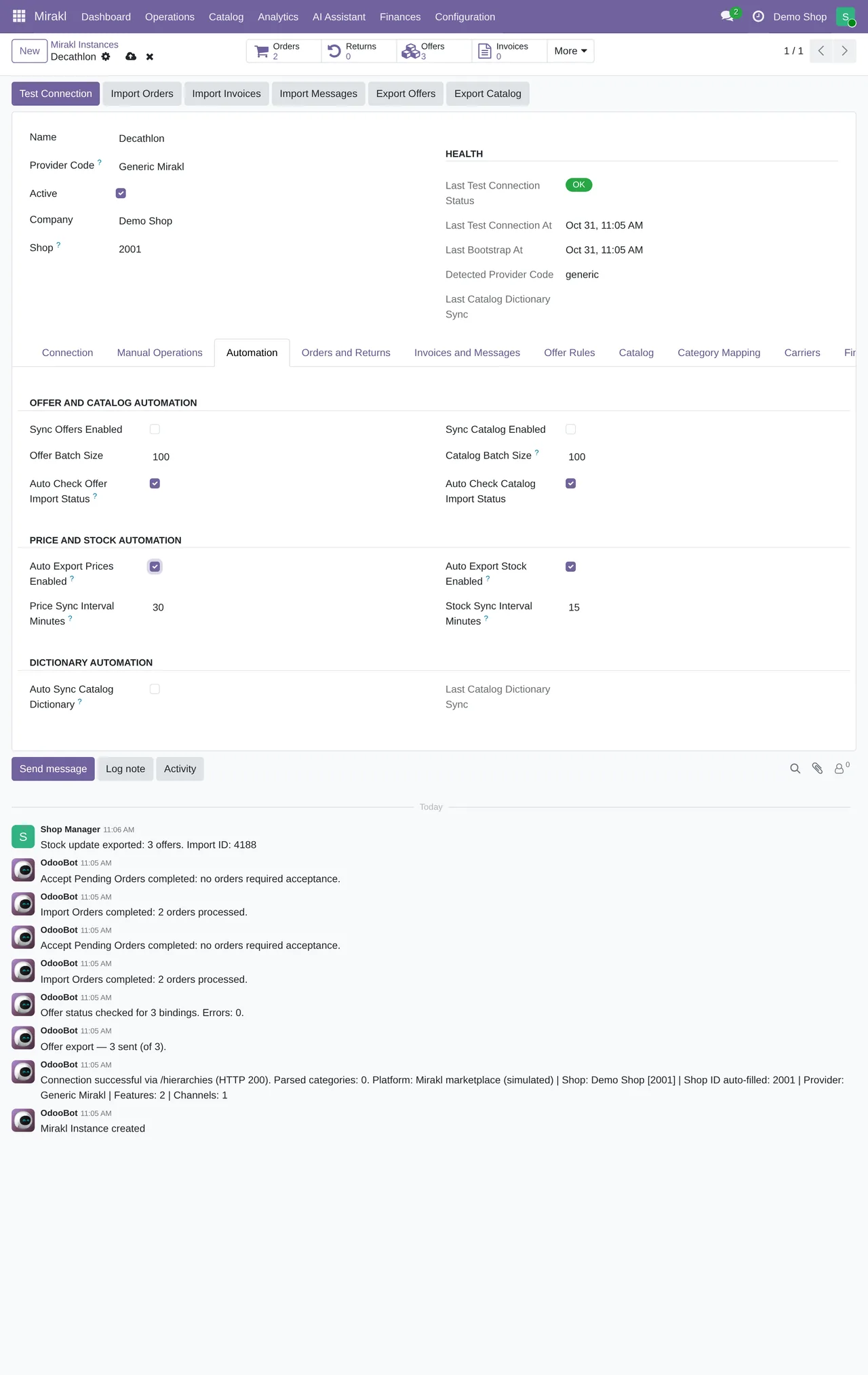
- Acceptance also runs every 10 minutes. Marta only looks at the ones left in error.
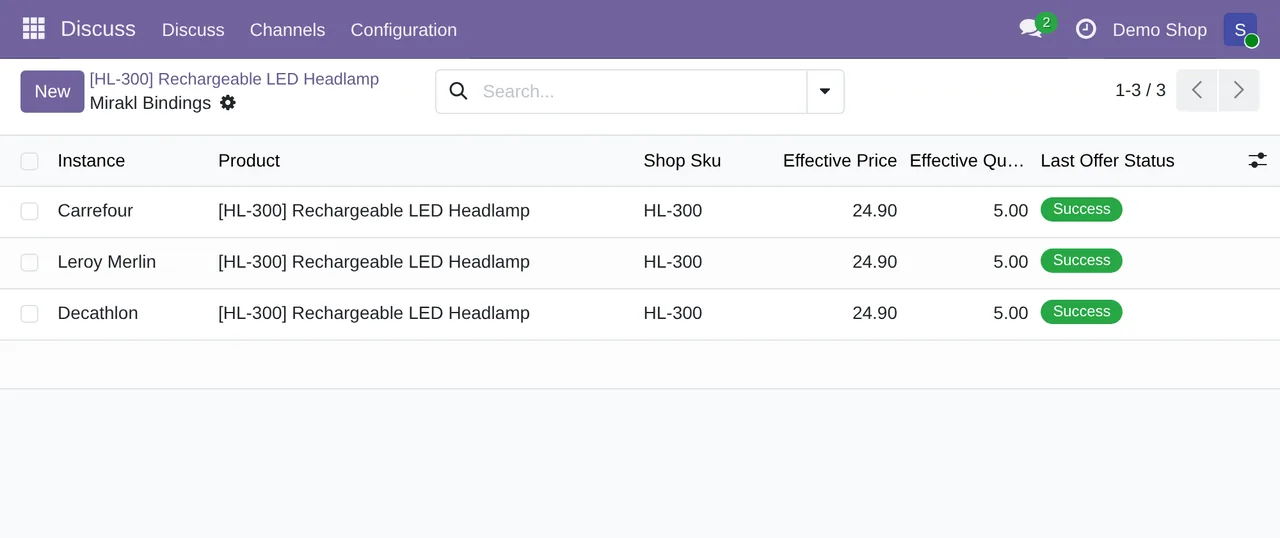
- Stock comes from a single inventory: every 10 minutes through STO01 to every operator. If an item runs out, it runs out everywhere.
- Prices are published every 15 minutes through PRI01, and offers every 5.
- Tracking travels to the marketplace when the delivery is validated, and the order shows whether it synced.
- Returns arrive every 30 minutes.
Before and after
| Task | With spreadsheets | With Odoo and the connector |
|---|---|---|
| Accepting orders | Panel by panel | Automatic, with errors in plain sight |
| Stock | One sheet and three panels | One inventory sent to all of them |
| Invoicing | Copy from the order into the program | From the Odoo sales order |
| Tracking | Copy and paste | Sent when the delivery is validated |
| Settlements | Manual cross-check at month end | Settlements menu and profit analysis |
What does not change
Each operator's rules are still its own: categories, attributes and deadlines are set by the marketplace. Odoo does not skip them. What it does is make sure following them does not depend on someone remembering.
The work of building the catalogue does not disappear either. The first mapping of categories and attributes takes time. It is done once and then serves every new product.
If you recognise yourself in Marta
At FlexigoTech we implement Odoo and connect your Mirakl marketplaces. The module costs €9 per Odoo version and the Connector plan starts at €49 a month, VAT excluded. If your operation has something of its own, such as pricing per operator or an external warehouse, we build it to measure inside Odoo.
Keep reading
Checked in the connector's source code (version 20.0) and the linked sources
Sources
- Module source code: flexigobe_mirakl_connector 20.0 (83e54909): data/ir_cron_data.xml
- Module source code: flexigobe_mirakl_connector 20.0 (83e54909): views/menu_views.xml
- Module source code: flexigobe_mirakl_connector 20.0 (83e54909): models/mirakl_order.py
- Module source code: flexigobe_mirakl_connector 20.0 (83e54909): models/stock_picking.py
- apps.odoo.com/apps/modules/20.0/flexigobe_mirakl_connector
- flexigotech.com/en/services.html
- flexigotech.com/precios.html