

 Español
 Català
 Deutsch
 Français
 Português
 Italiano
 Nederlands
 Polski
A made-up case to walk through the warnings
Example Illustrative case: the company and its figures are made up to explain the flow.
Marlet Advisory is an invented accountancy firm that wants to sign its service contracts from Odoo: with Yousign day to day, and with DocuSign for one client who asks for it. Laura, the office manager, is a Signature Bridge manager; Pau, on her team, prepares the requests. Her company runs under the EU-only policy the module checks. We follow what happens to them and which message appears at each point. The texts are shown exactly as the module displays them, in English.
When Pau touches something reserved for managers
Pau opens the DocuSign provider form to change a setting and gets Only a Signature Bridge manager can do this on a provider. It is not a bug: that action is reserved for Signature Bridge managers, so Laura does it.
The same goes for the bridge health: Only Signature Bridge managers can read its health. And for the indicators: Only Signature Bridge managers can refresh the KPIs. If someone on the team needs those tasks, give them the manager role; otherwise, leave them to whoever already has it.
If the provider type is not one the module supports, the warning is Unsupported provider type: %s, with the type in place of %s.
The DocuSign account: region, signature provider and DPA
Pau tries to send the first request through DocuSign and the module stops it with EU-only policy: the data center of %s is not known yet. Run "Test Connection" on the provider so DocuSign reports the region of the account. The message itself says what to do: Laura runs Test Connection on the provider so DocuSign reports the account region.
If the region that comes back is outside the EU, the warning becomes EU-only policy: the %(provider)s account is hosted in region "%(region)s", outside the EU. Under the EU-only policy, the module will not carry on with that account: check with the provider which region it is hosted in.
Another block on the form: Choose the DocuSign %s signature provider of the account on the provider form (Test Connection lists them). Laura picks her account's DocuSign signature provider on the provider form; Test Connection shows her which ones are available.
Before sending in production you see Confirm the Data Processing Agreement with %s before sending in production. The module asks you to confirm the Data Processing Agreement with that provider and, until it is confirmed, it does not send in production.
Webhooks and the DocuSign HMAC key
With DocuSign, one of the warnings Laura sees is DocuSign webhooks are declared on every envelope (eventNotification); paste the Connect HMAC key in "Webhook Secret". In other words, with DocuSign the webhooks are declared on each envelope, and what she has to do is paste the Connect HMAC key into the Webhook Secret field.
The other warning about the key explains where it is created: DocuSign Connect HMAC keys are generated in DocuSign (Settings > Connect > HMAC Keys): create a new key there and paste it in "Webhook Secret". The key is generated in DocuSign, under Settings > Connect > HMAC Keys, and pasted into Webhook Secret.
At another point the module may ask for Register the webhook first. Register the webhook and repeat the action. And if a webhook arrives whose content is not valid JSON, the module rejects it with Invalid webhook JSON payload; check how that webhook is set up on the provider side.
Pau prepares the request
Pau creates a request for a service contract. Saving it without signers gives At least one signer is required. and, without a document, At least one document attachment is required. He adds the signer and attaches the contract.
The contract is a Word file and the request goes through Yousign: Yousign signs PDF documents: %s is not a PDF. Yousign signs PDF documents, so Pau converts it and attaches it again.
Then he picks a level that provider does not allow: Level %(level)s is not allowed on provider %(provider)s. He changes the level or the provider. For the client who wants QES, the module shows QES is not available on %s: run "Test QES Capability" on the provider. Laura runs Test QES Capability on the provider.
Sending and what comes after
Pau presses Send. These are the warnings at this stage:
Only draft requests can be sent.Only draft requests can be sent.DocuSign answered without an envelopeId.andYousign answered without a signature request id.The provider's reply did not include the envelope or signature request identifier. Check in the provider account what happened to that send before trying again.The level and the provider of a signature request are fixed once it is sent.Level and provider are locked on sending: settle them before pressingSend.Only Send links a signature request to an envelope of the provider.OnlySendcreates the link to the provider's envelope.A signature request starts as a draft: only the provider moves its state.andOnly the provider and the buttons of the request move its state.The state is not changed by hand: the provider and the request buttons move it.
A few days later, Pau wants to send a reminder. If the request is not active: Only active requests can be reminded. If every signer has already signed or declined: Every signer has already signed or declined. With Yousign you may see Yousign signer ids are unknown for: %s, which lists the signers whose Yousign identifier the module does not know; check that request in Yousign. And if the request is already closed: %s is already closed.
One client declines the contract and Pau wants to send it again with a new version. Cloning only works for expired or declined requests: Only expired or declined requests can be cloned.
The evidence and the audit trail
If Pau looks for the evidence too early, the module replies Evidence exists once %s is completed. The evidence exists once the request is completed.
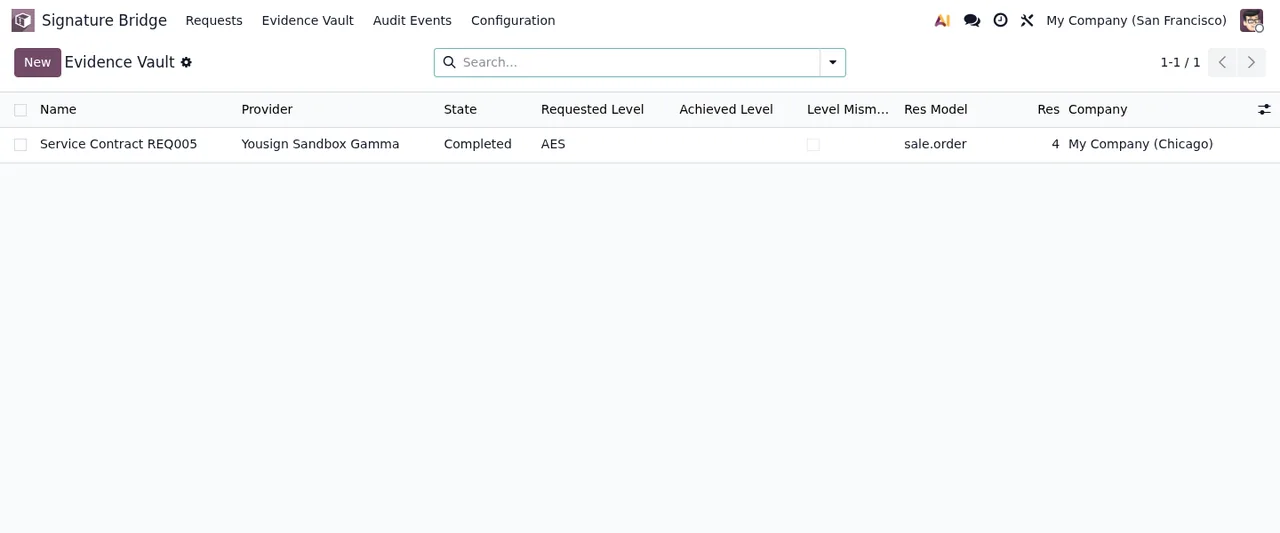
Once completed, the evidence cannot be edited: Completed signature evidence cannot be modified. Deleting it is down to managers and leaves a trace: Only Sign Bridge Managers can delete completed evidence, and deletion is audited.
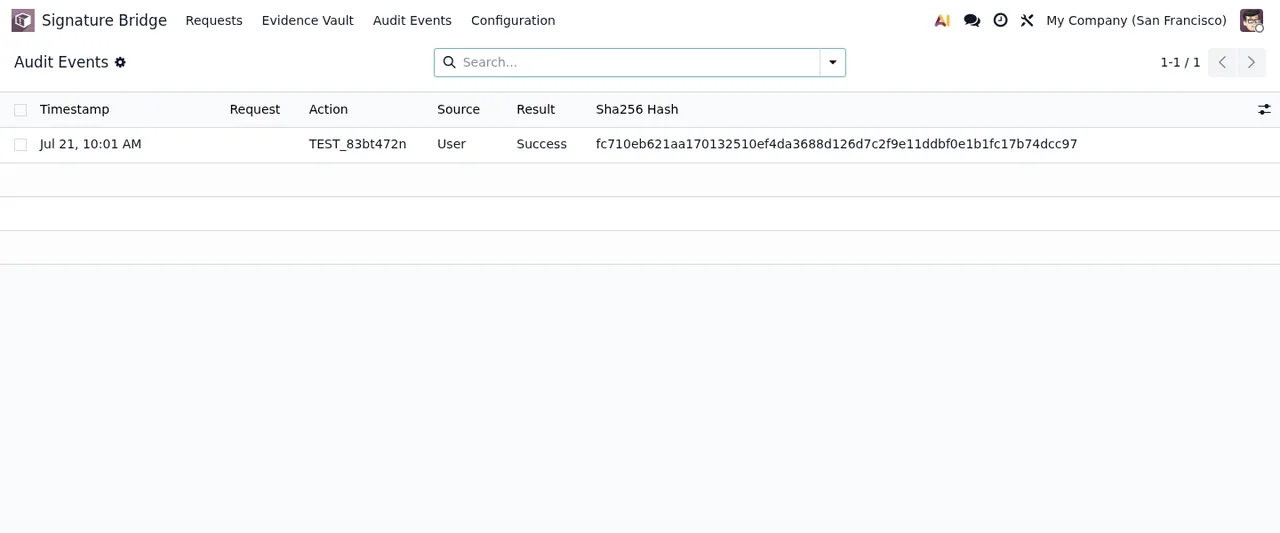
Audit events only accept new records. If someone tries to change them, the message is Audit events are append-only.
What to take from Marlet's case
- Read the whole message: many of them name the button (
Test Connection,Test QES Capability) or the field (Webhook Secret) that clears the block. - Assign roles carefully: the provider, bridge health, KPIs and deleting evidence belong to Signature Bridge managers.
- Before
Send, check the signer, the attachment, PDF format for Yousign, an allowed level and a confirmed DPA. - After sending, level and provider are fixed and the state is moved by the provider and the buttons.
- Completed evidence and audit events are not edited.
If you are in the middle of setting it up, the settings and first-week guide covers the fields you need to fill in.
How FlexigoTech can help
FlexigoTech implements Odoo 17, 18, 19 and 20 and builds bespoke connectors and integrations, including around e-signature. The module is published on Odoo Apps for 17, 18, 19 and 20 and costs €9 per Odoo version, one-off payment, excluding VAT. You will find the details on the module page and the Odoo Apps listing; to see what each record goes through under the bonnet, read how the module works.
Keep reading
Checked in the module's source code (version 20.0) and the linked sources
Sources
- Module source code: flexigo_docusign_yousign_bridge_for_regulated_sign_work 20.0 (d528b22d): controllers/health_controller.py
- Module source code: flexigo_docusign_yousign_bridge_for_regulated_sign_work 20.0 (d528b22d): models/ir_attachment.py
- Module source code: flexigo_docusign_yousign_bridge_for_regulated_sign_work 20.0 (d528b22d): models/sign_bridge_adapter.py
- Module source code: flexigo_docusign_yousign_bridge_for_regulated_sign_work 20.0 (d528b22d): models/sign_bridge_audit_event.py
- Module source code: flexigo_docusign_yousign_bridge_for_regulated_sign_work 20.0 (d528b22d): models/sign_bridge_compliance_kpi.py
- Module source code: flexigo_docusign_yousign_bridge_for_regulated_sign_work 20.0 (d528b22d): models/sign_bridge_provider.py
- Module source code: flexigo_docusign_yousign_bridge_for_regulated_sign_work 20.0 (d528b22d): models/sign_bridge_request.py
- apps.odoo.com/apps/modules/20.0/flexigo_docusign_yousign_bridge_for_regulated_sign_work
- apps.odoo.com/apps/modules/17.0/flexigo_docusign_yousign_bridge_for_regulated_sign_work
- apps.odoo.com/apps/modules/18.0/flexigo_docusign_yousign_bridge_for_regulated_sign_work
- apps.odoo.com/apps/modules/19.0/flexigo_docusign_yousign_bridge_for_regulated_sign_work
- flexigotech.com/en/services.html