

 Español
 Català
 Deutsch
 Français
 Português
 Italiano
 Nederlands
 Polski
Where it is and what it does, in order
The button is on the Accounts screen, which you reach from the menu Amazon › Configuration › Accounts. To see that whole menu you need the Manager permission for the Configuration and Accounts steps; the Amazon step asks for Viewer. The button is in every published branch of the module: Odoo 17, 18, 19 and 20.
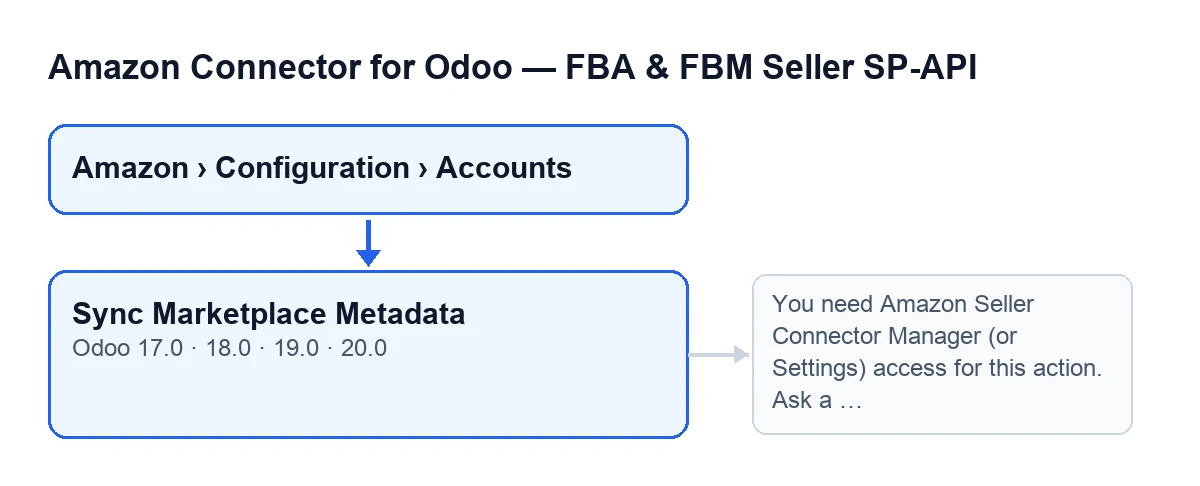
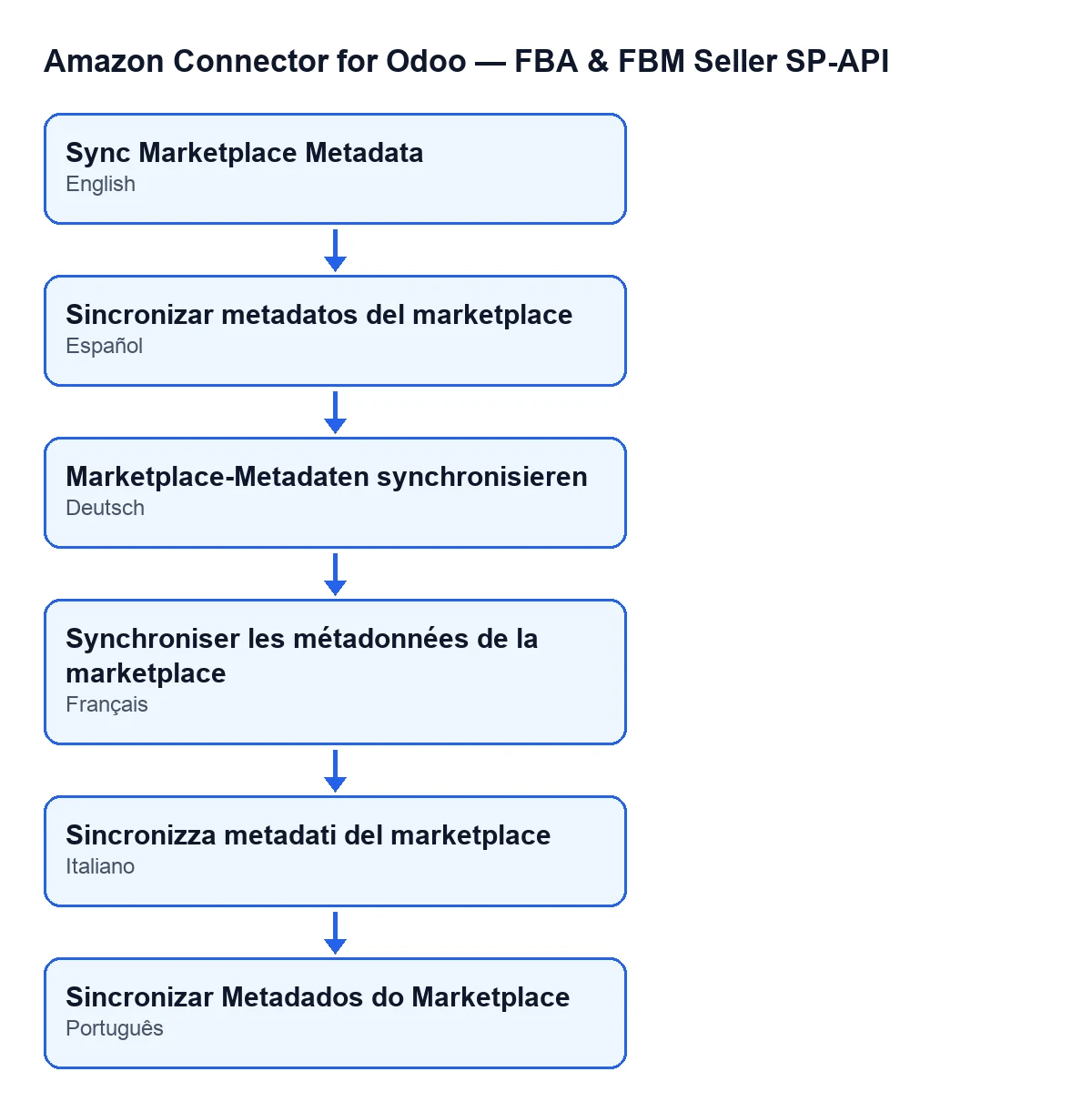
When you press it, the module does this, in this order:
- It checks your permissions: you must have the connector's
Managerpermission or Settings access. It then also checks that you can write to the account. - It asks Amazon for the list of marketplaces the account takes part in.
- It goes through that list and, for each marketplace that has an identifier, it prepares the data: name (if there is no name, it uses the identifier), identifier, the account's region and endpoint, country code, domain, and sales channel aliases worked out from the domain.
- If the module already has that marketplace, it updates it with that data and adds one to
Updated; if not, it creates a new one and adds one toCreated. - It posts a message on the account record with the count of created and updated.

Six wrong ideas about this button
«It only shows in some versions or in some state»
It does not. The Sync Marketplace Metadata button always shows on the Accounts screen, in Odoo 17, 18, 19 and 20. What does change from person to person is whether you can get to that screen: the Configuration step and the Accounts step ask for Manager, so someone with only Viewer will not see the path to the account.
«If I can see the Amazon menu, I can press it»
Seeing the Amazon step (which asks for Viewer) is not enough. The button checks permission on the server, not just on screen: if you do not have the connector's Manager permission or Settings access, the action stops with this message:
You need Amazon Seller Connector Manager (or Settings) access for this action. Ask a manager to grant Manager access.
It appears when you press the button. The fix is what the message itself says: ask a manager to grant you that access. The code adds a second check after the groups: that you can write to the account, because these actions read their records with elevated rights, past the per-company rule. Server processes already running with superuser rights skip that check.
«It syncs the whole Amazon account»
What the button does is work with the list of marketplaces. For each one it stores the name, the identifier, the region, the endpoint, the country code, the domain and the sales channel aliases. Those are the data it writes, as the method's own code shows.
«Every time I press it, new marketplaces are created»
For each marketplace that arrives with an identifier, if the module already has it, the button updates it and adds one to Updated. If the module does not have it, the button creates a new one and adds one to Created. Marketplaces that arrive without an identifier are skipped and nothing is created for them.
The message left on the account gives you those two counts, so after each press you can see how many records were created and how many were updated.
If what comes back from Amazon is not a response containing marketplaces, there is nothing to go through and the final message shows zero created and zero updated.
«The region and endpoint are detected automatically»
They are not detected: they are copied from the account. Every marketplace the call returns is stored with the account's Region and SP-API Endpoint, which you can see on the Accounts record, Identity tab, Marketplace group. Check both fields before pressing the button.
Region has these options: Europe (eu-west-1), North America (us-east-1) and Far East (us-west-2). By default the code uses Europe (eu-west-1) and, for the endpoint, https://sellingpartnerapi-eu.amazon.com. If those values arrived empty when a marketplace is saved, the code applies those same defaults.
«If there is no error, I cannot tell what happened»
When it finishes, the module posts a message on the account record:
Marketplace metadata sync finished. Account: …. Created: …. Updated: ….
It carries the account name and the two counts.
A quick check before pressing it
- You have the connector's
Managerpermission (or Settings access). - The account's
RegionandSP-API Endpointare the ones you want for every marketplace that gets stored. - After pressing, you open the account record and read the message with
CreatedandUpdated.
Other buttons in the module are explained in the same step-by-step way, for example Preview on Amazon.
What to bear in mind about the module
The module is a one-off payment per Odoo version (17, 18, 19 and 20) and needs the FlexigoTech Cloud subscription, Connector plan: €49 a month or €490 a year, excluding VAT. The connection goes through FlexigoTech Cloud, which stores the credentials encrypted, watches the synchronisation and emails you if it fails. The module's page is on flexigotech.com.
If you are implementing Odoo and want help connecting your Amazon accounts, FlexigoTech implements Odoo 17, 18, 19 and 20 and builds connectors and bespoke integrations.
Keep reading
Checked in the connector's source code (version 20.0) and the linked sources
Sources
- Module source code: flexigobe_amazon_seller_connector 20.0 (8576afa5): views/amazon_spapi_account_views.xml
- Module source code: flexigobe_amazon_seller_connector 20.0 (8576afa5): models/amazon_spapi_account.py
- apps.odoo.com/apps/modules/20.0/flexigobe_amazon_seller_connector
- flexigotech.com/precios.html
- flexigotech.com/en/services.html