

 Español
 Català
 Deutsch
 Français
 Português
 Italiano
 Nederlands
 Polski
When the message appears, according to the code
The module raises this message in the action that re-reads a plan from Amazon. There is a single condition: the plan's Inbound Plan field is empty. If it is, that action stops right there: it does not ask Amazon for the plan's data and none of the changes it was going to make are saved.
The Inbound Plan field is visible on the Send to Amazon form and also in its list, read-only. Those records open from the menu Amazon › FBA › Inbound / Send to Amazon. Every level of that menu requires the Viewer permission: without it, you do not see that level.
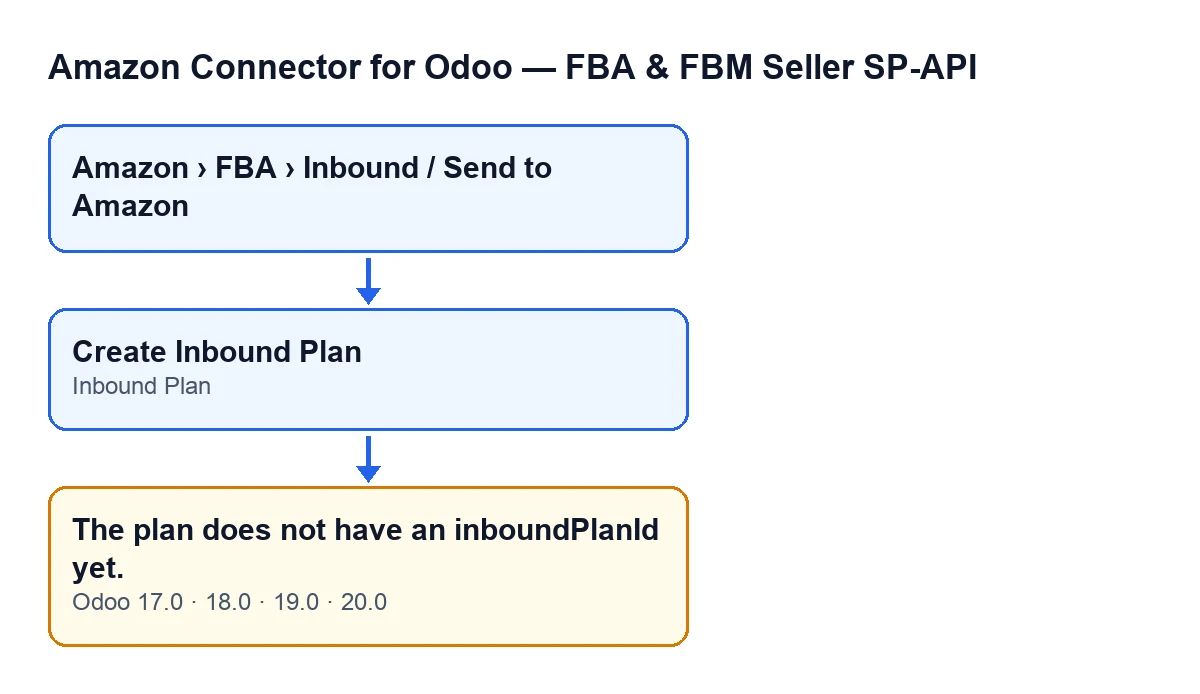
The message is in the published code of Odoo 17, 18, 19 and 20.

How you reach the message from the screen
The Create Inbound Plan button can give you this message: its action reaches the one that re-reads the plan from Amazon, and that one raises it if the Inbound Plan field is empty.
The button is only visible while Inbound Plan is empty and State has its default value; with a plan's default values, it is visible. It is hidden if Inbound Plan already has a value or if State is anything else. The condition is the same in Odoo 17, 18, 19 and 20.
You do not write the Inbound Plan field yourself: the code fills it, specifically the action behind the Create Inbound Plan button.
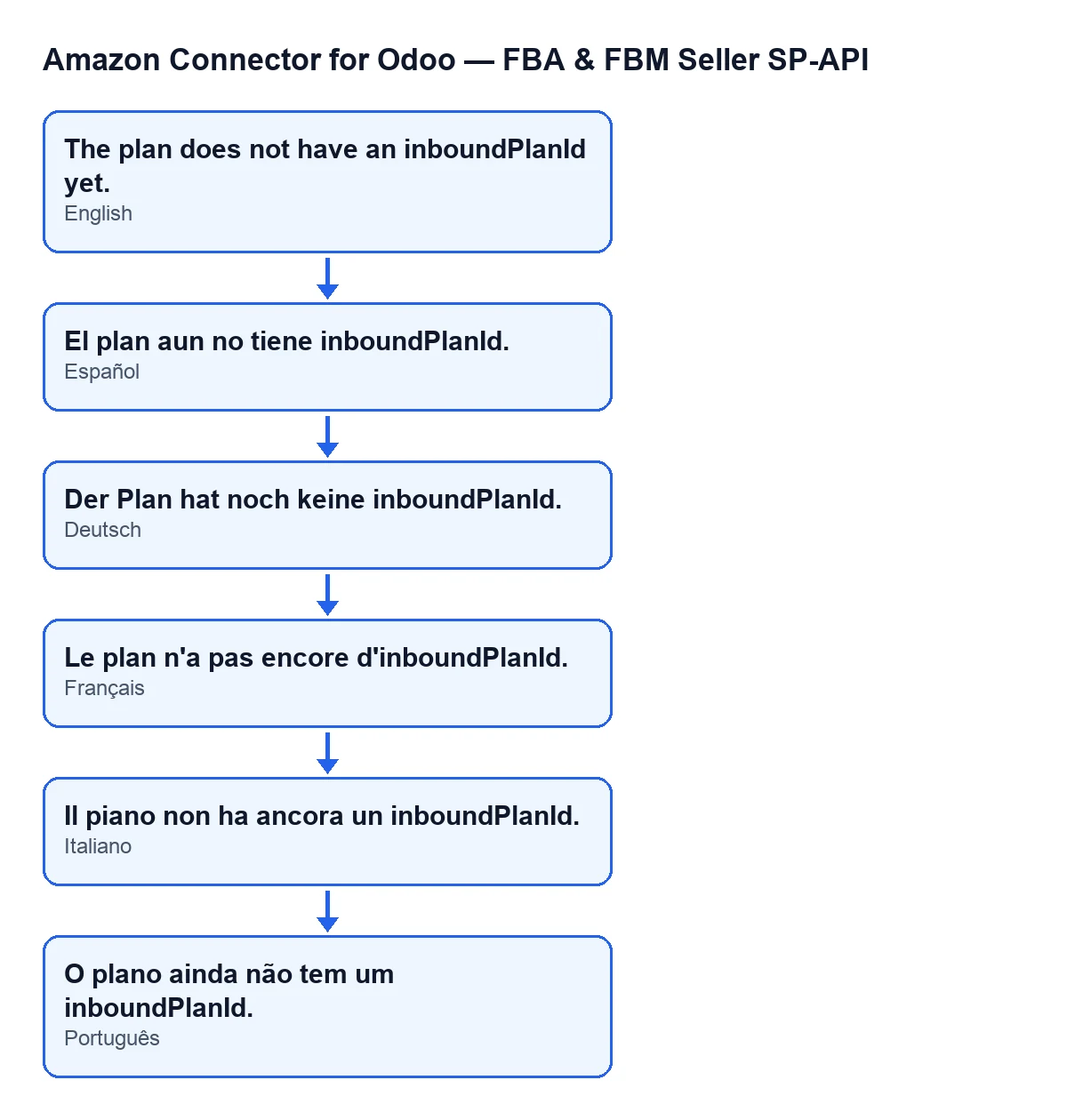
The plan does not have an inboundPlanId yet.An illustrative case: the plan with no identifier
Example Illustrative case: the company and its figures are made up to explain the flow.
Distribuciones Ribera, a company invented for this case, is preparing a plan to send goods to Amazon. Marta, in logistics, opens Amazon › FBA › Inbound / Send to Amazon, goes into the plan and presses Create Inbound Plan. She gets The plan does not have an inboundPlanId yet. and the action stops at that point.
Marta then looks at the Inbound Plan field on the form. If it is empty, that is exactly the condition for the message. Next she looks for a way to type it in herself and cannot find one: the code writes that field, not the user. Finally she compares with other plans: where Inbound Plan already has a value, the Create Inbound Plan button is hidden.
If the field is still empty, Marta cannot fill it in by hand. She notes which plan it is, keeps the message exactly as shown and asks whoever looks after the connector for help.
What to learn from the case
- The message points at one specific field of the plan:
Inbound Plan. Looking at it is the first thing to do. - It is not filled in by hand. The code writes it, and the action behind the
Create Inbound Planbutton is the one that fills it. - The action that re-reads the plan from Amazon stops before asking Amazon for its data.
- If the field already has a value, the
Create Inbound Planbutton is not visible and this condition for the message is not met.
What to check after seeing the message
Reopen the plan from Amazon › FBA › Inbound / Send to Amazon and look at Inbound Plan, both on the form and in the Send to Amazon list. If it is still empty, the condition for the message still holds for the action that re-reads the plan. If it now has a value, the Create Inbound Plan button is no longer shown.
It also helps to have the plan's name and the exact text of the message to hand when you ask for help: that tells whoever looks into it which plan the action stopped on and why.
What the re-read action does when the field has a value
In the Odoo 20.0 code, if Inbound Plan has a value, the action asks Amazon for the plan's data and saves it on the plan: the status Amazon reports, the creation and last-update dates, the result received and the date of that synchronisation.
If Amazon reports the plan as shipped, the plan moves to its shipped state. The first time that happens, the module tries to create an internal stock transfer from the account's source location to the FBA in-transit location, if the plan does not have one yet, and records the shipping date. If Amazon's response includes shipments, the action also updates them on the plan.
How FlexigoTech can help
If the Inbound Plan field is still empty after pressing the button, or you are implementing Odoo and want to review the Amazon shipping flow before going live, FlexigoTech implements Odoo 17, 18, 19 and 20 and builds custom connectors and integrations. The connector is a one-off purchase per version and needs the FlexigoTech Cloud subscription, Connector plan (€49 a month or €490 a year, excluding VAT). The connection goes through FlexigoTech Cloud, which stores the credentials encrypted and emails you if synchronisation fails. You will find more details on the module page.
Keep reading
Checked in the connector's source code (version 20.0) and the linked sources
Sources
- Module source code: flexigobe_amazon_seller_connector 20.0 (8576afa5): models/amazon_spapi_inbound_plan.py
- Module source code: flexigobe_amazon_seller_connector 20.0 (8576afa5): views/amazon_spapi_inbound_plan_views.xml
- apps.odoo.com/apps/modules/20.0/flexigobe_amazon_seller_connector
- flexigotech.com/en/services.html
- flexigotech.com/precios.html