

 Español
 Català
 Deutsch
 Français
 Português
 Italiano
 Nederlands
 Polski
A case to see what the button does
Example Illustrative case: the company and its figures are made up to explain the flow.
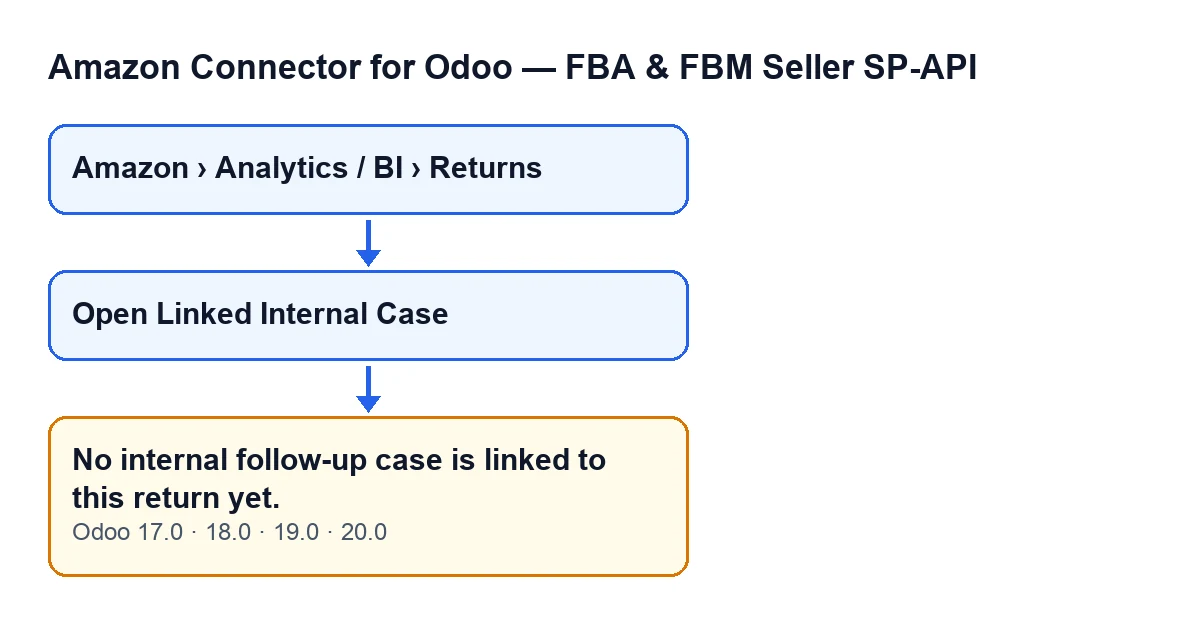
Hogar Norte is an invented shop that sells on Amazon and handles its returns in Odoo. Lucía, who looks after after-sales, goes to Amazon › Analytics / BI › Returns and opens two return lines to see how the Open Linked Internal Case button behaves.
On the first line the button is showing, because that line has its Primary Postsale Case filled in. Lucía presses it: the module searches for the internal follow-up cases linked to that return and, if it finds none, falls back on that primary case. With the primary case filled in, the module always has at least that one. If there is one case, its form opens; if there are several, a list of them opens.
On the second line there is no button: the Primary Postsale Case is empty and the view condition hides it. Lucía has nothing to press.
According to the code, No internal follow-up case is linked to this return yet. is raised only when the search returns no case and, in addition, the Primary Postsale Case is empty; with that field empty, the view condition hides the button.
The second diagram and its table give the same text in the other languages the module is translated into.
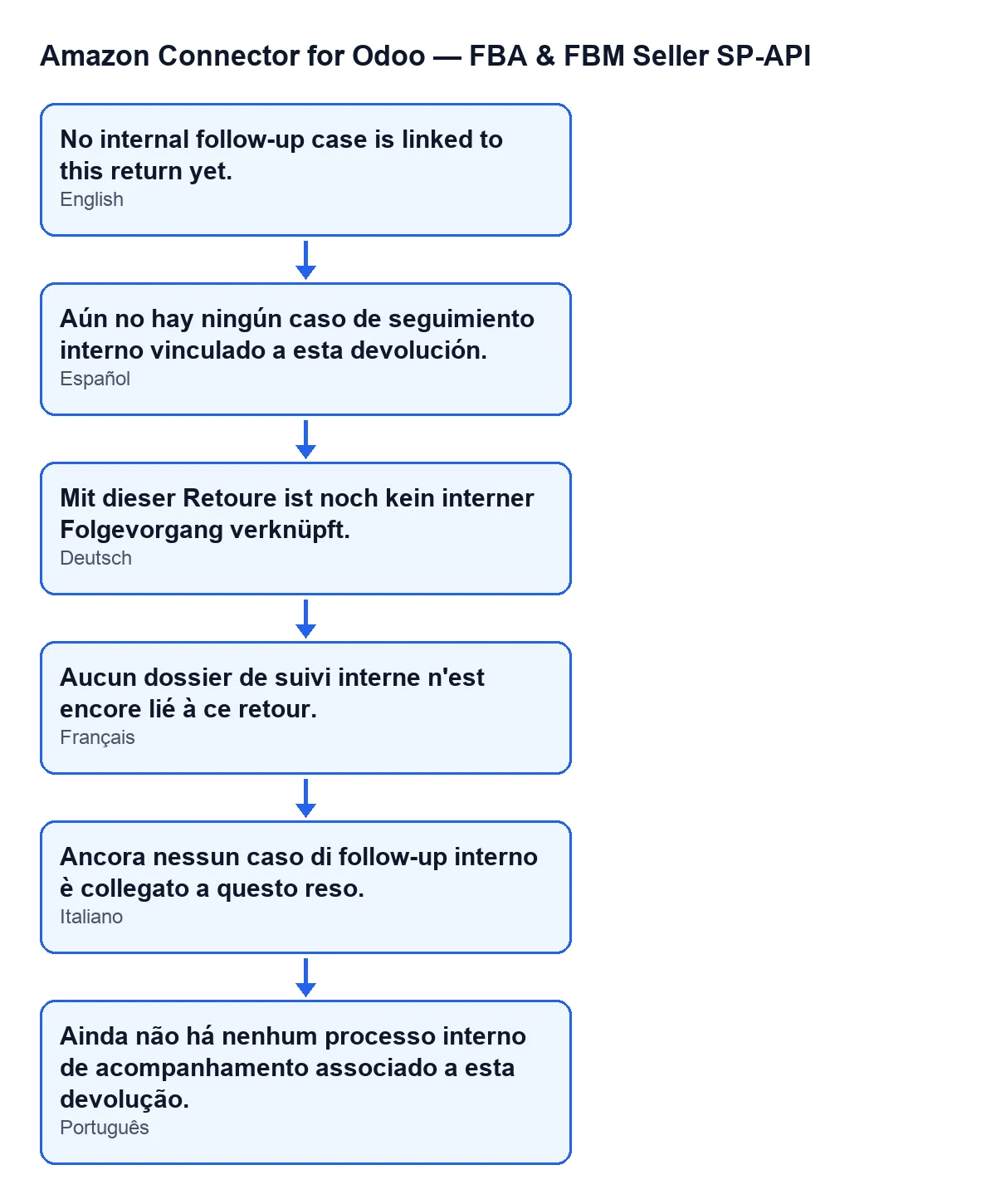
| Odoo language | Text the user sees |
|---|---|
| Spanish | Aún no hay ningún caso de seguimiento interno vinculado a esta devolución. |
| German | Mit dieser Retoure ist noch kein interner Folgevorgang verknüpft. |
| French | Aucun dossier de suivi interne n'est encore lié à ce retour. |
| Italian | Ancora nessun caso di follow-up interno è collegato a questo reso. |
| Portuguese | Ainda não há nenhum processo interno de acompanhamento associado a esta devolução. |

Where the button is and when you see it
The message is raised by the method behind Open Linked Internal Case, a button on the return line view, if its condition is met. That button has a view condition: it is hidden when the Primary Postsale Case field is empty. With the default values that field is empty, so by default the button is not visible. The condition is the same in Odoo 17, 18, 19 and 20.
Return records are opened from the menu Amazon › Analytics / BI › Returns. Each part of the menu requires the Viewer permission: if you lack it for one of them, that part does not appear in your menu.
What the button does, step by step
According to the Odoo 20 code, when you press Open Linked Internal Case the module does this, in order:
- It works on one return at a time: the line you have open.
- It searches for the internal follow-up cases linked to that return, newest first.
- If it has found none and the return has a
Primary Postsale Case, it uses that case. - If there is still no case after that, it stops with
No internal follow-up case is linked to this return yet.and opens nothing. - If there is exactly one case, it opens its form directly; if there are several, it opens a list of those cases, from which you can open each form.
In plain words, the code condition behind the message is that the list of cases is still empty after both lookups. If the button is visible, the Primary Postsale Case is filled in and the method has at least that case, so it opens a form or a list.
What it means and what to do
The message says nothing about Amazon, the connection or any synchronisation: it says that, for this return, the module has no internal case to open. When you see it:
- Confirm you are on the right return. The button acts on the line that is open; go back to the
Returnslist and check it is the one you meant. - Be clear about what happened. The message stops the action: no screen opens and nothing that the action was about to do is saved.
- Remember when the button shows. It only appears with the
Primary Postsale Casefilled in; without it the view hides the button, which is exactly the situation in which the method finds no case. - If you expected a case for that return, the point is that the module finds none linked, either through the search or through its
Primary Postsale Case. If you cannot find the cause, get in touch and we will review it with your Odoo in front of us.
Which versions show it
The message is in the published code of Odoo 17, 18, 19 and 20, and the module is published on Odoo Apps for those four versions. The order of checks above comes from the Odoo 20 code.
What to take from the case
Two things. First: the button only shows on lines with the Primary Postsale Case filled in, so do not expect it on every return. Second: the message appears only when there is no linked case and no Primary Postsale Case, which is exactly when the view hides the button; if the button is visible, the method has at least the primary case.
How FlexigoTech can help
FlexigoTech implements Odoo 17, 18, 19 and 20 and builds custom connectors and integrations. You can see the module on its page at flexigotech.com or on its Odoo Apps listing, and if you would like us to review how you handle returns in your Odoo, get in touch.
Keep reading
Checked in the connector's source code (version 20.0) and the linked sources
Sources
- Module source code: flexigobe_amazon_seller_connector 20.0 (88c7e241): models/amazon_spapi_return_line.py
- Module source code: flexigobe_amazon_seller_connector 20.0 (88c7e241): views/amazon_spapi_return_line_views.xml
- apps.odoo.com/apps/modules/20.0/flexigobe_amazon_seller_connector
- flexigotech.com/en/services.html