

 Español
 Català
 Deutsch
 Français
 Português
 Italiano
 Nederlands
 Polski
When exactly it appears
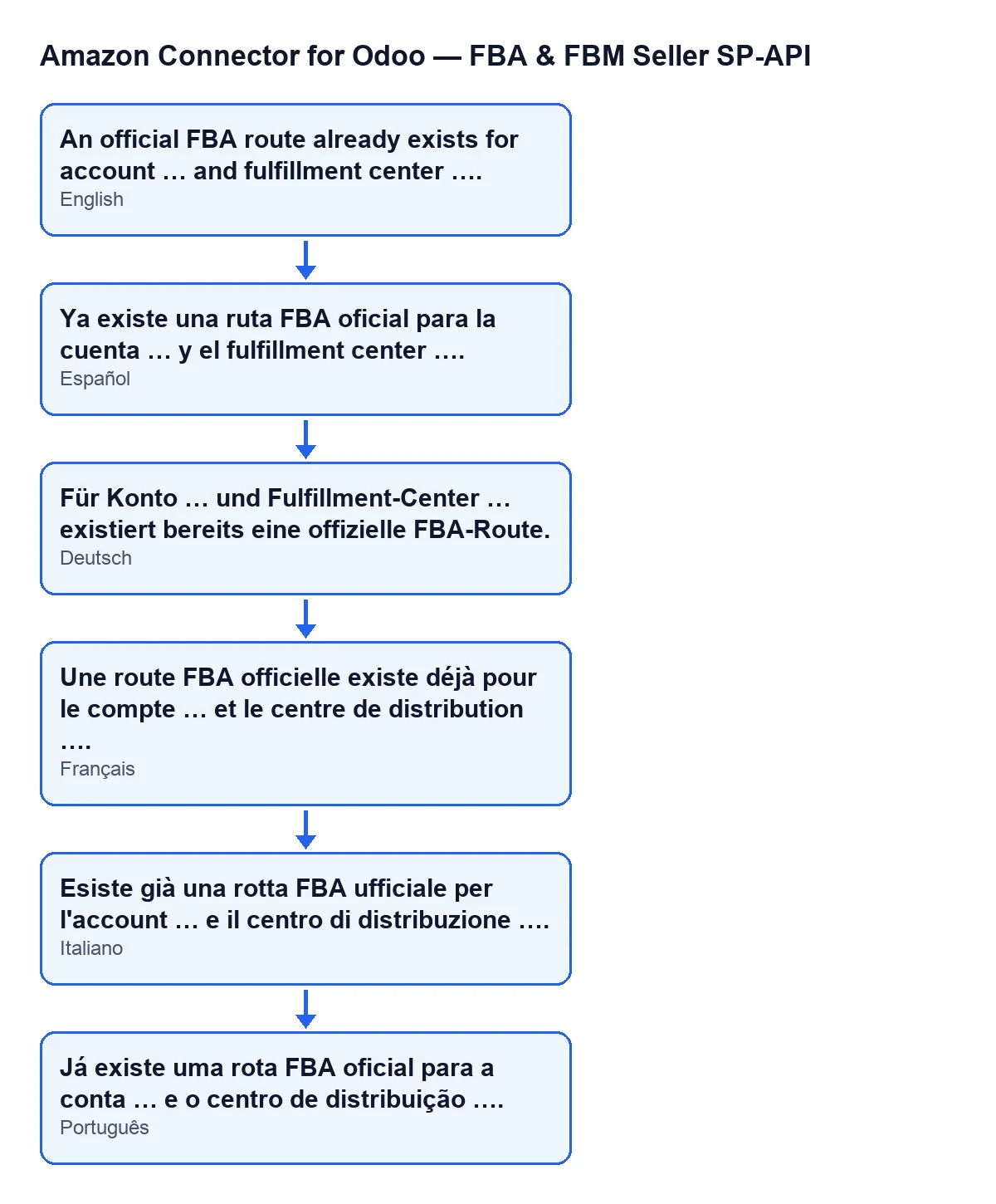
You see An official FBA route already exists for account … and fulfillment center …. The dots stand for the values: the first gap shows the account name, the second shows the fulfilment centre code, in capitals.
Amazon Connector for Odoo raises it when you save a record opened from the menu Amazon › Configuration › FBA Country Routes. It is a check made on save: if it fails, the record is not saved and nothing you were changing on it is kept.
This is what the module does with the record you save, in order:
- It takes the code you typed in
Fulfillment Center Code, strips spaces from both ends and converts it to capitals. - If the code ends up empty, it checks nothing and carries on.
- If there is a value, it looks for another record (different from the one you are saving) with the same
Accountand that code. - If it finds one, it stops the save and shows the message with the account name and the code.
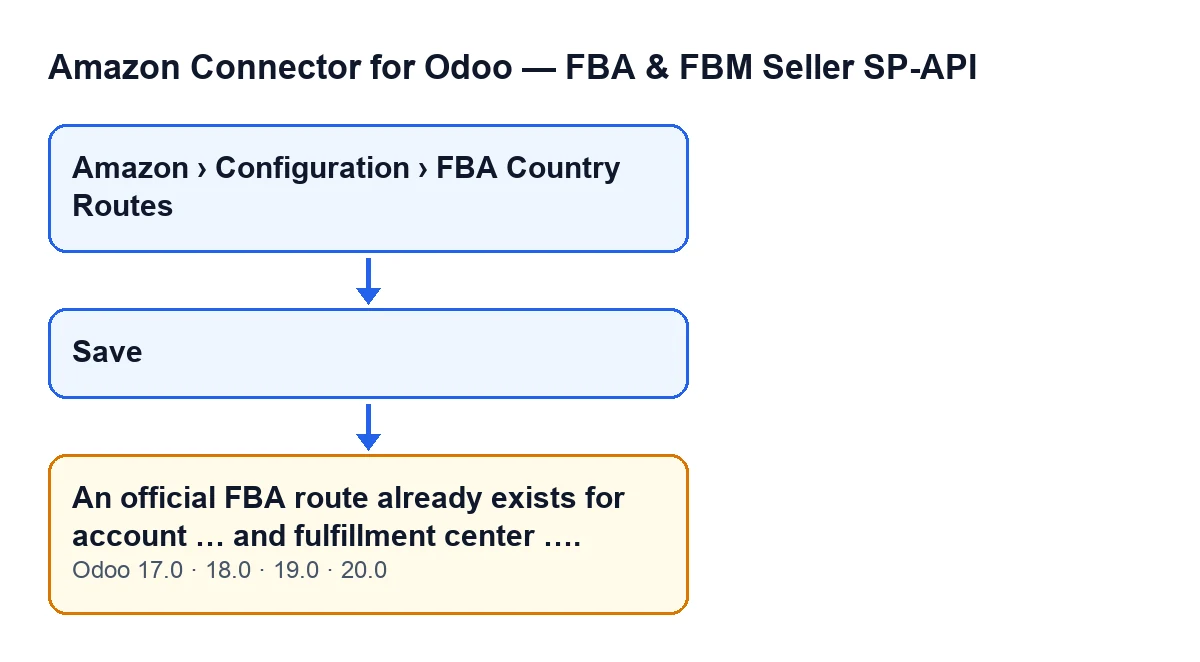
The message is in the published code of the 17, 18, 19 and 20 branches of the module; the condition described here is the one in the Odoo 20 code.

Checklist before you save again
Before changing anything, check what you are trying to save.
- Confirm you are in an
FBA Country Routesrecord, opened fromAmazon › Configuration › FBA Country Routes.
- Note the account name in the message: it is the
Accountof the record you were trying to save.
- Note the fulfilment centre code in the message. It appears in capitals because the module trims what you typed in
Fulfillment Center Codeand converts it to capitals before searching.
- Check what you typed in
Fulfillment Center Code: the module compares the trimmed, capitalised code with the codes on other records of the same account.
- Remember that the search is made within the same account. The same code on another account does not come into this check.
Checklist to find the record that already exists
The message says another record has that account and code, but not which one. You have to find it.
- Leave the record without saving: the one that gave the error has not been saved.
- Open the list under
Amazon › Configuration › FBA Country Routesand find the record with that account and code.
- If you cannot see the menu, you are missing a permission: the
Amazonstep asks forViewer, and theConfigurationandFBA Country Routessteps ask forManager. Without the permission for a step, you do not see that step.
- Open the record you found and compare its content with the one you meant to create.
Checklist to decide and correct
You now have the existing record and the one you were trying to save. Decide which of the two is the right one.
- If the existing record is already the one you need, do not create another: work with it and discard the new one.
- If the new one was meant for a different fulfilment centre, change its
Fulfillment Center Codeto the correct one and save again.
- If the new one was meant for another account, correct its
Account: the check searches only among records of the same account.
- If the code you typed in
Fulfillment Center Codewas not the right one, correct it before saving.
- Save again and check that the message no longer appears.
Checklist for after saving
- Open the
FBA Country Routeslist again and check there is a single record for that account and fulfilment centre.
- If the message keeps appearing, repeat the search: the message names the exact account and code that clashed in that save.
Questions you may have
Has anything been saved?
No. The action stops and the record is not saved: what you changed on it is not kept.
Can it appear in any version?
The message is in the published code of the 17, 18, 19 and 20 branches of the module. The condition we have described is the one in the Odoo 20 code.
What happens to records with no code?
If Fulfillment Center Code is empty, the module skips that record and does not run the check.
Why can I not open the menu?
Because each step asks for a permission: Viewer for Amazon, and Manager for Configuration and FBA Country Routes. Without the permission for a step, you do not see that step.
How FlexigoTech can help
If you are implementing Odoo with this connector and want to review the configuration of your accounts and fulfilment centres before going live, FlexigoTech implements Odoo 17, 18, 19 and 20 and builds connectors and custom integrations. The module is a one-off payment per version and needs a FlexigoTech Cloud subscription, Connector plan (€49 a month or €490 a year, excluding VAT); you can find it on the module page.
Keep reading
Checked in the connector's source code (version 20.0) and the linked sources
Sources
- Module source code: flexigobe_amazon_seller_connector 20.0 (8576afa5): models/amazon_spapi_fba_country_route.py
- apps.odoo.com/apps/modules/20.0/flexigobe_amazon_seller_connector
- flexigotech.com/precios.html
- flexigotech.com/en/services.html