

 Español
 Català
What the AEAT says
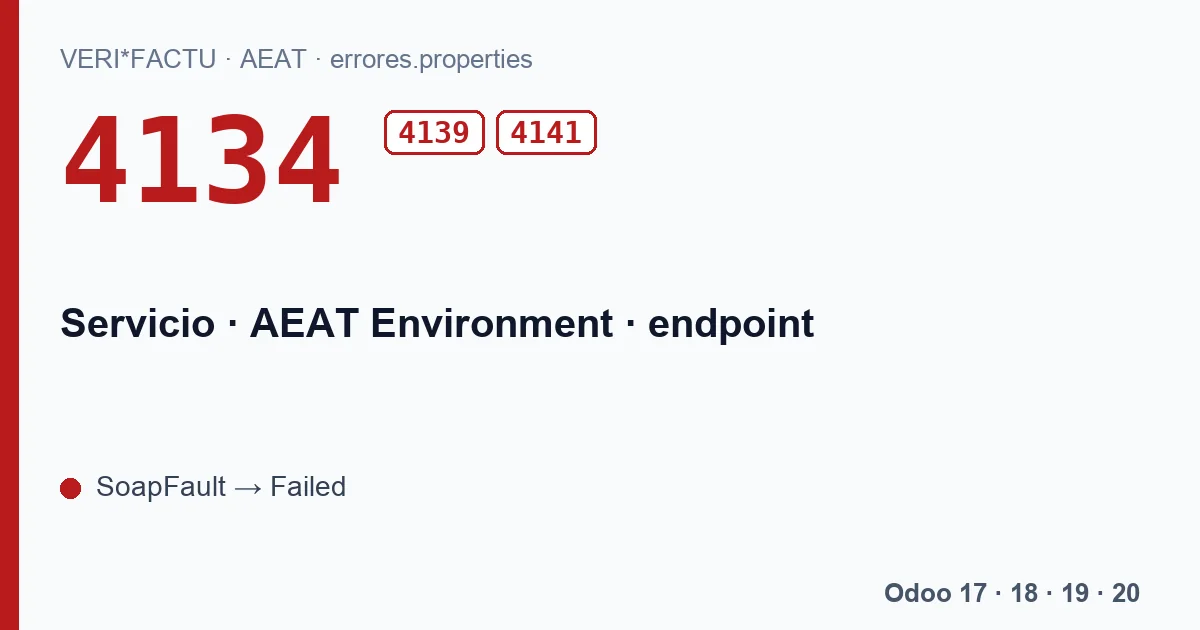
The AEAT publishes the list of VERI*FACTU error codes in a file called errores.properties, and the texts are in Spanish. Code 4134 sits in the section of codes that reject the whole submission. Its text is short: Servicio no activo., «service not active». The same section holds two more service codes that are easy to mix up:
| Code | AEAT text | What it is telling you |
|---|---|---|
| 4134 | Servicio no activo. | The service you called is not active. |
| 4139 | Servicio no habilitado en producción. | That service does not accept production submissions. |
| 4141 | Le informamos que su acceso al sistema VERIFACTU ha sido suspendido temporalmente para realizar cualquier solicitud. Para resolver este inconveniente, le solicitamos que se ponga en contacto con nuestro equipo de soporte a través del buzón de correo electrónico verifactu@correo.aeat.es, donde le atenderán con la mayor brevedad posible. | Your access has been suspended, and the message itself points you to the AEAT VERI*FACTU support mailbox. |
According to the AEAT validation document, a full rejection comes back as a SOAP fault and means nothing in that request was registered. None of the invoices in the submission is on record at the AEAT, neither the good ones nor the bad ones.
What the module does when it arrives
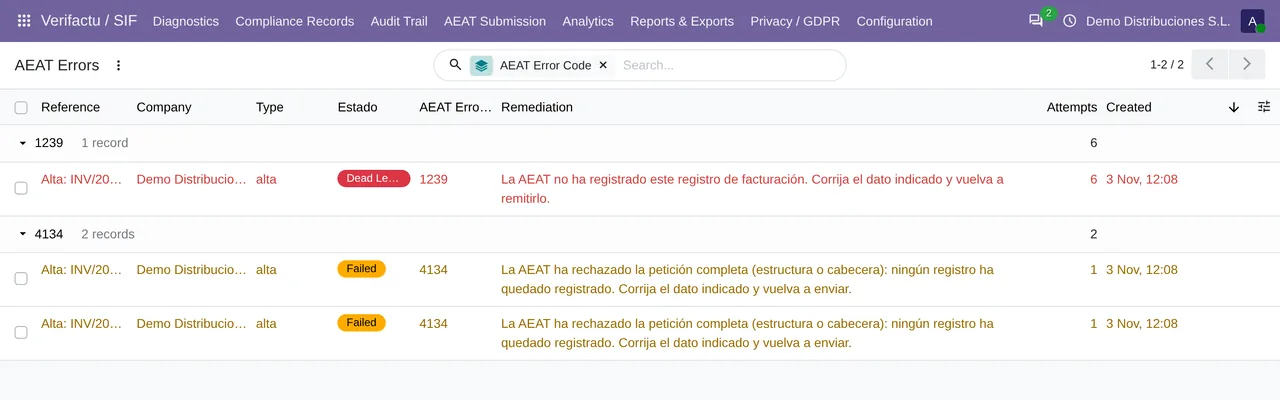
The VeriFactu module for Odoo 17, 18, 19 and 20 reads the code inside the SOAP fault and treats the answer as final: the submission goes to Failed in the queue and the record of each invoice becomes «Rechazado AEAT» (rejected by the AEAT). There is no automatic retry, on purpose: sending the same request to a service that is not active would get the same answer.
Failed submissions show up in AEAT Submission › AEAT Errors, grouped by code and with the catalogue explanation on every row. The catalogue holds the same 247 codes as the AEAT list, with their literal text, so you do not have to leave Odoo to look them up.
What to check in Odoo before resending
Each company has its own AEAT environment in the VeriFactu settings: Test (AEAT pre-production), the starting point, or Production. Test calls prewww1.aeat.es and Production calls www1.agenciatributaria.gob.es. If the company's AEAT Endpoint URL field holds an address, that address replaces both.
- With a 4134, check that the company points to the environment you meant and that AEAT Endpoint URL is empty, unless we gave you a specific address.
- With a 4139 and the company in Production, the message says that service is not enabled for production: do not resend in a loop, and write to us with the full answer.
- With a 4141 the block is on the AEAT side and can only be lifted there, by writing to the support mailbox named in the message. Resending from Odoo will not fix it.
How to resend without duplicates
- Open AEAT Submission › AEAT Errors and expand the group for the code.
- Select the submissions in Failed and click Retry Selected. Only a user with the SIF Manager role can do this.
- The submissions go back to Pending and the queue sends them on its next run, which happens every 1 minute.
Do I have to create the invoices again?
No. The invoices and their records are still in Odoo, chained and unchanged. Since the AEAT registered nothing from that request, what you resend are the very same records.
Can resending create a duplicate?
Not because of 4134, since the AEAT kept nothing from that submission. If in another case a record were already on file, the answer would be code 3000, which the module treats as accepted: see the page on error 3000.
If the code does not go away after checking the environment, send the full answer of the submission (the Raw Response field in the queue) to comercial@flexigobe.com and we will look into it with you.
Keep reading
Checked in the module's source code (version 20.0) and the linked sources
Sources
- www.agenciatributaria.es/static_files/AEAT_Desarrolladores/EEDD/IVA/VERI-FACTU/Validacione
- Module source code: flexigo_spain_verifactu 20.0 (aa2ea3d2): models/verifactu_aeat_client.py
- Module source code: flexigo_spain_verifactu 20.0 (aa2ea3d2): models/verifactu_cola_envio.py
- Module source code: flexigo_spain_verifactu 20.0 (aa2ea3d2): data/verifactu_crons.xml
- Module source code: flexigo_spain_verifactu 20.0 (aa2ea3d2): views/verifactu_aeat_errors_views.xml
- Module source code: flexigo_spain_verifactu 20.0 (aa2ea3d2): data/verifactu_error_catalogue.xml
- apps.odoo.com/apps/modules/20.0/flexigo_spain_verifactu
- prewww2.aeat.es/static_files/common/internet/dep/aplicaciones/es/aeat/tikeV1.0/cont/ws/err