

 Español
 Català
Two groups handled differently
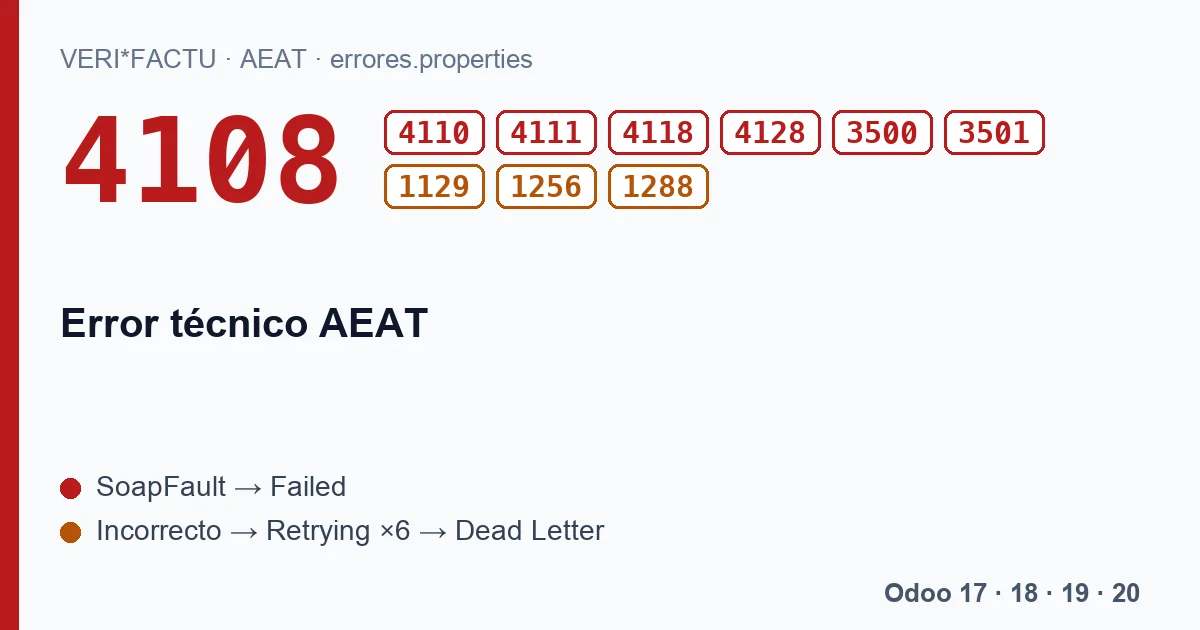
The ten codes on this page start with «Error técnico», technical error, or «Error técnico de base de datos», database technical error, but the AEAT list splits them into two sections. And the module treats them according to their section:
| Code | AEAT text | What Odoo does |
|---|---|---|
| 4108 | Error técnico al obtener el certificado. | Failed, no automatic retry. |
| 4110 | Error técnico al comprobar los apoderamientos. | Failed, no automatic retry. |
| 4111 | Error técnico al crear el trámite. | Failed, no automatic retry. |
| 4118 | Error técnico: la dirección no se corresponde con el fichero de entrada. | Failed, no automatic retry. |
| 4128 | Error técnico en la recuperación del valor del Gestor de Tablas. | Failed, no automatic retry. |
| 3500 | Error técnico de base de datos: error en la integridad de la información. | Failed, no automatic retry. |
| 3501 | Error técnico de base de datos. | Failed, no automatic retry. |
| 1129 | Error técnico al obtener el acuerdo de facturación. | Automatic retry. |
| 1256 | Error técnico al obtener el límite de la fecha de expedición. | Automatic retry. |
| 1288 | Error técnico en la validación de la fecha de expedición/operación. | Automatic retry. |
Why some are retried and others are not
The first seven are in the section that rejects the whole submission, and the AEAT returns them as a SOAP fault. The module treats that answer as final: it leaves the submission in Failed and does not repeat it, because repeating a fully rejected request usually gets the same answer. Here, though, the fault is the AEAT's, and after a while the very same submission may get through without changing anything.
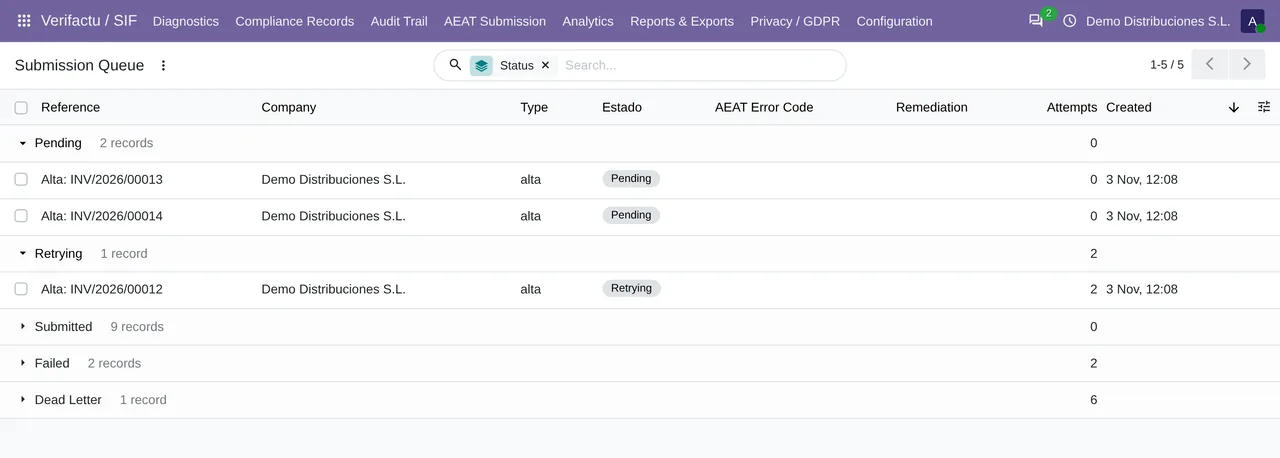
The last three reject a single record. The queue retries those on its own, with waits from 2 minutes to 12 hours, until the sixth attempt. For a passing technical fault, that is exactly what is needed.
What to do
- With one of the first seven, wait a little and resend from AEAT Submission › AEAT Errors with Retry Selected. The submissions go back to the queue, which runs every 1 minute.
- With 1129, 1256 or 1288, let the queue work. If it reaches Dead Letter, resend it the same way.
- With 4118, which mentions the address, also check that the company's AEAT Endpoint URL field is empty, unless we gave you an address. When that field is empty, the module uses the standard address of each environment.
How do I find out if I am not watching the queue?
The module's daily compliance digest counts, per company, the pending submissions, the failed ones and those in Dead Letter. It goes out by email if a recipient is set up and, by default, only when a company is amber or red.
If a technical error keeps repeating for hours with all your submissions, write to comercial@flexigobe.com with the answer: the problem may not be a passing one. A technical error that persists across every company and every invoice is worth reporting, because nothing in your data will make it go away.
Keep reading
Checked in the module's source code (version 20.0) and the linked sources
Sources
- www.agenciatributaria.es/static_files/AEAT_Desarrolladores/EEDD/IVA/VERI-FACTU/Validacione
- Module source code: flexigo_spain_verifactu 20.0 (aa2ea3d2): models/verifactu_aeat_client.py
- Module source code: flexigo_spain_verifactu 20.0 (aa2ea3d2): models/verifactu_cola_envio.py
- Module source code: flexigo_spain_verifactu 20.0 (aa2ea3d2): data/verifactu_crons.xml
- prewww2.aeat.es/static_files/common/internet/dep/aplicaciones/es/aeat/tikeV1.0/cont/ws/err