

 Español
 Català
 Deutsch
 Français
 Português
 Italiano
 Nederlands
 Polski
How to read these messages
The texts in this article are the module's own, so you can search for them exactly as they appear. The sentence of the message is what tells you what to fix. Where you see %(from)s, %(to)s, %(date)s, %(curr)s or %s, that is a placeholder filled in with the currencies, date or company in your case.
Distributions: declare, allocate and mark as paid, in that order
The distribution messages set out an order: only a draft distribution can be declared, allocation requires it to be declared, and marking it as paid requires it to be allocated. Skip a step and the module tells you.
| Message | When it appears | What to do |
|---|---|---|
Only draft distributions can be declared. | You try to declare a distribution that is no longer in draft. | Declare draft distributions only. If it is already declared, the next step is allocation. |
Distribution must be declared before running allocation. | You run allocation on a distribution that has not been declared. | Declare it first, then run allocation again. |
No active investors with shares found. Cannot allocate distribution. | When allocating, the module finds no active investor holding shares. | Check there is at least one active investor with shares before allocating. |
Distribution must be allocated before marking as paid. | You mark a distribution as paid before allocating it. | Run allocation, then mark it as paid. |
Distribution allocation records cannot be deleted. They form a financial audit trail. | You try to delete allocation lines. | They cannot be deleted: the module treats them as a financial audit trail. |
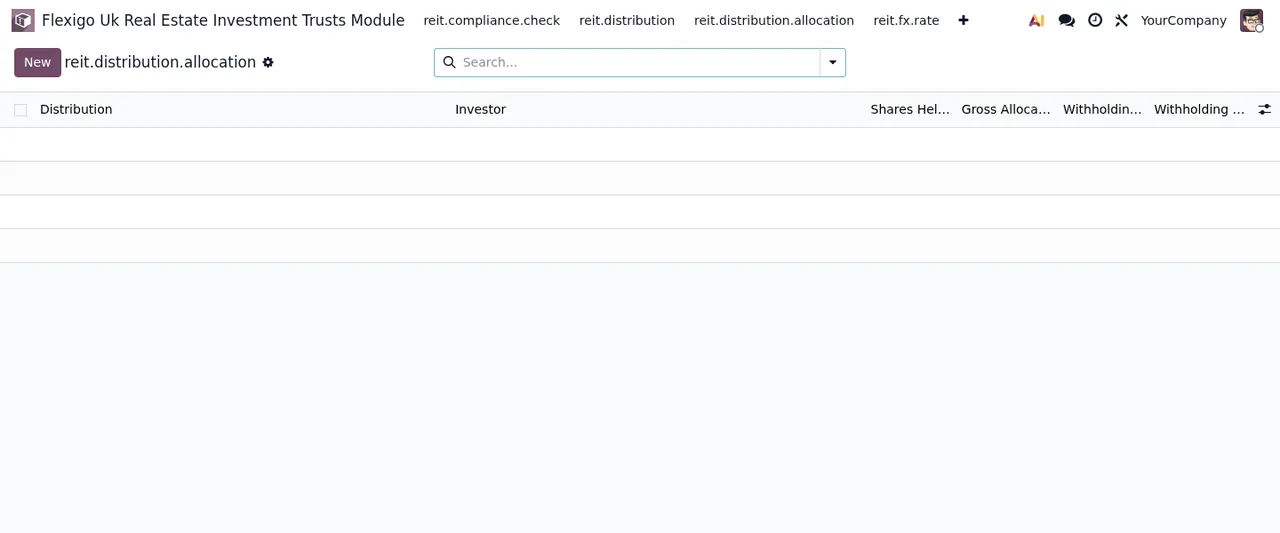
New button.Exchange rates between currencies
| Message | When it appears | What to do |
|---|---|---|
FX rate must be greater than zero. | You save an exchange rate of zero or below. | Enter a value greater than zero. |
Source and target currencies must be different. | The source and target currencies are the same. | Choose two different currencies. |
FX rate for %(from)s → %(to)s on %(date)s already exists. | There is already a rate for that currency pair on that date. | Correct the existing one rather than creating another, or check the date. |
No FX rate available for EUR → %(curr)s. Manual override required. | There is no exchange rate from EUR to the currency named in the message. | The message asks for a manual override: enter the rate yourself. |
Investors and share transactions
| Message | When it appears | What to do |
|---|---|---|
Shares issued cannot be negative. | Shares issued end up negative. | Enter zero or a positive quantity. |
Investors cannot be deleted. Archive or mark as exited instead. | You try to delete an investor. | Archive them or mark them as exited, as the message says. |
Transaction date cannot be in the future. | The transaction date is later than today. | Use today's date or an earlier one. |
Shares quantity cannot be zero. | The share quantity is zero. | Enter a quantity other than zero. |
Price per share cannot be negative. | The price per share is negative. | Change it to zero or a positive value. |
Transaction would result in negative shares for investor. | The transaction would leave the investor with a negative shareholding. | Check the quantity against the shares that investor holds. |
Accounting entries: the general journal and accounts by code
These messages appear when the module looks for the general journal or for specific accounts by code. The codes are in the error text itself.
| Message | When it appears | What to do |
|---|---|---|
General journal not found for company. | The module cannot find the company's general journal. | Check the company has a general journal. |
General journal not found for company %s | The same, with the company named in the message. | See which company it names and check its general journal. |
Required GL accounts not found (cash: 1100, capital: 3000). | It cannot find the cash and capital accounts it looks for. | Check the company's chart of accounts has accounts 1100 and 3000. |
Asset GL account (1000) not found. | It cannot find the asset account. | Check account 1000 exists. |
Revaluation reserve account (3010) not found. | It cannot find the revaluation reserve account. | Check account 3010 exists. |
Transaction already has GL entry. Cannot update. | You edit a transaction that already has an entry. | Once it has an entry it cannot be updated. Go over it with whoever runs the accounts before changing anything. |
Cannot delete transactions with GL entries. Cancel instead. | You try to delete a transaction with an entry. | Cancel it instead of deleting it. |
Financing: dates, limits, rates and drawdowns
| Message | When it appears | What to do |
|---|---|---|
Start date must be before maturity date. | The start date is not earlier than the maturity date. | Correct one of the two dates. |
Facility limit cannot be negative. | The facility limit is negative. | Enter zero or a positive value. |
Interest rate cannot be negative. | The interest rate is negative. | Change it to zero or a positive value. |
Margin cannot be negative. | The margin is negative. | Change it to zero or a positive value. |
Drawdown date cannot be in the future. | The drawdown date is later than today. | Use today's date or an earlier one. |
Drawdown amount must be positive. | The drawdown amount is zero or negative. | Enter it as a positive amount. |
Repayment amount must be negative. | The repayment amount is zero or positive. | Enter it with a negative sign. |
Properties, valuations and effective dates
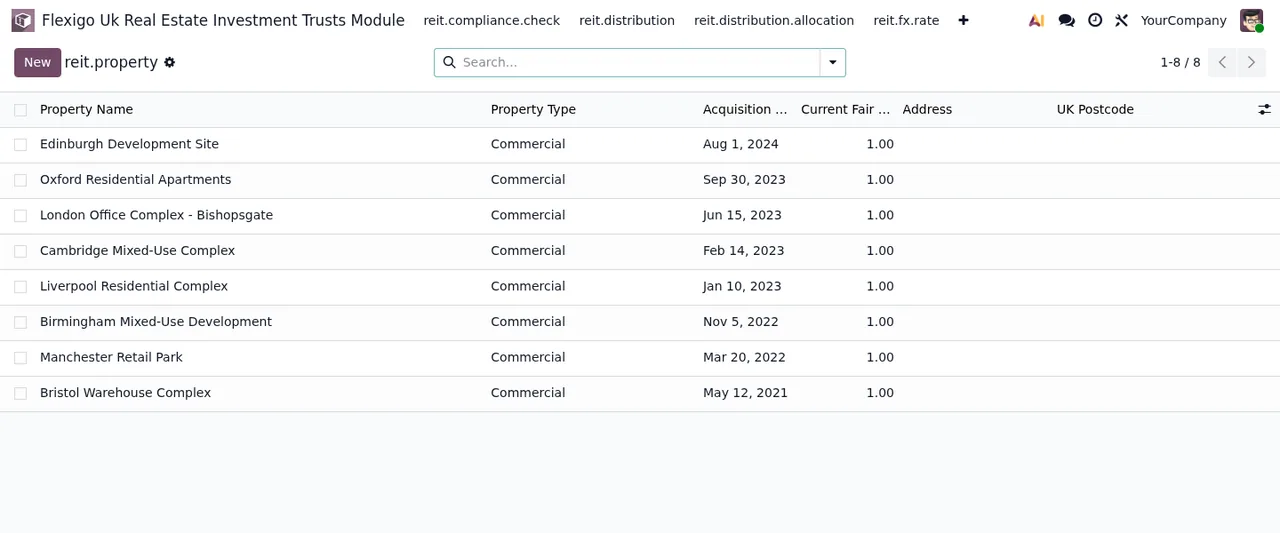
| Message | When it appears | What to do |
|---|---|---|
Acquisition date cannot be in the future. | The acquisition date is later than today. | Use the actual purchase date, which cannot be in the future. |
Properties cannot be deleted for audit trail integrity. Archive instead. | You try to delete a property. | Archive it, as the message asks. |
Valuation date cannot be in the future. | The valuation date is later than today. | Use today's date or an earlier one. |
Fair value cannot be negative. | The fair value is negative. | Change it to zero or a positive value. |
Appraiser name is required (IAS 40 independent appraiser requirement). | You save a valuation without an appraiser's name. | Fill in the name. The module requires it, citing the IAS 40 independent appraiser requirement. |
Qualified percentage must be between 0 and 100. | A qualified percentage falls outside that range. | Enter a value between 0 and 100. |
Effective from date must be before effective to date. | The effective from date is not earlier than the effective to date. | Correct one of the two dates. |
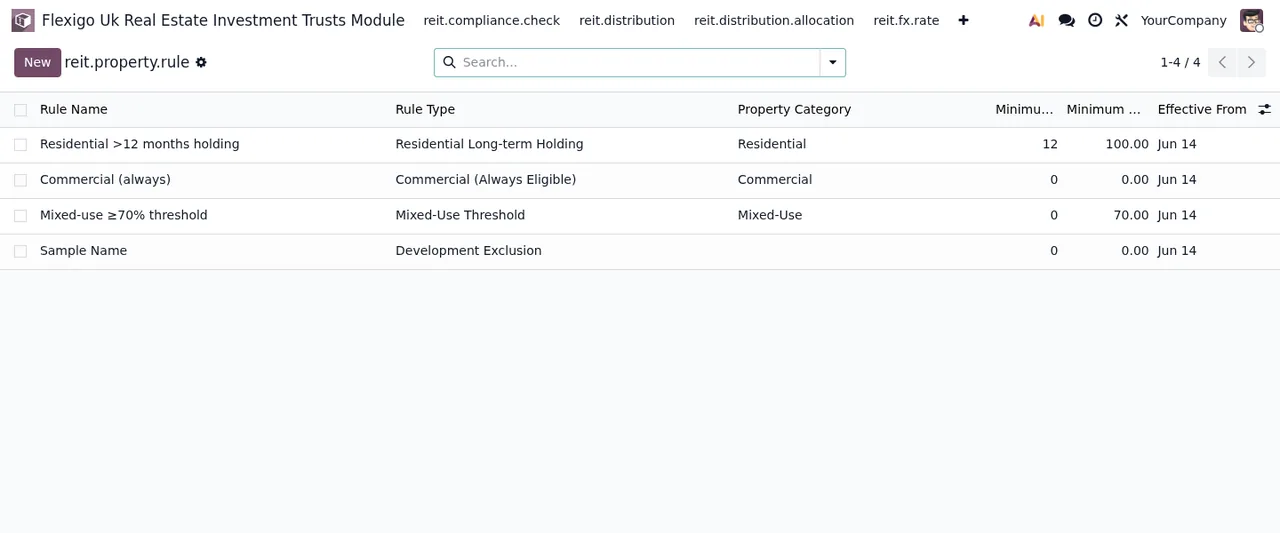
PASS result to the 2026 distributions, the property list and the property rules list.What the module will not let you delete
Four messages are about deleting, and three of them tell you what to do instead:
- Distribution allocation lines: they cannot be deleted, because the module treats them as a financial audit trail. The message offers no other route.
- Investors: archive them or mark them as exited (
Archive or mark as exited instead). - Transactions with accounting entries: cancel them (
Cancel instead). - Properties: archive them (
Archive instead).
If one of these messages comes up, do not look for a way to force the deletion: use the alternative the text gives you or, for allocation lines, leave them as they are.
How FlexigoTech can help
On Odoo Apps the module costs €9 excluding VAT, a one-off payment per version, and it is published for Odoo 17, 18 and 19; the details are on the Odoo Apps listing and the module page. FlexigoTech implements Odoo 17, 18, 19 and 20 and builds bespoke connectors and integrations, so we can help you set up the journal and accounts the module looks for, or adapt it to your case.
Keep reading
Checked in the module's source code (version 19.0) and the linked sources
Sources
- Module source code: flexigo_uk_real_estate_investment_trusts_module 19.0 (956fabfa): models/reit_distribution.py
- Module source code: flexigo_uk_real_estate_investment_trusts_module 19.0 (956fabfa): models/reit_distribution_allocation.py
- Module source code: flexigo_uk_real_estate_investment_trusts_module 19.0 (956fabfa): models/reit_fx_rate.py
- Module source code: flexigo_uk_real_estate_investment_trusts_module 19.0 (956fabfa): models/reit_investor.py
- Module source code: flexigo_uk_real_estate_investment_trusts_module 19.0 (956fabfa): models/reit_investor_transaction.py
- Module source code: flexigo_uk_real_estate_investment_trusts_module 19.0 (956fabfa): models/reit_loan_facility.py
- Module source code: flexigo_uk_real_estate_investment_trusts_module 19.0 (956fabfa): models/reit_property.py
- Module source code: flexigo_uk_real_estate_investment_trusts_module 19.0 (956fabfa): models/reit_property_rule.py
- Module source code: flexigo_uk_real_estate_investment_trusts_module 19.0 (956fabfa): models/reit_property_valuation.py
- apps.odoo.com/apps/modules/19.0/flexigo_uk_real_estate_investment_trusts_module
- apps.odoo.com/apps/modules/17.0/flexigo_uk_real_estate_investment_trusts_module
- apps.odoo.com/apps/modules/18.0/flexigo_uk_real_estate_investment_trusts_module
- flexigotech.com/en/services.html