

 Español
 Català
 Deutsch
 Français
 Português
 Italiano
 Nederlands
 Polski
How to read the messages on this page
Each message is shown exactly as the module writes it. Those starting with Only an administrator, as the text itself says, can only be sorted out by an administrator.
Where the text contains placeholders such as %s, %(ccy)s, %(date)s, %(names)s or %(other)s, you will see the actual value for your case instead. Read that value before changing anything: it tells you where the problem is.
If you have not configured the module yet, start with setting up Singapore InvoiceNow. This page is for when a message has already appeared.
When sending an invoice: profile, Access Point and content
| Message | When it appears | What to do |
|---|---|---|
InvoiceNow submission is missing: %s | The submission is missing something; the end of the message says what. | Fill in whatever the message names and send again. |
Configure a PINT-SG profile before sending. | You try to send without a PINT-SG profile configured. | Configure a PINT-SG profile, then send. |
Configure a Peppol Access Point before sending. | You try to send without a Peppol Access Point configured. | Configure the Access Point before sending. |
Select a Peppol Access Point configuration first. | No Access Point configuration is selected. | Select a Peppol Access Point configuration first. |
No exchange rate for %(ccy)s on %(date)s | There is no exchange rate for that currency on that date. | Record in Odoo the exchange rate for that currency on the date shown in the message. |
Invoice XML exceeds 20MB; split or reduce attachments. | The invoice XML is larger than 20MB. | Split the invoice or reduce the attachments, as the message asks. |
InvoiceNow validation failed. Review the validation errors tab. | InvoiceNow validation has failed. | Open the validation errors tab the message mentions and correct what is listed there. |
The last message does not carry the detail in its own window: it points you to the validation errors tab. The others in this table already name what is missing (profile, Access Point, selected configuration, exchange rate or XML size).
Access Point: enabled traffic, IRAS and secure connection
| Message | When it appears | What to do |
|---|---|---|
Configure a Peppol Access Point before IRAS submission. | You try an IRAS submission without an Access Point configured. | Configure the Access Point and repeat the IRAS submission. |
The selected Access Point is not enabled for IRAS GST submission. | The chosen Access Point is not enabled for IRAS GST submission. | Choose an Access Point enabled for that submission or review the selected one's configuration. |
The selected Access Point is not enabled for B2B sandbox traffic. | The chosen Access Point is not enabled for B2B sandbox traffic. | Choose an Access Point enabled for sandbox or review the selected one's configuration. |
The selected Access Point is not enabled for B2B production traffic. | The chosen Access Point is not enabled for B2B production traffic. | Choose an Access Point enabled for production or review the selected one's configuration. |
Peppol AP connections must use TLS 1.2 or higher. | The Access Point connection does not use TLS 1.2 or higher. | Use a connection with TLS 1.2 or higher. |
The three not enabled messages separate three uses: IRAS GST submission, B2B sandbox traffic and B2B production traffic. Check which one the message names to know what the Access Point needs to have enabled.
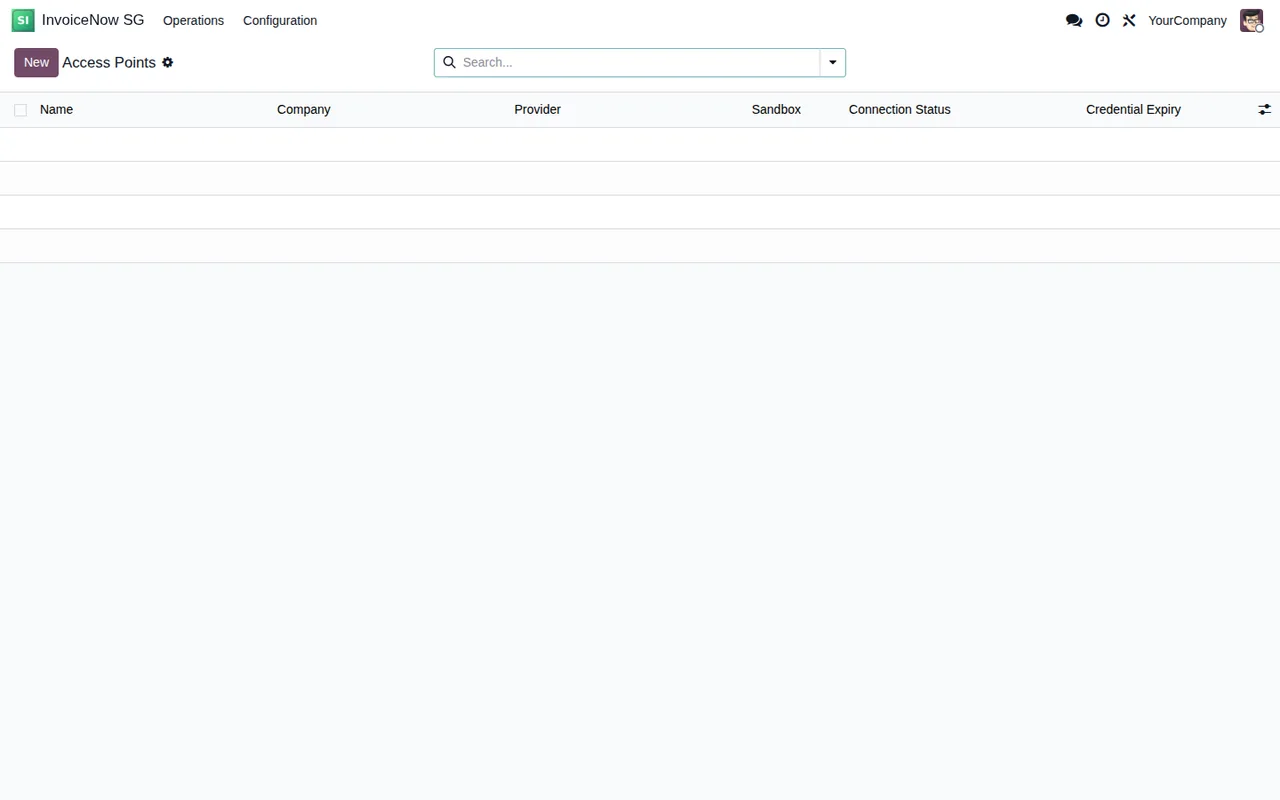
InvoiceNow SG › Configuration › Access Points, with no records yet.Access Point keys stored in FlexigoTech Cloud
An Access Point can use a direct connection or go through FlexigoTech Cloud. Through FlexigoTech Cloud, the service stores the credentials encrypted, monitors the synchronisation and emails you if it fails. The messages in this part often end with Nothing was sent., Nothing was deleted. or by stating that nothing was saved.
| Message | When it appears | What to do |
|---|---|---|
An Access Point keeps the connection it was set up with: it does not change between the direct connection and FlexigoTech Cloud. | You try to switch an Access Point from direct connection to FlexigoTech Cloud or the other way round. | Decide the connection when you set up the Access Point: it keeps the one it was set up with. |
Only FlexigoTech Cloud marks an Access Point key as saved: enter the key instead. | You try to mark a key as saved by hand. | Enter the key; only FlexigoTech Cloud marks it as saved. |
The Access Point key saved in FlexigoTech Cloud is for this authentication type: delete it from FlexigoTech Cloud first, then change the type and enter the new key. | You change the authentication type while FlexigoTech Cloud holds the key for the current type. | Delete the key from FlexigoTech Cloud, change the type and enter the new key. |
The Access Point key of %(names)s is saved in FlexigoTech Cloud: an administrator has to delete it first with "Delete my key from FlexigoTech Cloud", then the Access Point can be deleted. Nothing was deleted. | You try to delete an Access Point whose key is stored in FlexigoTech Cloud. | An administrator first deletes the key with Delete my key from FlexigoTech Cloud; then the Access Point can be deleted. |
A client certificate (mTLS) cannot go through FlexigoTech Cloud: use an API key or a bearer token. Nothing was sent. | You try to use a client certificate (mTLS) through FlexigoTech Cloud. | Use an API key or a bearer token. |
Accept first that the Access Point works through FlexigoTech Cloud: nothing was sent and nothing was saved. | You have not accepted that the Access Point works through FlexigoTech Cloud. | Accept that first and repeat the action. |
Through FlexigoTech Cloud the Access Point endpoint has to be https://host/path, without port, user, query or fragment. Nothing was sent. | The endpoint is not in the form the message requires. | Enter the endpoint as https://host/path, with no port, user, query or fragment. |
FlexigoTech Cloud keeps one Access Point key per authentication type and database, and %(other)s already has one. Delete that key first. Nothing was sent. | There is already a key for that authentication type in that database. | Delete that other key first. |
In the messages about changing or deleting keys, the order they ask for is the same: first the key is deleted in FlexigoTech Cloud, then you change the type, enter the new key or delete the Access Point.
InvoiceNow SG › Operations › Access Points, still with no records.Administrator rights and Peppol ID format
| Message | When it appears | What to do |
|---|---|---|
Only an administrator can set the Access Point credential or change where it is sent or read from. | A user who is not an administrator tries to set the Access Point credential or change where it is sent or read from. | Ask an administrator to make the change. |
Only an administrator can change the InvoiceNow webhook secret. | A user who is not an administrator tries to change the InvoiceNow webhook secret. | An administrator changes it. |
Peppol ID must match 0192:SGUEN followed by four digits. | The Peppol ID does not follow the format 0192:SGUEN followed by four digits. | Correct the Peppol ID to that format. |
If you are a consultant and the client has not given you administrator rights, the credential and webhook messages will appear even when everything else is right: sort it out with whoever has that role.
Where to look after a message
The InvoiceNow SG app gathers in its menus the PINT-SG profiles, the Access Points and an Inbound Errors list with the columns Move, Field Name, Raw Value and Reason.
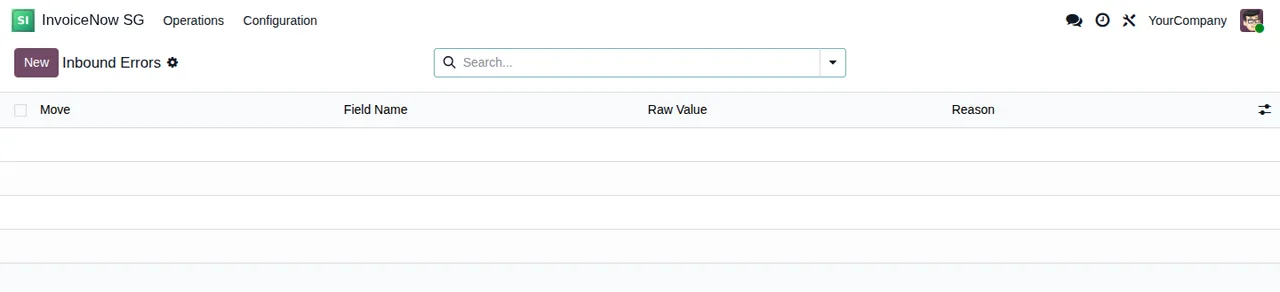
Inbound Errors list, with no records yet.If you want to understand what each record goes through before it reaches an error, see how Singapore InvoiceNow works under the hood.
How FlexigoTech can help
The module costs €9 per Odoo version (one-off payment, excluding VAT), for 17, 18, 19 and 20; the FlexigoTech Cloud side comes with the Connector plan, €49/month or €490/year excluding VAT. With the subscription, the module for new Odoo versions is included if you bought it at flexigotech.com; on the Odoo App Store, each version is bought there, on the Odoo Apps listing.
FlexigoTech implements Odoo 17, 18, 19 and 20 and builds bespoke connectors and integrations. If one of these messages keeps coming back and you cannot see why, send us the exact text you get.
Keep reading
Checked in the connector's source code (version 20.0) and the linked sources
Sources
- Module source code: flexigo_singapore_invoicenow_peppol_pint_sg_connector_f 20.0 (18f2019d): models/account_move.py
- Module source code: flexigo_singapore_invoicenow_peppol_pint_sg_connector_f 20.0 (18f2019d): models/fgt_cloud.py
- Module source code: flexigo_singapore_invoicenow_peppol_pint_sg_connector_f 20.0 (18f2019d): models/peppol_ap_config.py
- Module source code: flexigo_singapore_invoicenow_peppol_pint_sg_connector_f 20.0 (18f2019d): models/res_company.py
- Module source code: flexigo_singapore_invoicenow_peppol_pint_sg_connector_f 20.0 (18f2019d): models/res_config_settings.py
- Module source code: flexigo_singapore_invoicenow_peppol_pint_sg_connector_f 20.0 (18f2019d): models/res_partner.py
- apps.odoo.com/apps/modules/20.0/flexigo_singapore_invoicenow_peppol_pint_sg_connector_f
- apps.odoo.com/apps/modules/17.0/flexigo_singapore_invoicenow_peppol_pint_sg_connector_f
- apps.odoo.com/apps/modules/18.0/flexigo_singapore_invoicenow_peppol_pint_sg_connector_f
- apps.odoo.com/apps/modules/19.0/flexigo_singapore_invoicenow_peppol_pint_sg_connector_f
- flexigotech.com/en/services.html
- flexigotech.com/precios.html