

 Español
 Català
 Deutsch
 Français
 Português
 Italiano
 Nederlands
 Polski
What to note about how you do it today
Before talking about Odoo, take stock of your current process. It doesn't need to be tidy: you just need to know who does each task, with which tool and where the trail ends up. The boxes follow what the module covers, so you can compare them one by one later.
- Note where you currently produce each document you send through InvoiceNow, and whether it is an invoice or a credit note.
- Gather the Peppol ID of every company that invoices. The module validates the
0192:SGUEN[NNNN]format, so keep them written down exactly.
- If you run several companies, note which ones use their own Peppol ID: the module supports multi-company setups with an individual Peppol ID per company.
- Sort your GST cases: GST-registered and non-GST-registered scenarios, zero-rated supplies, exempt invoices and customer-accounting invoices.
- Write down how you receive supplier invoices today and how you avoid recording the same one twice.
- Identify your Access Point provider. The module supports CrimsonLogic and a Generic/Custom option.
- Note how you find out today that a Peppol ID is expiring or has been revoked.

What Odoo brings together with Singapore InvoiceNow
Once the module is installed, these tasks are handled from Odoo. According to its README, this is what it does:
- Registers the company as a Peppol participant automatically.
- Generates InvoiceNow-compliant UBL 2.1 XML documents, with support for PINT-SG 1.4.0 and legacy 1.3.0.
- Checks mandatory fields: buyer and seller tax IDs, invoice date and line items.
- Enforces Singapore GST rules and sanitises user-supplied text to prevent XML injection.
- Adds the
Send via InvoiceNowbutton to the invoice form and auto-populates the Peppol fields from partner records.
- Sends invoices and credit notes over the Peppol network and receives inbound ones by polling the Access Point or via webhooks.
- Deduplicates inbound invoices by their unique message ID and logs every document sent and received.
- Tracks each document by status:
Draft,Queued,Sent,Delivered,Failed,RejectedandQuarantine.
The README also describes six error recovery patterns, with scheduled jobs for retry, reconciliation and monitoring, and user-friendly error messages:
- Transient Access Point failures: retry with exponential backoff (30s → 2min → 10min).
- Permanent rejections: manual review and correction.
- Sent successfully but failed in Odoo: an automated reconciliation job.
- Inbound processing failures: partial mapping and quarantine.
- Credential expiry: system-wide notification and automatic credential rotation.
- Duplicate inbound documents: automatic deduplication.
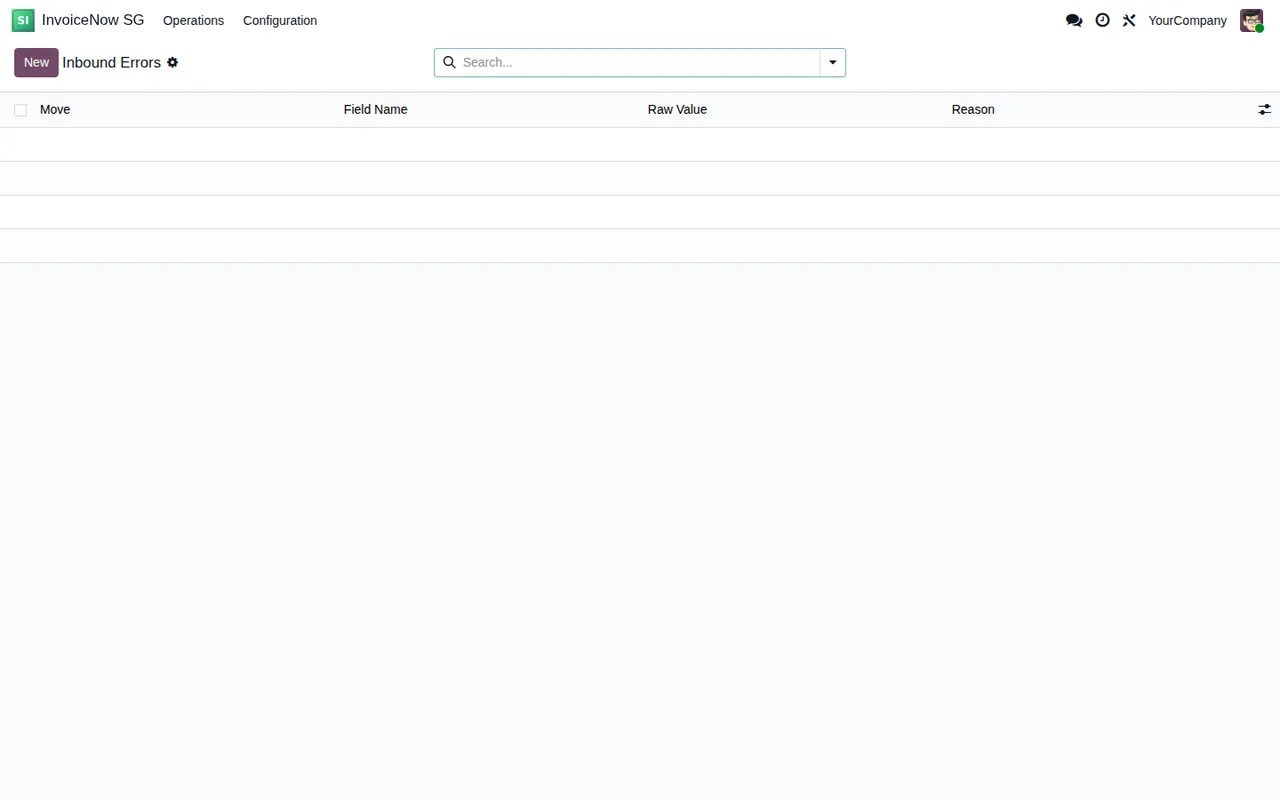
Inbound Errors list, still without a single record.Checklist for implementing Odoo and connecting
The module is listed on Odoo Apps for Odoo 17, 18, 19 and 20, at €9 excluding VAT, a one-off payment per Odoo version. The connection runs through FlexigoTech Cloud on the Connector plan: €49/month or €490/year excluding VAT, up to 3 platform accounts (Pro: €98/month or €980/year, up to 10).
- Choose the Odoo version for your implementation from 17, 18, 19 and 20.
- Set up each company with its Peppol ID and check that it passes the format validation.
- Complete the Peppol details on your partner records: the module auto-populates the Peppol fields from them.
- Have your Access Point provider's details to hand (CrimsonLogic or Generic/Custom).
- Decide whether you will receive inbound invoices by polling or via webhooks.
- Check which PINT-SG profile you need: the module validates against 1.4.0 and keeps support for 1.3.0.
Data and security checklist
- Credentials: the module stores them encrypted in Odoo's
ir.config_parameter.
- Connection: the module enforces TLS 1.2+ with certificate validation.
- Multi-company: each company is isolated with record-level access controls.
- Personal data: the README groups under PDPA (Personal Data Protection Act) data minimisation (only mandated fields are transmitted) and DSAR export with partner-scoped access.
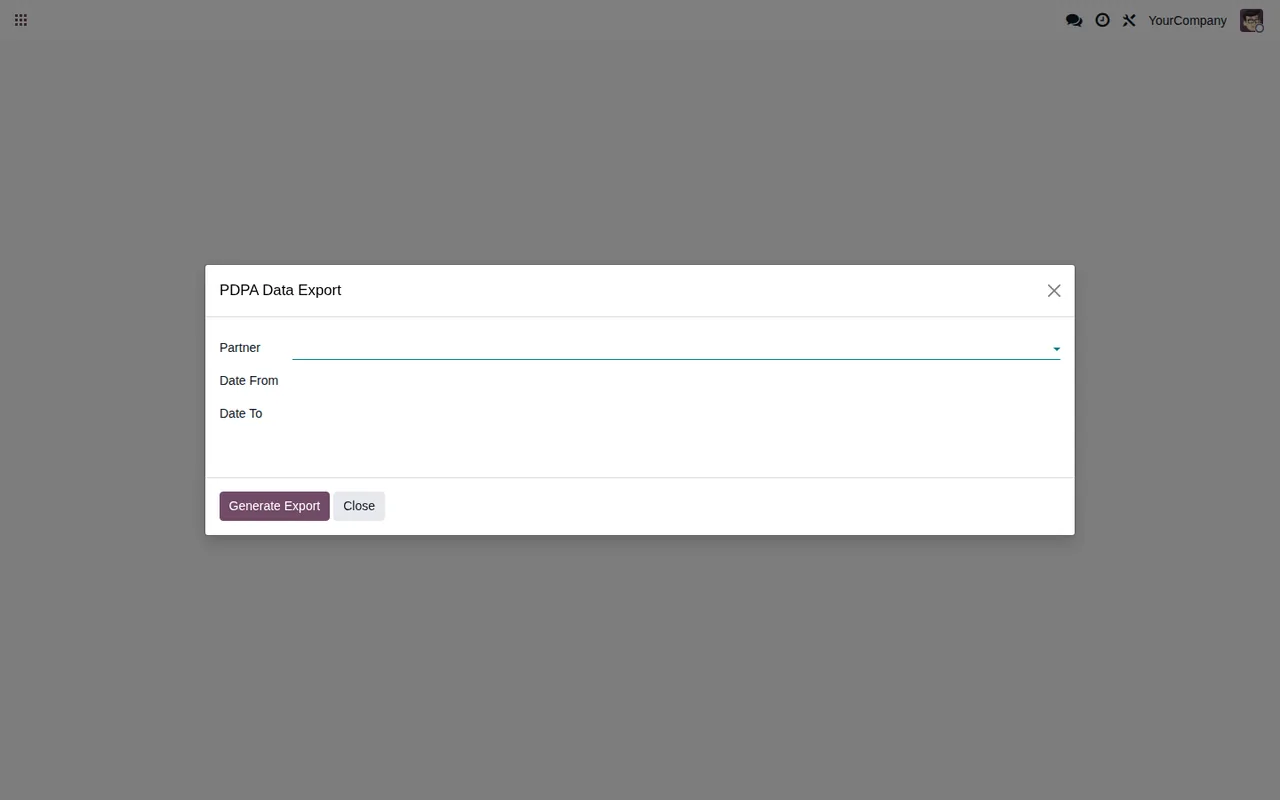
PDPA Data Export wizard, with every field still blank.First-week checklist
- Send a real invoice with
Send via InvoiceNowand check which status it ends up in.
- Look for documents in
FailedorRejected. Permanent rejections call for manual review and correction.
- Check whether any documents are in
Quarantine.
- Open the
Inbound Errorslist and see whether it has any records.
- Make sure you receive the Peppol ID expiry and revocation notifications.
- Go through the transaction log of documents sent and received.
If something doesn't add up, the literal text of each warning is in the Singapore InvoiceNow error messages, and the start-up settings are in setting up the module.
What happens with the connection and the subscription
FlexigoTech Cloud stores the credentials encrypted, monitors synchronisation and emails you if it fails; if the platform changes its API, both the module and the service are adapted. Without a subscription, or with the service suspended, whatever the subscription provides stops, and your data stays in your Odoo.
With the subscription, the module for new Odoo versions is included if you bought it on flexigotech.com; on the Odoo App Store, each Odoo version is bought there.
How FlexigoTech can help
If you don't have Odoo yet, the sensible order is implementation first and connector second. FlexigoTech implements Odoo 17, 18, 19 and 20 and builds bespoke connectors and integrations, so we can set up your Odoo with invoicing and leave Singapore InvoiceNow connected to your Access Point. You'll find the details on the module page and on its Odoo Apps listing.
Keep reading
Checked in the connector's source code (version 20.0) and the linked sources
Sources
- Module source code: flexigo_singapore_invoicenow_peppol_pint_sg_connector_f 20.0 (18f2019d): README.rst
- apps.odoo.com/apps/modules/20.0/flexigo_singapore_invoicenow_peppol_pint_sg_connector_f
- apps.odoo.com/apps/modules/17.0/flexigo_singapore_invoicenow_peppol_pint_sg_connector_f
- apps.odoo.com/apps/modules/18.0/flexigo_singapore_invoicenow_peppol_pint_sg_connector_f
- apps.odoo.com/apps/modules/19.0/flexigo_singapore_invoicenow_peppol_pint_sg_connector_f
- flexigotech.com/en/services.html
- flexigotech.com/precios.html