

 Español
 Català
 Deutsch
 Français
 Português
 Italiano
 Nederlands
 Polski
Where the module shows up in Odoo
Once installed, InvoiceNow SG appears in the main menu. Two branches hang from it: InvoiceNow SG › Operations and InvoiceNow SG › Configuration. The Odoo Apps listing introduces it with the heading Send InvoiceNow e-invoices from Odoo and has a section of its own, Before you buy: this app uses a paid external service, warning that the app relies on a paid external service. That service is FlexigoTech Cloud, covered further down.
The quickest way to find your bearings is to put the two branches side by side:
| InvoiceNow SG › Operations | InvoiceNow SG › Configuration |
|---|---|
Transaction Logs | Access Points |
Quarantine | PINT-SG Profiles |
Validation Errors | Encrypted Archives |
Inbound Errors | Metrics |
IRAS Reconciliation | Self Diagnostic |
Each branch has five entries. Under Operations you have the ones whose names refer to transaction logs, quarantine, validation errors, inbound errors and IRAS reconciliation. Under Configuration you have access points, PINT-SG profiles, encrypted archives, metrics and self diagnostic. If you are after a specific screen, work out which column of the table it sits in and go in through that branch.
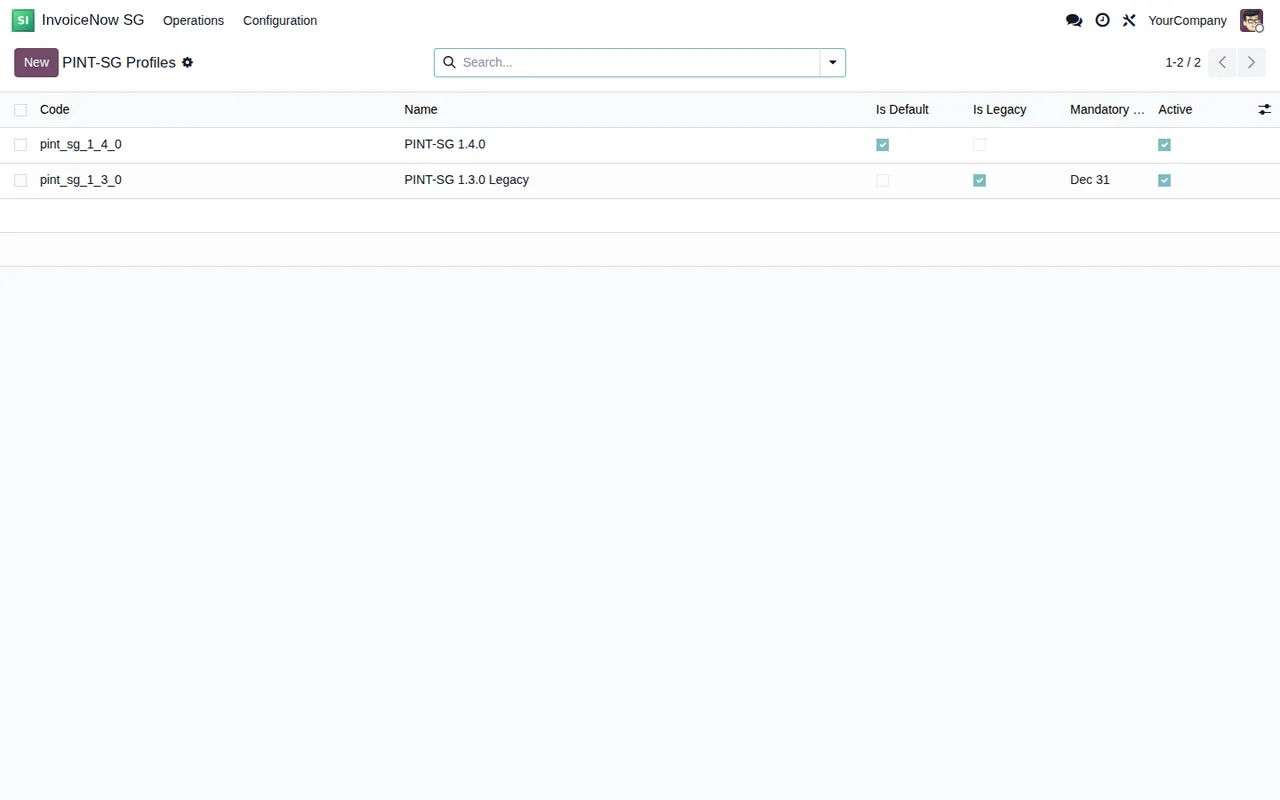
PINT-SG Profiles list, with a default profile and a legacy profile, both active.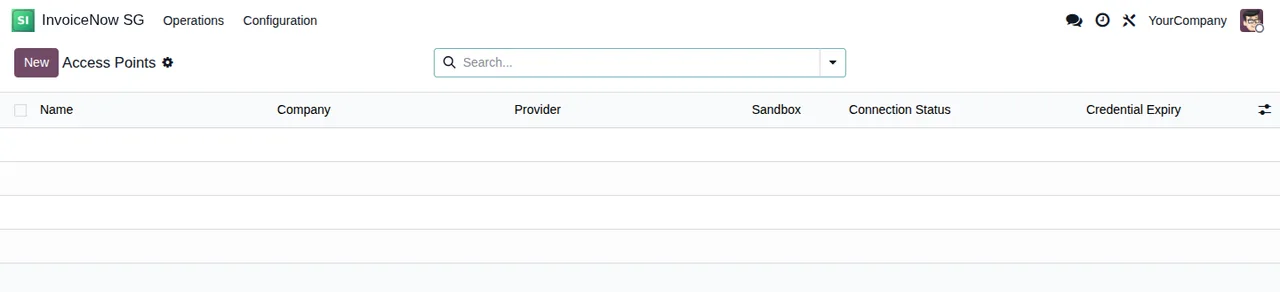
Access Points list, still with no records: the New button, search bar and columns are visible.The scheduled actions, compared by frequency
The module ships seven scheduled actions and all of them are listed as active. From most to least frequent:
| Scheduled action | Frequency | Active |
|---|---|---|
InvoiceNow outbound retry | every minute | yes |
InvoiceNow poll inbound | every 5 minutes | yes |
InvoiceNow reconcile sent invoices | every 30 minutes | yes |
InvoiceNow credential expiry check | once a day | yes |
InvoiceNow profile expiry check | once a day | yes |
InvoiceNow purge retained archive payloads | once a day | yes |
InvoiceNow IRAS reconciliation | once a month | yes |
Reading the table is straightforward. Three actions run on a short cycle, measured in minutes: the outbound retry (outbound retry), the inbound poll (poll inbound) and the reconciliation of sent invoices (reconcile sent invoices). Three run daily: the credential expiry check, the profile expiry check and the purge of retained archive payloads. And just one runs monthly, the IRAS reconciliation.
The names of the daily actions line up with two Configuration entries: profile expiry with PINT-SG Profiles and the archive purge with Encrypted Archives, at least by name. The IRAS name appears in the IRAS Reconciliation menu, in the monthly action and in two models you will see in the next table.
What the module stores: its own models
Beneath the menus, the module creates its own models in the database. Here is the technical name next to the description it carries in the code:
| Technical model | Description in the code |
|---|---|
peppol.ap.config | Peppol Access Point Configuration |
peppol.profile | PINT-SG Profile Registry |
peppol.transaction.log | Peppol Transaction Log |
peppol.transaction.archive | Peppol Transaction Archive |
peppol.validation.error | Peppol Validation Error |
peppol.inbound.error | Peppol Inbound Mapping Error |
peppol.iras.reconciliation | IRAS Submission Reconciliation |
peppol.iras.reconciliation.line | IRAS Submission Reconciliation Line |
peppol.metric | Peppol Metric Counter |
peppol.dsar.wizard | Peppol PDPA Data Export |
Two of these models inherit from mail.thread: the access point configuration (peppol.ap.config) and the PINT-SG profile registry (peppol.profile). IRAS reconciliation has a header (peppol.iras.reconciliation) and lines (peppol.iras.reconciliation.line). There is also a wizard, peppol.dsar.wizard, described as Peppol PDPA Data Export; the Odoo Apps listing also includes a Privacy policy section.
PINT-SG Profiles, Access Points (empty) and Inbound Errors (empty, with the columns Move, Field Name, Raw Value and Reason).If you want to know which states each record goes through and which fields to fill in at the start, see setting up Singapore InvoiceNow. For the literal texts that may appear in Validation Errors or Inbound Errors, see the module's error messages and warnings.
What happens in your Odoo and what happens in FlexigoTech Cloud
This module is a connector: one part lives in your Odoo and another in FlexigoTech Cloud. Compared:
| Aspect | In your Odoo | In FlexigoTech Cloud |
|---|---|---|
| Menus, scheduled actions and models | The ones shown above | Not applicable |
| Credentials | Not applicable | Stored encrypted |
| Synchronisation | Not applicable | Monitored, with an email alert if it fails |
| Changes to the platform's API | The module is adapted | The service is adapted |
| No subscription or service suspended | Your data stays | What the subscription provides stops |
The row that matters is the last one: if you stop paying or the service is suspended, what the subscription provides stops, but what is already in your Odoo stays there.
Odoo versions and how FlexigoTech can help
Singapore InvoiceNow is published on Odoo Apps for 17, 18, 19 and 20, at €9 per Odoo version as a one-off payment, excluding VAT. The connection runs on the Connector plan, at €49/month or €490/year excluding VAT with up to 3 platform accounts (Pro: €98/month or €980/year, up to 10). With the subscription, the module for new Odoo versions is included if you bought it on flexigotech.com; if you bought it on the Odoo App Store, each version is purchased there.
At FlexigoTech we implement Odoo 17, 18, 19 and 20 and build bespoke connectors and integrations. If you want to check how InvoiceNow fits your current invoicing, you will find the details on the module page at flexigotech.com and the listing on Odoo Apps.
Keep reading
Checked in the connector's source code (version 20.0) and the linked sources
Sources
- Module source code: flexigo_singapore_invoicenow_peppol_pint_sg_connector_f 20.0 (18f2019d): views/menu_views.xml
- Module source code: flexigo_singapore_invoicenow_peppol_pint_sg_connector_f 20.0 (18f2019d): data/ir_cron_data.xml
- Module source code: flexigo_singapore_invoicenow_peppol_pint_sg_connector_f 20.0 (18f2019d): static/description/index.html
- Module source code: flexigo_singapore_invoicenow_peppol_pint_sg_connector_f 20.0 (18f2019d): models/peppol_ap_config.py
- Module source code: flexigo_singapore_invoicenow_peppol_pint_sg_connector_f 20.0 (18f2019d): models/peppol_inbound_error.py
- Module source code: flexigo_singapore_invoicenow_peppol_pint_sg_connector_f 20.0 (18f2019d): models/peppol_iras_reconciliation.py
- Module source code: flexigo_singapore_invoicenow_peppol_pint_sg_connector_f 20.0 (18f2019d): models/peppol_metric.py
- Module source code: flexigo_singapore_invoicenow_peppol_pint_sg_connector_f 20.0 (18f2019d): models/peppol_profile.py
- Module source code: flexigo_singapore_invoicenow_peppol_pint_sg_connector_f 20.0 (18f2019d): models/peppol_transaction_archive.py
- Module source code: flexigo_singapore_invoicenow_peppol_pint_sg_connector_f 20.0 (18f2019d): models/peppol_transaction_log.py
- Module source code: flexigo_singapore_invoicenow_peppol_pint_sg_connector_f 20.0 (18f2019d): models/peppol_validation_error.py
- Module source code: flexigo_singapore_invoicenow_peppol_pint_sg_connector_f 20.0 (18f2019d): wizard/peppol_dsar_wizard.py
- apps.odoo.com/apps/modules/20.0/flexigo_singapore_invoicenow_peppol_pint_sg_connector_f
- apps.odoo.com/apps/modules/17.0/flexigo_singapore_invoicenow_peppol_pint_sg_connector_f
- apps.odoo.com/apps/modules/18.0/flexigo_singapore_invoicenow_peppol_pint_sg_connector_f
- apps.odoo.com/apps/modules/19.0/flexigo_singapore_invoicenow_peppol_pint_sg_connector_f
- flexigotech.com/en/services.html
- flexigotech.com/precios.html