

 Español
 Català
 Deutsch
 Français
 Português
 Italiano
 Nederlands
 Polski
A Shopify webhook event can end up in the failed state. The Shopify Retry Failed Webhooks scheduled action is the one that puts them back to pending. Here is how it works on each run and what to check when it seems to do nothing.
What the task does on each run
What exactly does the task do?
It looks for Shopify webhook events in the failed state and sets them back to pending, recording that a retry has been made. The task does not process the event or create anything itself: it only changes the event's state.
How often does it run, and is it active out of the box?
It runs every 30 minutes and is active on install.
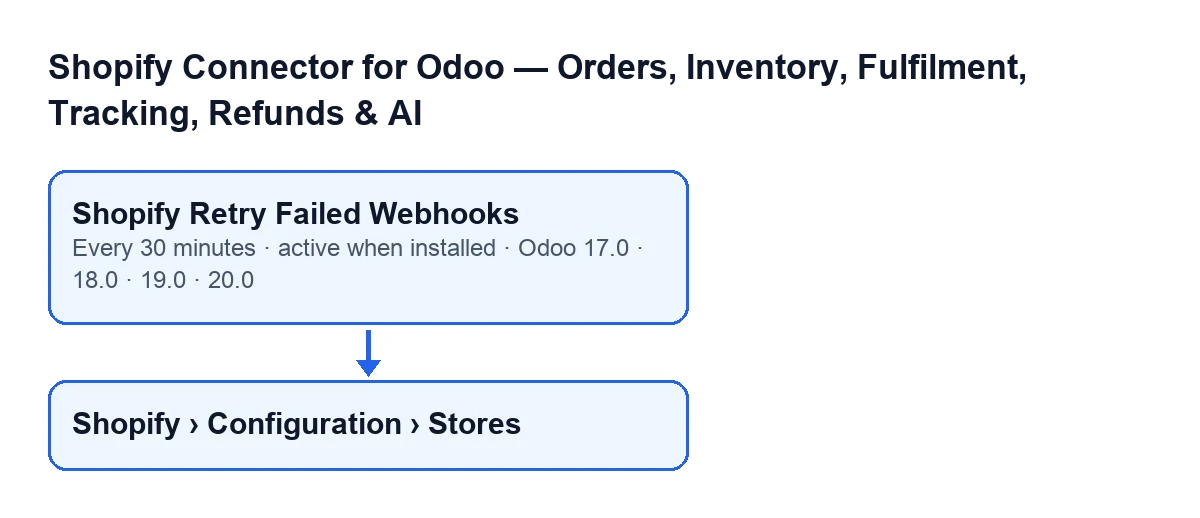
Shopify › Configuration › Stores menu.Which events does it pick up on each run?
Those in the failed state that belong to an active store. It sorts them by date received, oldest first, and by identifier when the dates match. On each run it takes at most twenty.
What changes on each event it retries?
Three things. The state goes back to pending. The retry counter stored in the event's result goes up by one (if the event had no counter, it counts from zero and ends up at one), and anything else in that result is kept. And the event's error message is cleared.
How many times does it retry the same event?
Up to three. Once an event's counter has reached three, the task skips it on every run and never touches it again: it stays in the failed state.

What to check if it does nothing
What should I check first if no event is being retried?
Three things, in this order. That the task is still active. That the store the events belong to is active, because events from an inactive store are not part of the search; stores open from Shopify › Configuration › Stores, a menu that asks for the Viewer permission on the Shopify section and Operator on the Configuration section. And that the failed events have not already used up their retries, because those are skipped.
What message can the task give?
It can stop with Only an administrator can run this scheduled action.. The administrator check is the first thing the task does: if whoever runs it is not a system administrator, it stops there and on that run it neither searches for nor retries any event.
Can old events stop newer ones from being retried?
Yes, it can happen. The limit of twenty is applied when searching, before the events that have used up their retries are discarded, and the search goes from oldest to newest. As long as they stay in the failed state, the oldest exhausted events take up places among those twenty, and newer failed events may not get into the run.
Why does a retried event no longer show its earlier error?
Because when it sets the event back to pending, the task clears the event's error message.
Versions, on-screen name and requirements
Which versions have the task, and does anything differ between them?
It is in every published branch: Odoo 17, 18, 19 and 20. In Odoo 17 the task is also set up to repeat without end.
What is the task called with Odoo in Spanish?
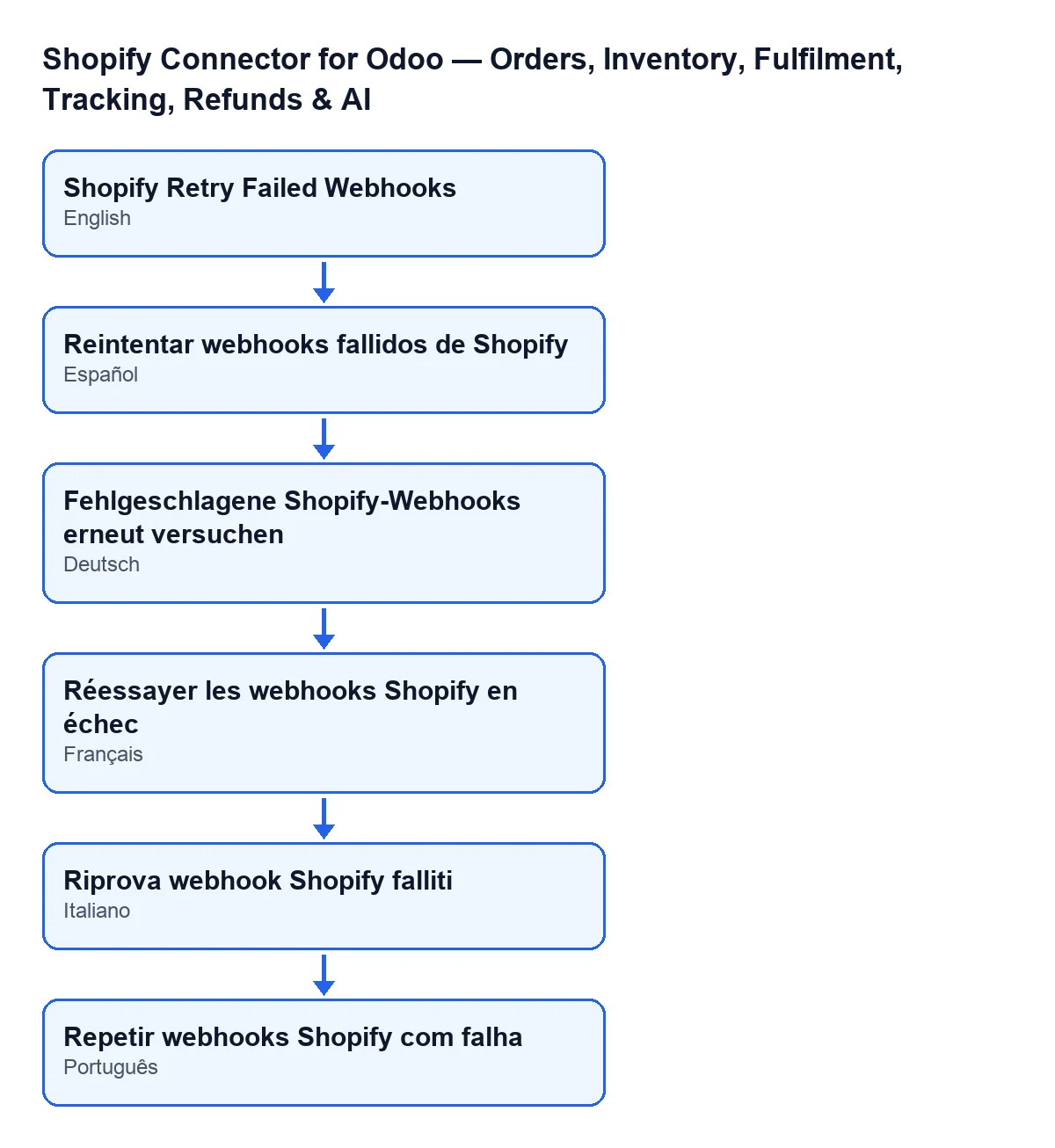
With Odoo in Spanish it is called Reintentar webhooks fallidos de Shopify.
What do I need to have the module?
The module is a one-off payment per version and needs the FlexigoTech Cloud subscription, Connector plan: €49 a month or €490 a year, excluding VAT, with up to 3 accounts on the platform. The connection goes through that service, which stores the credentials encrypted, monitors the sync and emails you if it fails. If you buy on flexigotech.com, the module for newer Odoo versions is included with the subscription; on the Odoo App Store, each Odoo version is bought there.
How FlexigoTech can help
If you are implementing Odoo and want to connect your Shopify store, FlexigoTech implements Odoo 17, 18, 19 and 20 and builds custom connectors and integrations. You will find the module details on its page and on the Odoo Apps listing.
Keep reading
Checked in the connector's source code (version 17.0 and 20.0) and the linked sources
Sources
- Module source code: flexigobe_shopify_seller_connector 20.0 (d7e627b4): data/ir_cron_data.xml
- Module source code: flexigobe_shopify_seller_connector 17.0 (437257e3): data/ir_cron_data.xml
- Module source code: flexigobe_shopify_seller_connector 20.0 (d7e627b4): models/shopify_instance.py
- Module source code: flexigobe_shopify_seller_connector 20.0 (d7e627b4): models/fgt_cloud.py
- apps.odoo.com/apps/modules/20.0/flexigobe_shopify_seller_connector
- flexigotech.com/precios.html
- flexigotech.com/en/services.html