

 Español
 Català
 Deutsch
 Français
 Português
 Italiano
 Nederlands
 Polski
Where the button is and when you need to press it
Where is the Push Stock button and when does it show?
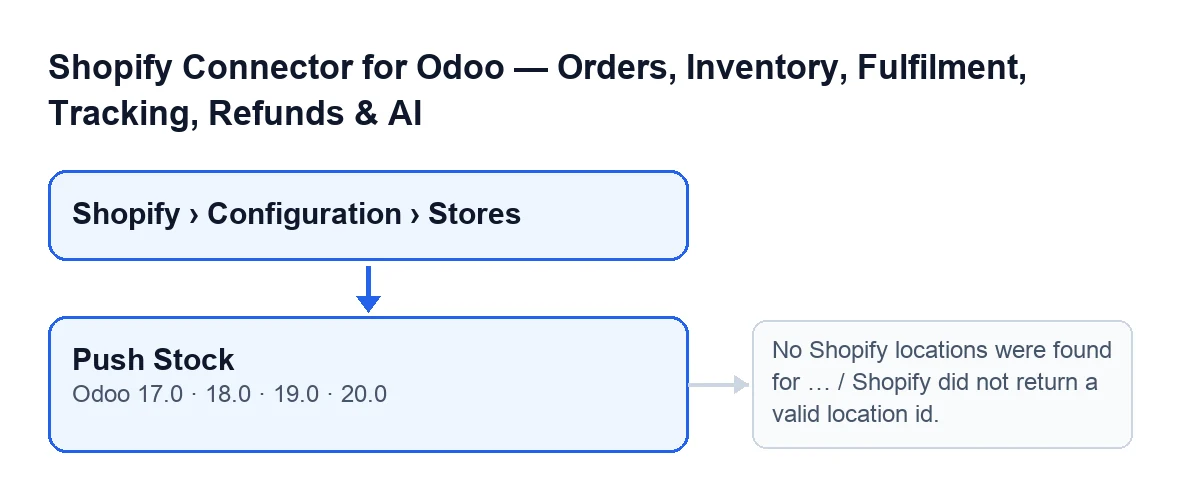
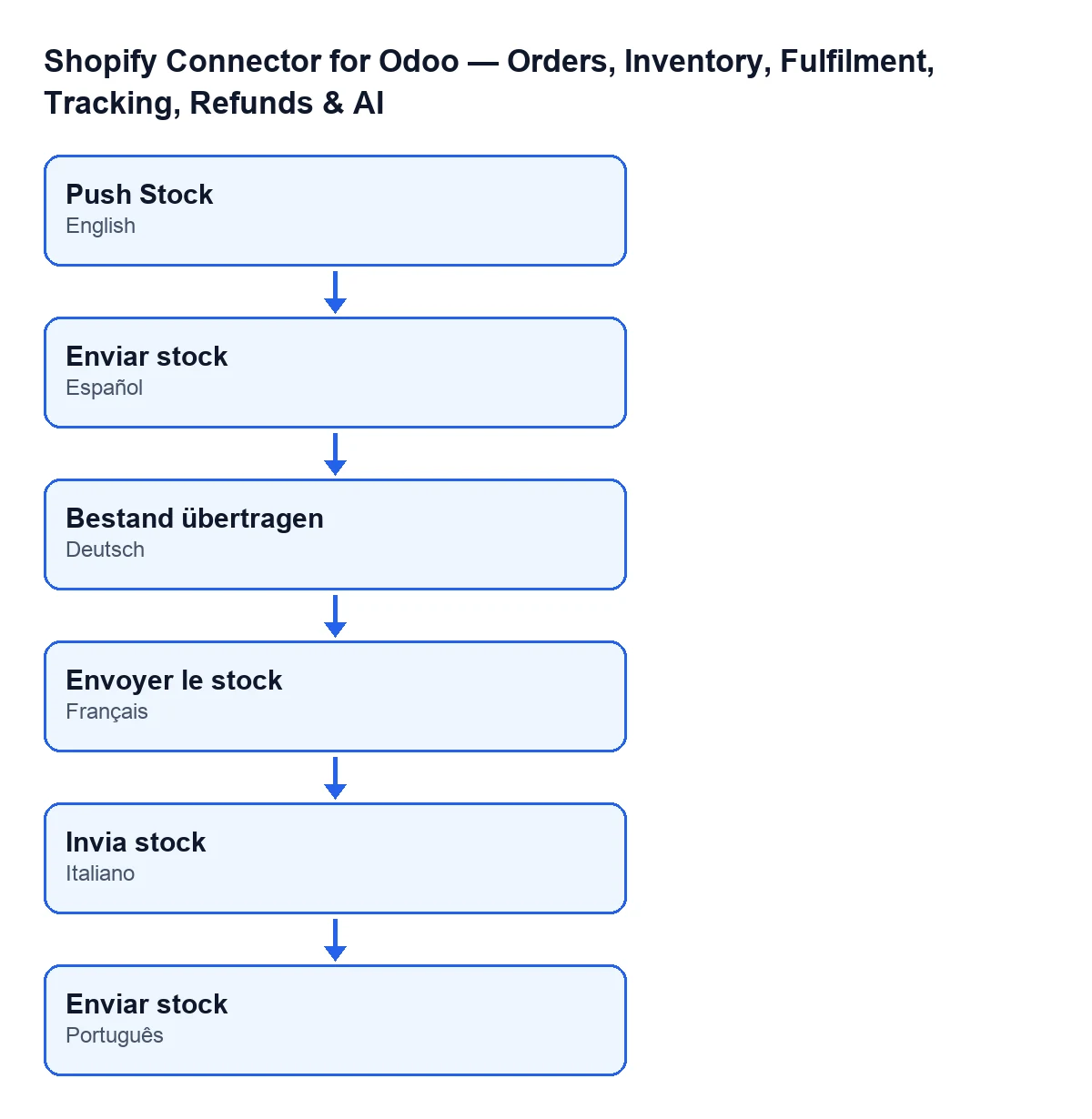
It is on the store form, in the Shopify Instances screen. You reach it from the menu Shopify › Configuration › Stores; to see it you need the permission each part of the menu asks for: Viewer for Shopify and Operator for Configuration. The button has no visibility condition: it shows on the form in Odoo 17, 18, 19 and 20. The behaviour described below is that of the module's code in Odoo 20.0. With Odoo in Spanish the button reads Push Stock; in German, Bestand übertragen; in French, Envoyer le stock; in Italian, Invia stock; in Portuguese, Push Stock.
Do I have to press it, or does Odoo send the stock on its own?
The normal route is automatic: the scheduled task Shopify Push Stock reaches this same send every 20 minutes and is active from installation. The button is the exception: it runs the send right now, without waiting for the task. When it finishes, the field Last Stock Push carries the date; it appears on the form and in the list of stores, it is read-only and the code writes it, not you. The Reset Sync button empties it.
And what about stock going the other way, from Shopify to Odoo?
That is a different task: Shopify Pull Stock (Shopify → Odoo), every 6 hours and active on installation. Its method only acts if the checkbox Sync Stock Enabled is ticked. You find it on the Shopify Instances form, Operations tab, Sync Settings group, and it is unticked by default. The method behind Push Stock, as written, does not look at that checkbox.

What it checks and what it sends
Which products does it send?
For each store, the module looks for the products linked to it that are active and have a Shopify inventory item assigned. It then drops those belonging to a company other than the store's (Company), even if the link was left over from before. If none remain, it sends nothing to Shopify: it only stamps Last Stock Push and moves on to the next store.
Which quantity does it send: what is on hand or what is available?
The free quantity: on hand minus what is already reserved, worked out with the store's company, rounded to a whole number and taken as zero if there is no value. The reason, according to the code itself: a Shopify order confirmed in Odoo reserves the unit, but on hand only drops when the delivery is validated. Sending on hand would mean that between the online sale and the shipment Shopify saw that unit as available again, and with the last unit a second customer could buy it. More on orders and delivery orders in what the module adds to sales and what it adds to delivery orders.
If I send the same quantities again, does Shopify ignore them as a duplicate?
No. Each run of the send generates its own key and varies it for every block, precisely so that identical quantities sent later are not taken for a duplicate. The send goes in blocks of one hundred products at most. In each block the available quantity in Shopify is set as Odoo works it out, with the reason correction and without comparing it with whatever Shopify holds at that moment.
What changes and which errors it can give
Which Shopify location does it use, and what changes in Odoo?
First it finds the location: it uses the one the store already has saved and, if there is none, asks Shopify, takes the first one returned and saves its identifier and name. What changes in Odoo is dates: after sending each block, it records the stock sync date on every product in that block, and at the end it writes Last Stock Push on the store. If an error stops the action, the message appears and that last date is not saved.
Which location or connection messages can appear when I press the button?
These. No Shopify locations were found for …: the store had no saved location and Shopify returned none; the dots stand for the store's domain. Shopify did not return a valid location id.: Shopify returned a location without an identifier. These two location messages can only happen when the saved location is missing. There is also Shopify is not connected for …. Open the Connection tab and follow the setup steps.: the store still has no access token; the dots stand for the store's name. Open its form, Connection tab, and follow the setup steps.
And the messages from the call to Shopify?
They also appear when you press the button. Shopify GraphQL call failed (…): … appears when Shopify answers with an error code of 400 or above; the message carries that code and the start of the response. Before giving up, the module handles 401 and 429: on a 401 it tries to renew access and repeats, if there is a refresh token or client credentials; on a 429 it waits and repeats, with up to three attempts in a normal call. Shopify GraphQL returned errors: … and Shopify GraphQL call exhausted retries. can also appear. In every case keep the full text of the message: it is what whoever checks the connection will need.
If you set it up with help
FlexigoTech implements Odoo 17, 18, 19 and 20 and builds connectors and custom integrations. The module is a one-off payment per Odoo version (price on its Odoo Apps listing and on the module page) and needs the FlexigoTech Cloud subscription: Connector plan, €49/month or €490/year excluding VAT, up to 3 accounts on the platform. With that connection the credentials are stored encrypted, synchronisation is monitored and you get an email if it fails.
If any of these messages is not resolved, write to us with the full text and the Odoo version you use.
Keep reading
Checked in the connector's source code (version 20.0) and the linked sources
Sources
- Module source code: flexigobe_shopify_seller_connector 20.0 (2950bdc0): views/shopify_instance_views.xml
- Module source code: flexigobe_shopify_seller_connector 20.0 (2950bdc0): models/shopify_instance.py
- Module source code: flexigobe_shopify_seller_connector 20.0 (2950bdc0): models/fgt_cloud.py
- apps.odoo.com/apps/modules/20.0/flexigobe_shopify_seller_connector
- flexigotech.com/en/services.html
- flexigotech.com/precios.html