

 Español
 Català
 Deutsch
 Français
 Português
 Italiano
 Nederlands
 Polski
What this action is and when it runs
Shopify Connector for Odoo includes a scheduled action called Shopify Process Webhooks. It belongs to the Shopify store model and runs the method that processes the webhook events received. It runs every minute and is active as soon as the module is installed. It exists in every published branch (17.0, 18.0, 19.0 and 20.0); in Odoo 17.0 it is also set to repeat without end.
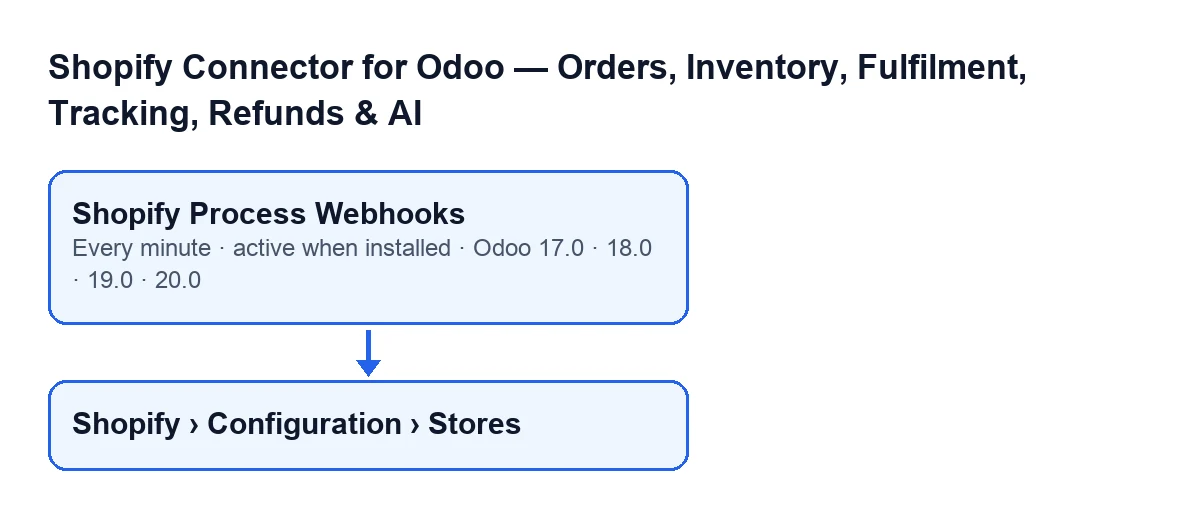
Shopify › Configuration › Stores menu.With Odoo in English the action is called Shopify Process Webhooks; this diagram shows its name in other languages:
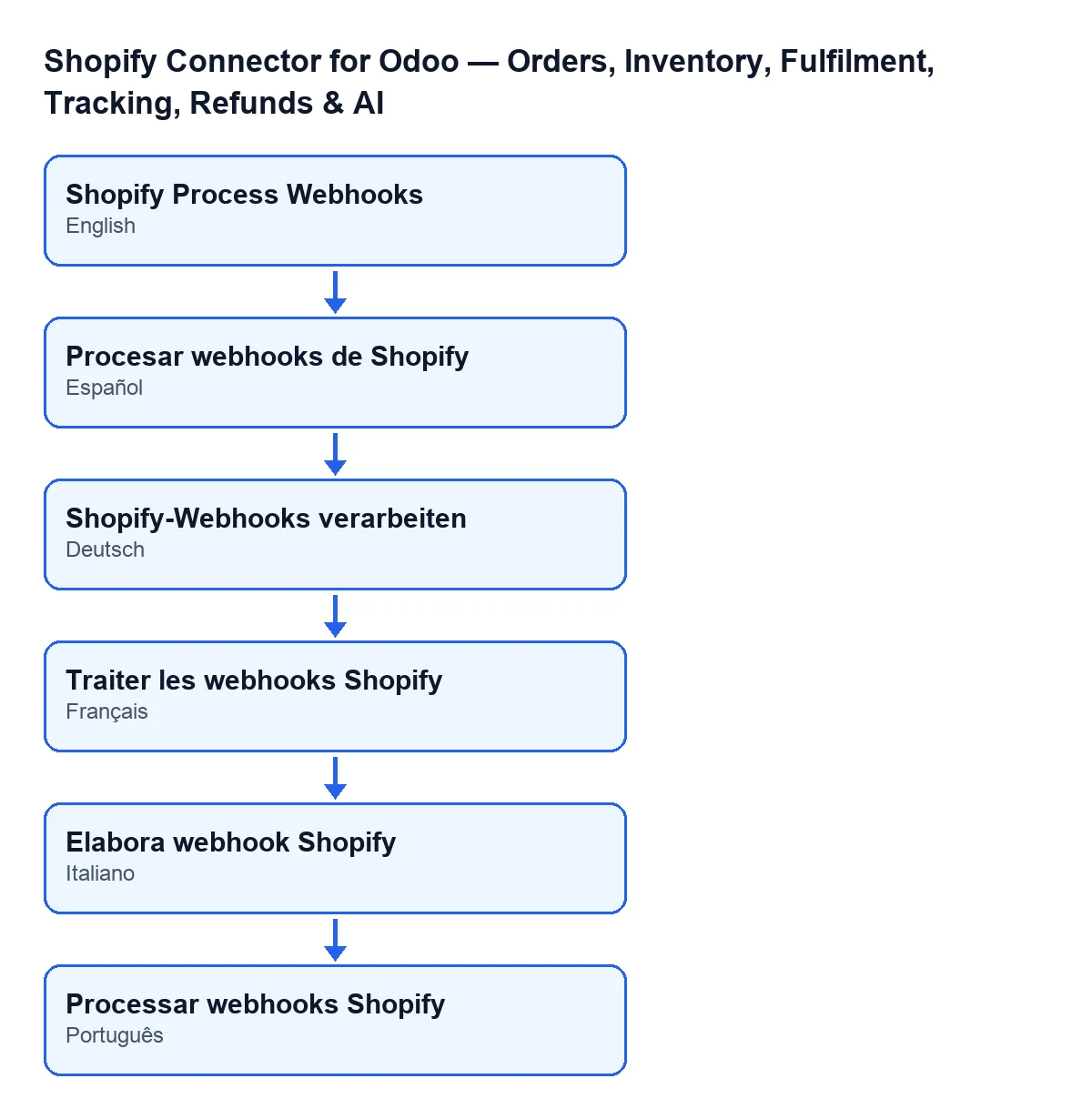
Shopify Process Webhooks; in German, «Shopify-Webhooks verarbeiten»; in French, «Traiter les webhooks Shopify»; in Italian, «Elabora webhook Shopify»; in Portuguese, «Processar webhooks Shopify».
Timeline of one pass
In Odoo 20.0, a pass follows this order:
- Every minute Odoo starts the action. The first thing it does is check that whoever runs it is a system administrator; if not, it can stop with
Only an administrator can run this scheduled action.and processes nothing.
- At the start It looks for webhook events that are pending. It sorts them from oldest to newest by the date they were received (and by creation order if they tie) and takes at most 50 per pass.
- Event without a store If an event has no store attached, the action marks it as failed, stamps it with the processing time and an error message, and moves on to the next one.
- Event with a store The action asks the store to process that event according to its topic (topic by topic, below). If all goes well, the event ends up as processed, with its processing time, the result saved and no error message. After each event, the action saves the changes to the database.
- If processing fails The event ends up as failed, with the processing time, the error text and the partial result (the counters for orders, products and stock). The action does not stop: it carries on with the next event.
- If something else fails If an exception escapes from the processing of an event, the action logs it on the server, undoes the changes still pending from that round and carries on with the rest.
- When the events are done It looks for Shopify orders that have a linked sales order in draft or sent state, whose store has automatic sales confirmation turned on and that do not carry the manual sales order flag. It takes them from most recently updated to oldest, up to 50, and asks for them to be confirmed; if this part fails, the error is logged and the action does not stop.
- At the end If any sales order was confirmed, the code leaves a note in the server log. If this last part fails, the error is logged and only that step is undone: what was already saved for the events stays.
What it does with each event, by topic
The event topic is read in capitals and decides what happens:
APP_UNINSTALLED: the store is deactivated and its access token, refresh token and token expiry date are cleared.- Topics starting with
ORDERS_: if the store has order sync by webhook turned on, the action hands the order named in the event to the order synchronisation process and records in the result how many were handled. - Topics starting with
PRODUCTS_: if the store has product sync by webhook turned on, the action hands the product named in the event to the product synchronisation process and records in the result how many were handled. - Topics starting with
INVENTORY_LEVELS: only if the store has stock sync by webhook turned on and, in addition, stock sync in general, the action hands the inventory change to the process that applies it; if that process confirms it, the result records one stock update.
One detail matters: if the topic is none of these, or if the matching setting on the store is off, the action hands nothing over to be synchronised but the event still ends up as processed, with the counters at zero. A processed event therefore does not mean that an order, a product or stock was touched.
What to check if it does nothing
- The action must be active. It is active on install and runs every minute.
- Who runs it. If someone who is not a system administrator launches it, it can stop with
Only an administrator can run this scheduled action. - It only picks up pending events. An event marked as failed does not re-enter this action. If many are pending, each pass handles the oldest ones, up to 50, and the rest wait for later passes.
- Result with counters at zero. This happens when the event topic is not one the action handles, or when the store does not have webhook sync turned on for that type (for stock, also stock sync in general). The event is marked as processed with nothing handed over to be synchronised.
- Deactivated store. An
APP_UNINSTALLEDevent deactivates the store and clears its tokens. - Sales orders still in draft. Automatic confirmation needs the store to have it turned on, the sales order to be in draft or sent state and the Shopify order not to carry the manual sales order flag. It looks at up to 50 orders per pass.
Stores open from Shopify › Configuration › Stores. To see that menu you need the Operator permission on the Configuration branch and Viewer on the Shopify branch.
Price and help
The module is a one-off payment per version and needs a FlexigoTech Cloud subscription, Connector plan: €49 a month or €490 a year, excluding VAT. It is published for Odoo 17, 18, 19 and 20. The connection goes through FlexigoTech Cloud, which stores the credentials encrypted, watches the synchronisation and emails you if it fails.
If you are implementing Odoo with Shopify or need a bespoke integration, FlexigoTech implements Odoo 17, 18, 19 and 20 and builds connectors. There is more detail on the module page and in its Odoo Apps listing.
Keep reading
Checked in the connector's source code (version 17.0 and 20.0) and the linked sources
Sources
- Module source code: flexigobe_shopify_seller_connector 20.0 (d7e627b4): data/ir_cron_data.xml
- Module source code: flexigobe_shopify_seller_connector 17.0 (437257e3): data/ir_cron_data.xml
- Module source code: flexigobe_shopify_seller_connector 20.0 (d7e627b4): models/shopify_instance.py
- Module source code: flexigobe_shopify_seller_connector 20.0 (d7e627b4): models/fgt_cloud.py
- apps.odoo.com/apps/modules/20.0/flexigobe_shopify_seller_connector
- flexigotech.com/precios.html
- flexigotech.com/en/services.html