

 Español
 Català
 Deutsch
 Français
 Português
 Italiano
 Nederlands
 Polski
Where it is and when it runs
Where is the Sync Products button?
Open Shopify › Configuration › Stores and go into the store form, on the Shopify Instances screen: the button is there. To reach the menu you need permissions: the Configuration section asks for Operator and the Shopify section asks for Viewer; if you lack one, you do not see that section. The button has no visibility condition and exists in Odoo 17, 18, 19 and 20.
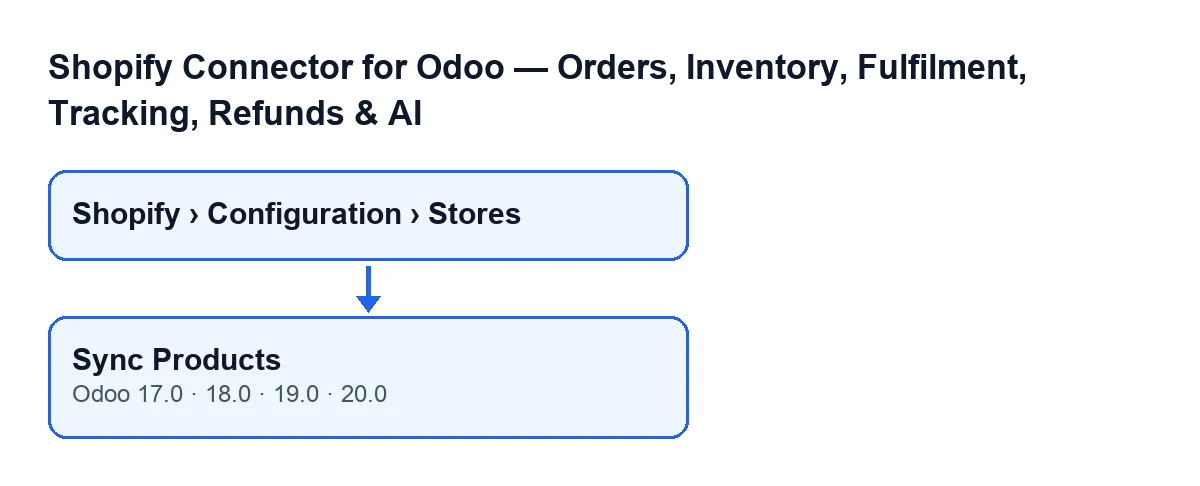
Sync Products button, for Odoo 17, 18, 19 and 20.Do you have to press it by hand?
There is an automatic path: the scheduled task Shopify Sync Products reaches the same action every hour, but it is switched off on install; while it stays that way, it does not run by itself. Separately, the Shopify Process Webhooks task, which runs every minute and is active on install, reaches a different method in the module: one that asks Shopify for specific products by their identifier, one at a time, and does not walk the catalogue page by page. Pressing Sync Products is how you start the paged run whenever you like, without waiting for the task.
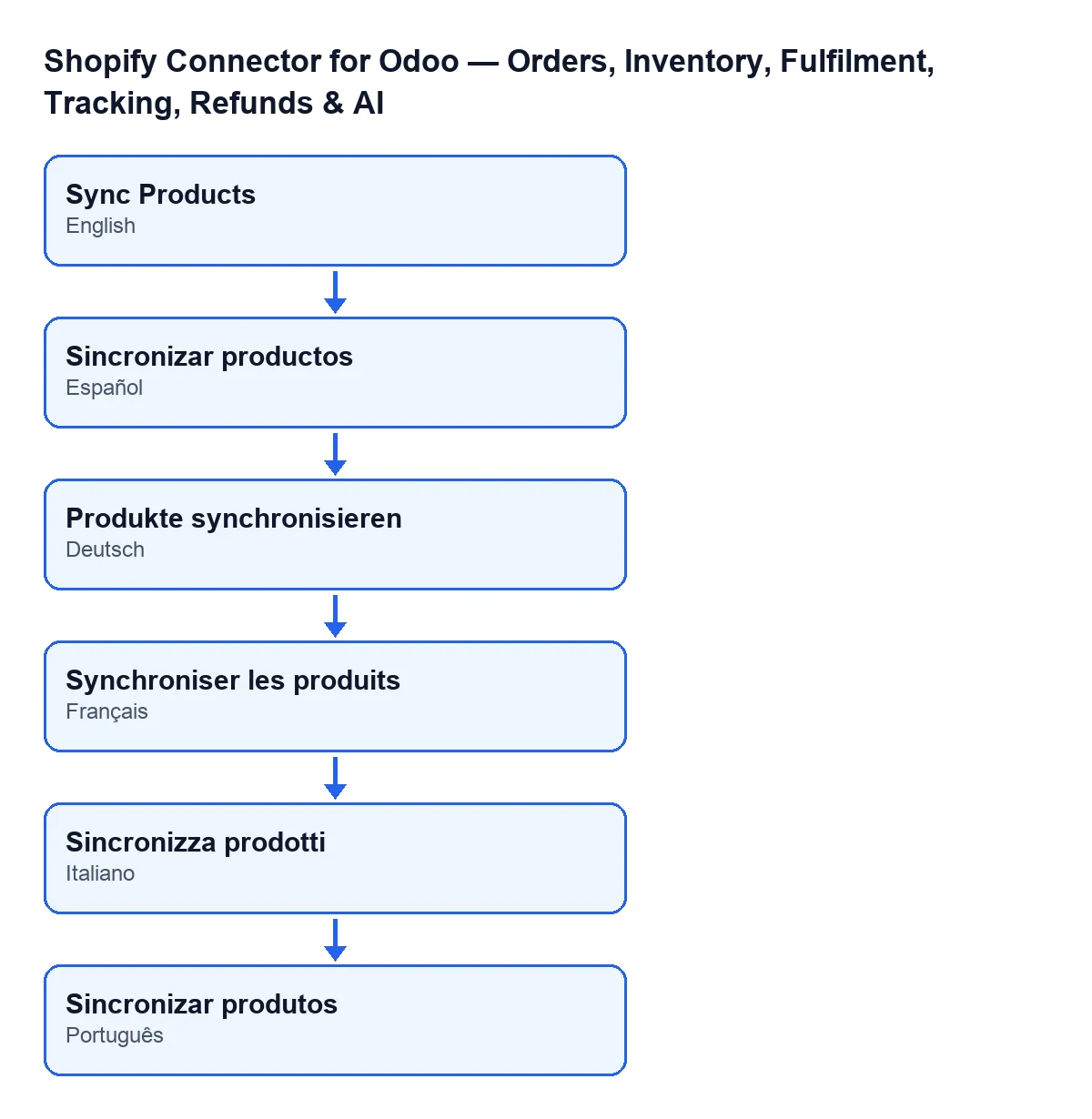
What is the button called with Odoo in another language?
In English it is Sync Products. The diagram below also shows the translation into Spanish, German, French, Italian and Portuguese.

What it checks and what it changes
In Odoo 20, the module does this when you press the button:
What does it do first?
It opens an entry in the sync log, of the products type and in progress, and prepares a query to Shopify. For each product the query asks for title, vendor, product type, status, handle, description, tags, update date, featured image, options and variants (SKU, title, price, compare-at price, barcode, inventory quantity, selected options, inventory item and image). Products arrive sorted by update date. Before saving each one, the module makes sure it carries all of its variants.
Does it bring the whole catalogue every time?
That depends on the Last Product Sync field, which you see on the store form and in the Shopify Instances list, read-only: the code fills it, not you. If it is empty, the query has no date filter. If it has a value, the module asks only for products updated since that date (inclusive). When the run finishes in full, the field takes the current time.
What happens if there are more products than pages?
Two settings set the size of a run, on the store form, Operations tab, Sync Settings group. Page Size is 50 by default; its help warns that above 100 Shopify rejects the query, and that a large page on a data-heavy query can exceed the cost limit, and the button never asks for more than 100 per page. Max Pages is 20 by default. The run stops when Shopify has no more pages or when it reaches that maximum.
If it is cut short with pages left, the module leaves a message on the store form saying the run stopped at the page limit and from which date the next one will resume. Last Product Sync then moves to the update date of the last product read, provided that date is later than the saved one (or none was saved); if it is not, it moves to the current time.
Does one failing product break the sync?
No. Each product is saved in isolation: if one fails, the module skips it, leaves a warning in the server log and carries on with the next. At the end, the sync log entry records as updated only the products that were saved; skipped ones do not count as errors, so a successful entry does not rule out that some product was skipped. That is what the server-log warning is for.
When it stops with an error
What happens if the call to Shopify fails?
Each call allows up to three attempts. If Shopify answers 401 (the token is no longer accepted) and the store can renew it, the module renews it and tries once more. If it answers 429 (rate limit), it waits according to the Retry-After header and retries, with a maximum wait of thirty seconds. Any response with code 400 or above that is not resolved that way stops the call with an error. When the failure comes out of the product loop, the log entry is marked as failed with the error text (cut to a maximum of 2000 characters), the error is raised again so the action stops, and Last Product Sync is not updated.
And if FlexigoTech Cloud pauses the connection?
If the store's connection goes through FlexigoTech Cloud, calls travel through its relay and Odoo does not connect to the shop directly. If the service pauses it, the whole run stops, no product is skipped and the log entry is deleted instead of being left as failed.
What you need to use it
The module is a one-off payment per Odoo version and is published for 17, 18, 19 and 20; the price for each version is on the Odoo Apps page and on the module page. It also needs the FlexigoTech Cloud subscription, Connector plan: €49 a month or €490 a year excluding VAT, up to 3 platform accounts (Pro plan: €98 a month or €980 a year, up to 10). The connection stores the credentials encrypted, watches the sync and emails you if it fails. Without a subscription, or with the service suspended, what the subscription provides stops; your data stays in your Odoo. If you buy on the Odoo App Store, each Odoo version is bought there. If you need an Odoo implementation or want the integration adjusted to your catalogue, FlexigoTech implements Odoo 17, 18, 19 and 20 and builds custom connectors and integrations.
Keep reading
Checked in the connector's source code (version 20.0) and the linked sources
Sources
- Module source code: flexigobe_shopify_seller_connector 20.0 (03641761): views/shopify_instance_views.xml
- Module source code: flexigobe_shopify_seller_connector 20.0 (03641761): models/shopify_instance.py
- Module source code: flexigobe_shopify_seller_connector 20.0 (03641761): models/fgt_cloud.py
- apps.odoo.com/apps/modules/20.0/flexigobe_shopify_seller_connector
- flexigotech.com/en/services.html
- flexigotech.com/precios.html