

 Español
 Català
 Deutsch
 Français
 Português
 Italiano
 Nederlands
 Polski
A case: Lucía clicks the button and nothing is sent
Example Illustrative case: the company and its figures are made up to explain the flow.
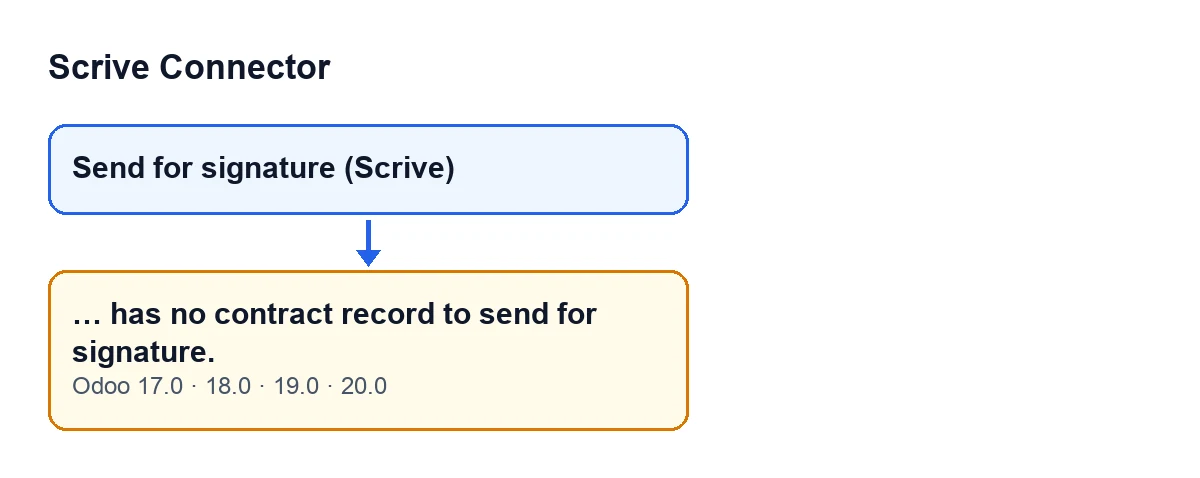
Muebles Lumbre is an invented company using Odoo with Scrive Connector. Lucía, in HR, opens the form of Marcos Ibarra, who has just joined, and clicks Send for signature (Scrive). Odoo sends nothing and shows this notice:
Marcos Ibarra has no contract record to send for signature.
Lucía assumes the connection to Scrive has failed. The notice is about something else: the form itself, which at that moment is not showing any contract record.
Exactly when it appears
The message is raised by the action behind the Send for signature (Scrive) button on the employee form. In order, that action:
- Takes the employee form on which the button was clicked.
- Looks at which contract record that form is showing at that moment.
- If there is none (the code's condition is that this record is empty), it stops with the message, preceded by the employee's name, and nothing is sent.
- If there is one, the action hands the sending over to that contract record.
What happens after that handover is covered in the article on what the «Send» button in Scrive Connector does.
One detail in the code matters here. In Odoo 20, according to the method's own comment, what gets sent is the contract the form is currently showing, not always the current one: for example, the one chosen in the versions timeline in the form header. So the message depends on what the form is showing at that moment.
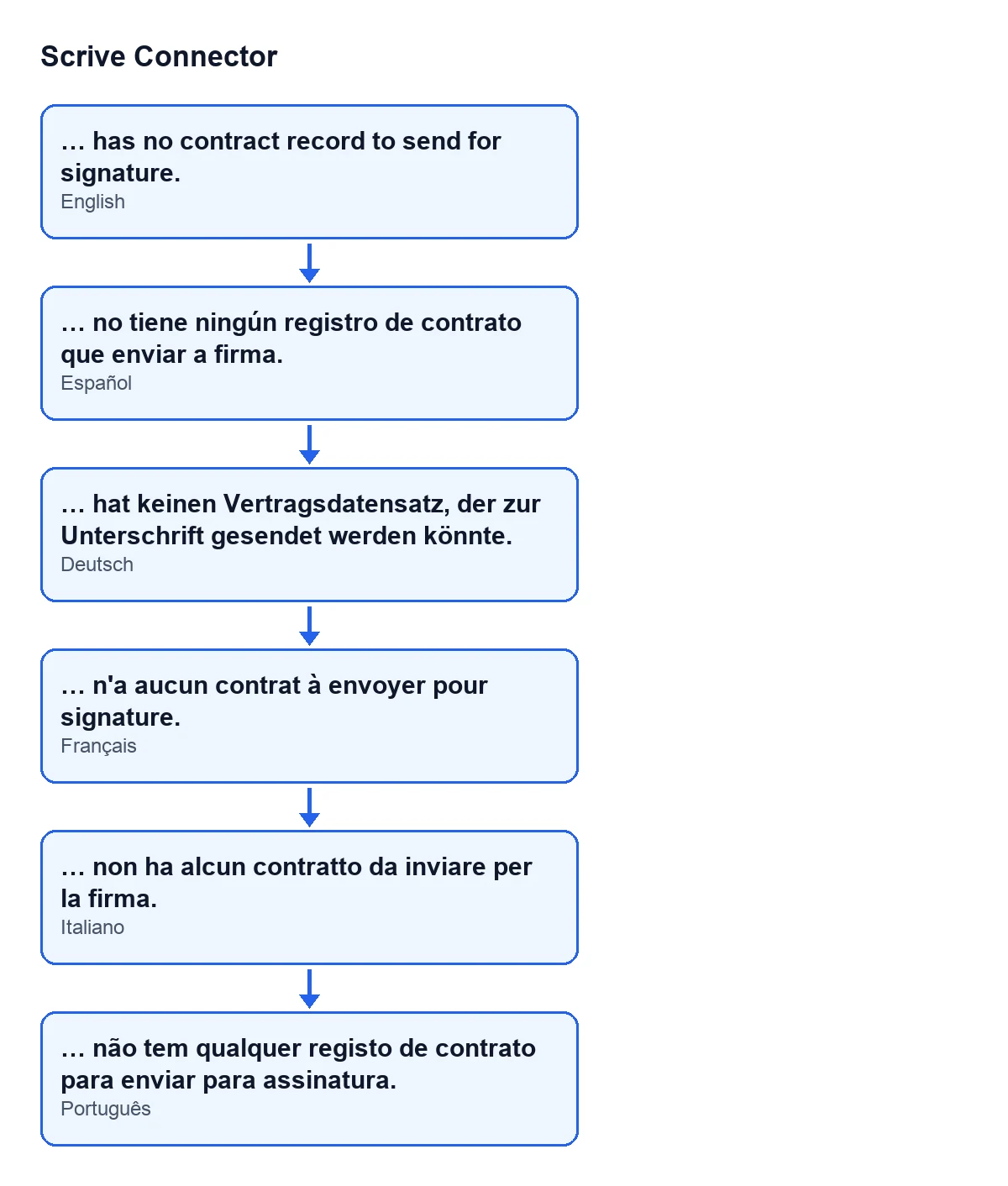
With Odoo in English, the button is called Send for signature (Scrive) and the message is the one above. The diagram below shows how the same text reads in other Odoo languages.
What it means
It means the module has nothing to hand over for sending from that form: the form is not showing any contract record for the employee. The notice says nothing about the connection, a document or your Scrive account; it says the contract record that was about to be sent is missing.
When the button is visible
In Odoo 17, 19 and 20, Send for signature (Scrive) is hidden when the Contract Ready to Sign field is not set. That field does not appear in any view. The message, for its part, appears when you click the button and the form is not showing any contract record.
How Lucía fixed it, step by step
- She opens Marcos's form and checks whether it shows a contract record.
- If the employee already has contract records, she makes the form show the one she wants to send. In Odoo 20 she can choose it in the versions timeline in the form header.
- If the employee has no contract record, she creates it in Odoo first, before clicking the button.
- With the form showing a contract record, she clicks
Send for signature (Scrive)again. The message no longer appears and the sending passes to that contract record.
In Lucía's case, Marcos had no contract record yet. Once he had one, the button stopped giving the notice.
Where this lives and in which versions
The button and its message are not in the main module but in the submodule Scrive HR Contracts (flexigobe_scrive_connector_hr). It installs itself when its dependencies are present:
- In Odoo 17 and 18 it depends on
flexigobe_scrive_connectorandhr_contract. - In Odoo 19 and 20 it depends on
flexigobe_scrive_connectorandhr.
The message is in the published code for Odoo 17, 19 and 20, not in Odoo 18. The module is published on Odoo Apps for Odoo 17, 18, 19 and 20, and each version's price is on the Odoo Apps listing and on the module page. It is a one-off purchase per version and needs the FlexigoTech Cloud subscription (Connector plan: €49 a month or €490 a year, excluding VAT).
What to take from the case
- The message is about the employee form: it appears when there is no contract record to hand over for sending, not because of the connection to Scrive.
- What is sent is what the form shows, so check first which contract record it has in front of it.
- The name before the text is that of the employee on the form where you clicked, which helps you confirm you are on the right form.
- If the employee has no contract record, it has to be created before you click the button.
How FlexigoTech helps
If you are implementing Odoo and want employee contracts to go out for signature with Scrive, FlexigoTech implements Odoo 17, 18, 19 and 20 and builds custom connectors and integrations.
Keep reading
Checked in the connector's source code (version 20.0) and the linked sources
Sources
- Module source code: flexigobe_scrive_connector_hr 20.0 (21b3b940): models/hr_employee.py
- Module source code: flexigobe_scrive_connector_hr 20.0 (21b3b940): views/hr_employee_views.xml
- Module source code: flexigobe_scrive_connector_hr 20.0 (21b3b940): __manifest__.py
- apps.odoo.com/apps/modules/20.0/flexigobe_scrive_connector
- flexigotech.com/precios.html
- flexigotech.com/en/services.html
- Module source code: flexigobe_scrive_connector 20.0 (21b3b940): __manifest__.py
- Module source code: flexigobe_scrive_connector 20.0 (21b3b940): wizard/scrive_send_wizard.py