

 Español
 Català
 Deutsch
 Français
 Português
 Italiano
 Nederlands
 Polski
When it appears and what it means
When does this message appear?
It appears when you press Send, a button that is always visible in Odoo 17, 18, 19 and 20. Once you press it, the «Scrive HR Contracts» submodule checks that the chosen Scrive account belongs to the same company as the document. Three things must hold at once for the message to appear: the document has a company, the Scrive account has a company, and the two companies are different. The action then stops.
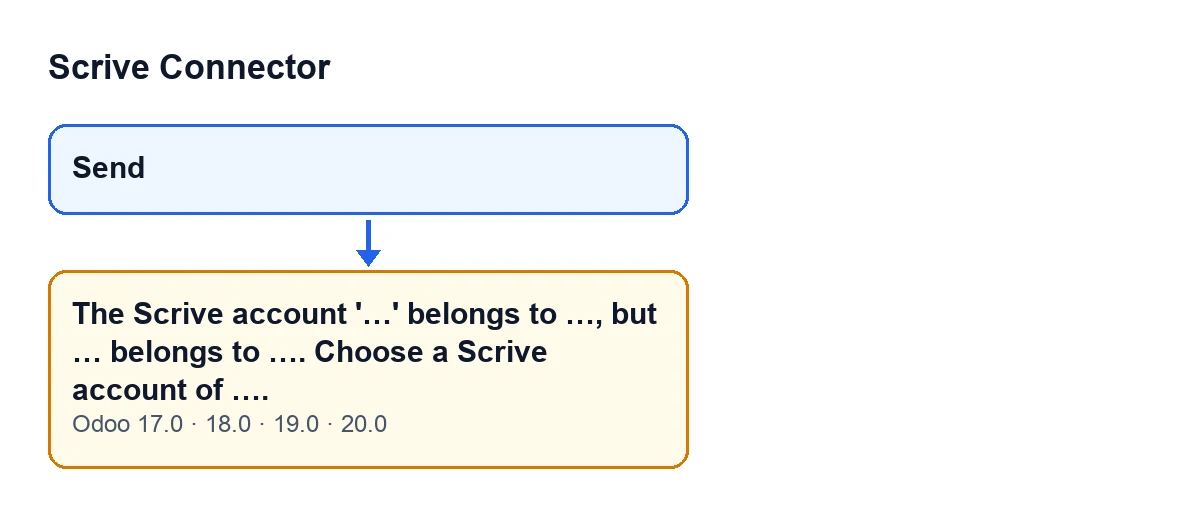
Send button to the message about the Scrive account, as it stands in the code for Odoo 17, 18, 19 and 20.What does each gap in the message stand for?
The module fills the gaps with specific values, in this order: the name of the Scrive account you chose; the company that account belongs to; the name of the document (if it has no name, you will see this document); the company the document belongs to; and, at the end, the document's company again, which is the one you must pick an account from. The last name in the message is the one that matters most when you correct it.
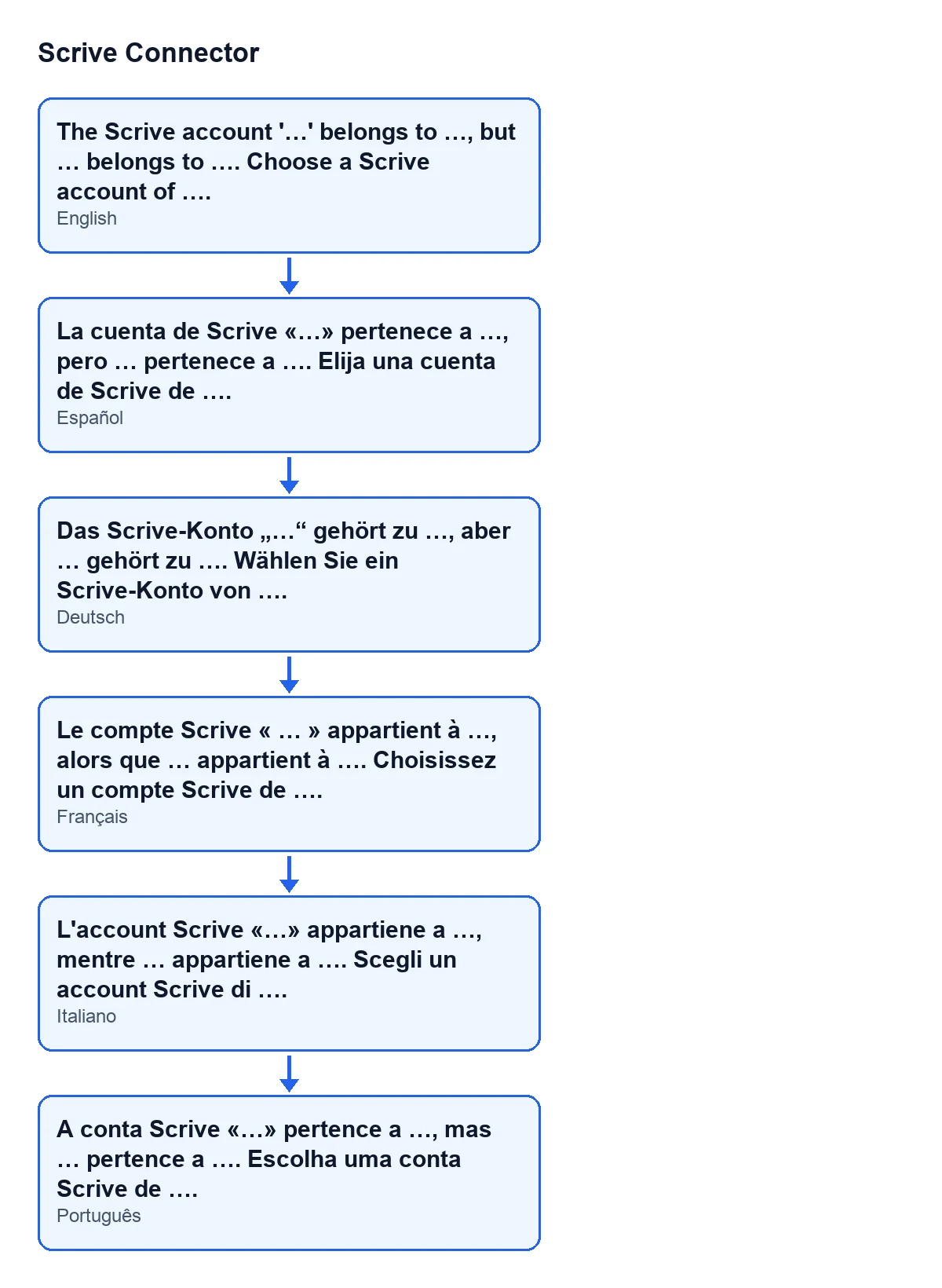
The Scrive account '…' belongs to …, but … belongs to …. Choose a Scrive account of ….; the diagram also shows the Spanish, German, French, Italian and Portuguese versions.Is anything saved when the error appears?
No. It is an error that stops the action, so nothing the sending was going to change gets saved. The code itself describes the check as refusing an account of another company before anything is created.
Why does the module run this check?
According to the module's own code, the Scrive document takes its company from the account. Before the check existed, an account of another company ended up failing deeper inside Odoo, with its generic notice saying you might be able to access the record by switching to the company. Now the module warns you earlier, naming the account, the document and the two companies involved.
Where the check comes from
Is it in the main module?
No: it lives in the «Scrive HR Contracts» submodule, whose technical name is flexigobe_scrive_connector_hr. It depends on flexigobe_scrive_connector and, depending on the version, on another Odoo app: on Odoo 17 and 18, hr_contract; on Odoo 19 and 20, hr.
Do I have to install it separately?
The submodule installs itself once its dependencies are installed: Scrive Connector and hr_contract on Odoo 17 and 18, or Scrive Connector and hr on Odoo 19 and 20. If you have Scrive Connector together with that Odoo app, the check is part of your installation.
When it does not appear
Can it appear if the account or the document has no company?
No. The module first checks that both sides have a company. If the document's company or the account's company is missing, the check ends there without an error and compares nothing.
And if the account belongs to the same company as the document?
It does not appear either. When the two companies match, the check ends without a message. This warning only stops you when both companies exist and are different.
What happens if the document has no name?
The message still appears, and this document takes the place of the document's name. The condition that triggers it does not depend on the name, only on the companies.
How to fix it
What do I do when I get it?
Read the end of the message: the last company name it gives is the document's company, and that is the company you need a Scrive account from. Choose a Scrive account of that company and press Send again. Because the error stops the action without saving anything, you can simply retry with the right account.
What if the account I wanted to use is precisely the one from the other company?
The message tells you which company each item belongs to: the account you chose and the document. With different companies, the module does not accept that account for that document, and what the message asks for is an account of the document's company.
How do I know it is sorted?
When you press Send again with an account of the document's company, the check does not raise the message and the action no longer stops at that point. If it appears again, compare the company names in the text: the first two companies it mentions are the account's and the document's, and they are still different.
Which versions show it?
The message is in the published code of all four Odoo versions the module is published for on Odoo Apps: 17, 18, 19 and 20. The Send button is always visible in all of them.
Where can I read more about what Send does?
What the «Send» button of Scrive Connector does, step by step covers when it appears, what it checks and which errors it can give.
If you need help with your setup
FlexigoTech implements Odoo 17, 18, 19 and 20 and builds custom connectors and integrations. If you have questions about how Scrive accounts fit with your companies in Odoo, you can get in touch from the module page or check its listing on Odoo Apps.
Keep reading
Checked in the connector's source code (version 20.0) and the linked sources
Sources
- Module source code: flexigobe_scrive_connector 20.0 (21b3b940): wizard/scrive_send_wizard.py
- Module source code: flexigobe_scrive_connector 20.0 (21b3b940): wizard/scrive_send_wizard_views.xml
- Module source code: flexigobe_scrive_connector_hr 20.0 (21b3b940): __manifest__.py
- apps.odoo.com/apps/modules/20.0/flexigobe_scrive_connector
- flexigotech.com/en/services.html
- Module source code: flexigobe_scrive_connector 20.0 (21b3b940): __manifest__.py