

 Español
 Català
 Deutsch
 Français
 Português
 Italiano
 Nederlands
 Polski
Where it is and who can reach it
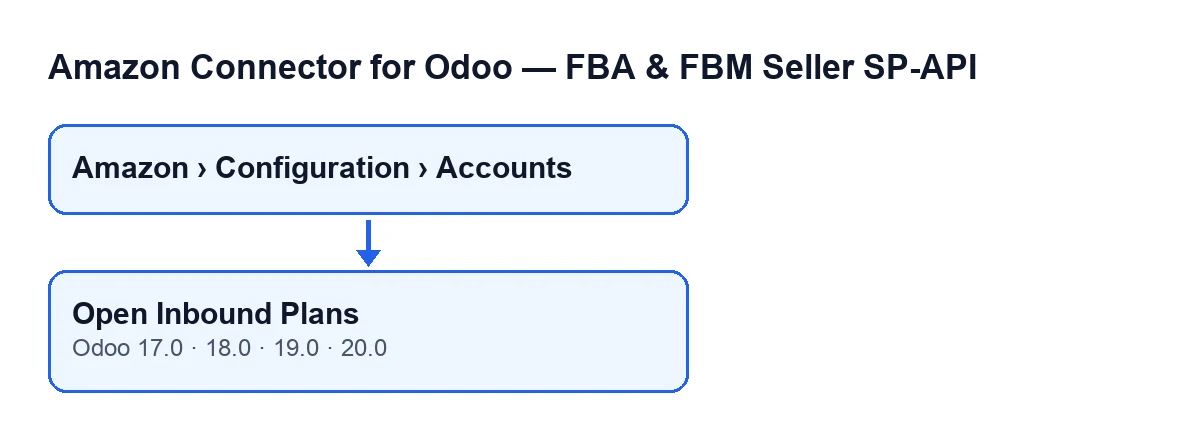
The Accounts screen opens from the menu Amazon › Configuration › Accounts. The Amazon step asks for the Viewer permission; the Configuration and Accounts steps ask for Manager. If you lack one of those permissions, you do not see that step of the menu.
The Open Inbound Plans button sits on that screen, in the 17.0, 18.0, 19.0 and 20.0 branches of Amazon Connector for Odoo (FBA & FBM Seller SP-API).

Common misconceptions about the button, and what really happens
"It only appears once the account is properly set up"
Reality: the button's view condition says it always shows, in Odoo 17, 18, 19 and 20. What can be missing is the route to it: if your user does not have the Manager permission, Configuration and Accounts do not appear in the menu.
"Pressing it changes the account"
Reality: according to the method's code in Odoo 20.0, this is what happens, in order:
- It works on the account you have open.
- It takes the action that opens the inbound plans screen.
- It filters that screen so it only shows the plans of that account.
- It adds three default values: the account, the FBM stock source location and the Marketplace ID.
- It returns the action and Odoo opens the screen.
The method ends there: it writes nothing to the account. It is a button for going to another screen with the context already prepared.
"It shows the plans of all your Amazon accounts"
Reality: the filter carries the account you pressed it from. If you work with several accounts, each Open Inbound Plans button opens the plans screen of its own account. To see another account's plans, go back to Amazon › Configuration › Accounts, open that account and press the button there.
"The values the screen receives come from some hidden setting"
Reality: they come from two fields on the account itself, and you can see both:
Marketplace ID: on theAccountsform,Identitytab,Marketplacegroup, and also in theAccountslist. Its help readsExample ES: A1RKKUPIHCS9HS, and that same value is the field's default in the code.FBM stock source location: on theAccountsform,FBA & Stocktab,Locationsgroup. Its help reads:If configured, Odoo -> Amazon stock is computed only from this internal location.
In Odoo 20.0, if the account has no source location or no marketplace, that default value is passed empty. If something arrives empty on the plans screen, look at the account form first.
"The button is different depending on language or Odoo version"
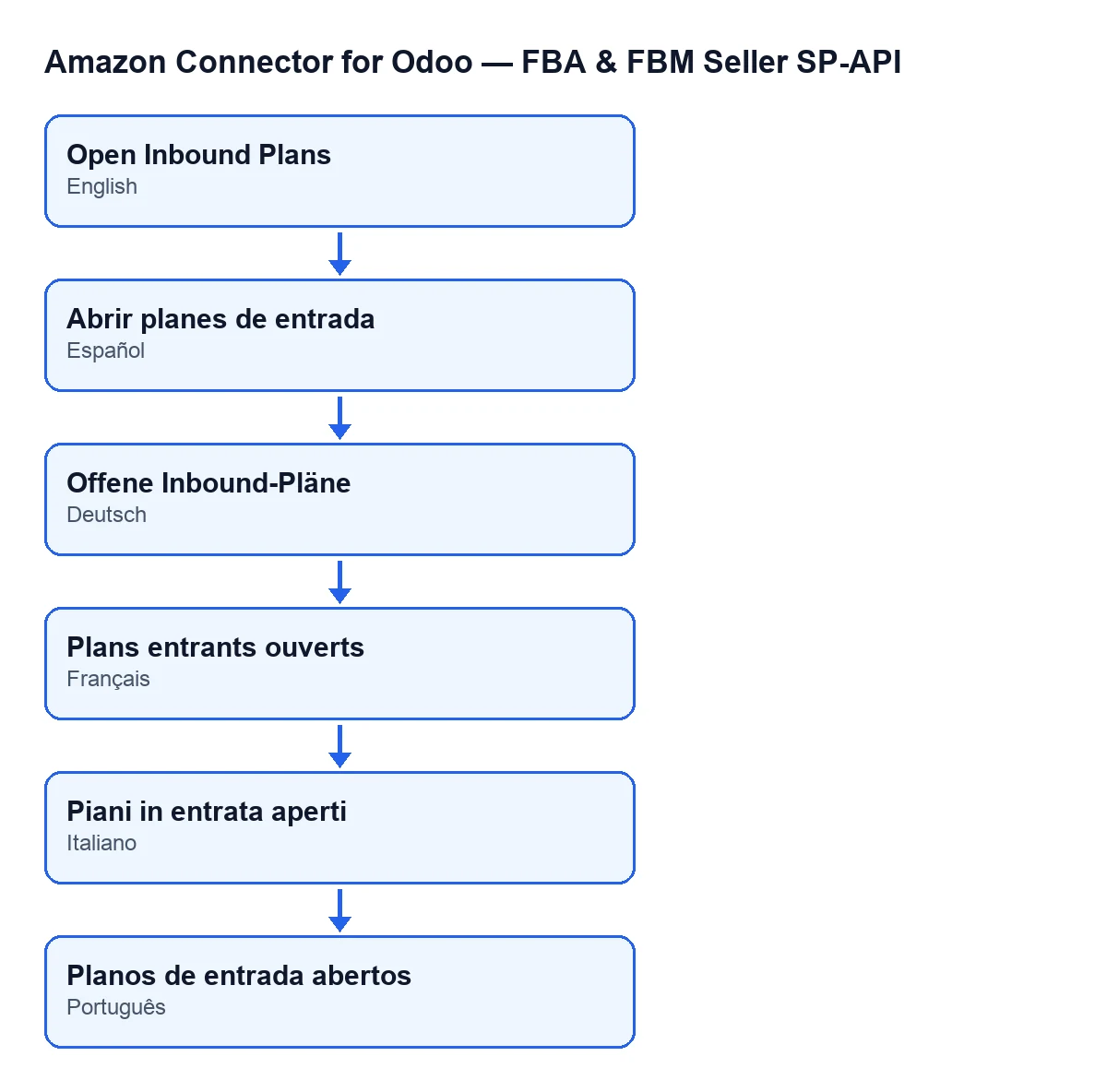
Reality: the button is in every published branch of the module (17.0, 18.0, 19.0 and 20.0), and its view condition says it always shows in all four. What is described above about what it does when pressed is the Odoo 20.0 code. What changes with the language is the label: with Odoo in English it is Open Inbound Plans, and the diagram below shows the same text in other languages.
"Buying the module is all you need"
Reality: the module is a one-off payment per version and needs the FlexigoTech Cloud subscription, Connector plan. The plan costs €49/month or €490/year excluding VAT, with up to 3 accounts of the platform (the Pro plan, €98/month or €980/year excluding VAT, up to 10). The connection goes through FlexigoTech Cloud, which stores the credentials encrypted, watches the synchronisation and emails you if it fails. The module is published on Odoo Apps for 17.0, 18.0, 19.0 and 20.0.
How to check it in your Odoo
Open Amazon › Configuration › Accounts, go into an account and review the two fields above: Marketplace ID on the Identity tab and FBM stock source location on the FBA & Stock tab. Then press Open Inbound Plans and check that the screen that opens belongs to that account.
If you need help with the connector
FlexigoTech implements Odoo 17, 18, 19 and 20 and builds bespoke connectors and integrations. If you want to set Amazon up in your Odoo, the module page has the purchase and the details.
Keep reading
Checked in the connector's source code (version 20.0) and the linked sources
Sources
- Module source code: flexigobe_amazon_seller_connector 20.0 (8576afa5): views/amazon_spapi_account_views.xml
- Module source code: flexigobe_amazon_seller_connector 20.0 (8576afa5): models/amazon_spapi_inbound_plan.py
- Module source code: flexigobe_amazon_seller_connector 20.0 (8576afa5): models/amazon_spapi_account.py
- apps.odoo.com/apps/modules/20.0/flexigobe_amazon_seller_connector
- flexigotech.com/precios.html
- flexigotech.com/en/services.html