

 Español
 Català
 Deutsch
 Français
 Português
 Italiano
 Nederlands
 Polski
What the action does on each pass
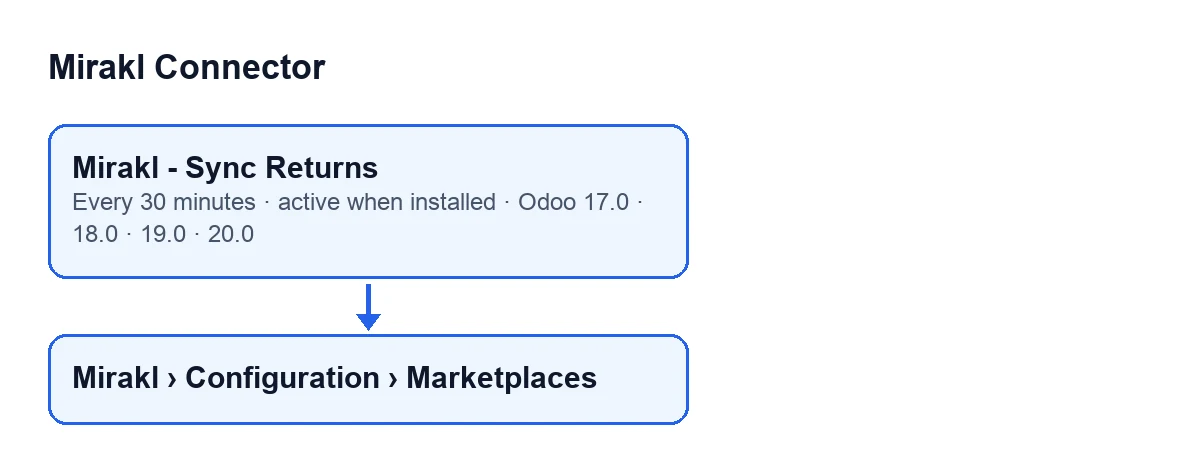
The Mirakl - Sync Returns scheduled action ships in every published version of Mirakl Connector (Odoo 17, 18, 19 and 20), runs every 30 minutes and is active on install.
In Odoo 20.0, on each pass, the action checks that whoever runs it is an administrator, looks for active marketplaces with returns sync switched on, keeps the ones it can call and, for each of them, asks the marketplace for its returns page by page and processes the ones that arrive one at a time. The marketplace records open from the menu Mirakl › Configuration › Marketplaces; to see the Mirakl menu it is enough to be an internal Odoo user.
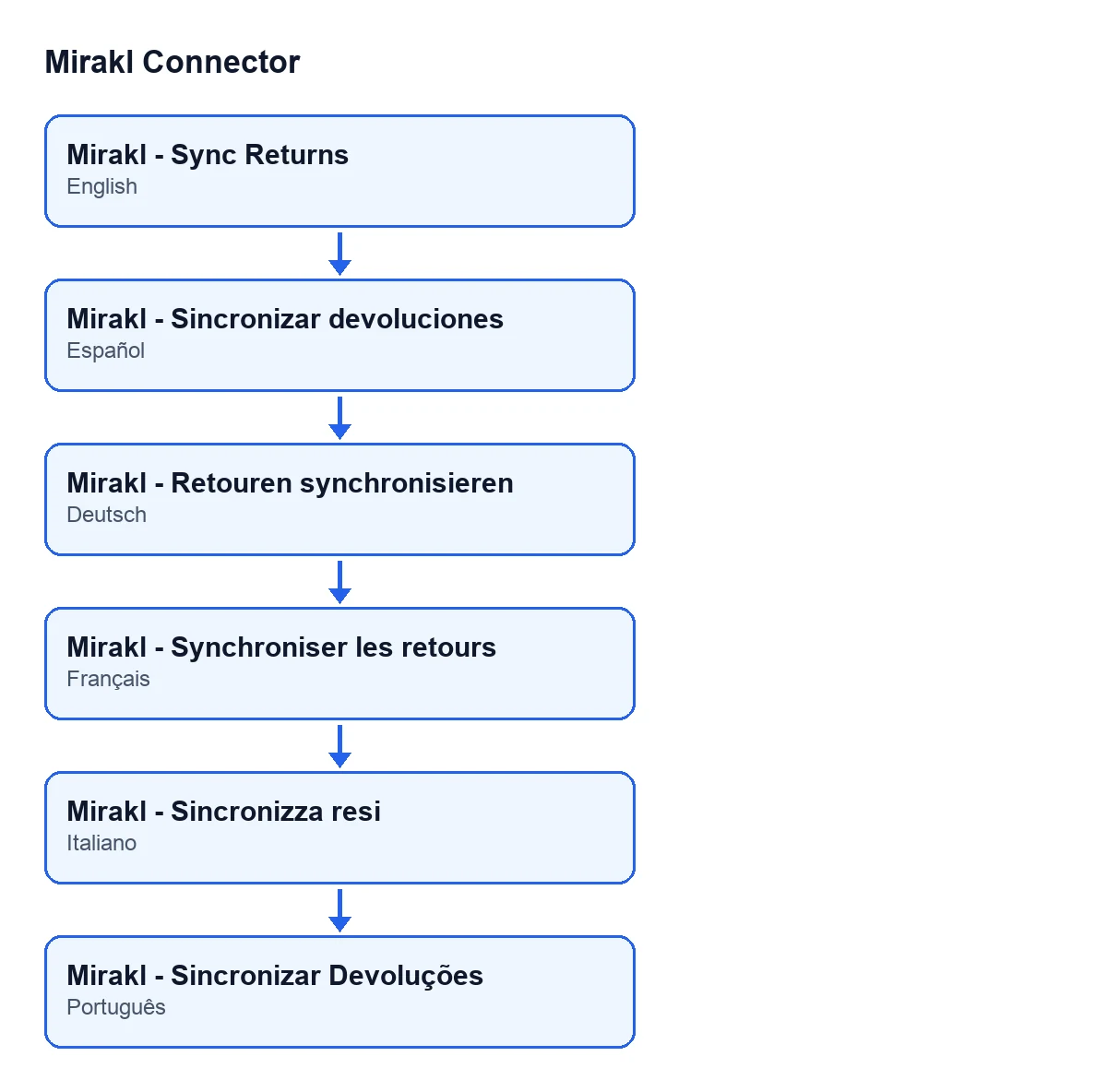
The diagram below shows the name of the action in Spanish, German, French, Italian and Portuguese.

How the action behaves
It runs every 30 minutes and needs an administrator
The frequency is every 30 minutes. In Odoo 17.0 the action repeats without end. In Odoo 20.0, the first thing each pass does is check the user: if it is launched by someone who is not an administrator, it stops with Only an administrator can run this scheduled action. and no marketplace is processed.
Not every marketplace takes part in the pass
In Odoo 20.0, the search starts from active marketplaces with returns sync switched on; the rest are left alone. The module then filters the ones it can call: direct connections first, then those going through FlexigoTech Cloud, and of those only the ones with a saved key. On top of that, if the stored permit does not include the module's service (this is checked without going out to the network), none of the FlexigoTech Cloud marketplaces is called in that pass. The direct ones carry on as usual.
A FlexigoTech Cloud pause cuts the rest of the pass short
If FlexigoTech Cloud does not let the request through (because there is no subscription or the service is paused), nothing is marked or deleted and the pass stops there: the marketplaces still waiting are left for the next pass, which carries on. That is why direct connections go first: a pause never leaves one of them unattended. The pause only counts towards the FlexigoTech Cloud health report, with codes and never text. Without a subscription, or with the service suspended, what the subscription provides stops; your data stays in your Odoo.
A failure in one marketplace does not hold up the others
Any other error in a marketplace is written to the Odoo server log, and the module tries to leave an error-level log line with the error text; it then moves on to the next marketplace. If even that line cannot be written, the module leaves a warning in the server log, and that logging failure does not replace the original error.
If the marketplace answers the returns request with a 404
If the marketplace answers the returns request with a 404 (HTTP 404), the module leaves a warning-level log line with the text Returns endpoint not available (HTTP 404).. Then, if the marketplace has the fallback to orders switched on, the module moves on to another sync method; if not, it moves the last returns sync mark forward to now and finishes having processed nothing.
A response the connector does not recognise is not an empty page
If a page arrives with no returns, the pass for that marketplace ends. But if the response has a shape the connector does not recognise, the module leaves an error-level log line and does not move the sync window forward, so it does not skip returns it has not read.
Pages, limit and when it stops
The action asks for pages of a set size, processes each return and counts it. It stops when a page brings fewer returns than the page size, when it has read the total the marketplace announces, or when it reaches the limit of pages per pass (at least one page).
What to check if it seems to do nothing
- The action appears among Odoo's scheduled actions as
Mirakl - Sync Returnsand is active. - The marketplace is active and has returns sync switched on; otherwise it is not in the search (its records open from
Mirakl › Configuration › Marketplaces). - If it connects through FlexigoTech Cloud, it has a saved key and the service is current. FlexigoTech Cloud watches the sync and emails you if it fails.
- If another marketplace in the same pass hit a FlexigoTech Cloud pause, the pass was cut short and the ones still waiting are left for the next one.
- If the marketplace answered with a 404, look for a warning-level log line with the text
Returns endpoint not available (HTTP 404). - If there is an error-level log line, read its text: it is the error for that marketplace.
How FlexigoTech helps
FlexigoTech implements Odoo 17, 18, 19 and 20 and builds custom connectors and integrations. Mirakl Connector is a one-off payment per version and needs the FlexigoTech Cloud subscription (Connector plan: €49 a month or €490 a year, excluding VAT). You can see the module on its page or on the Odoo Apps listing.
Keep reading
Checked in the connector's source code (version 17.0 and 20.0) and the linked sources
Sources
- Module source code: flexigobe_mirakl_connector 20.0 (aa05e537): data/ir_cron_data.xml
- Module source code: flexigobe_mirakl_connector 17.0 (e430de3e): data/ir_cron_data.xml
- Module source code: flexigobe_mirakl_connector 20.0 (aa05e537): models/mirakl_instance.py
- Module source code: flexigobe_mirakl_connector 20.0 (aa05e537): models/mirakl_ai.py
- apps.odoo.com/apps/modules/20.0/flexigobe_mirakl_connector
- flexigotech.com/en/services.html
- flexigotech.com/precios.html