

 Español
 Català
 Deutsch
 Français
 Português
 Italiano
 Nederlands
 Polski
What the action does on each pass
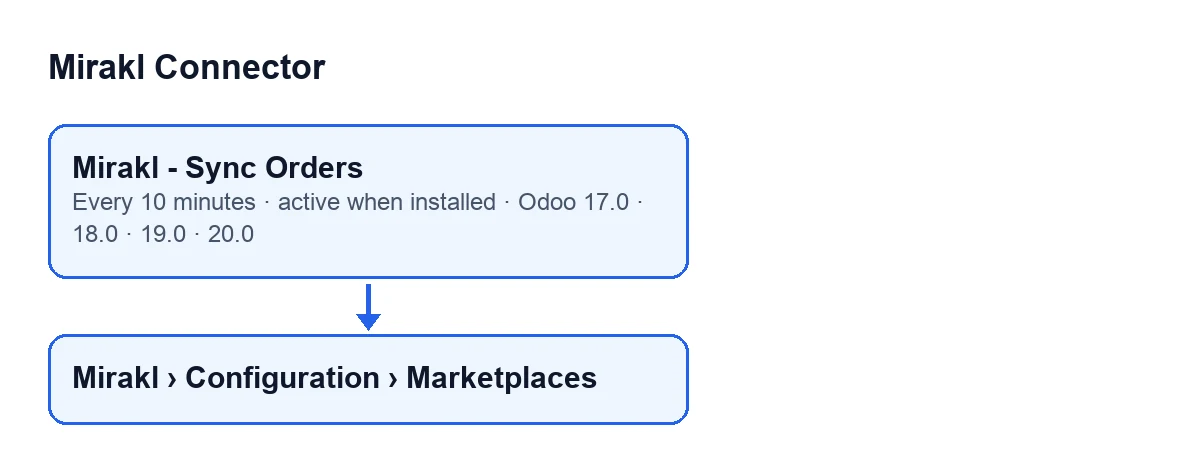
What does Mirakl - Sync Orders do on each pass?
According to the Odoo 20.0 code, a pass follows this order. First it checks that whoever runs it is an administrator. Then it takes the active marketplaces that have order sync enabled and keeps the ones it can call (see below for which are left out). For each one that is due under its own interval, it imports the orders and then reviews the open orders already in Odoo. After that it moves on to the next marketplace.
How often does it run, and what is it called in my Odoo?
It runs every 10 minutes and is active as soon as the module is installed. It exists in every published branch (Odoo 17, 18, 19 and 20), and in Odoo 17.0 it repeats without end. With Odoo in English it is called Mirakl - Sync Orders; the diagram below shows its name in other languages.
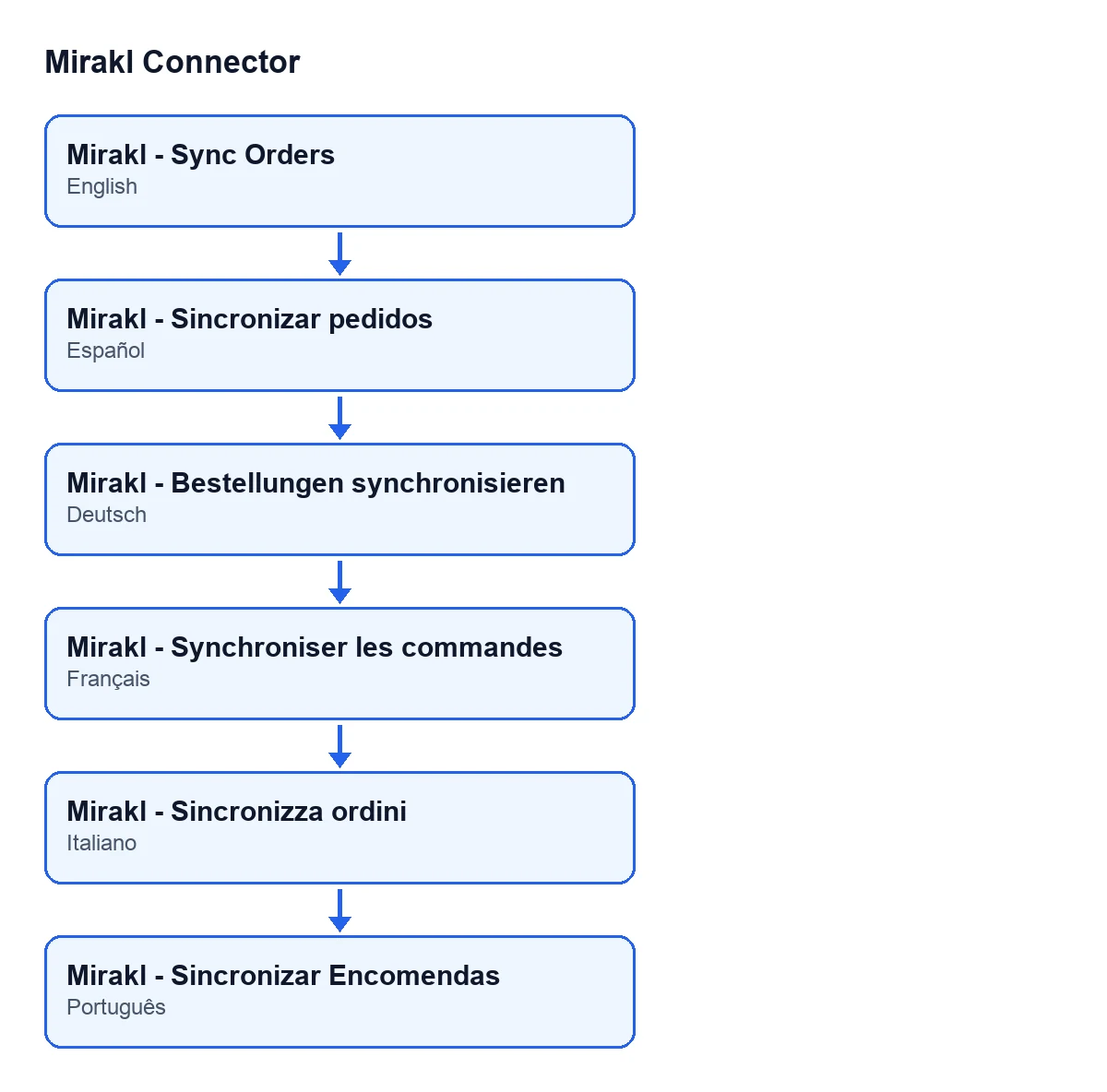
Does every marketplace import on every pass?
Not necessarily: it depends on each marketplace's own interval. With no interval (the default), it imports on every pass, that is, every 10 minutes. With an interval and an earlier order sync on record, the marketplace waits until that much time has passed since the last one; if there is none yet, it imports. The action still wakes up every 10 minutes, but that marketplace skips passes until it is due.

What it reads from Mirakl and what it reviews afterwards
What does it ask Mirakl for when importing orders, and when does it stop asking?
It requests orders page by page, with a page size and a maximum number of pages per pass, from a starting point in time. Each order is saved separately: if one fails, an error-level log entry is stored with the order's reference and the pass carries on with the rest. It stops asking when a page returns fewer orders than the page size or when it has read the total the response gives; if the maximum number of pages is used up, it records a warning-level log entry. And if a page arrives with no orders and the connector does not recognise the shape of the response, it does not treat it as an empty page: it records an error and stops requesting pages.
What is the open-order review for?
The incremental import only looks at a recent time window. So, after importing, the action re-reads the orders already in Odoo that have not finished yet: that way a status change made on the marketplace long after the order was created still reaches Odoo. It only runs if that review is enabled on the marketplace; otherwise it does nothing. It reads orders in batches: if a batch fails, it notes it in the server log and tries order by order. When each batch ends, it stamps all its orders with the review date, even those the marketplace did not return, so a missing order cannot block the rotation of the others.
What to check if it does nothing
Why does Only an administrator can run this scheduled action. appear?
The first thing the action does is check that whoever runs it is an administrator. If not, it stops with that message and processes no marketplace.
Which marketplaces does a pass leave out?
Those that are not active or do not have order sync enabled. Among the rest, the ones that do not go through FlexigoTech Cloud come first; the ones that do are only called if they have a saved key, because without it the service would refuse them, and if the permit stored in your Odoo does not include the module's service, none of the FlexigoTech Cloud ones is called (that check does not use the network). Finally, marketplaces with their own interval skip the pass until they are due. The marketplace records open from Mirakl › Configuration › Marketplaces.
What happens if a marketplace errors or FlexigoTech Cloud pauses the connection?
There are two paths. If a marketplace fails with an error, it is written to the server log, an error-level log entry is stored with the error message, and the action moves on to the next marketplace; because the open-order review comes after the import inside the same block, that marketplace does not reach it on that pass. If instead FlexigoTech Cloud pauses the connection, the action stops going through marketplaces on that pass, and the next pass carries on; the direct marketplaces go first so that none is left behind. The pause only counts in the FlexigoTech Cloud health report, as codes and never text. If the pause arrives during the open-order review, the batch being read is not stamped; batches already finished keep their review date.
Do I need the FlexigoTech Cloud subscription?
Yes. Mirakl Connector is a one-off payment per version and needs the FlexigoTech Cloud subscription, Conector plan: €49 a month or €490 a year, excluding VAT, up to 3 accounts on the platform. It is published for Odoo 17, 18, 19 and 20; each version's price is on the listing and on the module page. The connection goes through FlexigoTech Cloud: it stores the credentials encrypted, watches the synchronisation and emails you if it fails. Without a subscription, or with the service suspended, what the subscription provides stops; your data stays in your Odoo.
If you are implementing Odoo and want someone to go over how this synchronisation will work for you, FlexigoTech implements Odoo 17, 18, 19 and 20 and builds custom connectors and integrations.
Keep reading
Checked in the connector's source code (version 17.0 and 20.0) and the linked sources
Sources
- Module source code: flexigobe_mirakl_connector 20.0 (aa05e537): data/ir_cron_data.xml
- Module source code: flexigobe_mirakl_connector 17.0 (e430de3e): data/ir_cron_data.xml
- Module source code: flexigobe_mirakl_connector 20.0 (aa05e537): models/mirakl_instance.py
- Module source code: flexigobe_mirakl_connector 20.0 (aa05e537): models/mirakl_ai.py
- apps.odoo.com/apps/modules/20.0/flexigobe_mirakl_connector
- flexigotech.com/en/services.html
- flexigotech.com/precios.html