

 Español
 Català
 Deutsch
 Français
 Português
 Italiano
 Nederlands
 Polski
When 'Nothing to post' appears
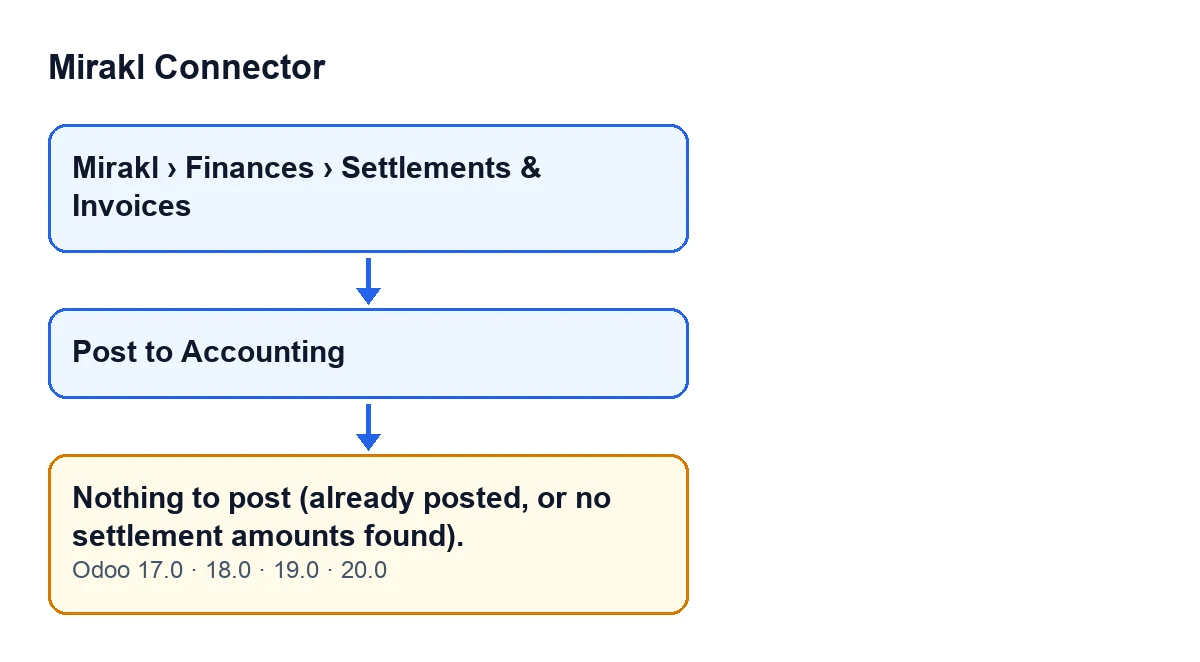
It appears when you press the Post to Accounting button on a Mirakl settlement. Those records open from the menu Mirakl › Finances › Settlements & Invoices. It is an error that stops the action: you see the text Nothing to post (already posted, or no settlement amounts found). and nothing the action was about to change is saved.
The message is in the published code for Odoo 17, 18, 19 and 20. The condition that hides the button is also the same in all four versions.
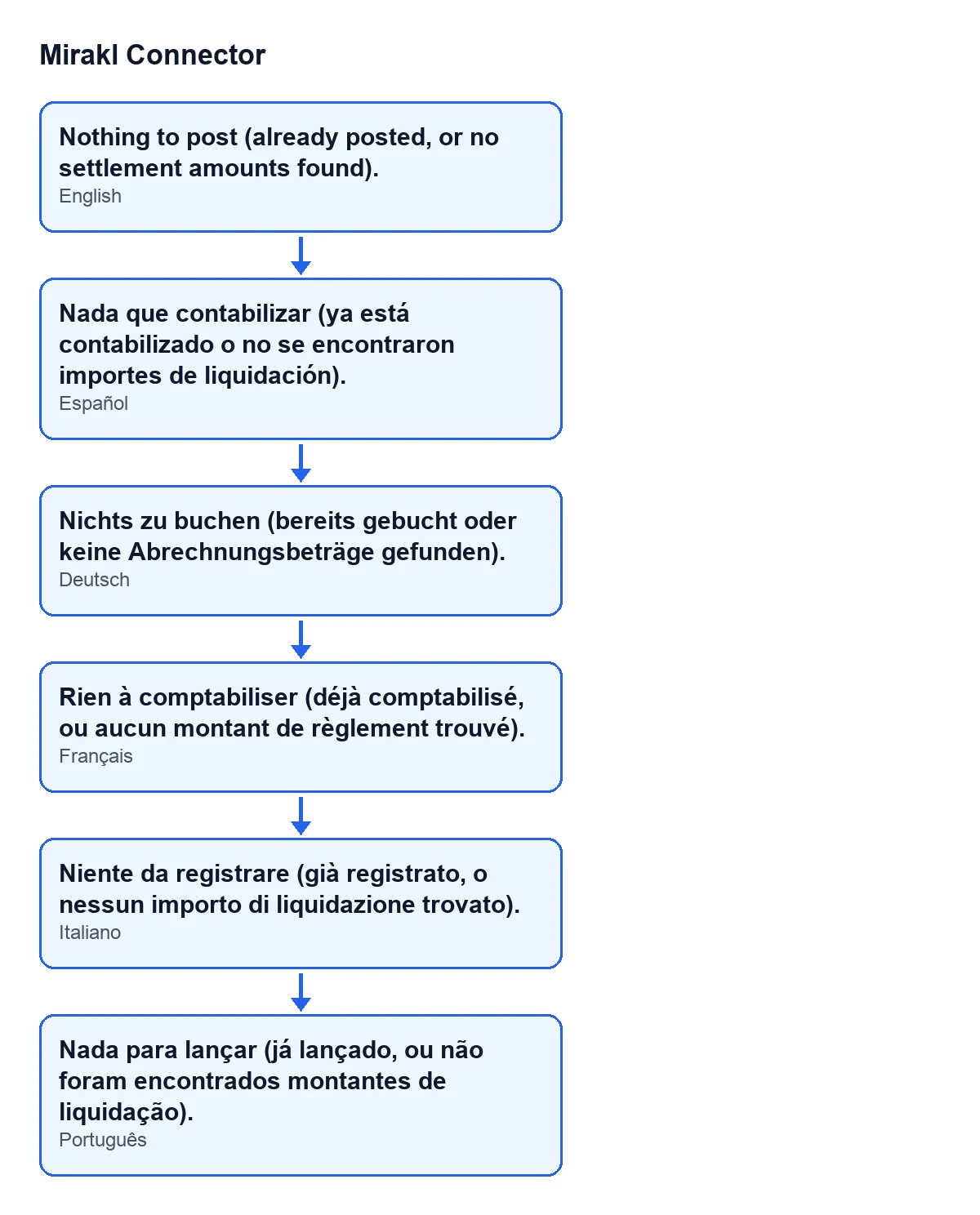
The second diagram shows the same message in Spanish, German, French, Italian and Portuguese.

What the module checks before raising the error
The sequence below is the one in the Odoo 20 code. When you press Post to Accounting, the module goes through each settlement in this order:
- If it already has a
Journal Entry, it skips it and does not create another. - If the transferred amount, the orders total and the commissions total are all empty or zero, it skips it as well. The code gives the reason: only operator settlements carry a payout or summary worth posting.
- In any other case, it prepares the entry using the Finance accounts configured on the Mirakl instance, creates it, posts it and stores it in
Journal Entry.
The condition that raises Nothing to post is that, at the end of that pass, no settlement has been posted. That is why a single text covers two situations: the settlement already had an entry, or it carries none of those three amounts. In the second case the module does not create an empty entry. If the action runs on several settlements at once, the message only appears when none of them has been posted.
How to resolve it, step by step
- Open the settlement from
Mirakl › Finances › Settlements & Invoices. - Check whether the
Post to Accountingbutton is visible. It is hidden when the settlement already has a journal entry; with the default values, with no entry, it is visible. If it is not visible, the settlement is already posted and there is nothing to resolve. - If it is visible and the message appeared when you pressed it, the settlement had no entry yet and the module found no transferred amount, no orders total and no commissions total. That is the 'no settlement amounts found' case.
- Confirm that you opened the settlement you meant to post. The module only prepares the entry if the settlement carries at least one of those three amounts; with none, the result is this message.
- To check that the rest of the circuit works, press
Post to Accountingon a settlement that does carry amounts. If it is posted, Odoo opens the entry that was created. - Go back to the posted settlement and check that the button is no longer visible: the entry is now linked to it.
What you see when posting works
When a settlement is posted, Odoo opens the form of the entry created in the window Mirakl Settlement Entries. If several are posted at once, it opens a list with the entries created. According to the code, the entry can carry lines with these names, each one only if its amount is not zero: Mirakl payout (net), Mirakl commission & fees, Mirakl marketplace clearing and Mirakl other / subscription fees.
Can I post a settlement that is already posted?
With a journal entry linked, the button is hidden. And if the action did run on that settlement, the module skips it without creating a second entry.
Is it a problem with the connection to Mirakl?
The message is raised by the Post to Accounting action itself when, at the end of its pass, it has posted nothing. The condition in the code is exactly that.
Is any entry created when the message appears?
No. The error stops the action and nothing it was about to change is saved.
Does it change by Odoo version?
The message is in the published code of Odoo 17, 18, 19 and 20, and the button is hidden under the same condition in all four.
How FlexigoTech can help
Mirakl Connector is published on Odoo Apps for Odoo 17, 18, 19 and 20 (listing) and has its own page on flexigotech.com. It is a one-off purchase per version and needs a FlexigoTech Cloud subscription, Connector plan: €49 per month or €490 per year, excluding VAT. FlexigoTech implements Odoo 17, 18, 19 and 20 and builds custom connectors and integrations, in case you want help with the accounting side of your marketplace connection.
Keep reading
Checked in the connector's source code (version 20.0) and the linked sources
Sources
- Module source code: flexigobe_mirakl_connector 20.0 (aa05e537): models/mirakl_finance.py
- Module source code: flexigobe_mirakl_connector 20.0 (aa05e537): views/mirakl_finance_views.xml
- apps.odoo.com/apps/modules/20.0/flexigobe_mirakl_connector
- flexigotech.com/en/services.html
- flexigotech.com/precios.html