

 Español
 Català
 Deutsch
 Français
 Português
 Italiano
 Nederlands
 Polski
When it appears and what it says
When does the message appear?
When you press Import Orders or Import Returns in the Mirakl instance view. Both buttons reach the same check, and if its condition is met they raise this text: «Refusing to contact …: the Mirakl API key of … only goes to its API Base URL (…). Write the endpoint as a path, such as /orders.» Both buttons are always visible, in Odoo 17, 18, 19 and 20.
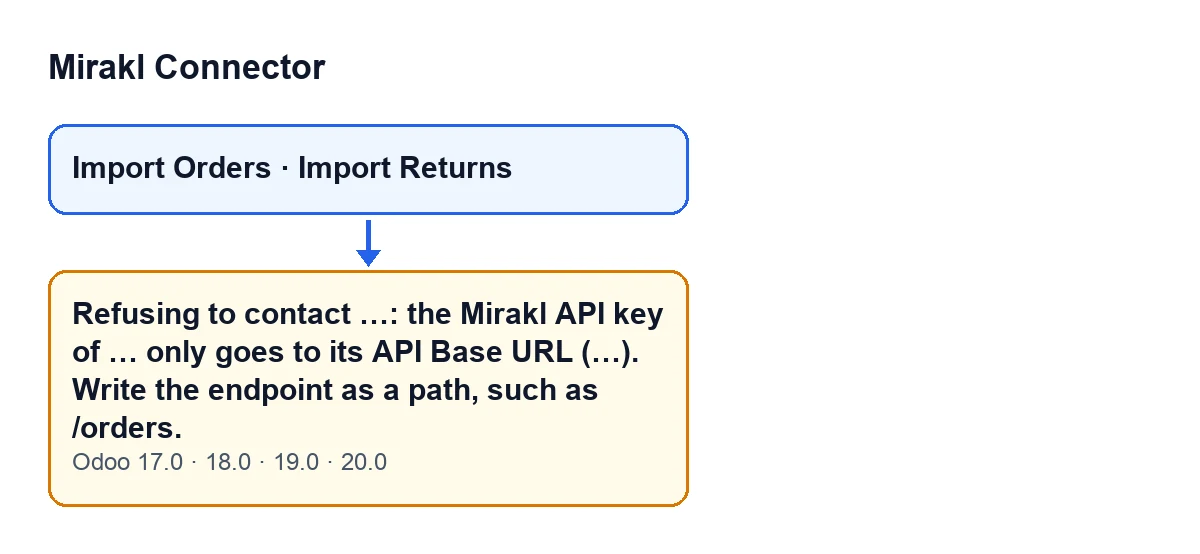
What are the gaps marked with ellipses?
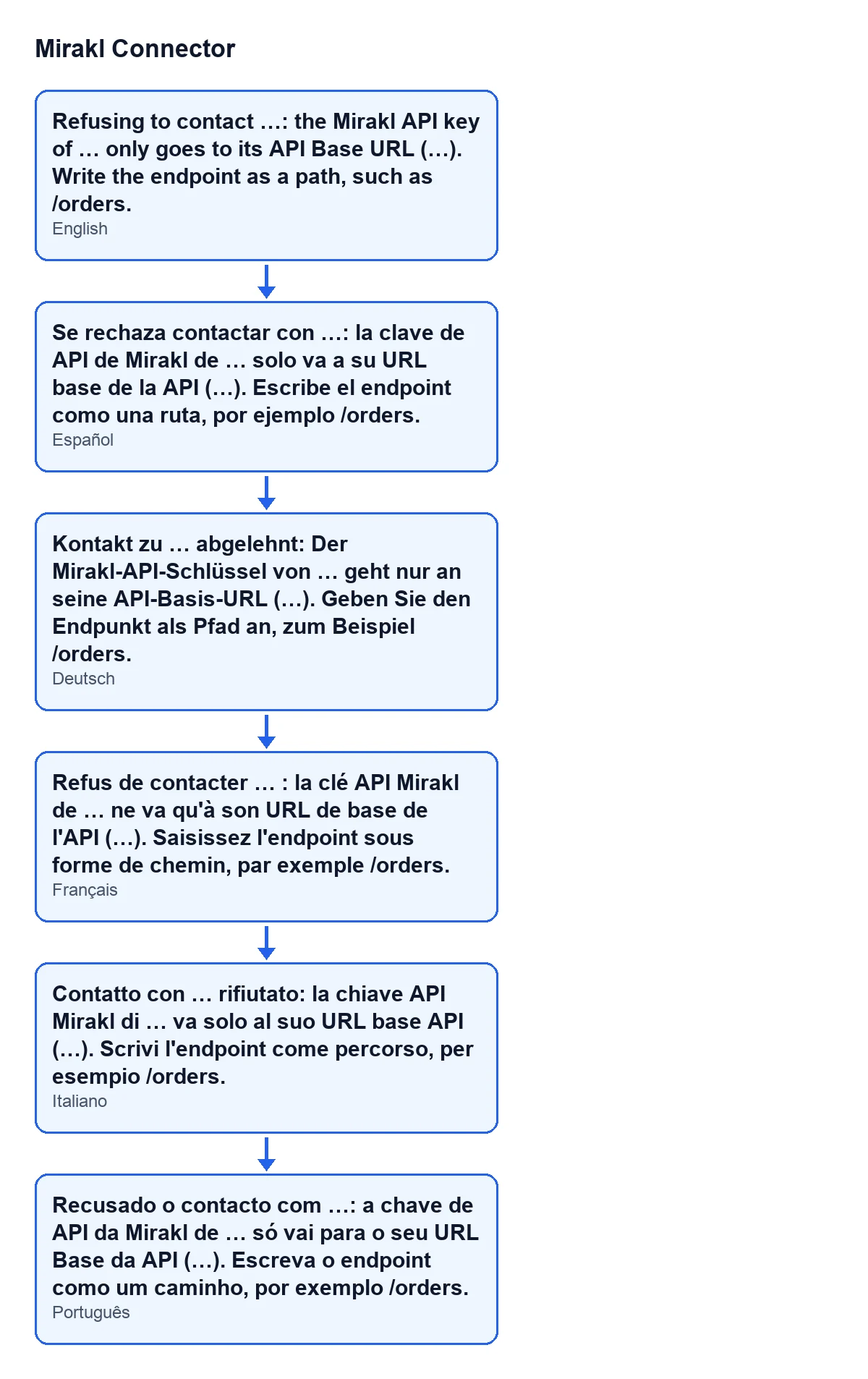
They are values the module fills in when it raises the message: first the address it was about to contact, then the name of the instance whose key it was going to use, and finally the API Base URL of that instance. If the base URL is empty, a hyphen (-) appears in its place. The module's published translations carry this same text in Spanish, German, French, Italian and Portuguese, as the diagram shows.

What the code checks
What exactly is the condition that raises it?
In the Odoo 20 code, the module compares two addresses: the instance's API Base URL (without its trailing slash, if it has one) and the address it is about to contact. From each it looks only at the scheme (http or https) and the host, ignoring capitals in the host; the path does not count. If they match and the base URL has a host, the check passes. In any other case the message is raised: a different scheme, a different host, an empty base URL or one without a host, or an empty address to contact.
Why does the module refuse to make the call?
Because the Mirakl API key should only go to the marketplace's own API host. The comment in the code explains it: an absolute address written as an endpoint is used as it is, and the instance's endpoint fields can be written by any Mirakl User, who cannot read the key. If an endpoint pointed at another host, it would have handed the key to that server on the next sync. The check closes that route.
What happens to whatever the action was doing?
It stops: the message cuts the action short at that point and the module does not contact that address.
How to fix it
What do I do, step by step?
Read the message and compare the first address in it with the API Base URL in the brackets at the end. If a hyphen appears where the base URL should be, it is empty: fill in the instance's API Base URL. If it is filled in but does not match the marketplace's API host, correct it, because that is the server the key goes to. Then press the same button again and, to confirm, press the other one too: if the message no longer appears, the check has passed. If the base URL is right and the message keeps appearing with an address on another host, the message asks for the endpoint to be written as a path, such as /orders: write to us with the full text of the message and we will look into it. For what each field of the instance means, see the Mirakl Instance fields.
Is a full address rejected if it is on the same host?
According to the Odoo 20 code, the check passes when the scheme and host of the address match those of the base URL, so a full address on the same host is not rejected at this point. The message does, however, ask you to write the endpoint as a path, such as /orders.
Does it change between Odoo versions?
The message is in the published code of Odoo 17, 18, 19 and 20; the check described here is the one in the Odoo 20 code.
What do I need to use the module?
It is a one-off purchase per version and it needs a FlexigoTech Cloud subscription. The Connector plan costs €49 a month or €490 a year, excluding VAT, for up to 3 accounts on the platform. The connection goes through FlexigoTech Cloud, which stores the credentials encrypted. The module is published on Odoo Apps for Odoo 17, 18, 19 and 20; the price of each version is on the Odoo Apps listing and on the module page.
If you need a hand
FlexigoTech implements Odoo 17, 18, 19 and 20 and builds connectors and custom integrations. If the message keeps appearing after you have checked the API Base URL, write to us with the full text of the message and the Odoo version you use.
Keep reading
Checked in the connector's source code (version 20.0) and the linked sources
Sources
- Module source code: flexigobe_mirakl_connector 20.0 (aa05e537): models/mirakl_api_mixin.py
- Module source code: flexigobe_mirakl_connector 20.0 (aa05e537): views/mirakl_instance_views.xml
- apps.odoo.com/apps/modules/20.0/flexigobe_mirakl_connector
- flexigotech.com/precios.html
- flexigotech.com/en/services.html