

 Español
 Català
 Deutsch
 Français
 Português
 Italiano
 Nederlands
 Polski
The methods KSeF 2.0 accepts
According to the Ministry of Finance manual, in KSeF 2.0 you can authenticate with:
- Trusted Profile (Podpis Zaufany).
- Qualified electronic signature.
- KSeF token.
- KSeF certificate.
- Since 1 April 2026, the national node login.gov.pl, with Podpis Zaufany, the mObywatel app, online banking or e-Dowód.
The questions that decide
| Question | If the answer is yes |
|---|---|
| Will you log in to the KSeF application yourself to check or issue by hand? | Trusted Profile, qualified signature or national node. |
Do you want Odoo to send invoices with l10n_pl_edi? | A KSeF certificate stored on the Odoo company. |
| Do you not have a KSeF certificate yet? | Request it after authenticating, for example with Podpis Zaufany or a qualified signature. |
| Do you use tokens in other programs? | You can keep going: the Ministry keeps them with no end date. |
| Are you on Odoo 17? | l10n_pl_edi does not exist in 17: sending happens outside Odoo. |
How Odoo uses it
In Odoo 19, l10n_pl_edi stores a "KSeF Certificate" on the company and authenticates with it. A scheduled action renews the access tokens of every company that has a certificate, so nobody has to copy tokens by hand.
The FlexigoTech module does not connect to KSeF: it validates FA(3) and watches your credentials. Under Configuration › Credentials you store certificates and tokens with their expiry, and under Authorizations the authorisations you have granted. Every day it warns about what is about to expire, with a traffic light: OK, expiring, blocked or expired, and the countdown of 30, 14, 7 and 1 days.
What to store and where
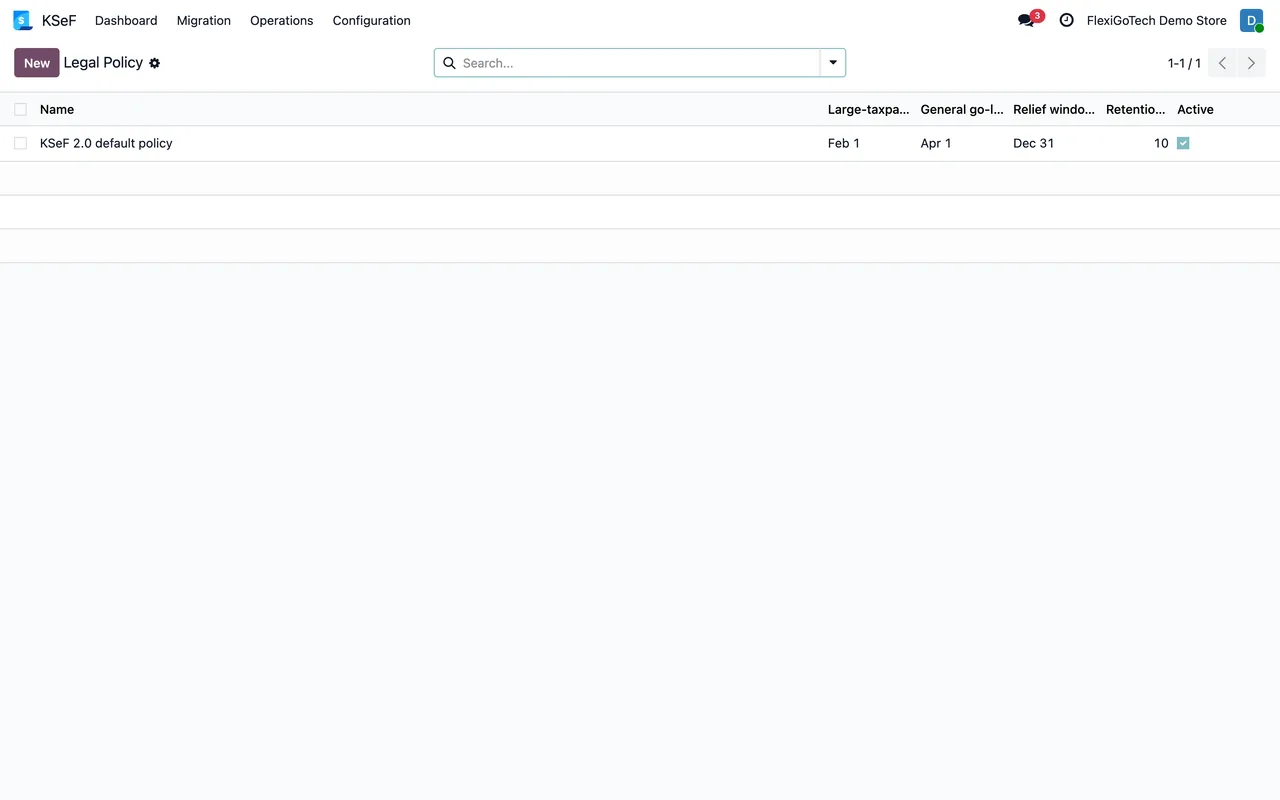
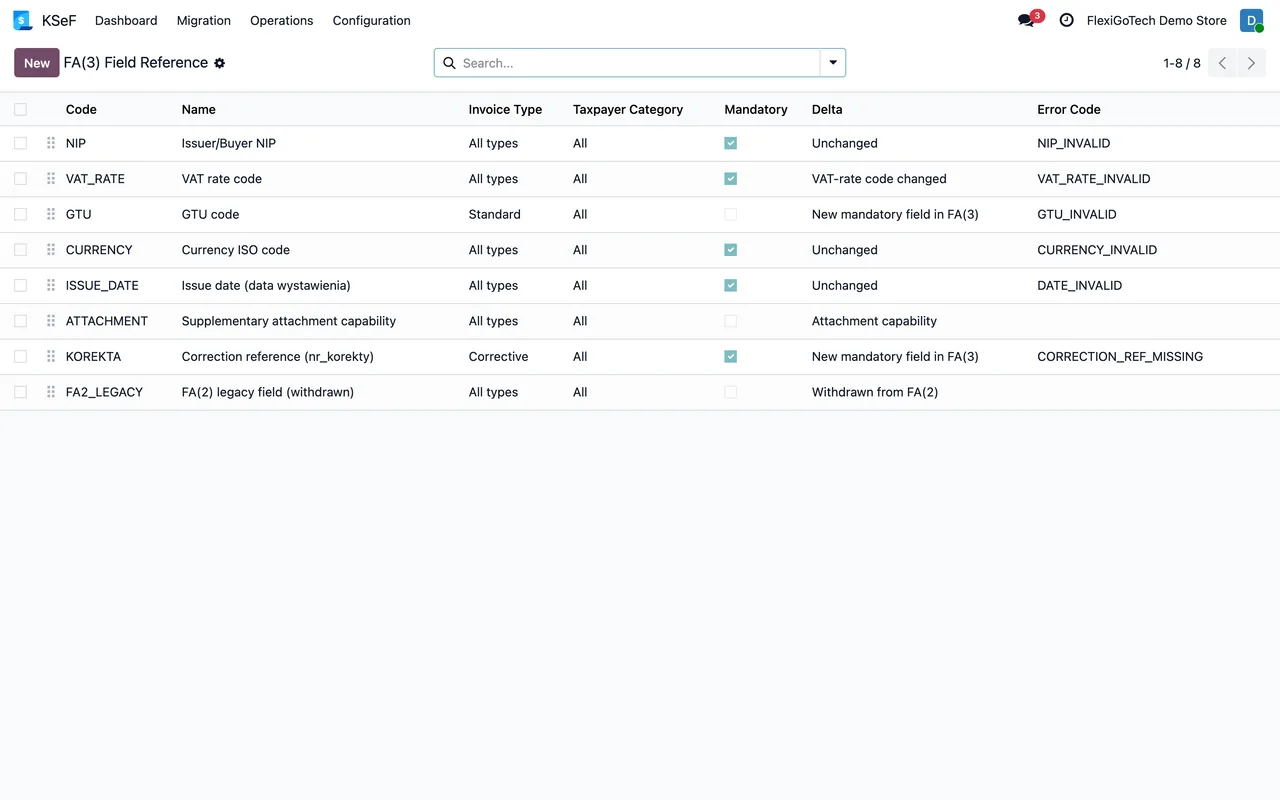
In the module, every credential has its state and expiry date, and every authorisation its own: active, expiring, revoked or expired. Legal dates, such as when the obligation starts for each type of company, are configured under Configuration › Legal Policy instead of being written into the code. And every change is kept in Configuration › Audit Log, so you know who touched a credential and when.
Planning mistakes we see
Thinking the Trusted Profile disappears in April 2026. It does not: on 1 April 2026 one more channel opens, the national node, and the Trusted Profile stays within it.
Counting on tokens expiring at the end of 2026. That was the initial idea; the Ministry decided to keep them with no end date.
Configuring Odoo before having the certificate. Without a certificate, native sending cannot authenticate. Request it first.
An order that works
First, log in to KSeF yourself with the method you already have, be it the Trusted Profile or a qualified signature. Second, request the company's KSeF certificate. Third, store it in Odoo 18, 19 or 20 for native sending and register it in the module to watch its expiry. That way nobody depends on a token pasted into an email.
Authorisations also expire or get revoked. The module's daily warning includes them so nobody finds out on the day an invoice does not go out.
Keep reading
Checked in the module's source code (version 20.0) and the linked sources
Sources
- Module source code: flexigo_poland_ksef_2_0_e_invoice_connector_and_migrati 20.0 (ba7c60f1): __manifest__.py
- ksef.podatki.gov.pl/media/cq3laefg/podrecznik-ksef-2-0-cz-i-rozpoczecie-korzystania-z-ksef
- ksef.podatki.gov.pl/informacje-ogolne-ksef-20/certyfikaty-ksef/
- github.com/odoo/odoo/blob/19.0/addons/l10n_pl_edi/models/res_company.py
- github.com/odoo/odoo/tree/18.0/addons/l10n_pl_edi
- Module source code: flexigo_poland_ksef_2_0_e_invoice_connector_and_migrati 20.0 (ba7c60f1): views/ksef_menus.xml
- Module source code: flexigo_poland_ksef_2_0_e_invoice_connector_and_migrati 20.0 (ba7c60f1): models/ksef_authorization.py
- Module source code: flexigo_poland_ksef_2_0_e_invoice_connector_and_migrati 20.0 (ba7c60f1): models/ksef_compliance_profile.py
- Module source code: flexigo_poland_ksef_2_0_e_invoice_connector_and_migrati 20.0 (ba7c60f1): models/ksef_credential.py
- Module source code: flexigo_poland_ksef_2_0_e_invoice_connector_and_migrati 20.0 (ba7c60f1): data/ksef_cron.xml
- apps.odoo.com/apps/modules/20.0/flexigo_poland_ksef_2_0_e_invoice_connector_and_migrati