

 Español
 Català
 Deutsch
 Français
 Português
 Italiano
 Nederlands
 Polski
The table
| Odoo version | Sending to KSeF | Where the validated FA(3) comes from | Cloud revalidation |
|---|---|---|---|
| 17 | No native module: sent outside Odoo | Uploaded ready-made, generated elsewhere | No native sending to revalidate |
| 18 | l10n_pl_edi | The one l10n_pl_edi generates or has sent | Yes, every hour |
| 19 | l10n_pl_edi, with a KSeF certificate on the company | The one l10n_pl_edi generates or has sent | Yes, every hour |
| 20 | l10n_pl_edi | The one l10n_pl_edi generates or has sent | Yes, every hour |
The FlexigoTech module is published for all four versions. In none of them does it send to KSeF: it validates and prepares.
If you are on Odoo 17
In 17 there is no native sending, so the flow has one more step: the invoice is issued in Odoo, the FA(3) is generated with another tool and uploaded to the invoice to be validated. The migration validator, under Migration › Run Validator, helps find the gaps in your master data before you make the move.
It is a good reason to plan the version upgrade: with 18 or later, validation works on what Odoo generates, with no files to move by hand.
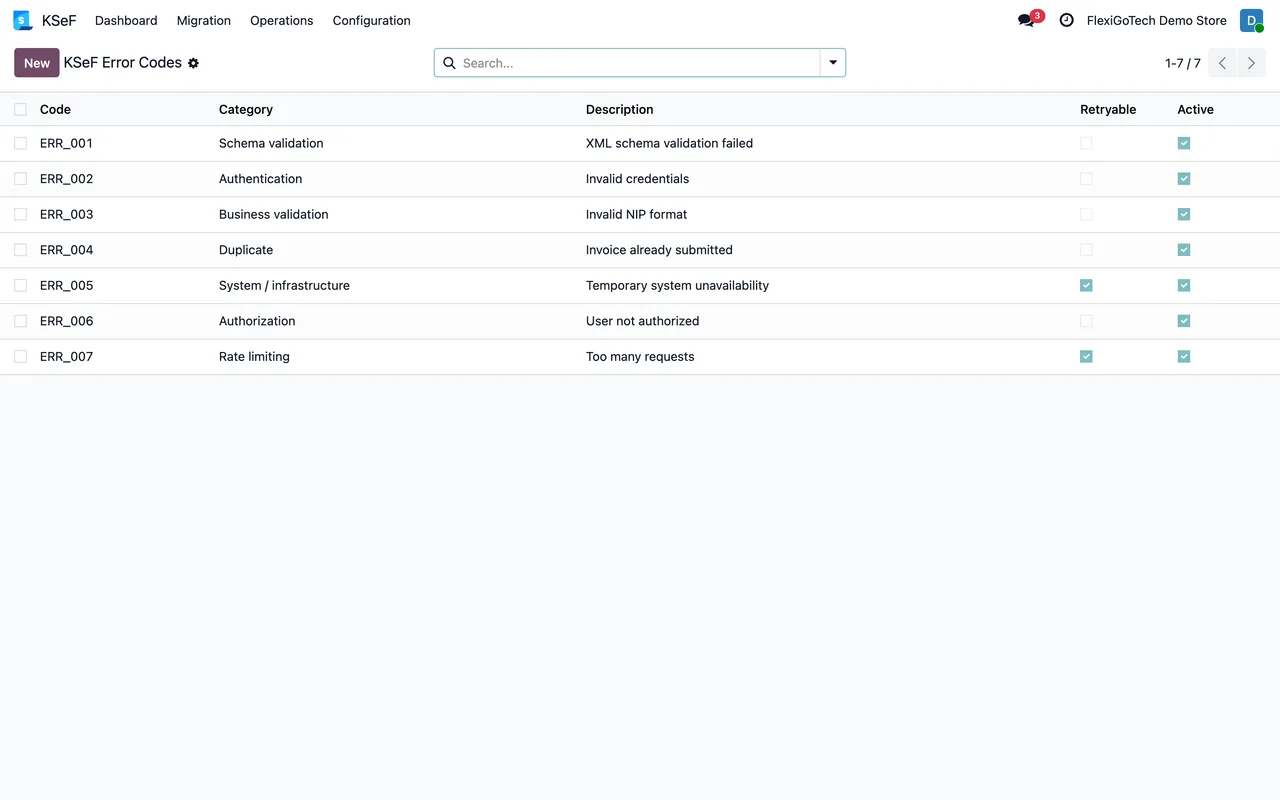
A practical note: the module version does not change what gets validated. FA(3) fields, error codes and legal policy are the same in all four branches, so a company with two databases on different versions sees the same warnings in both.
If you are on 18, 19 or 20
The flow is direct. l10n_pl_edi generates and sends the FA(3), and the module validates it in FlexigoTech Cloud with a signed report. What was already sent is validated again every hour, and each invoice shows its state: valid, not valid, not validated or expired.
In 19 we checked in Odoo's code that native authentication uses a KSeF certificate stored on the company and renews tokens with a scheduled action.
The migration validator, in any version
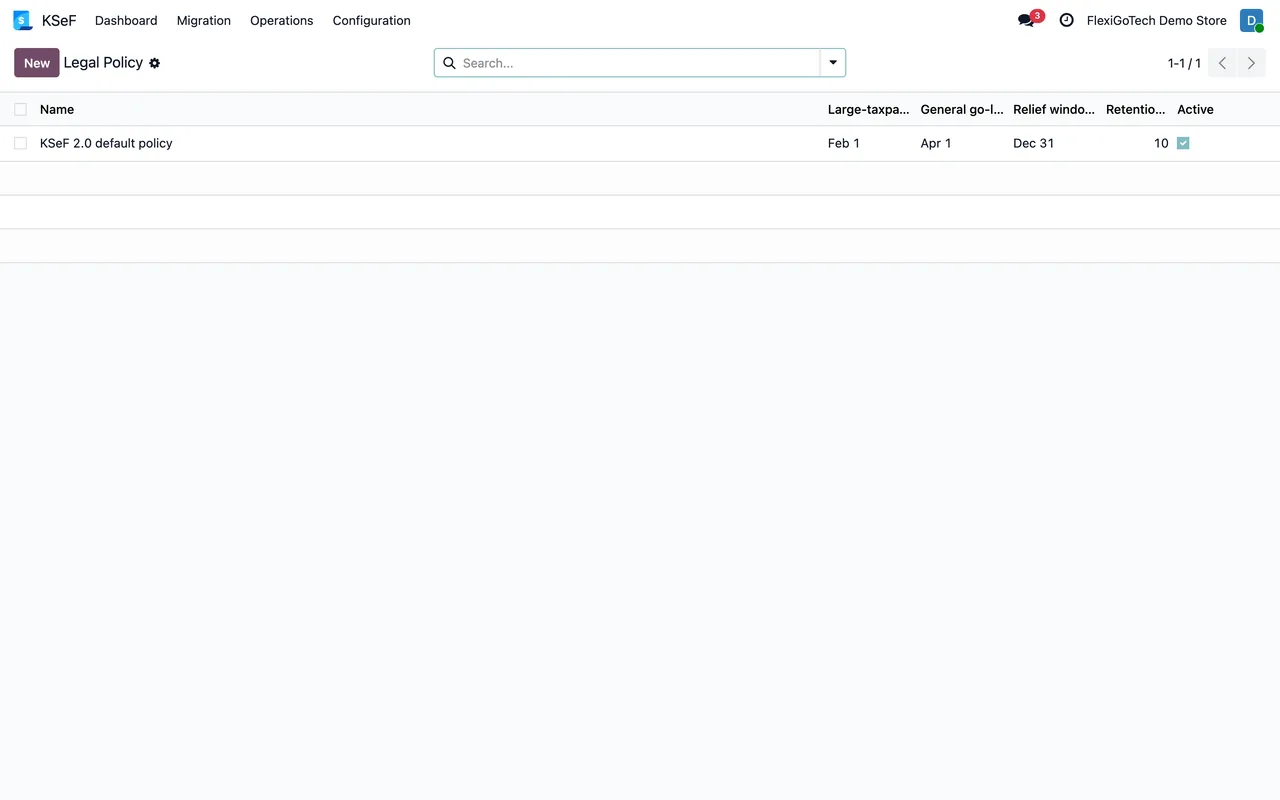
If you come from another program or an earlier version, the migration validator reviews your data before you start issuing in KSeF. It is launched from Migration › Run Validator and every run is kept under Validation Runs, so you can compare one with another. The useful thing is to run it twice: once at the start, to see the list of gaps, and once right before the switch, to confirm none are left. And Operations › Compliance Export extracts what was validated when your accountant asks for it.
What you buy in each case
The same in all four versions: the module, with a one-off payment of €9 per Odoo version, and the FlexigoTech Cloud Local service from €29 a month, VAT excluded, which is where validation runs. If you change version, it depends on where you bought it: with the subscription, the module for new versions is included if you bought it on flexigotech.com; on Odoo Apps, each version is bought there.
FA(3) validations do not depend on the Odoo version: they depend on the schema. What changes is who generates the file.
Keep reading
Checked in the module's source code (version 20.0) and the linked sources
Sources
- github.com/odoo/odoo/tree/18.0/addons/l10n_pl_edi
- Module source code: flexigo_poland_ksef_2_0_e_invoice_connector_and_migrati (cbca26e): models/account_move.py
- Module source code: flexigo_poland_ksef_2_0_e_invoice_connector_and_migrati (cbca26e): models/ksef_session.py
- Module source code: flexigo_poland_ksef_2_0_e_invoice_connector_and_migrati (cbca26e): models/ksef_cloud.py
- github.com/odoo/odoo/blob/19.0/addons/l10n_pl_edi/models/res_company.py
- Module source code: flexigo_poland_ksef_2_0_e_invoice_connector_and_migrati 20.0 (ba7c60f1): data/ksef_cron.xml
- Module source code: flexigo_poland_ksef_2_0_e_invoice_connector_and_migrati 20.0 (ba7c60f1): views/ksef_menus.xml
- Module source code: flexigo_poland_ksef_2_0_e_invoice_connector_and_migrati 20.0 (ba7c60f1): models/account_move.py
- apps.odoo.com/apps/modules/20.0/flexigo_poland_ksef_2_0_e_invoice_connector_and_migrati
- Module source code: flexigo_poland_ksef_2_0_e_invoice_connector_and_migrati 20.0 (ba7c60f1): __manifest__.py
- flexigotech.com/precios.html