

 Español
 Polski
How to see them in Odoo
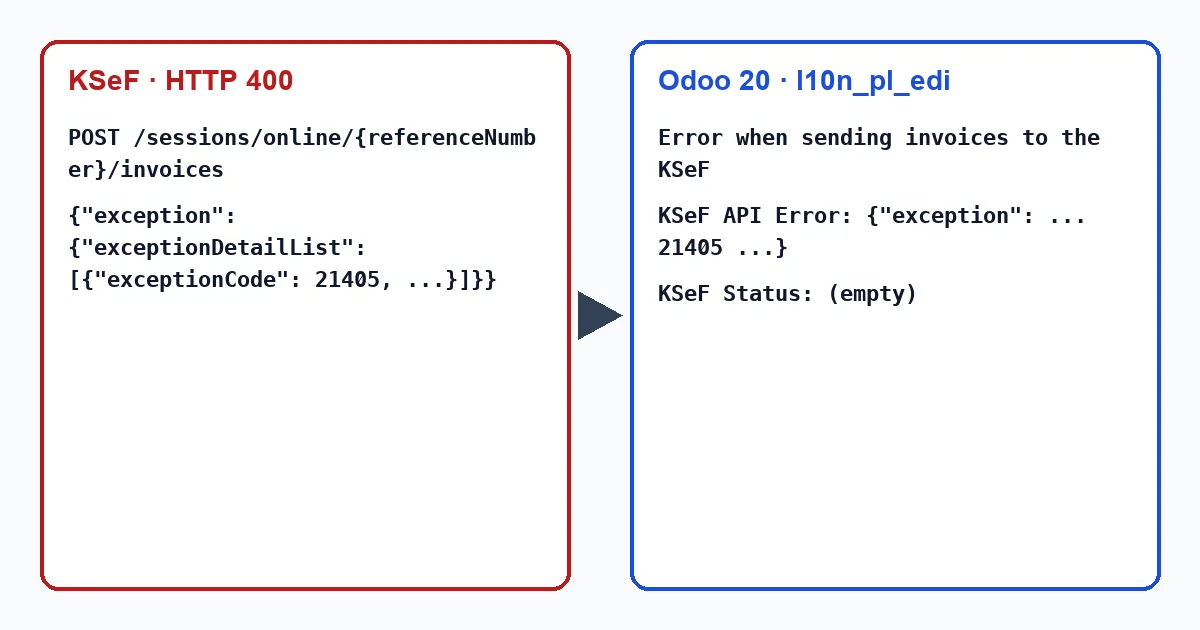
When KSeF rejects the request, l10n_pl_edi in Odoo 18, 19 and 20 shows “Error when sending invoices to the KSeF” on the invoice, and below it “KSeF API Error: ” followed by the response exactly as it came, exceptionCode included. If KSeF refuses when the session is being opened, the message starts with “Failed to open KSeF session: ”. The invoice gets no KSeF status, so once fixed you send it the same way as before.
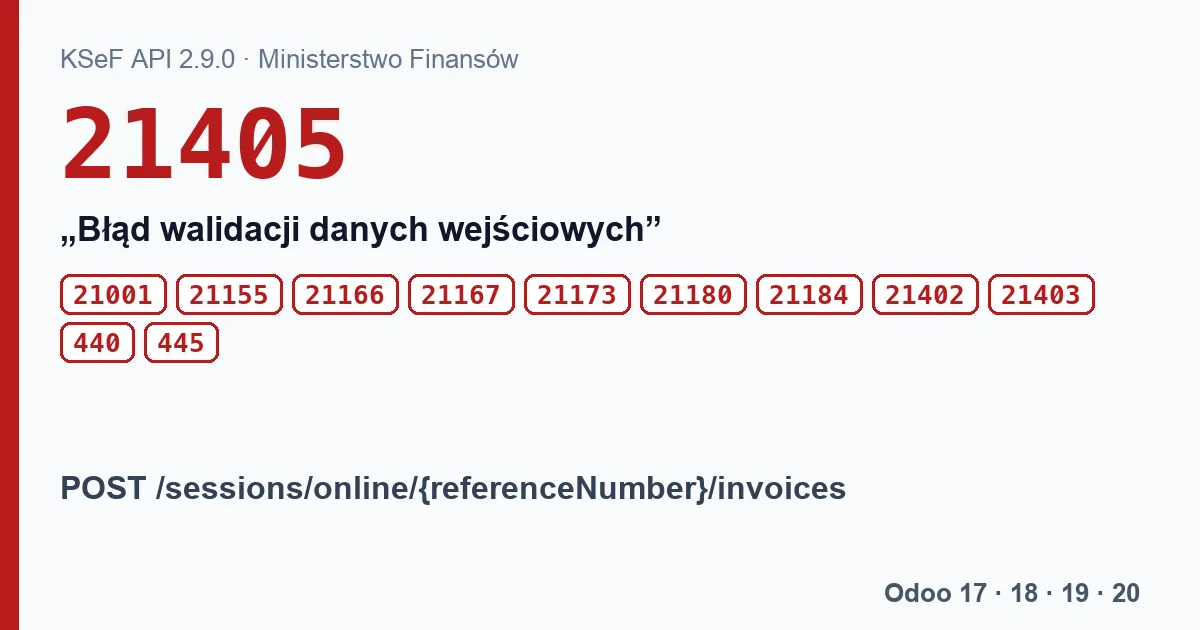
Codes, texts and what to do
| Code | KSeF text | What to do |
|---|---|---|
| 21405 | “Błąd walidacji danych wejściowych.” (input data validation error), details from the validator | Read the details; the documentation's example is “Wskazany kod formularza nie jest wspierany.” (form code not supported). |
| 21001 | “Nieczytelna treść.” (unreadable content), details with a description | KSeF could not read the request; documented in API 2.9.0, returned before as well. |
| 21155 | “Przekroczono dozwoloną liczbę faktur w sesji.” (too many invoices in the session) | A session holds up to 10 000 invoices; a new session is needed. |
| 21173 | “Brak sesji o wskazanym numerze referencyjnym.” (no session with that reference) | KSeF does not know the session stored on the company; Odoo will not replace it by itself (see below). |
| 21180 | “Status sesji nie pozwala na wykonanie operacji.” (session status does not allow it), e.g. “Status sesji {code} uniemożliwia wysyłkę faktur.” | The session closed or expired between the check and the sending. |
| 21184 | “Sesja tymczasowo niedostępna.” (session temporarily unavailable), with details about maintenance | KSeF suggests trying later or opening a new session. |
| 21402 | “Nieprawidłowy rozmiar pliku.” (wrong file size) | The size in the request does not match the content. |
| 21403 | “Nieprawidłowy skrót pliku.” (wrong file hash) | The SHA-256 hash does not match the content. |
| 21166 | “Korekta techniczna niedostępna.” (technical correction not available) | About the technical correction of an offline invoice. |
| 21167 | “Status faktury nie pozwala na korektę techniczną.” (invoice status does not allow a technical correction) | Same: no technical correction for an invoice that was processed correctly. |
The session in Odoo
Odoo keeps the interactive session number on the company. Before sending it asks KSeF for the session status: if it is 100, an open session, it keeps using it; otherwise it opens a new one with the FA (3) 1-0E form. So 21180 usually goes away on the next attempt. 21173 is different: on the next sending Odoo asks about that same session, gets the same error (“Failed to check KSeF session: …”) and does not open a new one. The stored session is only cleared by removing the KSeF certificate in the settings and saving, then adding the certificate again. That follows from Odoo's code; we have not tried it against KSeF. For 21184 KSeF suggests a new session, but Odoo only opens one once the stored session no longer has status 100; if the error repeats, wait, as the message advises.
Codes 21402 and 21403 concern calculations the sending program does itself: Odoo computes the hash and size of the invoice before and after encryption. With standard Odoo they do not come from the invoice data. Odoo does not send technical corrections of offline invoices, so 21166 and 21167 come from another program.
Before you report the problem
- Copy the full message from Odoo, including the JSON after “KSeF API Error:”.
- Note the code and the details text.
- Check whether the error affects one invoice or every invoice being sent.
- Check whether it happens in production or in the test environment.
Statuses of the session itself: 440 and 445
An interactive session has its own status too. 440 “Sesja anulowana” (session cancelled) with details “Nie przesłano faktur” means no invoice was sent in the session, and 445 “Błąd weryfikacji, brak poprawnych faktur” means no invoice passed verification. Odoo only checks whether the session has status 100, so it will not show these; look for the cause in the invoice statuses, such as 450.
Our module, Poland KSeF 2.0 Validator, does not send invoices and does not see these codes; with the FlexigoTech Cloud subscription, if you click “Validate FA(3) (FlexigoTech Cloud)” before sending the invoice, it checks the FA(3) file against the schema. That result does not stop l10n_pl_edi from sending: a “Not valid” invoice goes out anyway if you send it.
Keep reading
Checked in the module's source code (version 20.0) and the linked sources
Sources
- github.com/odoo/odoo/blob/2fec20391a8a61ea3a3bf15e9f24d59dba910a8d/addons/l10n_pl_edi/tool
- github.com/CIRFMF/ksef-api/blob/ce3670ea042de380039de4c5849fd6455811b292/open-api.json
- github.com/CIRFMF/ksef-api/blob/ce3670ea042de380039de4c5849fd6455811b292/api-changelog.md#
- github.com/CIRFMF/ksef-api/blob/ce3670ea042de380039de4c5849fd6455811b292/api-changelog.md#
- github.com/CIRFMF/ksef-api/blob/ce3670ea042de380039de4c5849fd6455811b292/faktury/weryfikac
- github.com/CIRFMF/ksef-api/blob/ce3670ea042de380039de4c5849fd6455811b292/faktury/weryfikac
- github.com/CIRFMF/ksef-api/blob/ce3670ea042de380039de4c5849fd6455811b292/api-changelog.md
- github.com/odoo/odoo/blob/2fec20391a8a61ea3a3bf15e9f24d59dba910a8d/addons/l10n_pl_edi/tool
- github.com/odoo/odoo/blob/2fec20391a8a61ea3a3bf15e9f24d59dba910a8d/addons/l10n_pl_edi/mode
- github.com/odoo/odoo/blob/2fec20391a8a61ea3a3bf15e9f24d59dba910a8d/addons/l10n_pl_edi/tool
- github.com/odoo/odoo/blob/2fec20391a8a61ea3a3bf15e9f24d59dba910a8d/addons/l10n_pl_edi/tool
- github.com/odoo/odoo/blob/2982b5f44af03fae6a9888f20632c1cc19f623ba/addons/l10n_pl_edi/i18n
- github.com/odoo/odoo/blob/2fec20391a8a61ea3a3bf15e9f24d59dba910a8d/addons/l10n_pl_edi/mode
- Module source code: flexigo_poland_ksef_2_0_e_invoice_connector_and_migrati 20.0 (ba7c60f1): views/account_move_views.xml