

 Español
 Català
 Deutsch
 Français
 Português
 Italiano
 Nederlands
 Polski
How to read an EU Pay Transparency message
The messages appear when you try something the module doesn't allow at that point, or when validation of the Field Mapping field fails.
The parts in curly brackets, such as {rec.name} or {MAX_CSV_MB}, are variables: on screen you'll see the actual value in their place.
Some messages end with a reference in brackets, such as Dir. 2023/970 art. 5, RD 902/2020 art. 7 or a code like FR-040. That is the reference the module itself attaches to the rule it applies: read it as a clue to why it blocks you, not as legal analysis of your situation.
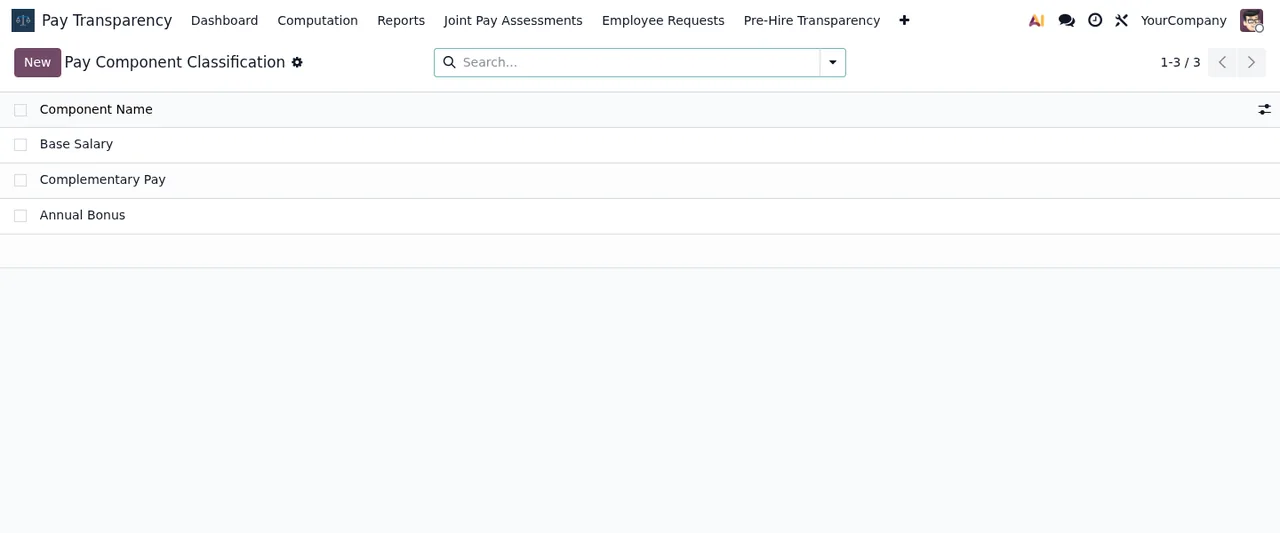
Pay Transparency › Pay Component Classification view, with Base Salary, Complementary Pay and Annual Bonus, the New button and the module's top menu.Message table: when they appear and what to do
They're ordered by what you were doing: vacancies and export, computations, privacy, CSV import, works council, Plan de Igualdad, reports and configuration.
| Message | When it appears | What to do |
|---|---|---|
A published salary range is required before the vacancy "{rec.name}" can be advertised. | When advertising a vacancy with no published salary range. Cites Dir. 2023/970 art. 5 and FR-040. | Enter the minimum and maximum salary for the role. |
XLSX export requires the xlsxwriter library. | When exporting to XLSX without the xlsxwriter library on the server. | Contact your system administrator or use the PDF export action. |
Invalid state transition: {rec.state} → {new_state}. | When you request a state change the module doesn't accept. | Check the current and target states shown in the message. |
Only draft runs can be started. | When starting a computation run that isn't in draft. | Only start runs that are in draft. |
Only ready runs can be approved. | When approving a run that isn't in ready. | Approve it only once it's in ready. |
No employees found for this company and period. | When there are no employees for the chosen company and period. | Check the company and period. |
DSAR export requires an identified employee. | When requesting a DSAR export with no identified employee. | Identify the employee first. |
No erasure request to process. | When processing an erasure with no erasure request. | Check that the request exists. |
Please select a CSV file to import. | When importing without choosing a file. | Select the CSV. |
File exceeds the maximum size of {MAX_CSV_MB} MB. | When the file is over the maximum size. | Compress it or split it into smaller parts. |
CSV file contains {len(rows)} rows, which exceeds the maximum of {MAX_CSV_ROWS}. | When the CSV has more rows than the maximum. | Split the file. |
File upload rejected: security scan failed. | When the upload fails the security scan. | Contact your administrator. |
Only HR Director can regenerate the works council token. | When regenerating the works council token without being HR Director. | Ask an HR Director to do it. |
Only the HR Director can invite the works council. | When inviting the works council without being HR Director. | Ask the HR Director to do it. |
Nobody to invite: add the works council representatives to the group "Pay Transparency / Works Council" of this company first. | When inviting while that company group is empty. | Add the representatives to the group. |
Cannot transition Plan de Igualdad from "{rec.state}" to "{vals["state"]}". | When moving a Plan de Igualdad to a state that isn't allowed. | Pick one of the transitions the message lists after Allowed transitions. |
Cannot finalise the Registro Retributivo: a gender pay gap exceeds 25% and no written justification has been provided. | When finalising with a pay gap above 25% and no justification. Cites RD 902/2020 art. 7. | Enter the justification text, then finalise. |
Report must pass legal review before submission. | When submitting a report that hasn't had legal review. | Complete the legal review. |
Field Mapping must be valid JSON: {exc} | When Field Mapping isn't valid JSON. | Fix the JSON in the field. |
Field Mapping is missing metric codes: {", ".join(missing)} | When metric codes are missing. | Add the codes the message lists. |
A right-to-information request for this worker category was already submitted within the last {cooldown_months} months. | On a second request for the same category within the waiting period, which the module describes as configurable. Cites Dir. 2023/970 art. 7. | Wait before submitting another, as the message asks. |
Category "{rec.name}" is referenced by computation metric lines and cannot be deleted. | When deleting a category used in computation metric lines. | Archive it instead of deleting it. |
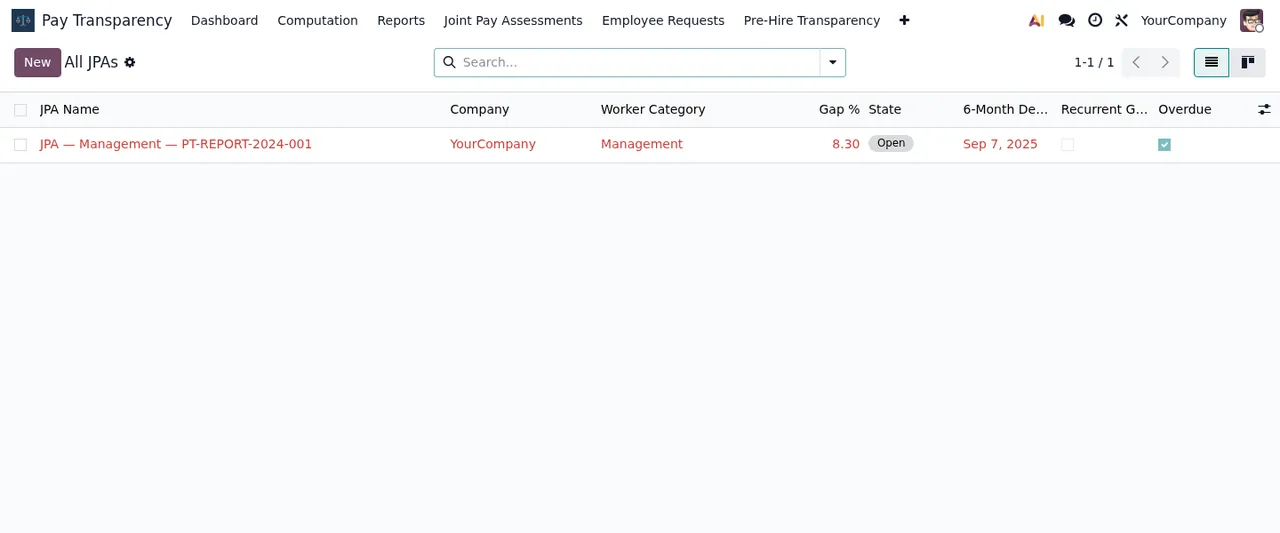
Pay Transparency › Joint Pay Assessments › All JPAs: a JPA Management record for YourCompany, category Management, in state Open with the Overdue box ticked.The records the module won't let you touch
Another group of messages doesn't point to missing data: it protects records the module treats as closed. There's nothing to fix in the form; the message tells you that action isn't allowed.
- Audit log.
The audit log is immutable and cannot be modified.andAudit log entries cannot be deleted.Nor can entries be created directly:Direct creation of audit log entries is not allowed. Use pt.audit.log._log() instead.That last one is aimed at whoever writes code on top of the module. - Audit metadata. If an entry's metadata carries disallowed keys, you get
Audit log metadata contains disallowed key(s): {", ".join(sorted(forbidden))}. Only non-PII structural keys are permitted., with the referenceFR-061 / Dir. 2023/970 art. 9. - Approved computations.
An approved computation run is immutable and cannot be modified.andApproved computation runs cannot be deleted. - Submitted reports.
Submitted reports are immutable and cannot be modified.andSubmitted reports cannot be deleted.
Check the data before approving a computation or submitting a report: afterwards, the module won't let you modify or delete them.
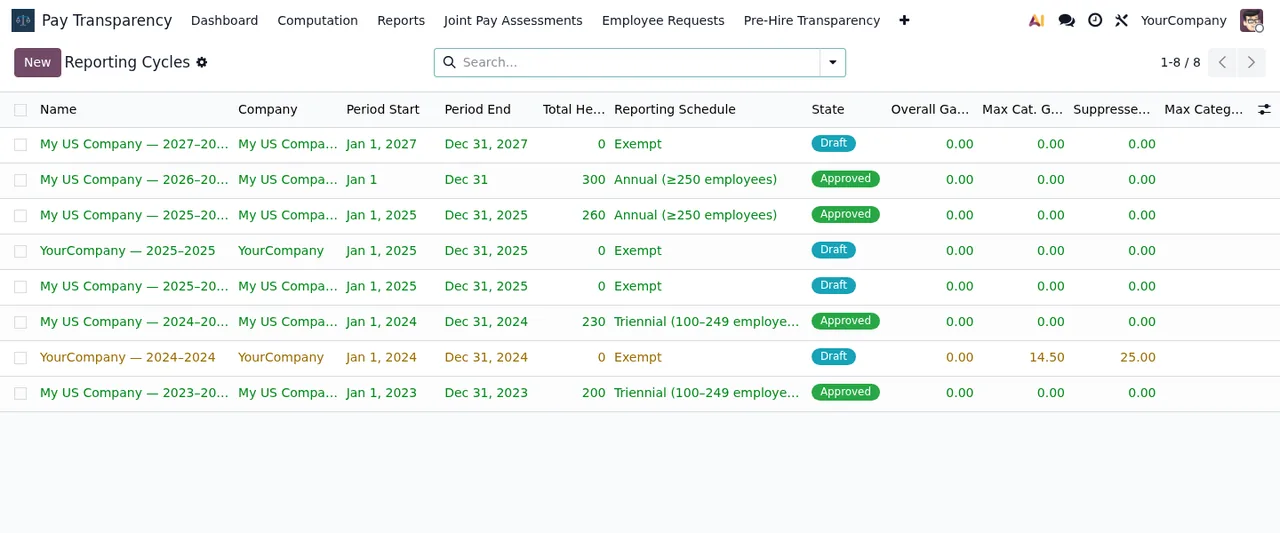
How FlexigoTech can help
EU Pay Transparency is published on Odoo Apps for 17, 18, 19 and 20, at €9 per Odoo version, one-off payment, excluding VAT; the details are on the Odoo Apps listing and on the module page. If you're still setting it up, the getting started guide walks through the settings, fields and states of each record.
FlexigoTech implements Odoo 17, 18, 19 and 20 and builds bespoke connectors and integrations. If one of these messages clashes with the way you work, we can look at it with you as part of the implementation.
Keep reading
Checked in the module's source code (version 20.0) and the linked sources
Sources
- Module source code: flexigo_paytransparency 20.0 (a4edd772): models/hr_job.py
- Module source code: flexigo_paytransparency 20.0 (a4edd772): models/pt_audit_log.py
- Module source code: flexigo_paytransparency 20.0 (a4edd772): models/pt_budget_sim.py
- Module source code: flexigo_paytransparency 20.0 (a4edd772): models/pt_computation_run.py
- Module source code: flexigo_paytransparency 20.0 (a4edd772): models/pt_dsar_request.py
- Module source code: flexigo_paytransparency 20.0 (a4edd772): models/pt_import_wizard.py
- Module source code: flexigo_paytransparency 20.0 (a4edd772): models/pt_jpa.py
- Module source code: flexigo_paytransparency 20.0 (a4edd772): models/pt_plan_igualdad.py
- Module source code: flexigo_paytransparency 20.0 (a4edd772): models/pt_registro.py
- Module source code: flexigo_paytransparency 20.0 (a4edd772): models/pt_report.py
- Module source code: flexigo_paytransparency 20.0 (a4edd772): models/pt_report_template.py
- Module source code: flexigo_paytransparency 20.0 (a4edd772): models/pt_rti_request.py
- Module source code: flexigo_paytransparency 20.0 (a4edd772): models/pt_worker_category.py
- apps.odoo.com/apps/modules/20.0/flexigo_paytransparency
- apps.odoo.com/apps/modules/17.0/flexigo_paytransparency
- apps.odoo.com/apps/modules/18.0/flexigo_paytransparency
- apps.odoo.com/apps/modules/19.0/flexigo_paytransparency
- flexigotech.com/en/services.html