

 Español
 Català
 Deutsch
 Français
 Português
 Italiano
 Nederlands
 Polski
How to read the module's messages
When you look a message up here, or send it to us, copy the exact text: each sentence states which condition has not been met and, therefore, where to go next. If you are not yet familiar with the full journey of a record inside the module, read how EU AI Act Governance Register works under the bonnet first.
Permissions and approval requests
What does Only an AI Governance Manager can approve or reject requests. mean?
The module keeps approving and rejecting requests for an AI Governance Manager. If you see this message, your user does not have that profile. What to do: ask an AI Governance Manager to approve or reject the request, or ask your Odoo administrator to review who should hold that profile.
Why do I get Only pending requests can be approved or rejected. when I do have permission?
Because the module only lets you approve or reject requests that are pending. What to do: check the request's status before trying again; if it is no longer pending, the message will keep coming back however many times you try.
Who can bypass the in-service checks?
According to the module's messages, only an AI Governance Manager can override the in-service gates, and they must give a justification. There are two warnings: Only an AI Governance Manager can override the in-service gates. appears when a user without that profile tries it, and A justification is required to override the in-service gates. appears when the justification is missing. What to do: in the first case, hand the action to an AI Governance Manager; in the second, write the justification and try again.
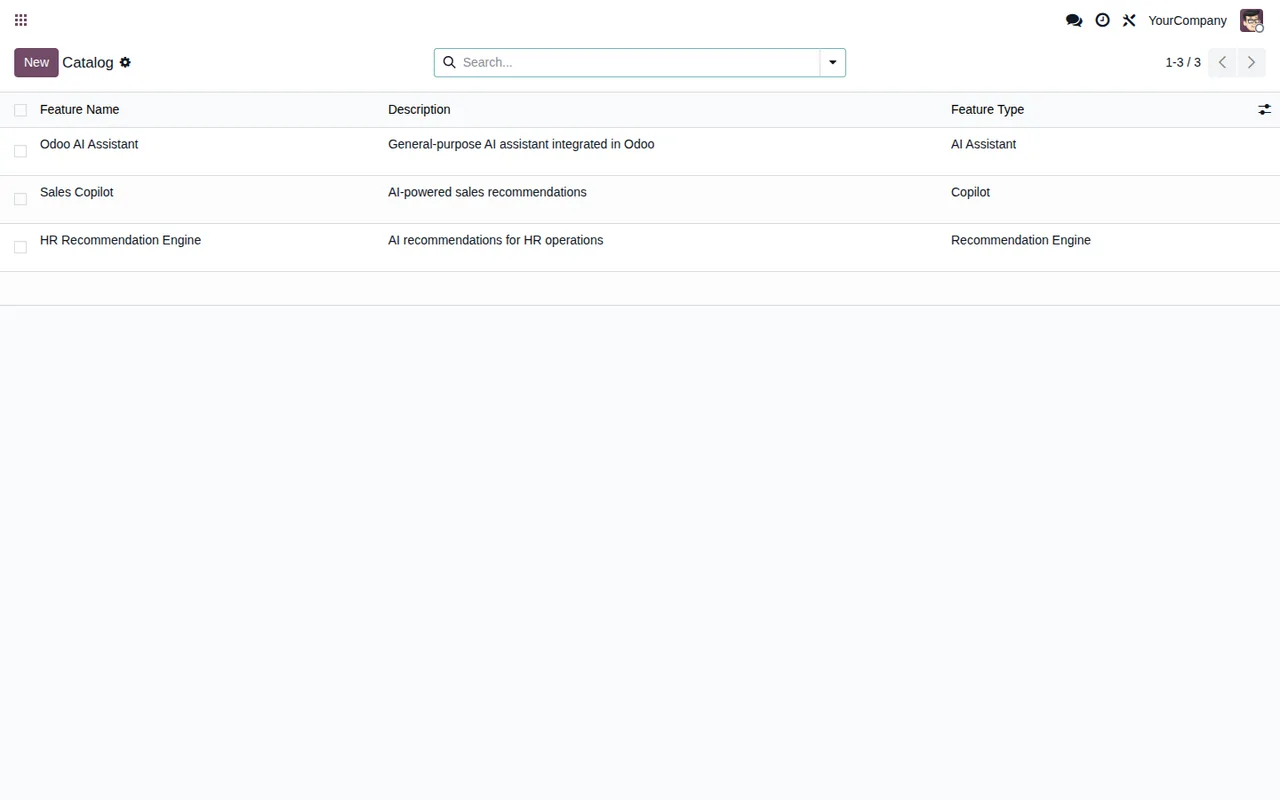
Blocks when moving an AI system forward
What do I do about A signed-off risk assessment is required before classifying.?
The module will not let you classify a system unless it has a signed-off risk assessment. What to do: complete the risk assessment for that system, get it signed off and classify again.
And A signed-off FRIA is required before proceeding to compliance setup.?
Same pattern with the FRIA: without a signed-off FRIA, the module will not let you move on to compliance setup. What to do: finish the FRIA, get it signed off and repeat the step.
What stops a system from being put in service?
Three messages block it. All mandatory obligations must be completed before in service. means there are obligations marked as mandatory still to be completed: finish them before trying again. Worker consultation is required for workplace systems before deployment. means that, for workplace systems, the module requires worker consultation before deployment: record it and try again. A prohibited AI practice (Art 5) cannot be put in service. means the system is recorded as a prohibited AI practice and the module will not allow it to be put in service. If the block comes from outstanding checks and there is a reason to proceed, the route the messages point to is an override by an AI Governance Manager with a justification, described above.
What do Select the Annex III area 5 sub-point. and Select the Art 6(3) derogation basis. ask for?
The first asks you to select the Annex III area 5 sub-point; the second, to select the Art 6(3) derogation basis. What to do: choose the value it asks for and repeat the action. The module checks that the value is there; which option applies to your system is a decision for whoever handles compliance in your company, not for the module.
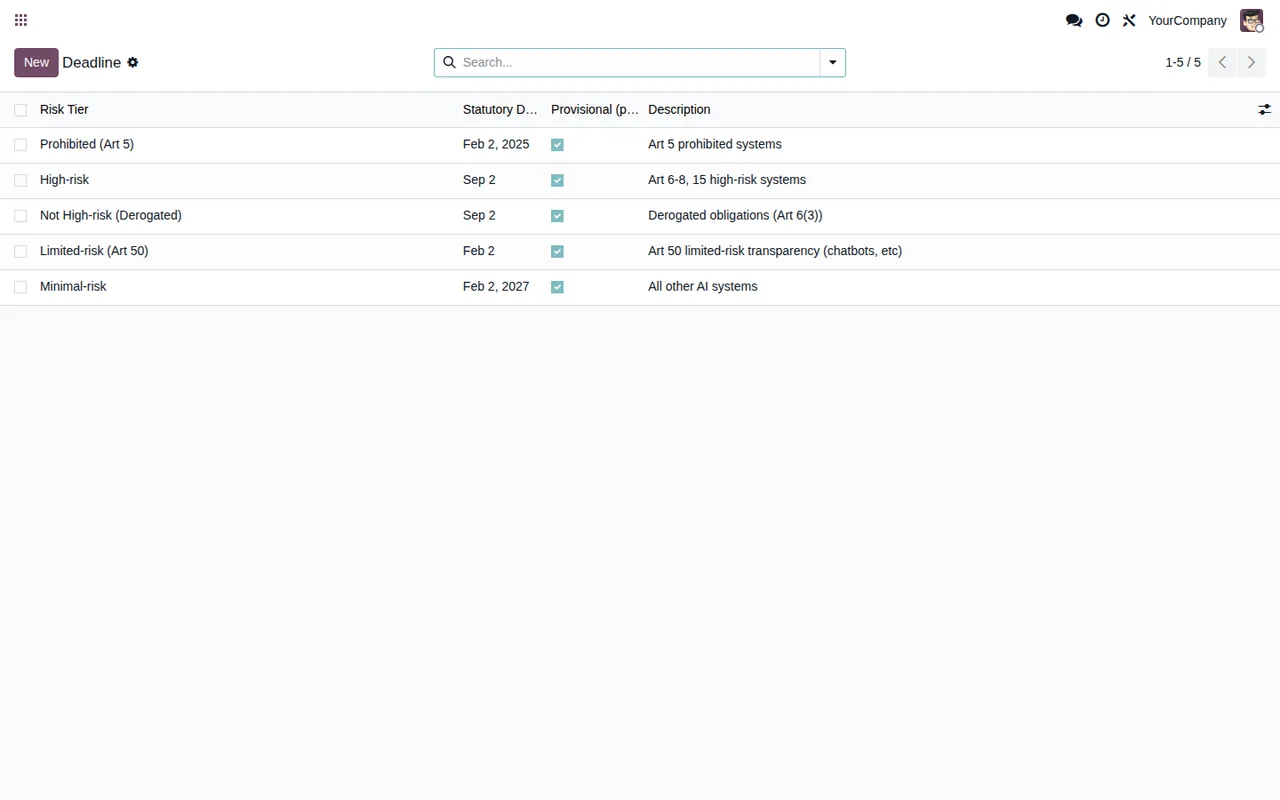
Frozen snapshots and CSV import
Can I correct or delete a frozen compliance snapshot?
No. If you try, the module replies with A frozen compliance snapshot cannot be modified. when you edit it and A frozen compliance snapshot cannot be deleted. when you delete it. What to do: treat a frozen snapshot as a closed record. If you think something in it is wrong, raise it with the AI Governance Manager before looking for another route.
What goes wrong when importing a CSV?
Please select a CSV file appears when you start the import without choosing a CSV file: select it and try again. Error parsing CSV: %s means the module could not read the file; in the code, %s is the placeholder where the detail of the failure is shown. What to do: read that detail, fix the file and run the import again.
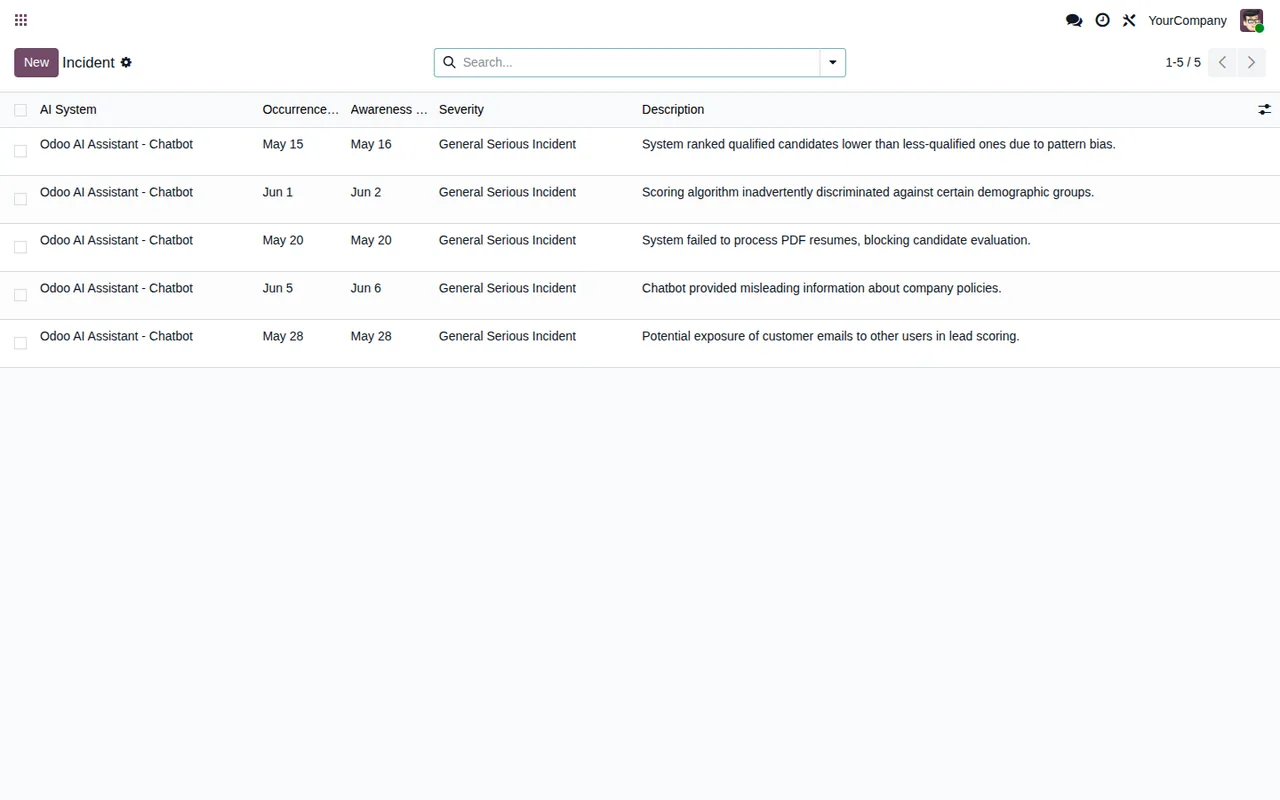
Versions and where FlexigoTech can help
EU AI Act Governance Register is published on Odoo Apps for Odoo 17, 18 and 19, at €49 excluding VAT per Odoo version, as a one-off payment. If you are still unsure whether it suits you, see what it covers and what you need before installing it. At FlexigoTech we implement Odoo and build bespoke connectors and integrations. If you get a message that is not on this list, or you want to connect the register to other parts of your Odoo, get in touch through the module page or check the Odoo Apps listing.
Keep reading
Checked in the module's source code (version 19.0) and the linked sources
Sources
- Module source code: flexigo_eu_ai_act_governance_register_for_odoo_ai_deplo 19.0 (76217c82): models/ai_approval_request.py
- Module source code: flexigo_eu_ai_act_governance_register_for_odoo_ai_deplo 19.0 (76217c82): models/ai_snapshot.py
- Module source code: flexigo_eu_ai_act_governance_register_for_odoo_ai_deplo 19.0 (76217c82): models/ai_system.py
- Module source code: flexigo_eu_ai_act_governance_register_for_odoo_ai_deplo 19.0 (76217c82): wizards/ai_bulk_import_wizard.py
- Module source code: flexigo_eu_ai_act_governance_register_for_odoo_ai_deplo 19.0 (76217c82): wizards/ai_risk_classification_wizard.py
- apps.odoo.com/apps/modules/19.0/flexigo_eu_ai_act_governance_register_for_odoo_ai_deplo
- apps.odoo.com/apps/modules/17.0/flexigo_eu_ai_act_governance_register_for_odoo_ai_deplo
- apps.odoo.com/apps/modules/18.0/flexigo_eu_ai_act_governance_register_for_odoo_ai_deplo
- flexigotech.com/en/services.html