

 Español
 Català
 Deutsch
 Français
 Português
 Italiano
 Nederlands
 Polski
Messages from the setup wizard
The first messages you may see appear while you configure the module and each one names what is missing. If you are in the middle of setting it up, the full run-through of settings is in the setup guide.
What does Enter the Peppol participant ID (step 2) before testing the connection. mean?
You ran the connection test without entering the Peppol participant ID first. The message tells you where to do it: step 2. When you enter it, bear in mind another message from the module, Please enter a valid Peppol Participant ID with scheme prefix (e.g. 0208:0123456789).: the ID needs the scheme prefix in front, following the format of the example the message gives. With the ID entered in that format, run the test again.
Why won't the wizard let me move on to the next step?
Because something the message names is missing. Complete it and try again:
Please complete all company information fields before proceeding.: some company information fields are empty.Please select an Access Point provider before proceeding.orPlease select an Access Point provider first.: you have not chosen an Access Point provider.Please run the connectivity test and ensure it succeeds before proceeding.: the connectivity test has not been run or did not pass. It has to succeed.Please configure at least one VAT-to-Peppol category mapping.: there is no VAT-to-Peppol category mapping yet.Please run the partner Peppol ID scan before proceeding.: you still need to run the scan of partner Peppol IDs.No Belgian sale taxes found. Please verify that your chart of accounts is configured or create mappings manually.: the module found no Belgian sale taxes. The message offers two ways out: check that your chart of accounts is configured, or create the mappings by hand.
Messages when sending and recording invoices
Once the module is configured, the messages you may see relate to the invoice you are trying to send and to the data for each transmission.
What is the difference between Cannot send: there are validation failures that must be resolved before transmission. and Please acknowledge the warnings before sending.?
The first means the invoice has validation failures: the module will not send it until they are resolved. The second is about warnings, not failures: the module asks you to acknowledge them before sending. In the first case you need to resolve the failures; in the second, acknowledge the warnings and send again.
What should I do if I get Invoice %(invoice)s already has a terminal-success transmission (log entry #%(log_id)s). Only one terminal success is allowed per invoice.?
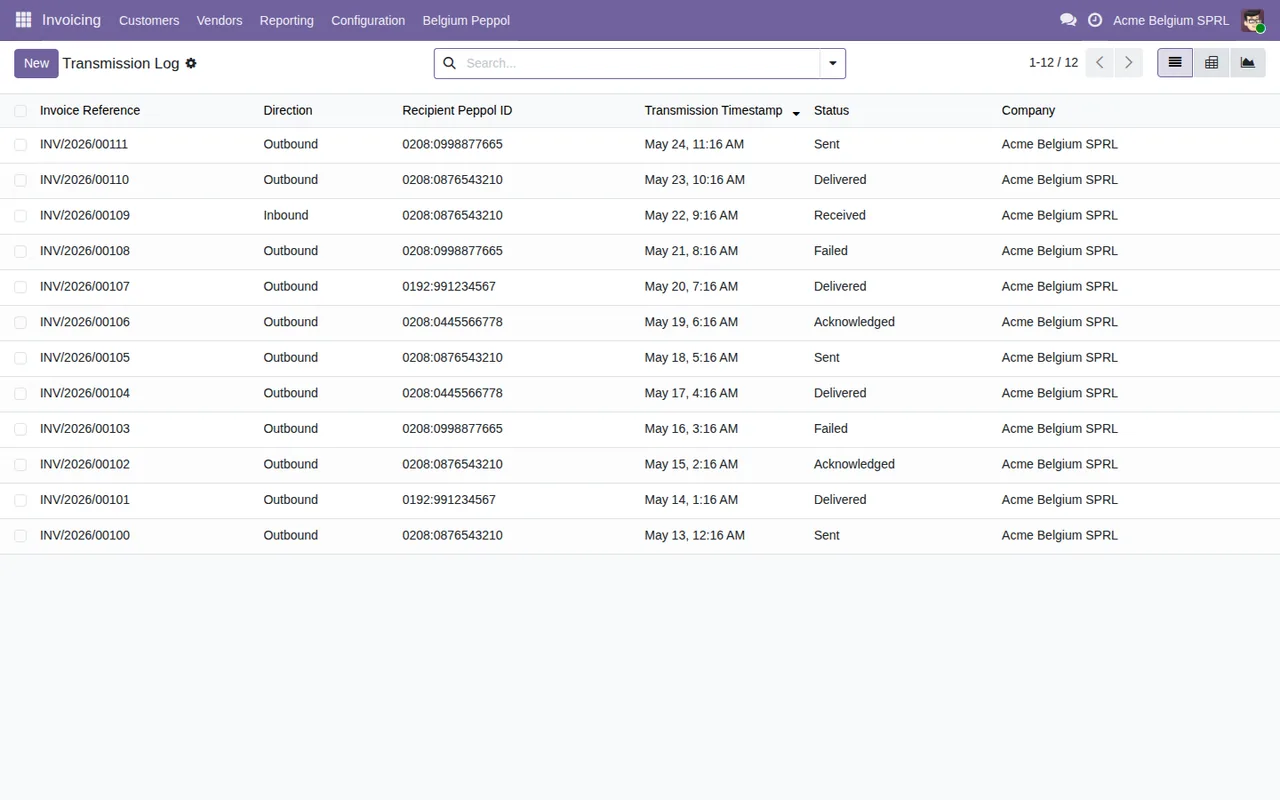
The module allows only one terminal-success transmission per invoice, and this invoice already has one. In the real message, the placeholders are replaced by the invoice reference and the number of the log entry that records that success. Do not try to record a second success for the same invoice.
Which messages ask for missing data?
These tell you straight away what is missing or what already exists:
No invoice selected for validation.andNo invoice selected.: no invoice is selected.Invoice reference is required.,Transmission date is required.andRecipient Peppol ID is required.: the invoice reference, the transmission date or the recipient Peppol ID is missing.Please select at least one company.: you need to tick at least one company.This record has already been imported.: the module indicates that this record has already been imported.
Protected records and Access Point changes
This is where the protection messages come in. You cannot fix them by filling in a field: the module does not let you delete transmission log entries or snapshots, limits what you can change in them and does not let you modify an evidence pack once it has been generated. If you want to understand the role each one plays, we explain it in how the module works under the bonnet.
Why can't I edit or delete transmission log entries?
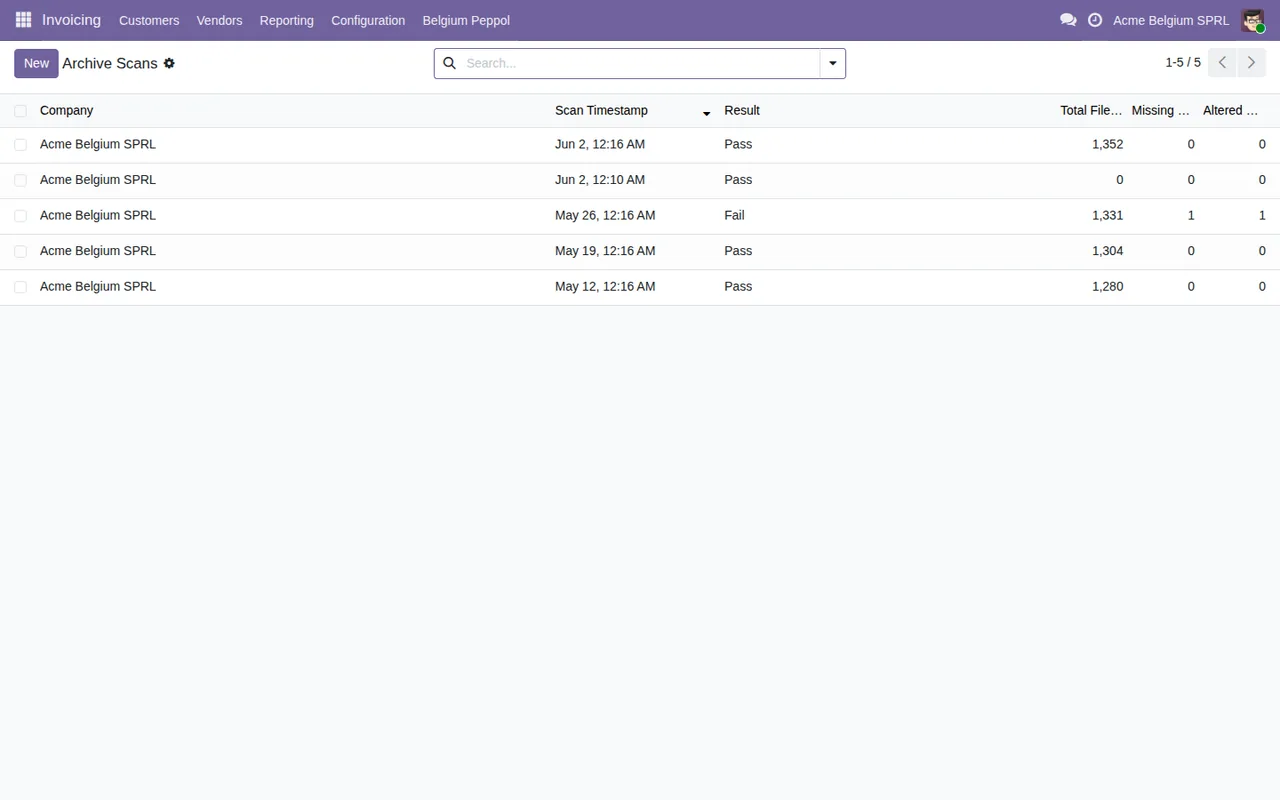
The module treats those entries as immutable audit records. If you try to delete one, you get Transmission log entries are immutable audit records (AC-031) and cannot be deleted.. If you try to change certain fields, you get Transmission log entries are append-mostly. Fields not allowed for update: %(fields)s, with the placeholder replaced by the list of fields that cannot be updated. Leave those fields as they are.
What about configuration snapshots and evidence packs?
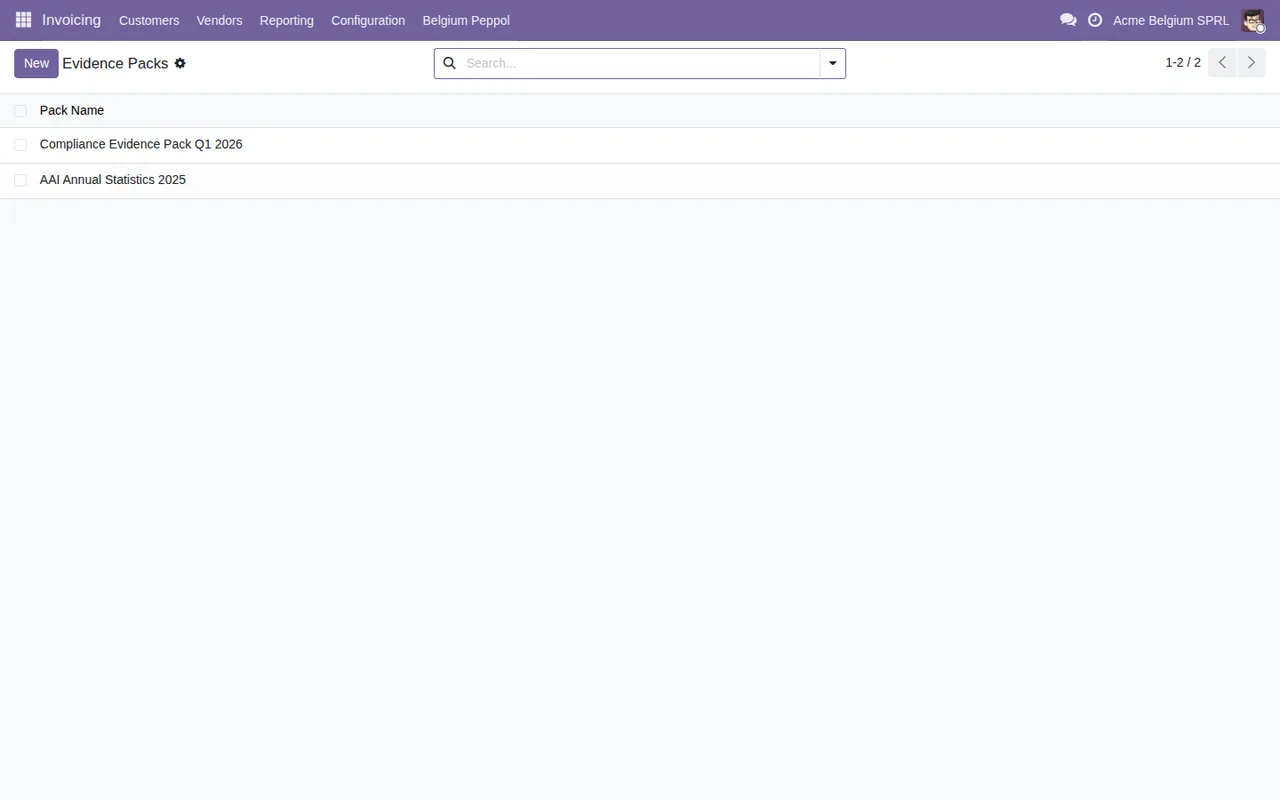
Configuration snapshots can only be added to: you get Configuration snapshots are append-only and cannot be modified. when editing and Configuration snapshots are append-only and cannot be deleted. when deleting. For evidence packs, Evidence pack fingerprints and files are written by the generation only. means the fingerprints and files are written only when the pack is generated. And if you try to change a pack that has already been generated, you get A generated evidence pack is sealed: generate a new one instead.: the pack is sealed, and the way forward is to generate a new one.
When can a fallback entry be resolved?
Only when it is open: otherwise you get Only open fallback entries can be resolved.. And to resolve it, the module requires one of two things, according to Resolution requires either a later successful Peppol transmission or updated customer confirmation evidence.: a later successful Peppol transmission or updated customer confirmation evidence.
Which messages appear when changing Access Point provider or rotating the credential?
When migrating provider: Please select a new Access Point provider first. or Please select a new Access Point provider. if you have not chosen the new one; The new access point must be different from the current one. if you pick the one you already have; Connectivity test must succeed before migration can be finalized. if the connectivity test has not passed; and Migration has already been completed. if the migration is already done. When rotating the credential: Please enter the new credential. if you have not entered it, Connectivity test must succeed before rotation. if the test has not succeeded, and Credential rotation is already complete. if it has already been completed.
How FlexigoTech can help
On Odoo Apps, the app costs €9 excluding VAT, a one-off payment per Odoo version, for 17, 18, 19 and 20, and there each Odoo version is bought separately; if you buy it at flexigotech.com, the subscription includes the module for new Odoo versions. The FlexigoTech Cloud local service costs €29/month or €290/year excluding VAT; without a subscription, or with the service suspended, whatever the subscription provides stops and your data stays in your Odoo. If you get stuck on any of these messages during implementation, at FlexigoTech we implement Odoo 17, 18, 19 and 20 and build bespoke connectors and integrations. You will find the module details on its page at flexigotech.com.
Keep reading
Checked in the module's source code (version 20.0) and the linked sources
Sources
- Module source code: flexigo_belgium_peppol_b2b_e_invoicing_compliance_wizar 20.0 (8c3e3f48): models/be_peppol_access_point.py
- Module source code: flexigo_belgium_peppol_b2b_e_invoicing_compliance_wizar 20.0 (8c3e3f48): models/be_peppol_configuration_snapshot.py
- Module source code: flexigo_belgium_peppol_b2b_e_invoicing_compliance_wizar 20.0 (8c3e3f48): models/be_peppol_evidence_pack.py
- Module source code: flexigo_belgium_peppol_b2b_e_invoicing_compliance_wizar 20.0 (8c3e3f48): models/be_peppol_fallback_entry.py
- Module source code: flexigo_belgium_peppol_b2b_e_invoicing_compliance_wizar 20.0 (8c3e3f48): models/be_peppol_transmission_log.py
- Module source code: flexigo_belgium_peppol_b2b_e_invoicing_compliance_wizar 20.0 (8c3e3f48): wizard/be_peppol_access_point_migration_wizard.py
- Module source code: flexigo_belgium_peppol_b2b_e_invoicing_compliance_wizar 20.0 (8c3e3f48): wizard/be_peppol_batch_evidence_wizard.py
- Module source code: flexigo_belgium_peppol_b2b_e_invoicing_compliance_wizar 20.0 (8c3e3f48): wizard/be_peppol_credential_rotation_wizard.py
- Module source code: flexigo_belgium_peppol_b2b_e_invoicing_compliance_wizar 20.0 (8c3e3f48): wizard/be_peppol_historical_import_wizard.py
- Module source code: flexigo_belgium_peppol_b2b_e_invoicing_compliance_wizar 20.0 (8c3e3f48): wizard/be_peppol_presend_summary_wizard.py
- Module source code: flexigo_belgium_peppol_b2b_e_invoicing_compliance_wizar 20.0 (8c3e3f48): wizard/be_peppol_setup_wizard.py
- apps.odoo.com/apps/modules/20.0/flexigo_belgium_peppol_b2b_e_invoicing_compliance_wizar
- apps.odoo.com/apps/modules/17.0/flexigo_belgium_peppol_b2b_e_invoicing_compliance_wizar
- apps.odoo.com/apps/modules/18.0/flexigo_belgium_peppol_b2b_e_invoicing_compliance_wizar
- apps.odoo.com/apps/modules/19.0/flexigo_belgium_peppol_b2b_e_invoicing_compliance_wizar
- flexigotech.com/en/services.html
- flexigotech.com/precios.html