

 Español
 Català
 Deutsch
 Français
 Português
 Italiano
 Nederlands
 Polski
What the message means
What does it say exactly, and what does it mean?
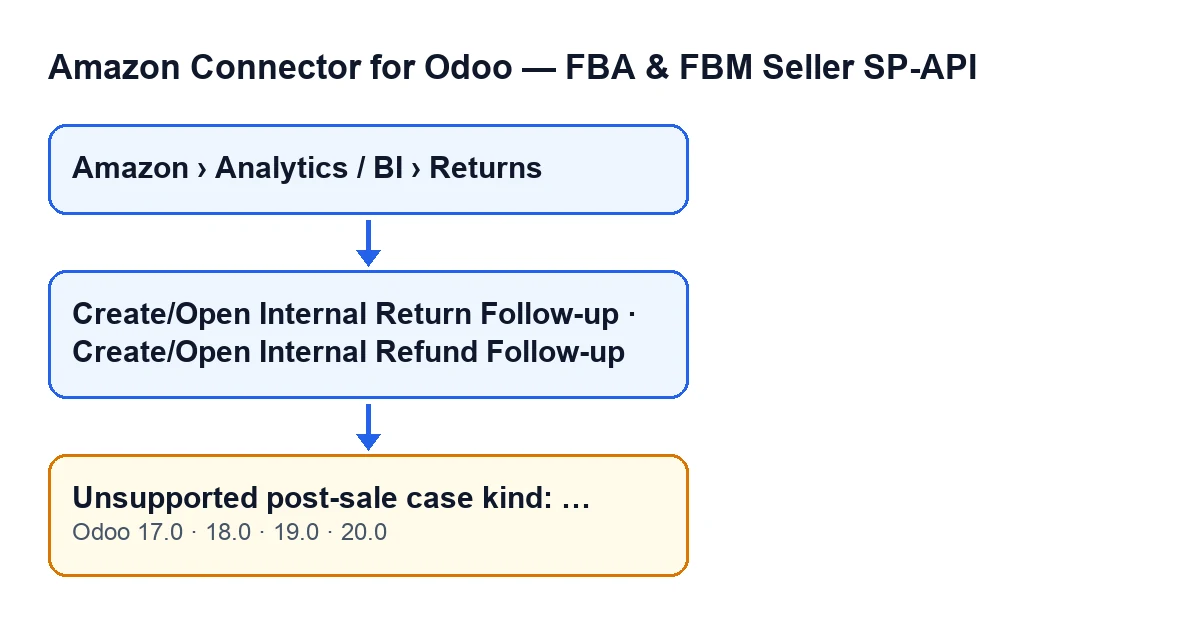
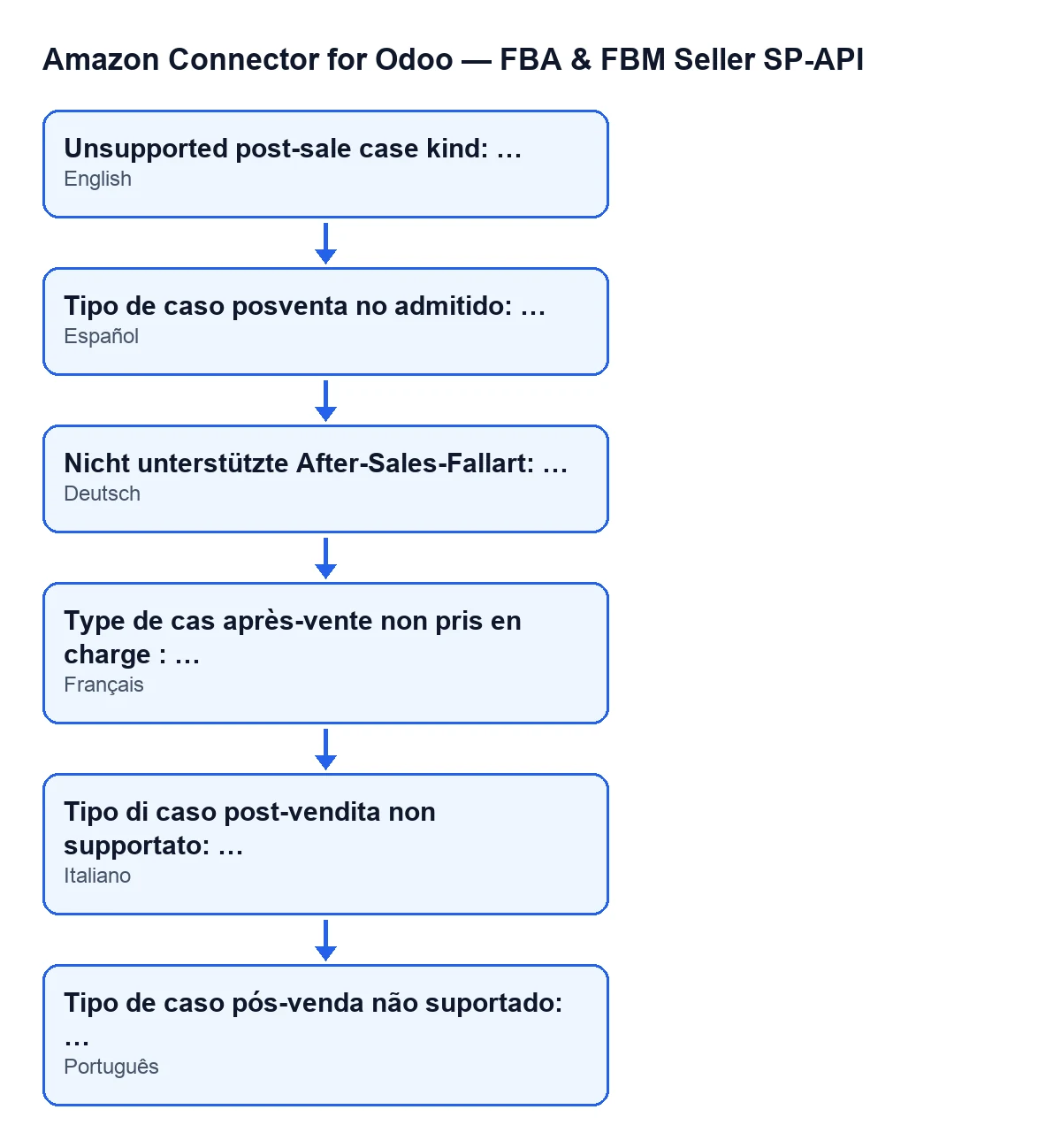
With Odoo in English you see Unsupported post-sale case kind: …. The dots stand for the value the module received: the message shows it after the colon. It is an error that stops the action. It means the module was preparing the source key of a post-sale case for a return line and was given a case kind it does not recognise. It only recognises the refund kind and the pending kind.
When exactly does it appear?
The Odoo 20.0 code does this, in this order. First it takes a base key from the return line: its source value and, if that is empty, its internal identifier. Then it looks at the case kind it has been asked for:
- If it is refund, it returns a key with the refund-return prefix followed by that base.
- If it is pending, it returns a key with the pending-return prefix followed by that base.
- For any other kind, it raises the message with that value at the end.
In other words, the message appears only when the case kind is neither of those two. It does not depend on the line having a source value: the base key is worked out beforehand and always has a result, because if that value is empty the line's internal identifier is used.
Unsupported post-sale case kind: ….
Where you can reach it
Which screen can I meet it on?
The return line records open from the menu Amazon › Analytics / BI › Returns. From the record, the message can appear when you press Create/Open Internal Return Follow-up or Create/Open Internal Refund Follow-up. Each button calls its own method, and both reach the case kind check that raises the message if its condition is met.
Why can I not see the returns menu?
Each stretch of the menu asks for a permission: Amazon asks for Viewer, Analytics / BI asks for Viewer and Returns asks for Viewer. If you do not have one of them, you do not see that stretch.
When are those buttons visible?
Each has its own view condition, the same in Odoo 17, 18, 19 and 20:
Create/Open Internal Return Follow-upis hidden when thePrimary Postsale Casefield has a value or when thePending Action Requiredfield is not ticked. With the default values it is not visible.Create/Open Internal Refund Follow-upis hidden whenPrimary Postsale Casehas a value or whenRefund Amountis zero or less.
If you cannot see the button, its condition is hiding it.
What happens and how to resolve it
What happens to the action when it appears?
It is an error that stops the action: in the case kind check, the method ends there and never returns a key.
Can I fix it by filling in a field on the record?
What decides the outcome of that check is the case kind passed to the method. To accept or reject, the method only looks at the case kind it receives; the line's base key is worked out beforehand and plays no part in the rejection. So if the message appears, the point to look at is which case kind reaches that check: it has to be refund or pending.
Does it happen in every version?
The message is in the published code of all four branches: Odoo 17, 18, 19 and 20. The module is published on Odoo Apps for those same versions. The order of checks described here matches the Odoo 20.0 code. The view conditions of the two buttons, however, are the same in all four.
What do I do when it appears?
Do this, in order:
- Copy the whole message, including the value after the colon.
- Note which of the two buttons you pressed and on which line of
Amazon › Analytics / BI › Returns. - If you have customised the module, check which case kind reaches the check: it has to be refund or pending.
- If you have not changed anything, send those details to FlexigoTech so it can be looked at.
How FlexigoTech can help
FlexigoTech implements Odoo 17, 18, 19 and 20 and develops bespoke connectors and integrations, so it can go through with you what reaches that check in your installation. One thing to bear in mind: the module is a one-off payment per version and needs the FlexigoTech Cloud subscription, Connector plan, at €49 a month or €490 a year excluding VAT. You can find the module on the FlexigoTech page.
Keep reading
Checked in the connector's source code (version 20.0) and the linked sources
Sources
- Module source code: flexigobe_amazon_seller_connector 20.0 (8576afa5): models/amazon_spapi_return_line.py
- Module source code: flexigobe_amazon_seller_connector 20.0 (8576afa5): views/amazon_spapi_return_line_views.xml
- apps.odoo.com/apps/modules/20.0/flexigobe_amazon_seller_connector
- flexigotech.com/precios.html
- flexigotech.com/en/services.html