

 Español
 Català
 Deutsch
 Français
 Português
 Italiano
 Nederlands
 Polski
A case: a settlement that does not reconcile
Example Illustrative case: the company and its figures are made up to explain the flow.
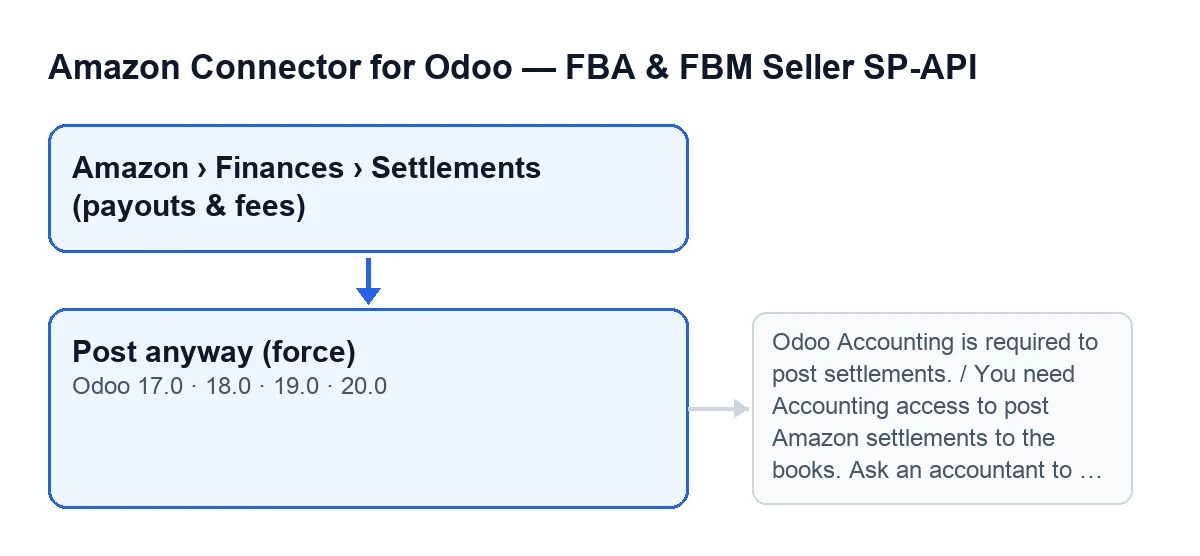
Javier runs the administration of «Cerámicas del Norte», an invented shop that sells on Amazon. He goes to Amazon › Finances › Settlements (payouts & fees) and opens a settlement that is neither posted nor reconciled. That is why he sees the Post anyway (force) button.
He clicks it and Odoo asks: This settlement does not balance. Post anyway and absorb the difference into the clearing account?. Javier thinks twice before accepting: the button's code says it should only be used when you knowingly accept the variance.
He accepts, and the module stops him with a message: posting Amazon settlements to accounting is disabled on the Amazon account. He enables it in that account's configuration, as the message says, and clicks again. This time the message asks him to configure items that are missing on the account. He configures them and clicks once more. Once those checks are passed, what the button aims to do, according to the confirmation text, is absorb the difference into the clearing account; even so, the posting can still stop with the imbalance or «Nothing to post» messages you will see in the table.

When the button appears
The button is on the settlement form, in the Settlements screen, which opens from Amazon › Finances › Settlements (payouts & fees). Every part of that menu path asks for the Viewer permission: without it, you do not see that part. The button exists in Odoo 17, 18, 19 and 20.
The view condition is the same in all four versions: the button is hidden when the State shows that the settlement is already posted, or when Reconciled is ticked. Put the other way round, it shows while the settlement is neither posted nor reconciled.
Seeing the menu is not the same as being able to post: as you will see below, posting also asks for Accounting access.
What it does when you click it
Once you confirm, the button goes through the settlements it acts on and, for each one, runs the posting flagged as forced. The button's own code describes it like this: post even when the settlement does not balance, absorbing the residual into the clearing account.
In that posting, these are the first checks, in this order, and each one stops the action if it fails:
- That Odoo Accounting is available.
- That you have Accounting access. Automated superuser contexts pass this check; an Amazon user without Accounting does not.
- That posting settlements is enabled in the Amazon account configuration. The message itself says it is off by default for safety.
- That the settlement does not already have an entry.
- That the Amazon account has the
Settlement journal, theAmazon clearing account, theAmazon fees accountand theSettlement deposit/bank accountconfigured. - That the Amazon clearing account allows reconciliation.
The posting can also stop with the imbalance message and with the «Nothing to post» message, both in the table below. If it stops at any of them, the action is halted.
The messages that can stop it
These are messages the button can give, with what to do in each case.
| Message | When it appears | What to do |
|---|---|---|
Odoo Accounting is required to post settlements. | Odoo Accounting is not available. | Make Odoo Accounting available in your database. |
You need Accounting access to post Amazon settlements to the books. Ask an accountant to post this settlement. | Your user does not have Accounting access. | Have an accountant post it, as the message asks. |
Posting Amazon settlements to accounting is disabled. Enable it on the Amazon account configuration first (it is OFF by default for safety). | The settlement's Amazon account has posting switched off. | Enable it in that account's configuration. |
This settlement is already posted (entry …). | The settlement already has an entry. | Look at the entry the message names. |
Configure these on the Amazon account before posting: … | One of the items in the fifth check is missing; the message lists them. | Configure on the Amazon account what the message lists. |
The Amazon clearing account "…" must allow reconciliation. Tick "Allow Reconciliation" on that account so invoices and settlements net against each other. | The Amazon clearing account does not allow reconciliation. | Tick Allow Reconciliation on that account. |
Settlement … does not balance: … … is left over after mapping every line (sales, fees, tax, refunds) against the deposit. A line probably did not import or is miscategorized. Review it, or use "Post anyway (force)" to absorb the difference into the clearing account. | It is another of the messages this button can stop with; it gives the amount left over after mapping the lines against the deposit. | Review the settlement lines, as the message itself suggests. |
Nothing to post for settlement …. | According to the message, there is nothing to post for that settlement. | Review the settlement the message names. |
What the label looks like in each language
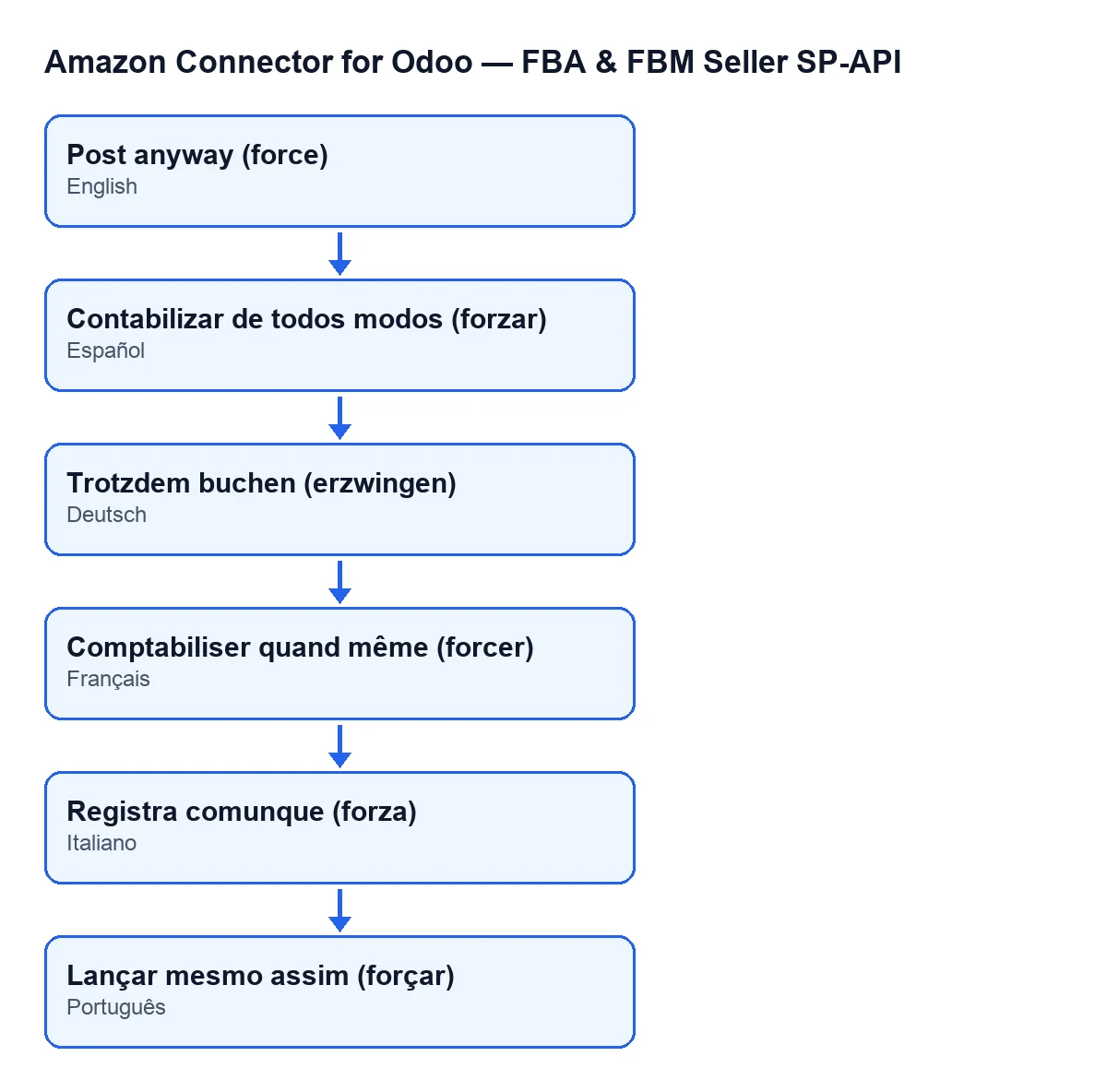
The label changes with your Odoo language. With Odoo in English it is Post anyway (force), and that is what you will see on screen.
What to take from the case
- It is the exception, not the routine. The button is for posting knowing that the settlement is not reconciled. The imbalance message reminds you that a line probably did not import or is miscategorized, and recommends reviewing it.
- Viewer is not enough. The menu permission takes you to the settlement; posting needs Accounting access.
- Prepare the account first. Enabling posting, filling in the journal and the accounts the message asks for, and allowing reconciliation on the clearing account are some of the conditions the module checks before it posts.
How FlexigoTech can help
FlexigoTech implements Odoo 17, 18, 19 and 20 and builds connectors and custom integrations; if your Amazon accounting needs a specific adjustment, we can look at it with you. The module needs the FlexigoTech Cloud subscription (Connector plan: €49/month or €490/year excluding VAT). You can find the Odoo Apps listing and the module page.
Keep reading
Checked in the connector's source code (version 20.0) and the linked sources
Sources
- Module source code: flexigobe_amazon_seller_connector 20.0 (8576afa5): views/amazon_spapi_settlement_views.xml
- Module source code: flexigobe_amazon_seller_connector 20.0 (8576afa5): models/amazon_spapi_settlement.py
- apps.odoo.com/apps/modules/20.0/flexigobe_amazon_seller_connector
- flexigotech.com/en/services.html
- flexigotech.com/precios.html