

 Español
 Català
 Deutsch
 Français
 Português
 Italiano
 Nederlands
 Polski
When the message appears
When you press Connect to Amazon on an account form, Odoo may stop the action with this message:
Tick "I accept that this Amazon connection works through FlexigoTech Cloud" first, then press Connect to Amazon.
The message appears when these conditions meet: the account connects through the FlexigoTech hub with FlexigoTech Cloud, and the box I accept that this Amazon connection works through FlexigoTech Cloud is unticked. If the account does not connect that way, the method does not ask for the box.
The message is in the published code of all the published branches (Odoo 17, 18, 19 and 20). When it appears, the action stops before any pending connection attempt is closed and before you are sent to the FlexigoTech hub.
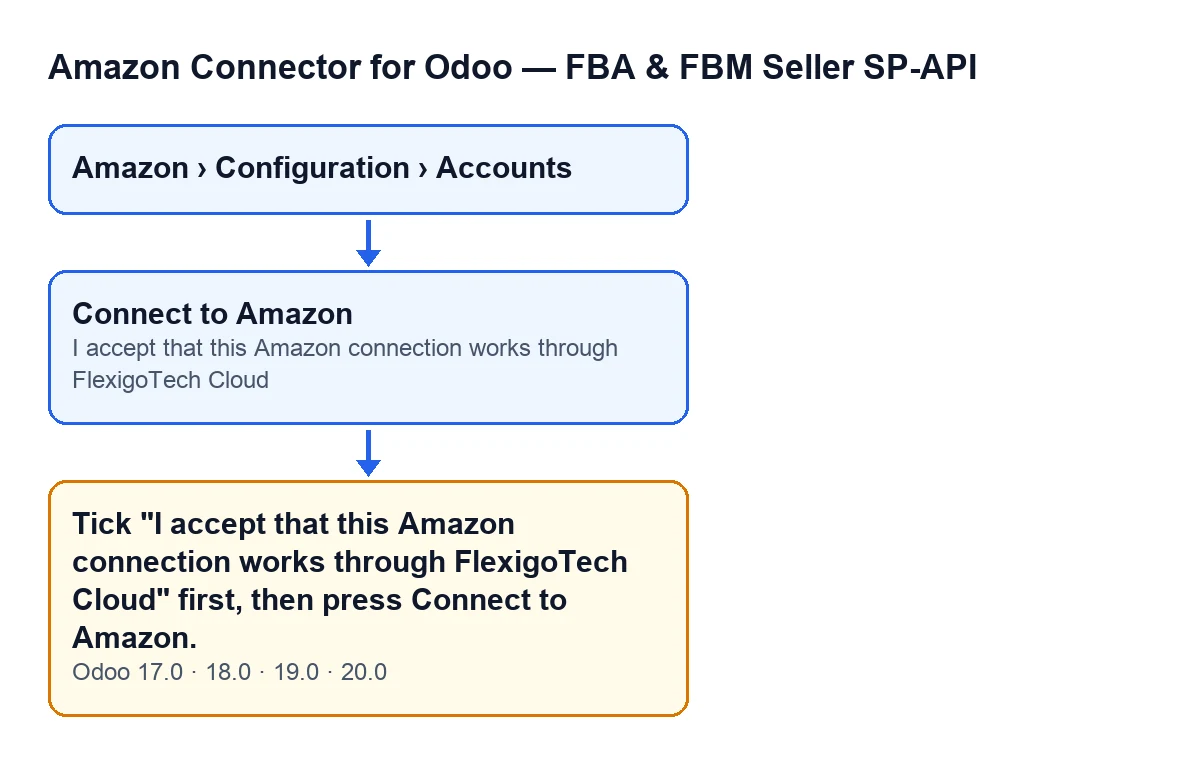

The checklist
Before you press the button
- Open the menu
Amazon › Configuration › Accountsand go into the account form. TheAccountsstep needs theManagerpermission, as does theConfigurationstep; theAmazonstep needsViewer. If you cannot see one of the steps, you are missing that permission.
- On the form, go to the
Credentialstab and find the groupConnect via FlexigoTech Hub. The boxI accept that this Amazon connection works through FlexigoTech Cloudis there.
- Read the box's help text: "FlexigoTech keeps the Amazon authorization of this account on its hub and hands this Odoo a token that lasts one hour; orders and addresses go from Amazon straight to this Odoo."
- Be clear that this connection needs the FlexigoTech Cloud subscription. The module is a one-off payment per Odoo version (published for 17, 18, 19 and 20) and comes with the Connector plan: €49 a month or €490 a year excluding VAT, up to 3 accounts of the platform. With the subscription, the module for newer Odoo versions is included if you bought it on flexigotech.com; on the Odoo App Store, each Odoo version is bought there.
- Remember what the service covers: the connection goes through FlexigoTech Cloud, which stores the credentials encrypted, watches the synchronisation and emails you if it fails. Without a subscription, or with the service suspended, whatever the subscription provides stops; your data stays in your Odoo.
When you press the button
- Tick the box
I accept that this Amazon connection works through FlexigoTech Cloud. With the default values it is visible.
- Press
Connect to Amazon. With the default values it is visible; it is hidden whenConnection Modeis not the hub one or whenHub Connectionhas a value.
- Check that the message no longer appears. With the box ticked, the method gets past that check and carries on: it closes the connection attempts you had pending as a user, opens a new one and takes you, in the same tab, to the start address of the FlexigoTech hub. It passes that address your Odoo's return address, the identifier of the new attempt and the account's region.
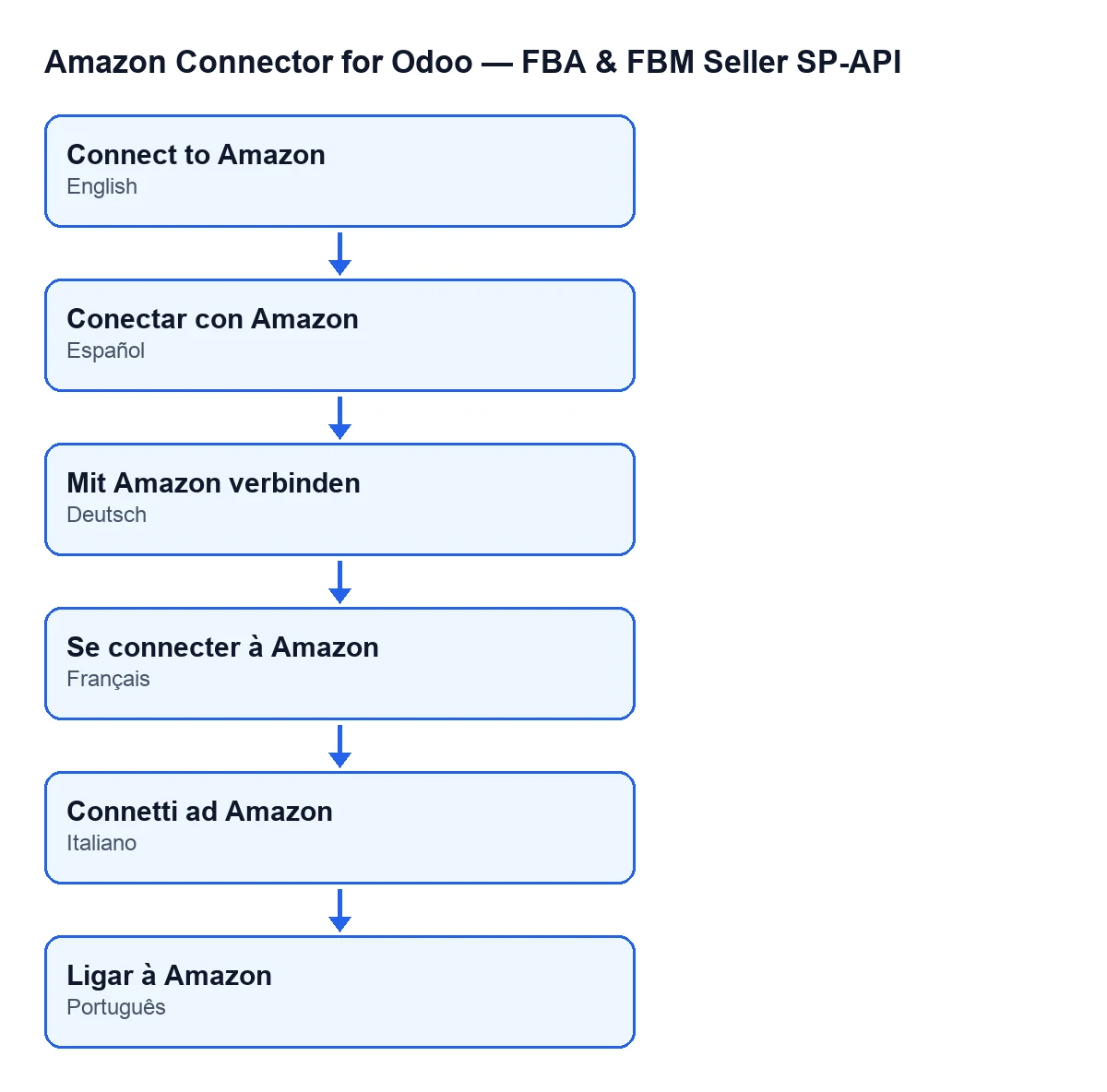
- If your Odoo runs in another language, the button has a different name but does the same thing; see the diagram below.
If the message keeps appearing
- Confirm the box is ticked on the form of the account where you press the button.
- If you cannot see the box, look at the condition on its view: it is hidden when
Connection Modeis not the hub one, when the account does not go through FlexigoTech Cloud, or whenHub Connectionhas a value.
- If you cannot see the
Connect to Amazonbutton,Hub Connectionmay have a value or the account may not use the hub connection mode: in either situation the button is hidden.
After connecting
- If you left an earlier connection half-finished, starting another does no harm: each time a press gets as far as the hub, the same user's pending attempts are closed and only the latest one counts. Finish the Amazon consent for the most recent attempt.
- Go through the rest of the account's fields at your own pace. Each one is explained from its help text in the Amazon SP-API account fields.
How FlexigoTech can help
FlexigoTech implements Odoo 17, 18, 19 and 20 and builds connectors and custom integrations. If you would like us to go over the connection of your Amazon accounts with you, see the module page and its listing on Odoo Apps.
Keep reading
Checked in the connector's source code (version 20.0) and the linked sources
Sources
- Module source code: flexigobe_amazon_seller_connector 20.0 (8c5900d9): models/amazon_spapi_account.py
- Module source code: flexigobe_amazon_seller_connector 20.0 (8c5900d9): views/amazon_spapi_account_views.xml
- Module source code: flexigobe_amazon_seller_connector 20.0 (8c5900d9): models/fgt_cloud.py
- apps.odoo.com/apps/modules/20.0/flexigobe_amazon_seller_connector
- flexigotech.com/precios.html
- flexigotech.com/en/services.html