

 Español
 Català
The rates the AEAT accepts
For VAT, on operations that are subject and not exempt (S1), the AEAT only accepts rates 0, 2, 4, 5, 7.5, 10 and 21. Three of them come with dates:
| Rate | Accepted for operations | Code otherwise |
|---|---|---|
| 5 | Between 1 July 2022 and 30 September 2024. | 1194 |
| 2 | Between 1 October 2024 and 31 December 2024. | 1235 or 1236 |
| 7.5 | Between 1 October 2024 and 31 December 2024. | 1235 or 1236 |
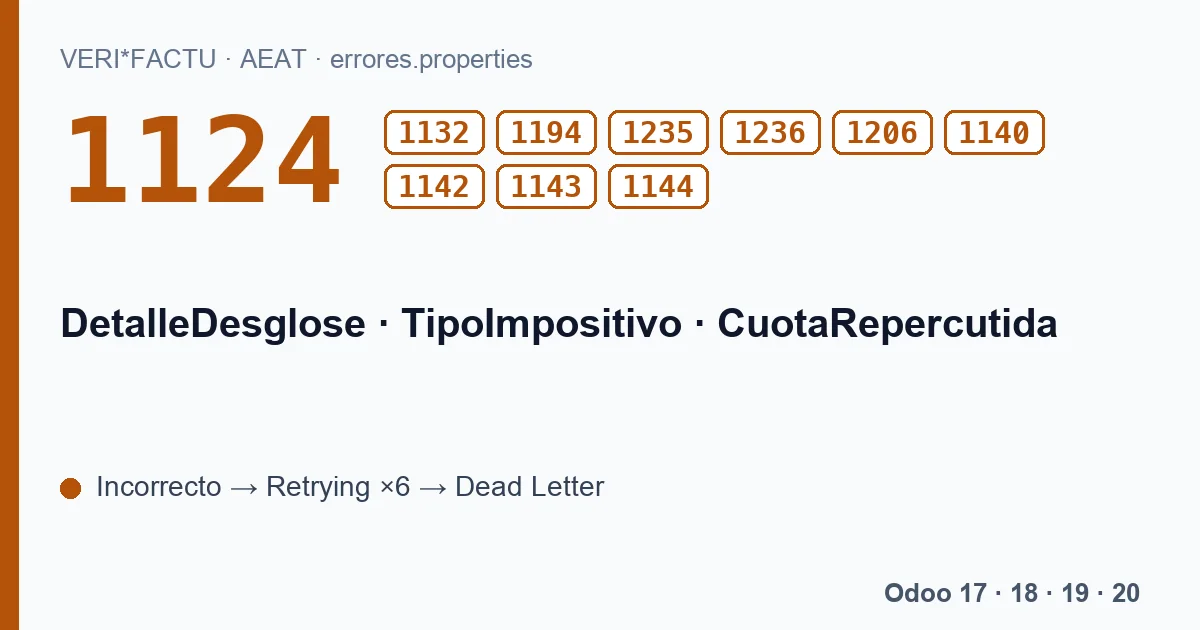
A rate that is not on the list gives 1124, El valor del campo TipoImpositivo no está incluido en la lista de valores permitidos., the rate is not among the allowed values. 1132 covers rates that were only valid for operations from 2012 or earlier. The date that counts is the operation date or, if there is none, the issue date.
The tax amount
The tax rule is arithmetic: CuotaRepercutida, the output tax, has to be the base times the rate divided by 100, with a margin of 10.00 euros up or down, and with the same sign as the base. That gives:
- 1142: the tax does not match the base and rate sent.
- 1143: tax and base with different signs.
- 1140 and 1144: the same when BaseImponibleACoste is reported, a field the module does not send.
The AEAT does not apply the amount check when TipoRectificativa is I or the invoice type is R2 or R3.
How Odoo builds the breakdown
The module goes through the invoice lines and groups them by the VAT rate of their taxes. For each line it computes the tax as base times rate divided by 100, rounded to two decimals, and adds them up per group. Taxes with a negative percentage, such as Spanish income tax withholding (IRPF), stay out because they are not VAT. Each group goes out as an S1 line with its TipoImpositivo, which is the tax percentage in Odoo.
With that calculation the tax always matches the base and the rate, and both share the same sign, also on credit notes, where both are negative. What does depend on you is the percentage: if an Odoo tax has a rate that is not on the AEAT list, or a temporary one outside its dates, the record is rejected.
What to check
- The sales taxes you use: their percentage has to be one of the seven accepted by the AEAT.
- Invoices at 5 %, 2 % or 7.5 %: the invoice date has to fall within the period of each rate.
- Code 1206, if you see it: with regime key 11, rental of business premises, the only accepted rate is 21. The module always declares key 01, so it should not happen with it.
Rejected records are retried with the same data until Dead Letter. Fix the tax for the next invoices and write to comercial@flexigobe.com with the affected ones.
The codes on this page, with the AEAT's text
Each code with its literal text, in Spanish, as the AEAT's error list gives it:
| Code | AEAT text (Spanish) |
|---|---|
| 1124 | El valor del campo TipoImpositivo no está incluido en la lista de valores permitidos. |
| 1132 | El valor del campo TipoImpositivo es incorrecto, el valor informado solo es permitido para FechaOperacion o FechaExpedicionFactura inferior o igual al año 2012. |
| 1194 | El valor del campo TipoImpositivo es incorrecto, el valor informado solo es permitido para FechaOperacion o FechaExpedicionFactura posterior o igual a 1 de julio de 2022 e inferior o igual a 30 de septiembre de 2024. |
| 1235 | El valor del campo TipoImpositivo es incorrecto, el valor informado sólo es permitido para FechaOperacion o FechaExpedicionFactura posterior o igual a 1 de octubre de 2024 e inferior o igual a 31 de diciembre de 2024. |
| 1236 | El valor del campo TipoImpositivo es incorrecto, el valor informado solo es permitido para FechaOperacion o FechaExpedicionFactura posterior o igual a 1 de octubre de 2024 e inferior o igual a 31 de diciembre de 2024. |
| 1206 | Si ClaveRegimen es 11 TipoImpositivo ha de ser 21%. |
| 1140 | Los campos CuotaRepercutida y BaseImponibleACoste deben tener el mismo signo. |
| 1142 | El campo CuotaRepercutida tiene un valor incorrecto para el valor de los campos BaseImponibleOimporteNoSujeto y TipoImpositivo suministrados. |
| 1143 | Los campos CuotaRepercutida y BaseImponibleOimporteNoSujeto deben tener el mismo signo. |
| 1144 | El campo CuotaRepercutida tiene un valor incorrecto para el valor de los campos BaseImponibleACoste y TipoImpositivo suministrados. |
Keep reading
Checked in the module's source code (version 20.0) and the linked sources
Sources
- www.agenciatributaria.es/static_files/AEAT_Desarrolladores/EEDD/IVA/VERI-FACTU/Validacione
- Module source code: flexigo_spain_verifactu 20.0 (aa2ea3d2): models/verifactu_cadena.py
- Module source code: flexigo_spain_verifactu 20.0 (aa2ea3d2): models/verifactu_aeat_client.py
- Module source code: flexigo_spain_verifactu 20.0 (aa2ea3d2): models/verifactu_cola_envio.py
- Module source code: flexigo_spain_verifactu 20.0 (aa2ea3d2): data/verifactu_error_catalogue.xml
- prewww2.aeat.es/static_files/common/internet/dep/aplicaciones/es/aeat/tikeV1.0/cont/ws/err