

 Español
 Català
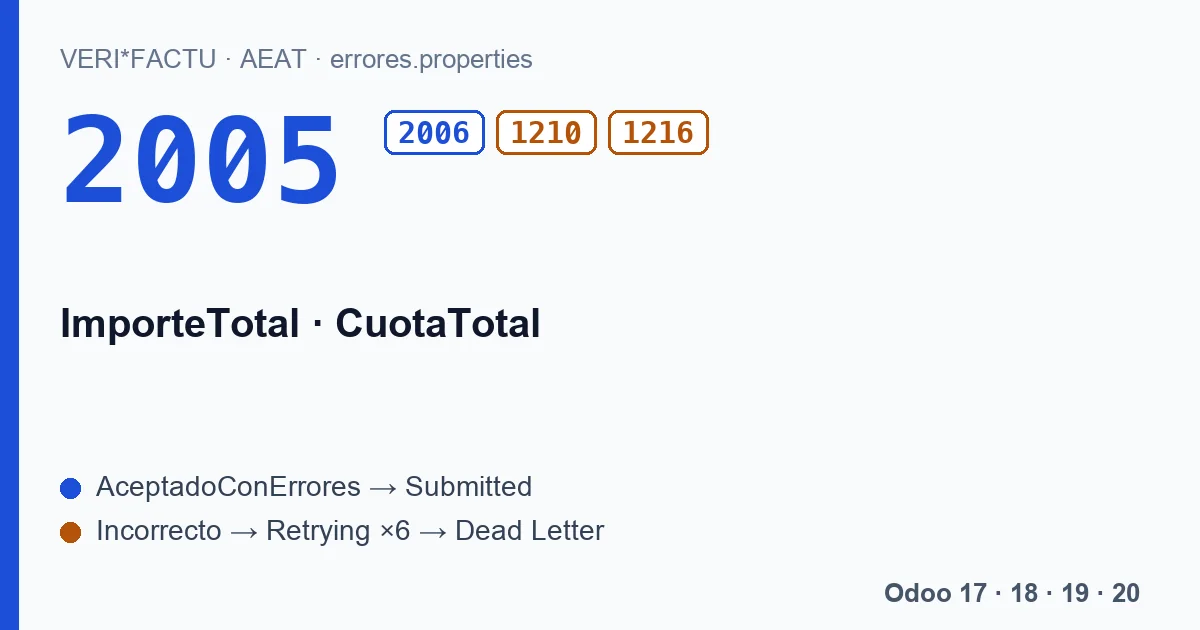
Two texts, four codes
| Code | Field | Section of the AEAT list |
|---|---|---|
| 2005 | ImporteTotal | Accepts the record and asks for a correction. |
| 2006 | CuotaTotal | Accepts the record and asks for a correction. |
| 1210 | ImporteTotal | Rejects the record. |
| 1216 | CuotaTotal | Rejects the record. |
The ImporteTotal codes say, in Spanish, that the field has a wrong value for the BaseImponibleOimporteNoSujeto, CuotaRepercutida and CuotaRecargoEquivalencia supplied: «El campo ImporteTotal tiene un valor incorrecto para el valor de los campos BaseImponibleOimporteNoSujeto, CuotaRepercutida y CuotaRecargoEquivalencia suministrados.» The CuotaTotal ones say the same with CuotaRepercutida y CuotaRecargoEquivalencia. The validation document only describes the warning without rejection; it does not explain when 1210 or 1216 are used instead of 2005 or 2006. If you get one of the rejections, the invoice did not get in.
What the AEAT adds up
Sections 16 and 17 of the validation document set out both sums:
- CuotaTotal
- The sum of CuotaRepercutida (output VAT) and CuotaRecargoEquivalencia (equivalence surcharge) over all lines of the breakdown.
- ImporteTotal
- The sum of base, CuotaRepercutida and CuotaRecargoEquivalencia over all lines of the breakdown.
If they do not match, the tolerated margin is 10.00 euros up or down, so a few cents of rounding never trigger it. Neither check applies with regime keys 03, 05, 06, 08 and 09; the module always sends key 01, so with it they always apply.
How Odoo computes both totals
The module does not copy the invoice total. It builds the breakdown by grouping the lines by VAT rate, computes each line's tax to two decimals and, from that same breakdown, derives the totals:
- ImporteTotal is the sum of bases and taxes. Withholdings such as Spanish income tax withholding (IRPF) stay out, because they are not VAT.
- CuotaTotal is the sum of the taxes.
- On an invoice in another currency, bases and taxes are converted to the company currency at the invoice date before adding them up.
- A credit note carries all its amounts as negatives.
What to know if you compare with the invoice
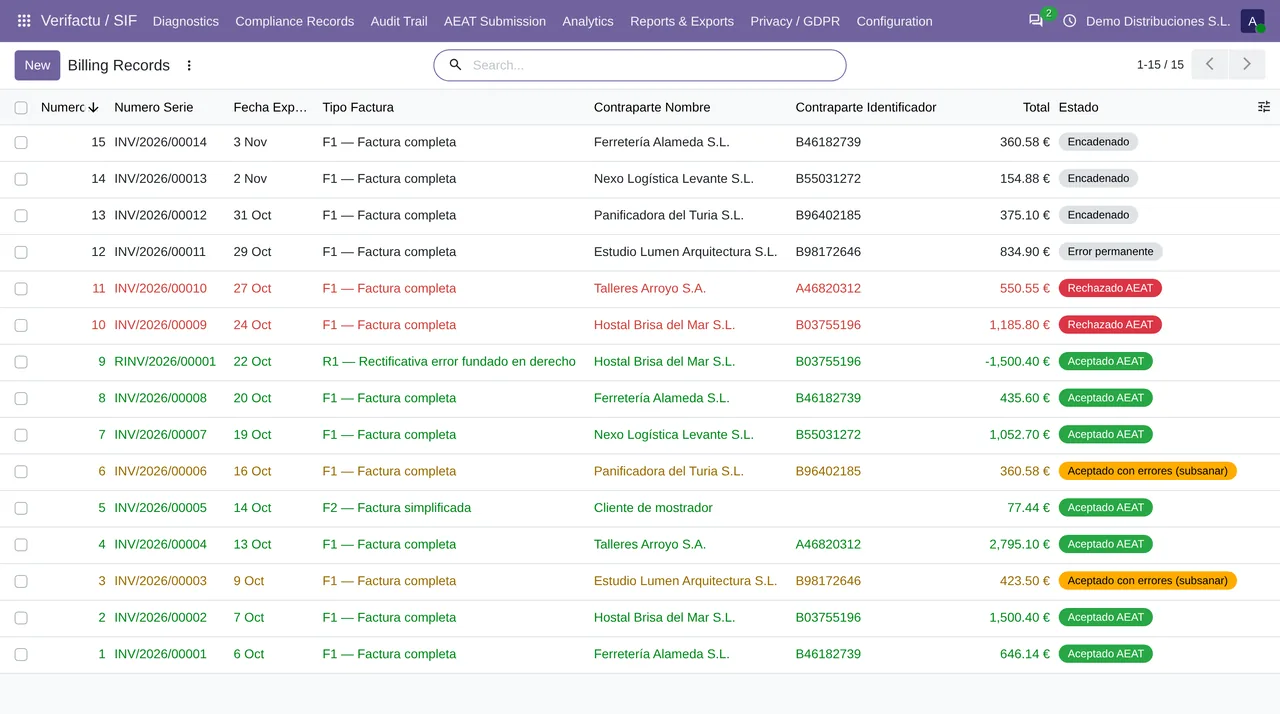
The VeriFactu ImporteTotal may not match the total you see on the Odoo invoice, and that is not an error. The Odoo total subtracts the withholding; the VeriFactu one does not. An invoice with VAT and withholding has two different totals, and each is right in its place.
Since both totals come from the same breakdown that is sent, and travel as the same strings that went into the hash, a 2005 or a 2006 should not happen with a submission from our module. If you get one, the record stays as «Aceptado con errores (subsanar)», or goes through retries to Dead Letter if it is a 1210 or a 1216. Either way, write to comercial@flexigobe.com with the record number: the published module does not send the correction on its own and we want to see that breakdown.
The codes on this page, with the AEAT's text
Each code with its literal text, in Spanish, as the AEAT's error list gives it:
| Code | AEAT text (Spanish) |
|---|---|
| 2005 | El campo ImporteTotal tiene un valor incorrecto para el valor de los campos BaseImponibleOimporteNoSujeto, CuotaRepercutida y CuotaRecargoEquivalencia suministrados. |
| 2006 | El campo CuotaTotal tiene un valor incorrecto para el valor de los campos CuotaRepercutida y CuotaRecargoEquivalencia suministrados. |
| 1210 | El campo ImporteTotal tiene un valor incorrecto para el valor de los campos BaseImponibleOimporteNoSujeto, CuotaRepercutida y CuotaRecargoEquivalencia suministrados. |
| 1216 | El campo CuotaTotal tiene un valor incorrecto para el valor de los campos CuotaRepercutida y CuotaRecargoEquivalencia suministrados. |
Keep reading
Checked in the module's source code (version 20.0) and the linked sources
Sources
- www.agenciatributaria.es/static_files/AEAT_Desarrolladores/EEDD/IVA/VERI-FACTU/Validacione
- Module source code: flexigo_spain_verifactu 20.0 (aa2ea3d2): models/verifactu_cadena.py
- Module source code: flexigo_spain_verifactu 20.0 (aa2ea3d2): models/verifactu_aeat_client.py
- Module source code: flexigo_spain_verifactu 20.0 (aa2ea3d2): models/verifactu_cola_envio.py
- prewww2.aeat.es/static_files/common/internet/dep/aplicaciones/es/aeat/tikeV1.0/cont/ws/err