

 Español
 Català
One or the other, never both
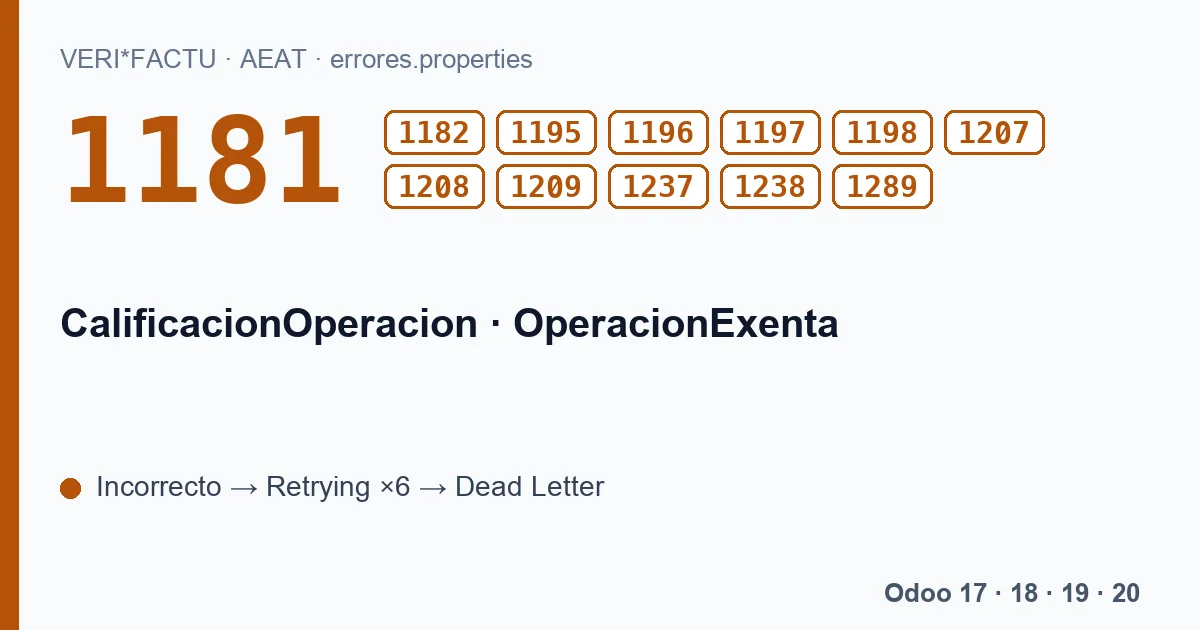
The first rule is simple: each line carries either CalificacionOperacion (the classification) or OperacionExenta (the exemption). With neither, 1195; with both, 1196. A value not on the list gives 1181 for the classification or 1182 for the exemption.
What each classification requires
| Classification | What the AEAT asks | Codes |
|---|---|---|
| S1, subject and not exempt | Rate and tax are mandatory; only here can the tax be other than zero. | 1207, 1208, 1209 |
| S2, reverse charge | Only with F1, F3, R1, R2, R3 or R4, and with rate 0 and tax 0. | 1197, 1198 |
| N1 or N2, not subject | With VAT, no rate, tax or surcharge. | 1237 |
| Exempt, E1 to E6 | No rate, tax or surcharge; with regime key 01 neither E2 nor E3; with E5, the recipient only through IDOtro. | 1238, 1289 |
To know which one applies, the AEAT document itself refers to the Spanish VAT Act, Law 37/1992. N1 is an operation not subject under articles 7 and 14, among others; N2, not subject because of the place-of-supply rules. And each exemption has its article: E1 article 20, E2 article 21, E3 article 22, E4 articles 23 and 24, E5 article 25 and E6 the remaining cases of the Act.
Code 1199 forbids E2 and E3 with key 01 and lives with the regime key codes, on their own page.
What Odoo sends on each line
The module builds the breakdown by grouping the invoice lines by their VAT, and picks the classification like this:
- Line with a VAT tax
- S1, with the tax percentage as rate, the base and the computed tax.
- Line without a VAT tax
- N1, with the base only.
With those two outputs, the codes on this page should not appear: S1 always carries rate and tax, and N1 never does. The module does not send S2, N2 or exemptions from an Odoo invoice.
What this means for your invoices
No errors does not mean everything is declared the way you would want. If in Odoo you sell with a 0 % tax, for example an intra-EU supply or an export, that line carries a VAT tax and goes out as S1 with rate 0, not as an exempt operation. And a reverse-charge operation, which the AEAT expects as S2, goes out as S1 or N1 depending on the line's taxes.
If you invoice exempt operations, reverse-charge operations or operations not subject because of place-of-supply rules, write to comercial@flexigobe.com before sending them: we want to review with you how they end up declared.
The codes on this page, with the AEAT's text
Each code with its literal text, in Spanish, as the AEAT's error list gives it:
| Code | AEAT text (Spanish) |
|---|---|
| 1181 | El valor del campo CalificacionOperacion es incorrecto. |
| 1182 | El valor del campo OperacionExenta es incorrecto. |
| 1195 | Al menos uno de los dos campos OperacionExenta o CalificacionOperacion deben estar informados. |
| 1196 | OperacionExenta o CalificacionOperacion no pueden ser ambos informados ya que son excluyentes entre sí. |
| 1197 | Si CalificacionOperacion tiene valor Operación Sujeta y No exenta - Con inversión del sujeto pasivo (S2) TipoFactura solo puede ser F1, F3, R1, R2, R3 y R4. |
| 1198 | Si CalificacionOperacion tiene valor Operación Sujeta y No exenta - Con inversión del sujeto pasivo (S2) TipoImpositivo y CuotaRepercutida deberan tener valor 0. |
| 1207 | La CuotaRepercutida solo podrá ser distinta de 0 si CalificacionOperacion es Operación Sujeta y No exenta - Sin inversión del sujeto pasivo (S1). |
| 1208 | Si CalificacionOperacion es Operación Sujeta y No exenta - Sin inversión del sujeto pasivo (S1) y BaseImponibleACoste no está cumplimentada, TipoImpositivo y CuotaRepercutida son obligatorios. |
| 1209 | Si CalificacionOperacion es Operación Sujeta y No exenta - Sin inversión del sujeto pasivo (S1) y ClaveRegimen es 06, TipoImpositivo y CuotaRepercutida son obligatorios. |
| 1237 | El valor del campo CalificacionOperacion está informado como Operación No sujeta (N1 o N2) y el impuesto es IVA. No se puede informar de los campos TipoImpositivo, CuotaRepercutida, TipoRecargoEquivalencia y CuotaRecargoEquivalencia. |
| 1238 | Si la operacion es exenta no se puede informar ninguno de los campos TipoImpositivo, CuotaRepercutida, TipoRecargoEquivalencia y CuotaRecargoEquivalencia. |
| 1289 | Si Impuesto es IVA(01) o vacio y si el campo OperacionExenta es igual a 'E5' sólo deberá existir la agrupación IDOtro en el bloque Destinatario. |
What if I see one of these codes?
Send us the answer of the submission. The rejected record is retried with the same data until Dead Letter, so it will not fix itself.
Keep reading
Checked in the module's source code (version 20.0) and the linked sources
Sources
- www.agenciatributaria.es/static_files/AEAT_Desarrolladores/EEDD/IVA/VERI-FACTU/Validacione
- Module source code: flexigo_spain_verifactu 20.0 (aa2ea3d2): models/verifactu_aeat_client.py
- Module source code: flexigo_spain_verifactu 20.0 (aa2ea3d2): models/verifactu_cadena.py
- Module source code: flexigo_spain_verifactu 20.0 (aa2ea3d2): models/verifactu_cola_envio.py
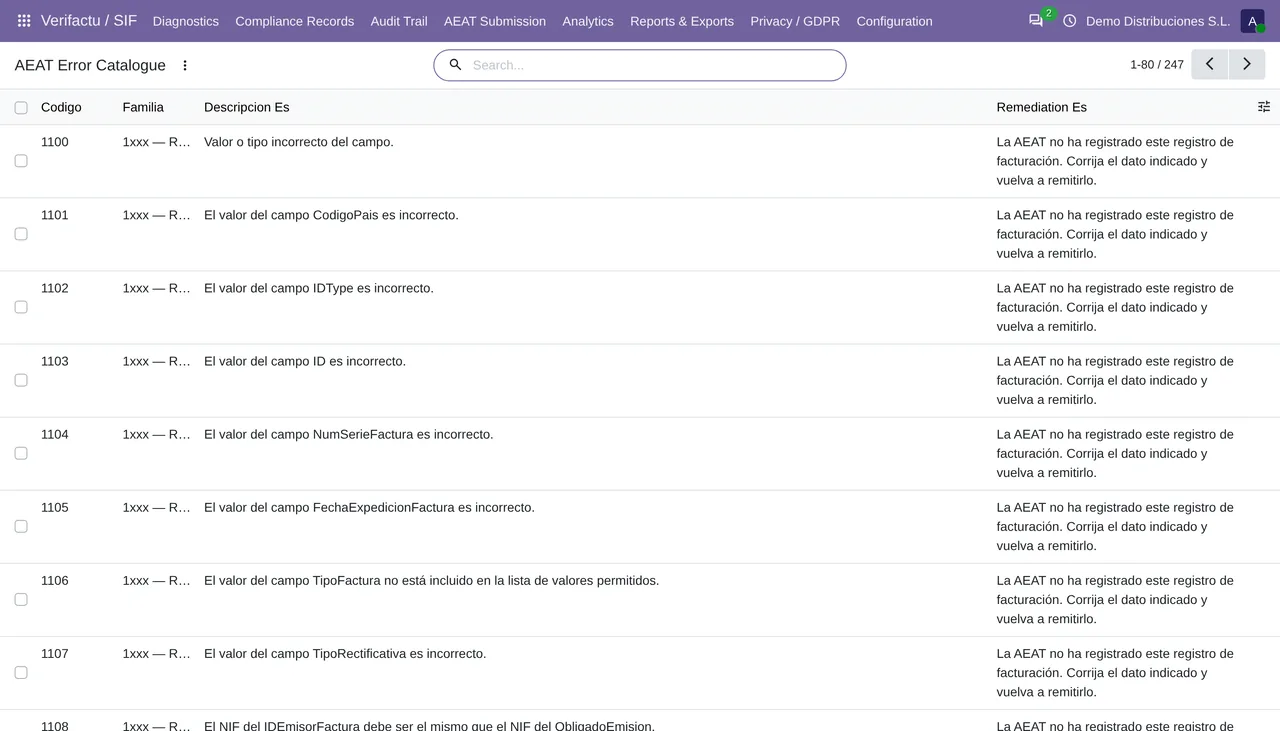
- Module source code: flexigo_spain_verifactu 20.0 (aa2ea3d2): data/verifactu_error_catalogue.xml
- prewww2.aeat.es/static_files/common/internet/dep/aplicaciones/es/aeat/tikeV1.0/cont/ws/err