

 Español
 Català
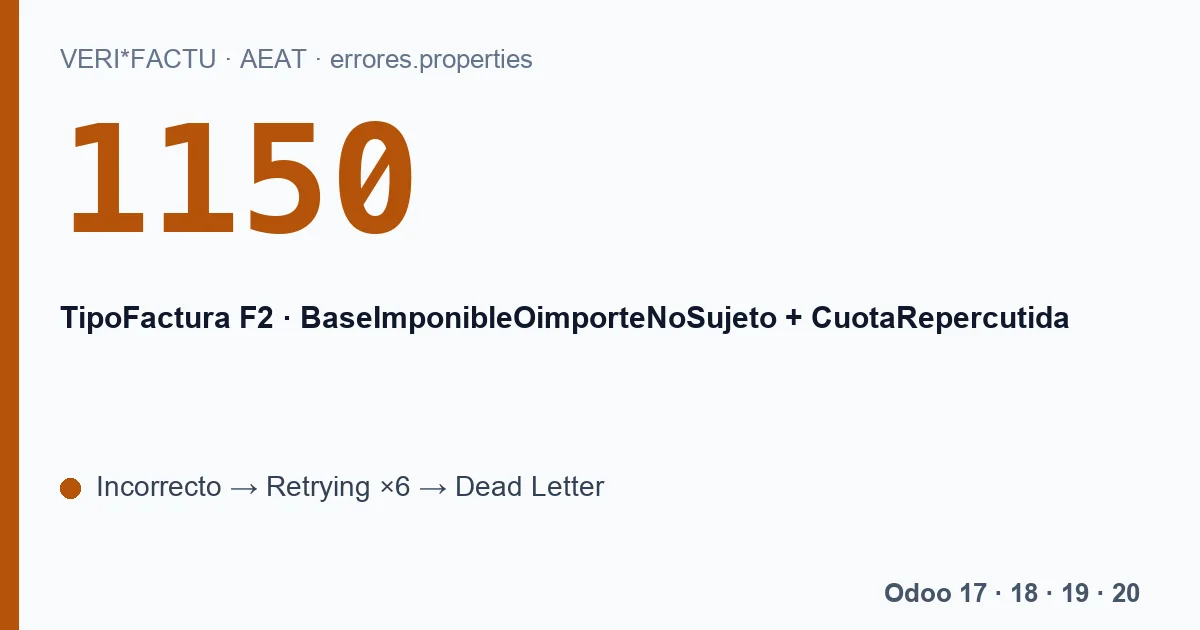
The full AEAT text, in Spanish, says that when TipoFactura is F2 and there is neither a billing agreement number nor the article 61 d flag, the sum of the base and tax of all detail lines cannot be above 3,000: «Cuando TipoFactura sea F2 y no este informado NumRegistroAcuerdoFacturacion o FacturaSinIdentifDestinatarioArt61d no sea S el sumatorio de BaseImponibleOimporteNoSujeto y CuotaRepercutida de todas las líneas de detalle no podrá ser superior a 3.000.» It belongs to the section that rejects the record: that invoice does not get in, the rest of the submission does.
The exact rule
The AEAT validation document, in section 15.8, spells it out:
- With TipoFactura F2, the sum of BaseImponibleOimporteNoSujeto and CuotaRepercutida over all lines cannot exceed 3,000.00 euros.
- An error of up to 10.00 euros above that is tolerated.
- It does not apply if the invoice carries a billing agreement registration number, or if FacturaSinIdentifDestinatarioArticulo61d is S.
With our module the two exceptions never come into play: the record it sends carries neither a billing agreement nor the article 61 d field.
The legal limit is lower
1150 checks a technical cap. Spain's invoicing regulation (Royal Decree 1619/2012, article 4) only allows a simplified invoice when the amount is not above 400 euros, VAT included, or when it is a corrective invoice. Up to 3,000 euros, VAT included, only for the operations listed in its section 2: retail sales, itinerant sales or services, sales or services at the consumer's home, passenger and luggage transport, hotels and restaurants, and a few more. So between 400 and 3,000 euros, the AEAT accepting an F2 does not mean that a simplified invoice was right for your business.
Why Odoo sent it as F2
The module decides the invoice type when it is posted. A customer invoice goes out as F2 in three cases:
| Case | What causes it in Odoo |
|---|---|
| It comes from the POS | The invoice is linked to a point of sale order. |
| It was flagged as simplified | The invoice's «Factura simplificada (F2)» checkbox is ticked. |
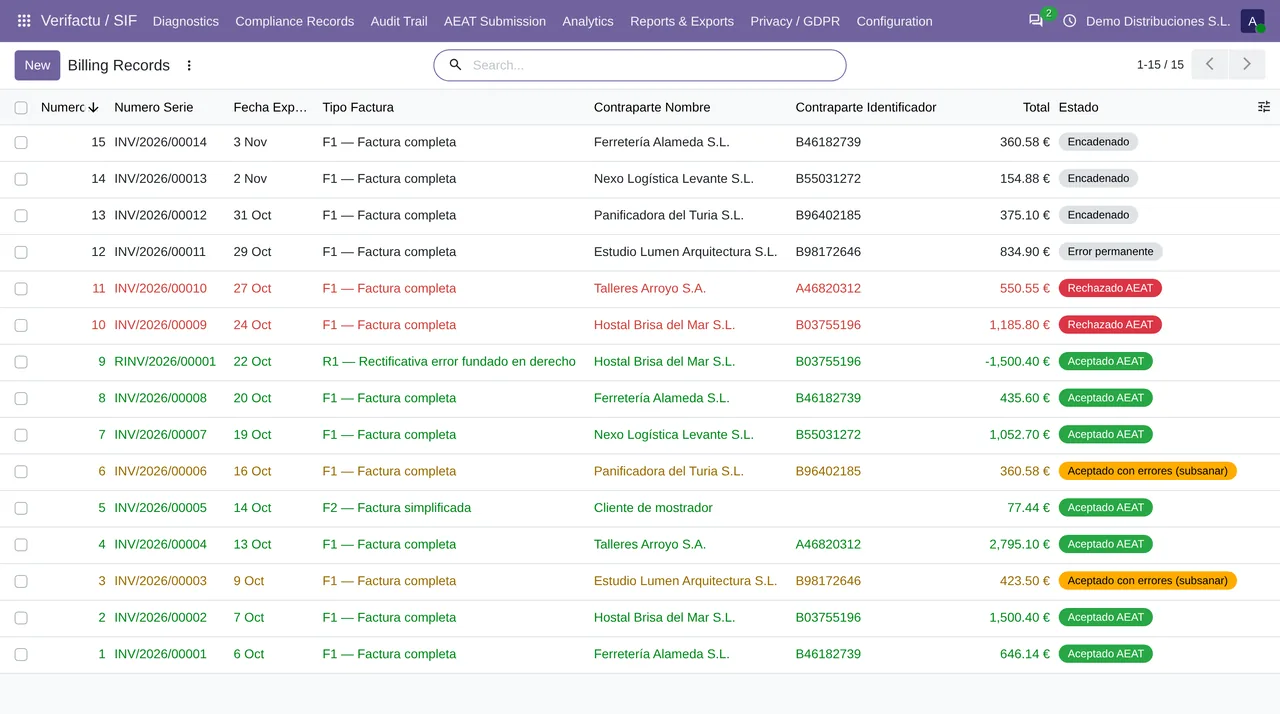
| The customer has no tax ID | The contact has no tax ID, so there is no one to name as recipient. |
The third one is the surprising one. An F1 needs the recipients block, and without a tax ID the module cannot fill it, so it classifies the invoice as F2 rather than send an F1 that the AEAT would reject for another reason. With small amounts nobody notices. Above 3,000 euros, 1150 appears, and between 400 and 3,000 the AEAT accepts it even though, outside the operations in article 4.2, it should have been a full invoice.
How to avoid it
- Before posting an invoice over 400 euros, check that the customer has a tax ID on their contact. With a tax ID, the module sends it as F1 with its recipient, unless it comes from the POS.
- Make sure the «Factura simplificada (F2)» checkbox is not ticked unless you wanted a simplified invoice.
- If you invoice large amounts from the POS, bear in mind that those invoices go out as F2.
And the invoice that was already rejected
The queue tries to send the record up to six times, with waits from 2 minutes to 12 hours, and leaves it in Dead Letter. Retries do not fix it: the same record, created when the invoice was posted, is sent each time. For the AEAT, a rejected invoice is corrected with a «registration after rejection» (Subsanacion S and RechazoPrevio X), and the published module does not generate it on its own. If the right type was F1, a different invoice may be what is needed. Write to comercial@flexigobe.com with the number and we will look at it with you.
Keep reading
Checked in the module's source code (version 20.0) and the linked sources
Sources
- www.agenciatributaria.es/static_files/AEAT_Desarrolladores/EEDD/IVA/VERI-FACTU/Validacione
- Module source code: flexigo_spain_verifactu 20.0 (aa2ea3d2): models/verifactu_cadena.py
- Module source code: flexigo_spain_verifactu 20.0 (aa2ea3d2): models/account_move.py
- Module source code: flexigo_spain_verifactu 20.0 (aa2ea3d2): models/verifactu_aeat_client.py
- Module source code: flexigo_spain_verifactu 20.0 (aa2ea3d2): models/verifactu_cola_envio.py
- Module source code: flexigo_spain_verifactu 20.0 (aa2ea3d2): models/verifactu_registro.py
- prewww2.aeat.es/static_files/common/internet/dep/aplicaciones/es/aeat/tikeV1.0/cont/ws/err
- www.boe.es/buscar/act.php?id=BOE-A-2012-14696