

 Español
 Català
 Deutsch
 Français
 Português
 Italiano
 Nederlands
 Polski
When it appears and what it means
The message appears when the module tries to load, from the cryptography library, the part that encrypts with AES-GCM and Python cannot import it. It is the first thing the method that encrypts data does in the certificates model of VeriFactu España: AEAT RRSIF Compliance: before it obtains the key and before it encrypts anything. It means the library is missing or cannot be loaded in that Python. The action stops.
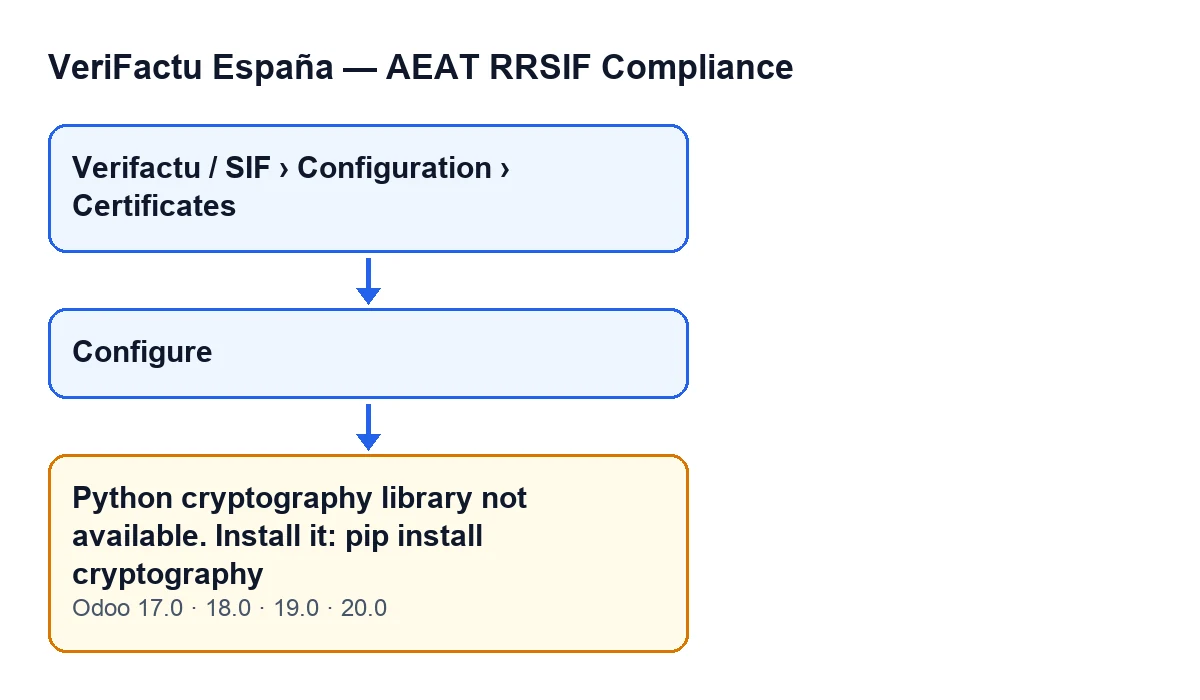
One route that reaches the message is the Configure button. That button is always visible, in Odoo 17, 18, 19 and 20, and the message is in the published code of all four versions. The module is published on Odoo Apps for 17, 18, 19 and 20.
What the module does when the library is there
Knowing what comes next helps explain why the message appears so early. With the library available, the method obtains the encryption key, generates a random value (the initialisation vector) and encrypts the data with AES-256-GCM. It returns three things: the ciphertext, that vector and the authentication tag.
The key is worked out from a secret held by the instance. For records marked with the per-company key, the company identifier is part of the calculation. None of this happens while the library is missing, because the message is raised first.
Checklist to fix it
When you see the message
- Check that the text is the literal one:
Python cryptography library not available. Install it: pip install cryptography. If the text is different, this is not the error.
- Note what you were doing. If you had just pressed
Configure, that is the route that reaches the message.
- Note the Odoo version too (17, 18, 19 or 20). The message is in the code of all four, so it does not point to one in particular.
- The action has stopped: you will need to repeat it once the problem is fixed.
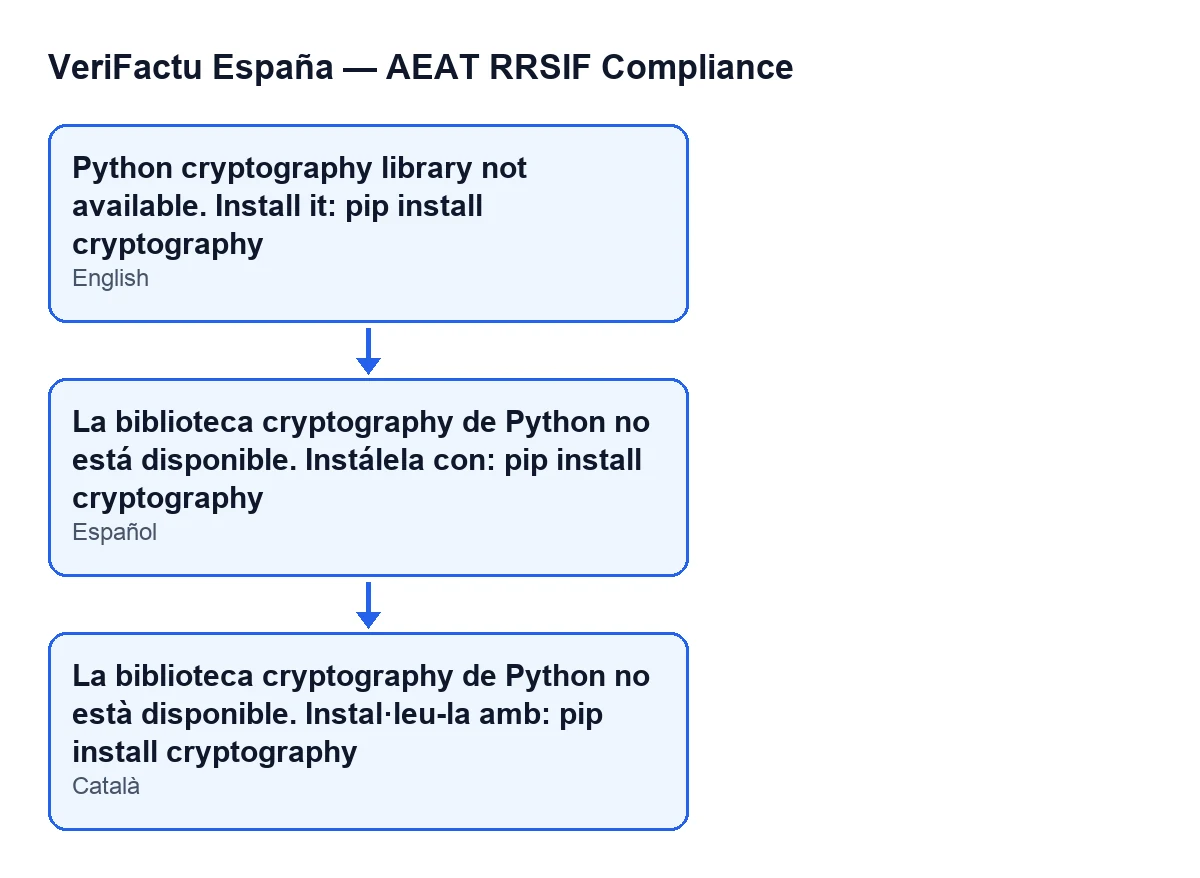
La biblioteca cryptography de Python no está disponible. Instálela con: pip install cryptography; in Catalan, La biblioteca cryptography de Python no està disponible. Instal·leu-la amb: pip install cryptography.Installing the library
- Install the library with the command the message gives:
pip install cryptography.
- Do it for the Python your Odoo runs from, because that is the process where the module tries to load it.
- If someone else manages the server, or a hosting provider does, pass them the whole message and the command so they know what to install and why.
- Look at the output of
pip install cryptography: if it ended with an error, the library has not been installed.
Checking it is fixed
- Repeat the action that failed, for example pressing
Configure.
- Confirm the message no longer appears. If the module gets past that point, the method carries on with the key and the encryption described above.
- If you run several Odoo versions (17, 18, 19 or 20), repeat the check on each one, because the message is in the code of all four.
Where the certificate records are
The certificate records open from Verifactu / SIF › Configuration › Certificates. Each part of the menu asks for a permission, and if you do not have it you do not see that part:
- The
Configurationpart asks forSIF Manager. - The
Verifactu / SIFpart asks forAccountant,Asesoría Operator,Auditor (read-only),Privacy OfficerorSIF Manager.
- If you cannot see the
Configurationpart, ask for theSIF Managerpermission.
If the message is still there
- Read the text again: it is still the
cryptographylibrary message and not another one.
- Check that the installation went into your Odoo's Python and not a different Python on the same server.
- If the message persists, note which button you pressed and the Odoo version (17, 18, 19 or 20) before asking for help.
How FlexigoTech can help
If the server is not yours or you would rather have us look at it, FlexigoTech implements Odoo 17, 18, 19 and 20 and builds custom connectors and integrations.
Keep reading
Checked in the module's source code (version 20.0) and the linked sources
Sources
- Module source code: flexigo_spain_verifactu 20.0 (1fdc980f): models/verifactu_certificado.py
- Module source code: flexigo_spain_verifactu 20.0 (1fdc980f): wizards/verifactu_onboarding_wizard_views.xml
- apps.odoo.com/apps/modules/20.0/flexigo_spain_verifactu
- flexigotech.com/en/services.html