

 Español
 Català
 Deutsch
 Français
 Português
 Italiano
 Nederlands
 Polski
Where the button is and who can get to it
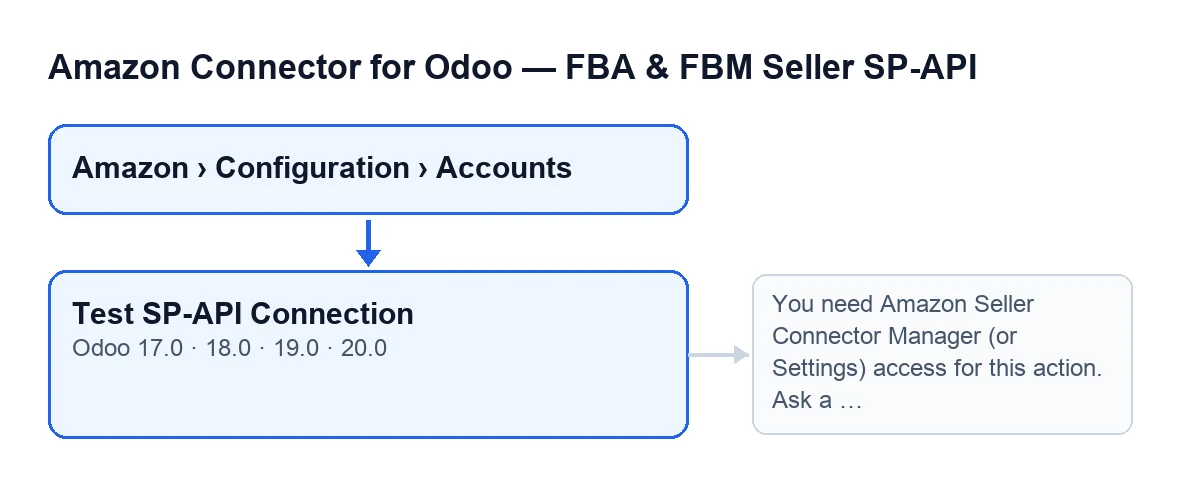
The account records open from the menu Amazon › Configuration › Accounts. Each part of the menu asks for a permission and, if you do not have it, you do not see that part: Amazon asks for Viewer, Configuration asks for Manager and Accounts also asks for Manager. The Test SP-API Connection button is on the Accounts screen in branches 17.0, 18.0, 19.0 and 20.0, and in all four it is always visible.

A case followed from start to finish
Example Illustrative case: the company and its figures are made up to explain the flow.
Ferretería Norte is an invented company that already uses Odoo and has just created its Amazon account in the module. Lucía, who administers the system and has the Manager permission for the connector, opens Amazon › Configuration › Accounts, enters the account record and goes to the Identity tab, Marketplace group. There is Marketplace ID, which also appears in the Accounts list. The field's help gives A1RKKUPIHCS9HS as the example for ES, and that is also its default value in the code. Lucía checks that the value matches the marketplace where she sells, because the button uses it in its request, and presses Test SP-API Connection.
Because Lucía has the Manager permission for the connector and can modify the account, the button carries on: it asks Amazon for the list of orders and, when it finishes, the record receives the message Amazon SP-API connection validated successfully. If a user with neither the connector's Manager permission nor Settings access manages to trigger the action, the module stops it before talking to Amazon and shows the message explained below.
What the button does, in order
This is the path followed by the Odoo 20.0 code, and the button exists under the same name in the other published branches:
- It checks your permission. It lets the system superuser through; any other user needs the
Managerpermission for the connector or Settings access. Since the groups are not enough, it also checks that you have write permission on the account. - For each account, it works out a date two days ago (in UTC) and asks Amazon, with a read, for the list of orders created since that date in the account's marketplace. It uses the value of
Marketplace IDwith any spaces at the ends removed. - Once the request has finished, it posts the message
Amazon SP-API connection validated successfully.on the account record.
The button does nothing else with the response: the request acts as the test and what you see afterwards is that message. Every SP-API call in the module goes through one common point, and this button's request does too.
The message that can stop the button
When you press the button, the permission check can stop the action with this message:
You need Amazon Seller Connector Manager (or Settings) access for this action. Ask a manager to grant Manager access.
It appears because the user has neither the Manager permission for the connector nor Settings access. As this is the first thing the button does, the action stops there and nothing is requested from Amazon. What to do is what the message says: ask a manager to grant that permission.
What the button does not replace
The button's request uses the same SP-API call method that several scheduled tasks in the Odoo 20.0 code reach without anyone pressing anything, all active on install. But those tasks ask for other things:
- Product type definitions:
Amazon SP-API - Auto-repair queue v2, every three minutes, andAmazon SP-API - Sync pending bindings (price/stock), every minute. - A specific order:
Amazon SP-API - Messaging context refresh, every thirty minutes;Amazon SP-API - Messaging sync, every fifteen minutes;Amazon SP-API - Retry pending shipments, every five minutes, andAmazon: Import Orders, every fifteen minutes. - A restricted data token: also
Amazon: Import Orders.
So the validation message tells you that the order-list request went well, not that each of those tasks will.
What to take from the case
- Before pressing, look at
Marketplace IDon theIdentitytab: it is the value that travels in the request. - The access message is about permissions, not about the connection to Amazon. The button only carries on if the user has the
Managerpermission for the connector or Settings access and can also modify the account. - A successful result is written on the account record.
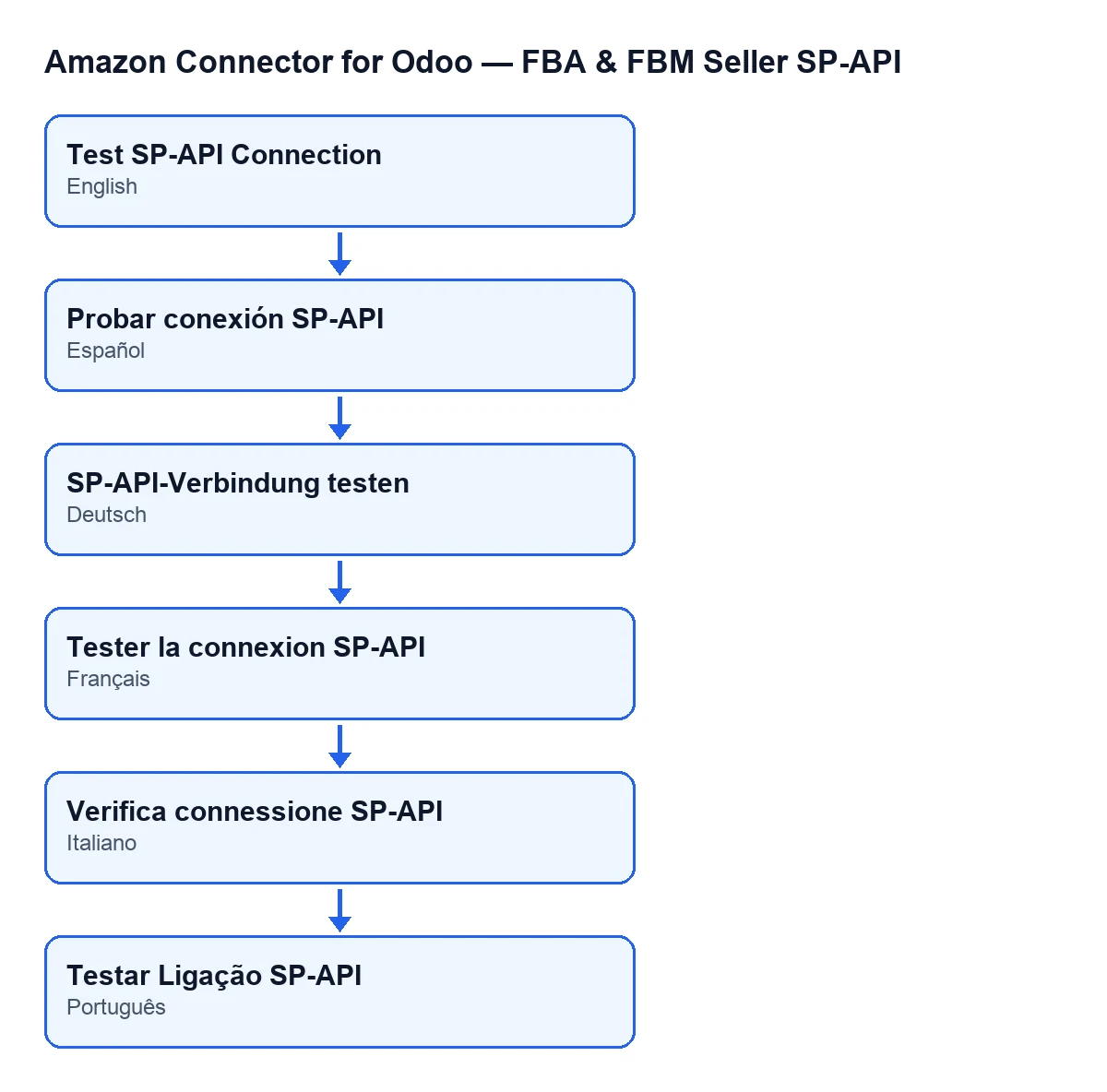
With Odoo in English the button is called Test SP-API Connection.
Cost and versions
The module is published for Odoo 17.0, 18.0, 19.0 and 20.0, is a one-off payment per version (each version's price is on the Odoo Apps page) and needs the FlexigoTech Cloud subscription. The Connector plan costs €49/month or €490/year excluding VAT, with up to 3 accounts of the platform. The connection goes through FlexigoTech Cloud, which stores the credentials encrypted. You will find the detail on the module page.
How FlexigoTech can help
FlexigoTech implements Odoo 17, 18, 19 and 20 and builds bespoke connectors and integrations. If you are setting up your Amazon account in Odoo and would like someone to go through the permissions and account data with you, get in touch.
Keep reading
Checked in the connector's source code (version 20.0) and the linked sources
Sources
- Module source code: flexigobe_amazon_seller_connector 20.0 (8576afa5): views/amazon_spapi_account_views.xml
- Module source code: flexigobe_amazon_seller_connector 20.0 (8576afa5): models/amazon_spapi_account.py
- apps.odoo.com/apps/modules/20.0/flexigobe_amazon_seller_connector
- flexigotech.com/precios.html
- flexigotech.com/en/services.html