

 Español
 Català
 Deutsch
 Français
 Português
 Italiano
 Nederlands
 Polski
When the message appears and where you see it
The message can appear when you press the Send Temu Tracking button on a delivery order. The button is hidden when the delivery is not for a Temu order or when it is not in the Done state; you only see it on delivery orders of Temu orders that are done. When you press it, the module can reach a step that asks Temu for its list of logistics warehouses and decides which one to use. If the condition described below is met at that step, Odoo shows:
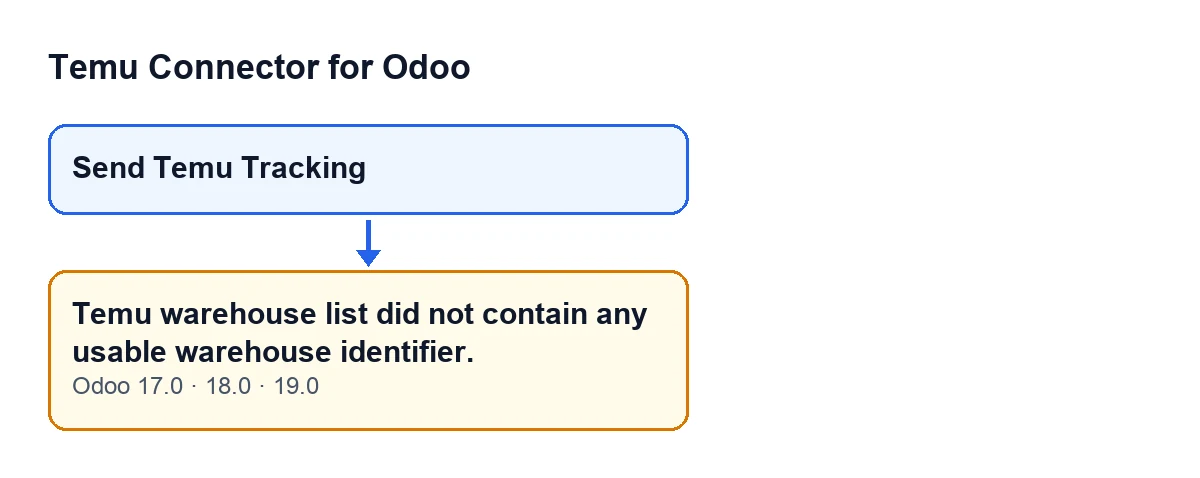
Temu warehouse list did not contain any usable warehouse identifier.
The action stops. The message is in the published code of Odoo 17.0, 18.0 and 19.0.

The exact condition, in plain words
The message appears when, after going through every row of the list that Temu returns, no candidate is left. The step runs like this:
- The module asks Temu for the list of logistics warehouses.
- It looks for the rows of that list in several places of the response. To reach the message, the response already had rows.
- In each row it looks for an identifier in these data, in order: the self-shipping warehouse identifier, the warehouse identifier, a generic id and the warehouse code. It keeps the first one that has a value.
- If all four are missing or empty, the row is simply skipped. If any has a value, the row becomes a candidate and gets a score based on how similar its names and addresses are to those of the Odoo warehouse.
- If there is no candidate at the end, the message is raised.
In short: Temu answered with rows, but none of them carried an identifier the module could use.
Case: a Temu delivery order that will not send its tracking
Example Illustrative case: the company and its figures are made up to explain the flow.
Menaje Levante, a shop invented for this example, sells on Temu from Odoo. It has a delivery order for a Temu order in the Done state. The logistics manager opens it, sees the Send Temu Tracking button, presses it and gets Temu warehouse list did not contain any usable warehouse identifier.
Her first suspicion is that the Odoo warehouse is misconfigured. According to the code, it is not the cause. The Odoo warehouse (the one on the delivery's operation type or, failing that, the one on the Temu instance) only supplies its name, its code and the name and city of its contact to compare with Temu's rows. That comparison only scores rows that are already candidates, and a row is only a candidate if it has an identifier. With the message on screen, the comparison had no rows to score.
What she can do is rule out what depends on her and on Odoo:
- Check that the delivery order belongs to a Temu order and is in
Done. If it were not, the button would not be visible, so she already knows it passes that filter. - Note the exact text of the message. This is about this specific message: a list that arrived with rows that have no usable identifier.
- Press the button again later. If the module reaches that step again, it asks Temu for the warehouse list again, so the response may differ from the previous one.
- If the message persists, write to us with the message and the affected delivery order.
Send Temu Tracking.What the case teaches
- The message describes Temu's response. The condition that causes it lies in the rows that arrive: none of them has a value in the four identifier data.
- Changing the Odoo warehouse does not fix it. That warehouse only comes into play when scoring candidates, and here there are none.
- A new attempt queries again. Each time the module reaches that step, it asks Temu for the warehouse list.
- Keep the literal text. It is what lets you tell at which point of the step the action stopped.
What to have to hand if you write to us
- The text of the message, exactly as it appears.
- The delivery order where you pressed
Send Temu Tracking. - The Odoo version: the module is published on Odoo Apps for 17.0, 18.0, 19.0 and 20.0, and this message is in the published code of 17.0, 18.0 and 19.0.
The connection to Temu goes through FlexigoTech Cloud, which stores the credentials encrypted, watches the synchronisation and emails you if it fails; if the platform changes its API, the module and the service are adapted.
How FlexigoTech can help
If you use Odoo or are implementing it and want to sell on Temu, FlexigoTech implements Odoo 17, 18, 19 and 20 and builds custom connectors and integrations.
Keep reading
Checked in the connector's source code (version 19.0) and the linked sources
Sources
- Module source code: flexigobe_temu_connector 19.0 (455b3f0f): models/stock_picking.py
- Module source code: flexigobe_temu_connector 19.0 (455b3f0f): views/stock_picking_views.xml
- apps.odoo.com/apps/modules/19.0/flexigobe_temu_connector
- flexigotech.com/precios.html
- flexigotech.com/en/services.html