

 Español
 Català
 Deutsch
 Français
 Português
 Italiano
 Nederlands
 Polski
Who it is for and which Odoo version
Shopify Connector is published on Odoo Apps for 17.0, 18.0, 19.0 and 20.0. On the Odoo Apps listing you pick the version that matches your Odoo.
It is worth a look if you sell on Shopify and keep your stock and deliveries in Odoo: the module pushes stock from Odoo to Shopify and sends fulfilments and tracking from Odoo deliveries (stock.picking). The version you buy is set by your Odoo: the one you run or the one you are about to implement.
What it covers and what it costs
Myth: «It is an order importer and not much else»
Reality: the README describes a good deal more than an import. These are the pieces it lists:
- OAuth authorisation code flow for installing the Shopify app.
- Access token refresh, for expiring offline tokens.
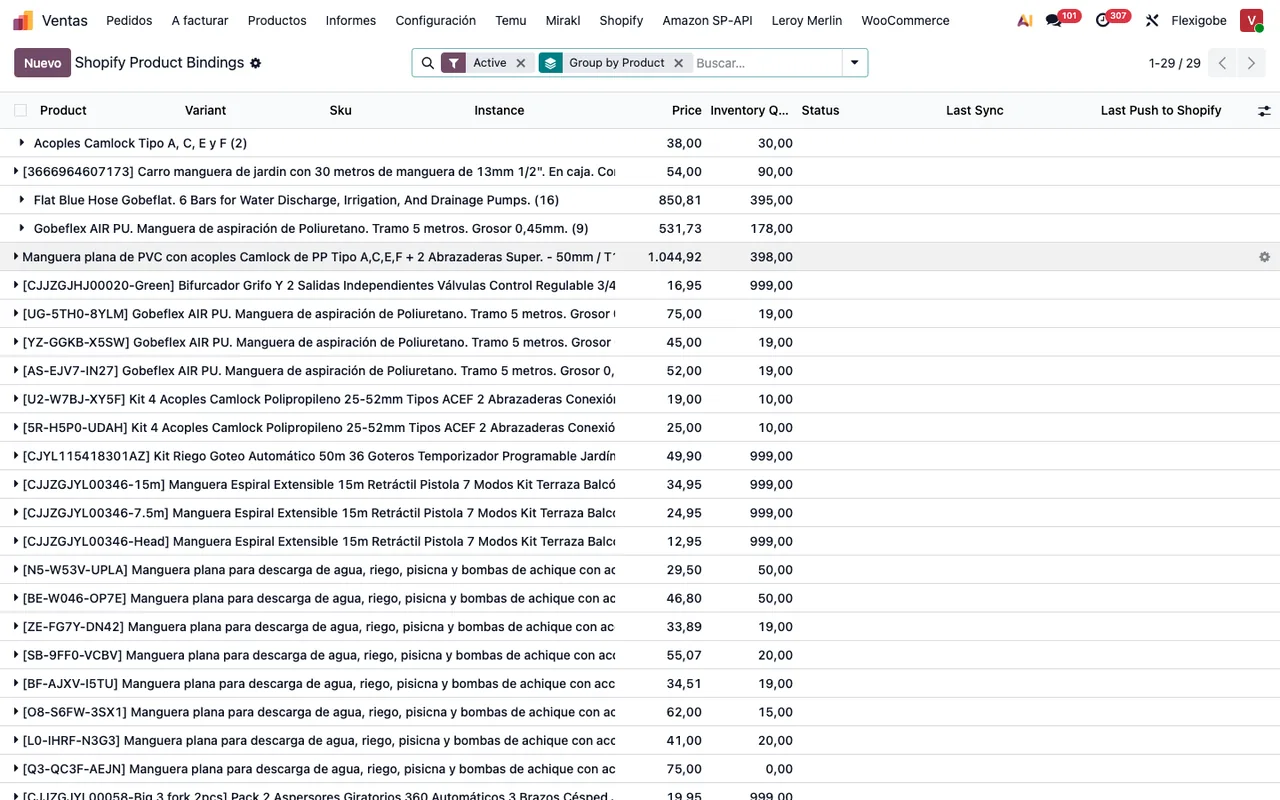
- Synchronisation with the GraphQL Admin API.
- Stock push from Odoo to Shopify with
inventorySetQuantities. - Fulfilment and tracking push from Odoo deliveries (
stock.picking) to Shopify.
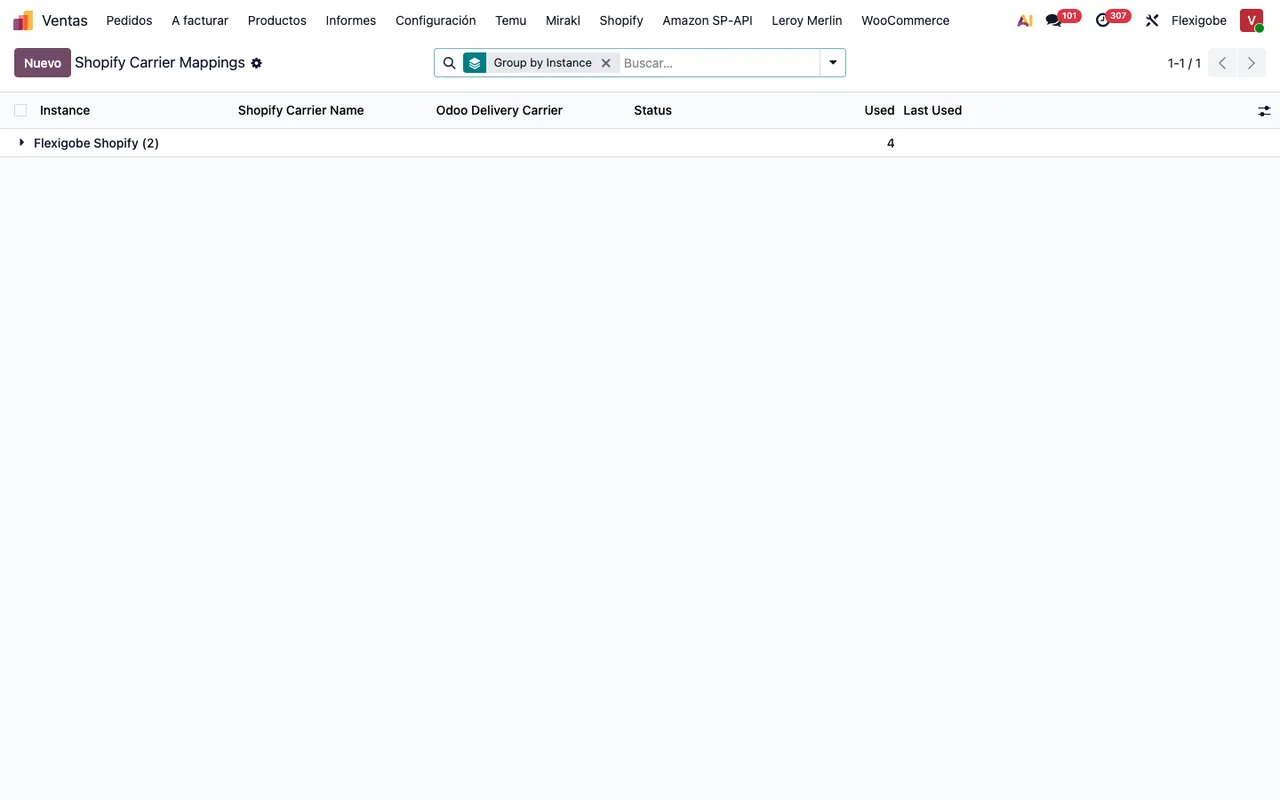
- Scheduled jobs for orders, products and stock.
- A manual sync wizard in the Odoo interface.
If you want to see how these pieces map to menus and jobs, see how Shopify Connector works under the hood.
Myth: «Once I pay for the app on Odoo Apps, that is everything paid»
Reality: the module costs €9 excl. VAT, a one-off payment per Odoo version, for 17, 18, 19 and 20, but in all four versions its manifest says «Needs FlexigoTech Cloud subscription (from 49 EUR/month, VAT excl.)»: the Connector plan costs €49/month or €490/year excl. VAT (Pro: €98/month or €980/year), with up to 3 platform accounts (Pro: 10).
Third-party costs come on top: according to the listing, you contract and pay for your account on each platform, Odoo and your hosting yourself. When you run the numbers, count the module, the subscription and those accounts.
Myth: «If I ever drop the subscription, I lose my data»
Reality: without a subscription, or with the service suspended, whatever the subscription provides stops, and your data stays in your Odoo. What the subscription provides is the connection through FlexigoTech Cloud: it stores credentials encrypted, monitors the sync and emails you if it fails; if the platform changes its API, the module and the service are adapted. The listing also states that your Shopify key is kept encrypted.
What it needs before installing and afterwards
Myth: «I install it and Shopify connects by itself»
Reality: the connection is made on both sides, and part of the work happens inside your Shopify app. Before you start, make sure you can edit your shop's Shopify app and approve it. These are some of the installation README steps that touch Odoo and Shopify:
- Install the module
Flexigobe Shopify Connector. - Go to
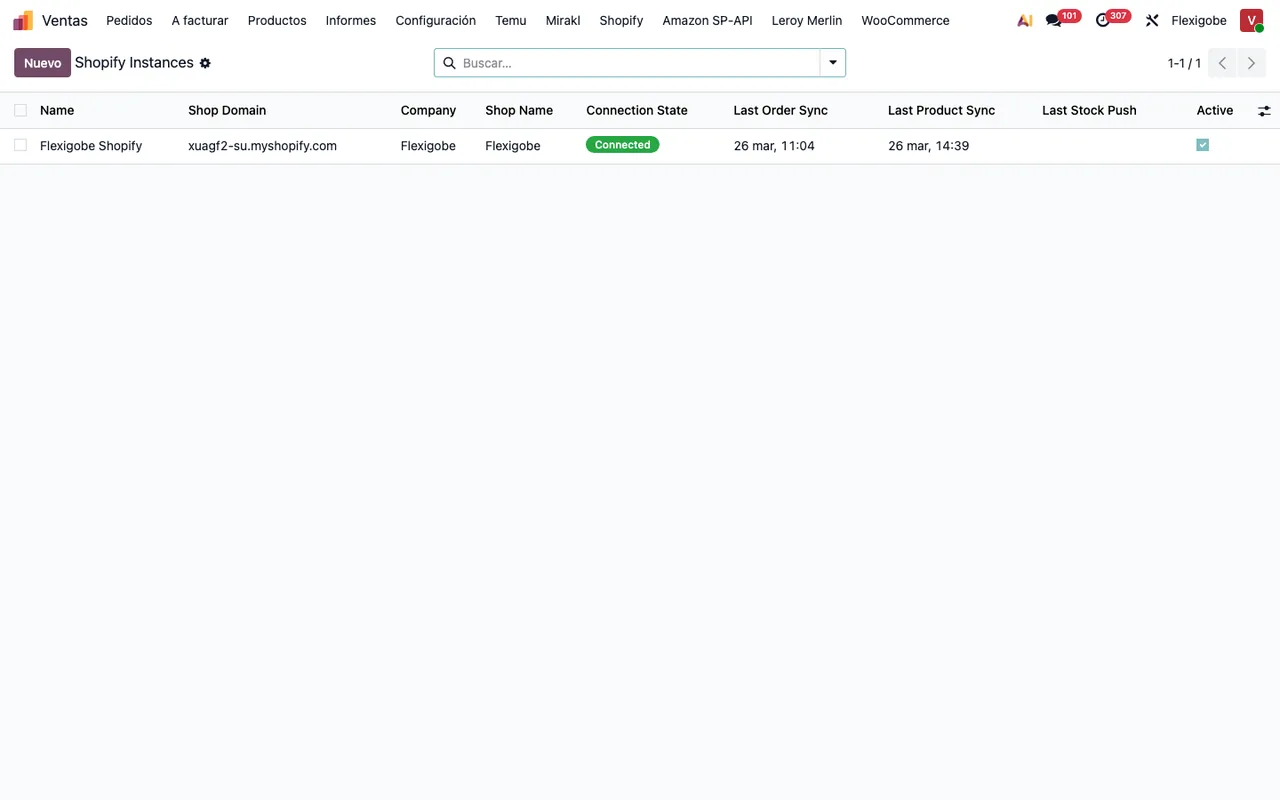
Sales > Shopify > Instancesand create a record.
- After the callback, click
Test Connection.
- Run
Manual Syncto import orders and products.
The fields to fill in and what to check in the first few days are in the Shopify Connector setup guide.
Myth: «The service will upgrade my Odoo version too»
Reality: the listing is clear about it: they do not take care of migrating your database to a new Odoo version. If a migration is on the horizon, plan it separately with whoever looks after your Odoo.
As for the module itself: it is bought on the Odoo App Store, and there each Odoo version is bought separately. If you are changing version soon, settle the target version first.
Myth: «Once it is connected, I will find out about failures too late»
Reality: the listing describes a service that comes with the connection:
- Maintenance of the cloud service and of the connection.
- The cloud, with monitoring and alerts, and its adaptation to each platform's API changes when the connection goes through it.
- A check of the service every 6 hours, and health reports.
- Support with response times: the first response within 1 working day.
And, as part of the subscription, FlexigoTech Cloud monitors the sync and emails you if it fails.
How FlexigoTech can help
FlexigoTech implements Odoo 17, 18, 19 and 20 and builds custom connectors and integrations. If the connector covers what you need but you want the Odoo implementation and the Shopify connection planned together, or you need a bespoke piece, we can look at it with you.
Keep reading
Checked in the connector's source code (version 20.0) and the linked sources
Sources
- Module source code: flexigobe_shopify_connector 20.0 (04fa0489): README.md
- Module source code: flexigobe_shopify_connector 20.0 (04fa0489): static/description/index.html
- apps.odoo.com/apps/modules/20.0/flexigobe_shopify_connector
- apps.odoo.com/apps/modules/17.0/flexigobe_shopify_connector
- apps.odoo.com/apps/modules/18.0/flexigobe_shopify_connector
- apps.odoo.com/apps/modules/19.0/flexigobe_shopify_connector
- flexigotech.com/en/services.html
- flexigotech.com/precios.html