

 Español
 Català
 Deutsch
 Français
 Português
 Italiano
 Nederlands
 Polski
Messages when adding the shop and saving the client secret
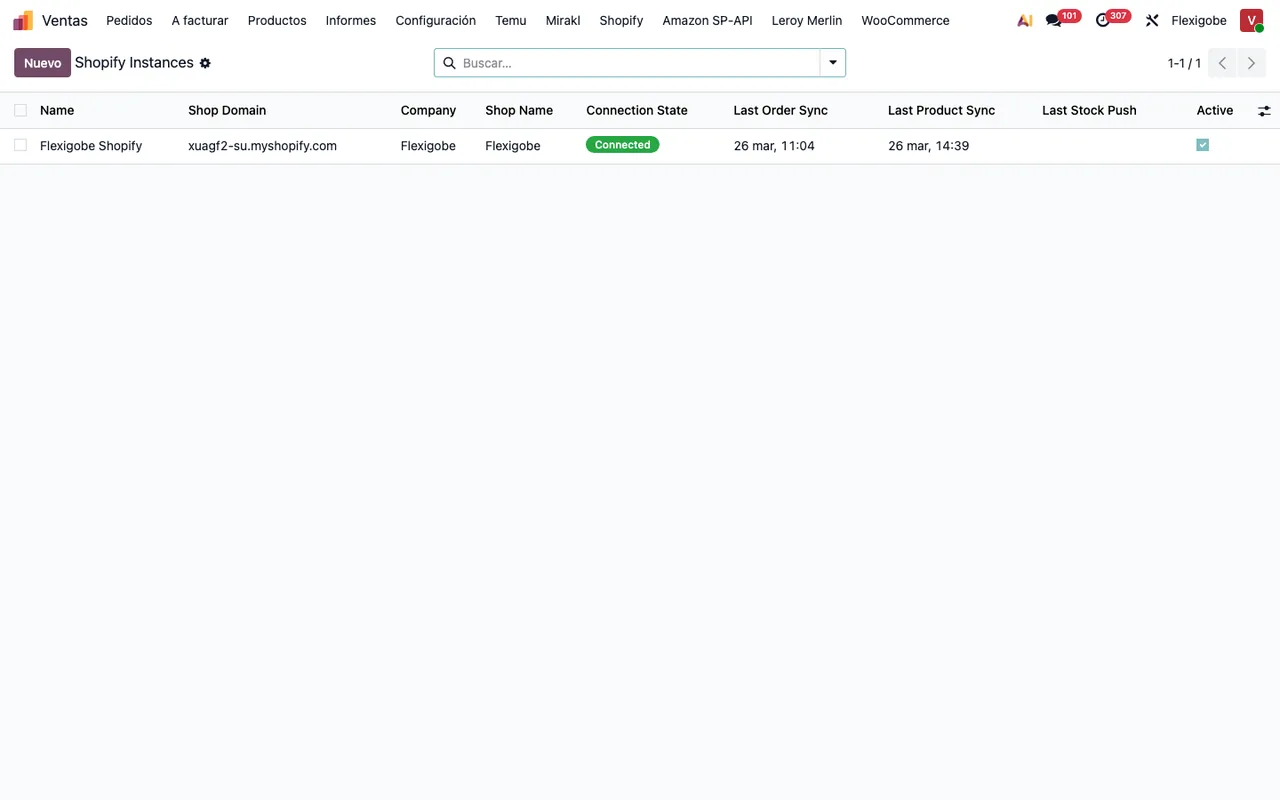
What do I do about is not a myshopify.com store domain?
The full message is Shopify domain "%s" is not a myshopify.com store domain. Use the one Shopify shows under Settings > Domains, e.g. my-store.myshopify.com: a custom storefront domain does not serve the Admin API. It means the domain you typed on the instance is not a myshopify.com domain. What to do: copy the domain Shopify shows under Settings > Domains, in the form my-store.myshopify.com. Your own storefront domain will not do because, as the message itself says, it does not serve the Admin API.
Why won't it let me save the client secret?
There are two possible messages. Fill in the shop domain and the client ID before saving the client secret. asks for the shop domain and the client ID to be filled in first. Before saving the client secret, an administrator has to accept that the Shopify app and the calls to Shopify go through FlexigoTech Cloud. Nothing was sent. means an administrator must first accept that the Shopify app and the calls to Shopify go through FlexigoTech Cloud; the last sentence confirms nothing was sent. What to do: fill in the domain and client ID, and ask an administrator to give that acceptance before saving again.
Which messages appear when changing or deleting an instance?
It depends on what you want to change. The connection type does not change: The connection of a Shopify instance does not change: a new instance goes through FlexigoTech Cloud and the ones bought before keep the direct connection. A new instance goes through FlexigoTech Cloud and those bought earlier keep the direct connection.
Only an administrator can change the shop of %s: it keeps its access token in Odoo and every call sends it to that shop.: only an administrator can change that instance's shop, because it keeps its access token in Odoo and every call sends it to that shop.To move %(name)s to another shop or app, type its client secret again in the same save: the app saved in FlexigoTech Cloud belongs to %(shop)s.: to move the instance to another shop or app, type its client secret again in the same save, because the app saved in FlexigoTech Cloud belongs to the shop named in the message.Only an administrator can delete %s: it was bought with the direct connection, and a new instance goes through FlexigoTech Cloud. Archive it instead.: only an administrator can delete an instance bought with the direct connection; the message itself suggests archiving it instead.Only an administrator can delete the Shopify app from FlexigoTech Cloud.: deleting the Shopify app saved in FlexigoTech Cloud is also reserved for an administrator.
Messages when authorising in Shopify and using the token
What do the messages ask for before authorising in Shopify?
The messages set out an order: first the shop details, then the client secret in FlexigoTech Cloud, then authorisation. If you are in the middle of setting up, the step by step is in getting Shopify Connector up and running.
Fill in the shop domain, the client ID and the requested scopes first.: the shop domain, the client ID or the requested scopes are missing.Save the client secret in FlexigoTech Cloud before authorizing.andSave the client secret of %s in FlexigoTech Cloud before authorizing.: you are trying to authorise without having saved the client secret in FlexigoTech Cloud.Save the client secret of %s in FlexigoTech Cloud first.: the same requirement, for the instance it names.The Shopify app of %s is not saved in FlexigoTech Cloud: type its client secret again.: that instance's app is not saved in FlexigoTech Cloud; type its client secret again.Authorize %s in Shopify first (Authorize in Shopify).: the instance has not been authorised in Shopify yet; the message points you toAuthorize in Shopify.
What do the OAuth errors mean?
These are the messages from the authorisation step with Shopify. Each one tells you what went wrong:
Missing authorization code.: the authorisation code is missing.Invalid OAuth state token.: the OAuth state token is not valid.OAuth callback shop does not match this instance.: the shop returned in the OAuth callback does not match the instance.Shopify OAuth exchange failed: %s: the OAuth exchange with Shopify failed; the message adds the detail after the colon.Shopify OAuth exchange response did not include an access token.: the exchange response arrived without an access token.FlexigoTech Cloud could not authorize Shopify (HTTP %s).: FlexigoTech Cloud could not authorise with Shopify and gives you the HTTP code.
If the instance goes through FlexigoTech Cloud, the module warns with On FlexigoTech Cloud the code is exchanged when Shopify sends you back to Odoo: use Authorize in Shopify. The code is exchanged when Shopify sends you back to Odoo, so the way to authorise is Authorize in Shopify.
What about the token, webhooks and GraphQL calls?
With FlexigoTech Cloud, the service renews the token on its own, as FlexigoTech Cloud renews the Shopify token by itself. says. The messages about tokens and calls are these:
Missing refresh token for Shopify instance %s: the named instance has no refresh token.Shopify token refresh failed: %s: the token refresh failed, with the detail at the end.Shopify token refresh response did not include an access token.: the refresh response arrived without an access token.Shopify access token is missing for instance %s: that instance's access token is missing.Shopify GraphQL call failed (%s): %s: a GraphQL call to Shopify failed; the message carries two variable values worth copying exactly if you ask for help.
On webhooks the message is plain: Webhooks are not available through FlexigoTech Cloud: orders, products and stock sync with the scheduled actions. Through FlexigoTech Cloud, orders, products and stock sync with the scheduled actions. Which actions exist and what each record goes through is covered in how Shopify Connector works under the bonnet.
Company, permission and product messages
What do the company and administrator warnings mean?
This Shopify instance belongs to a company you are not working in. appears because the instance belongs to a company you are not working in; what to do: work in that instance's company. There are two further rules: A Shopify instance only links the products and orders of its own company. and A record of a Shopify instance only links records of the company of its instance. An instance only links products and orders of its own company, and a record of an instance only links records of that instance's company, so check that the product, order or record belongs to the same company. Finally, Only an administrator can run this scheduled action. appears in several places in the module: running those scheduled actions is reserved for an administrator, so that is who you need to ask.
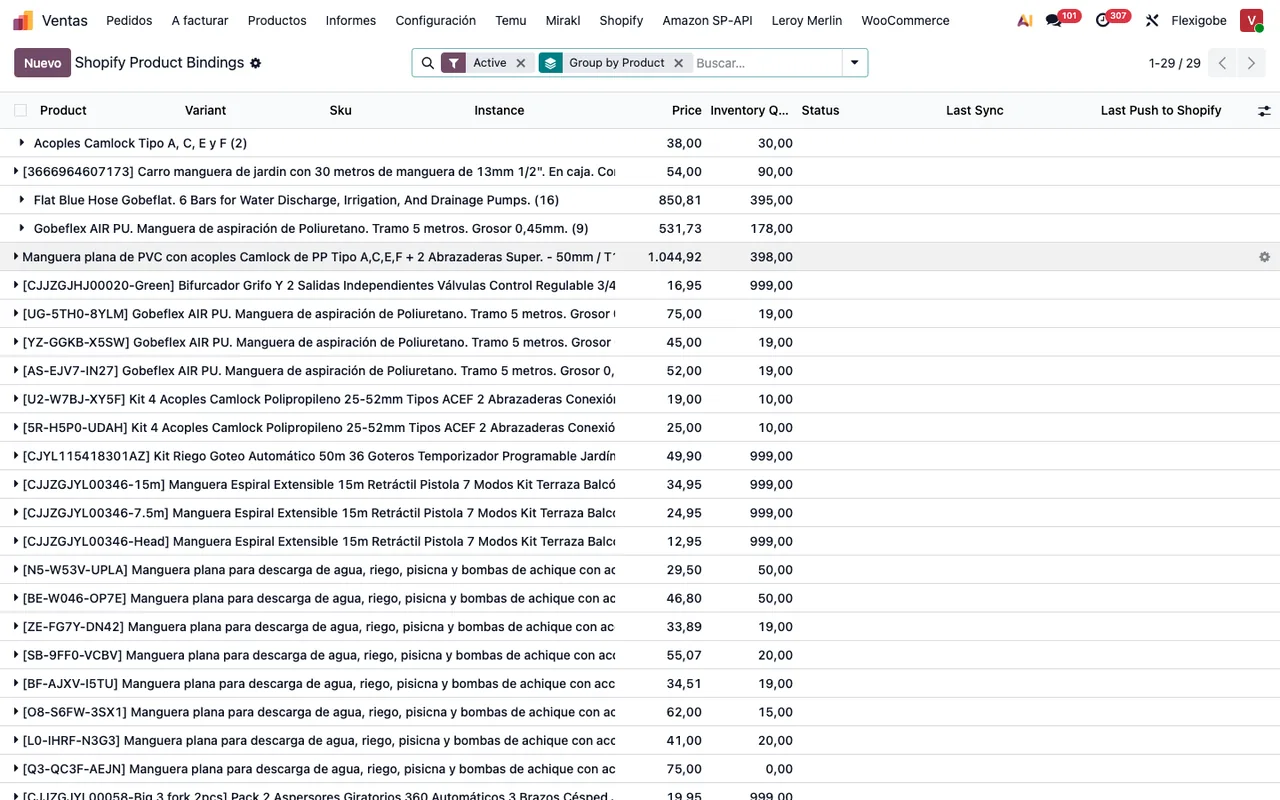
What do I do about No Shopify bindings found?
The full text is No Shopify bindings found for '%s'. Use 'Export to Shopify' to publish it for the first time. It means the named record has no Shopify bindings. The message tells you what to do: use Export to Shopify to publish it for the first time.
When to ask FlexigoTech for help
FlexigoTech implements Odoo 17, 18, 19 and 20 and builds bespoke connectors and integrations. If a message such as Shopify GraphQL call failed (%s): %s is holding you up, we can go through it with you with the literal error text in front of us.
The connector is published on Odoo Apps for 17, 18, 19 and 20, at €9 per Odoo version, one-off payment, excluding VAT. That payment is not the whole cost: in all those versions the manifest states it needs the FlexigoTech Cloud subscription, and the Connector plan costs €49 a month or €490 a year, excluding VAT.
Keep reading
Checked in the connector's source code (version 20.0) and the linked sources
Sources
- Module source code: flexigobe_shopify_connector 20.0 (04fa0489): models/company_rules.py
- Module source code: flexigobe_shopify_connector 20.0 (04fa0489): models/fgt_cloud.py
- Module source code: flexigobe_shopify_connector 20.0 (04fa0489): models/product_template.py
- Module source code: flexigobe_shopify_connector 20.0 (04fa0489): models/shopify_instance.py
- apps.odoo.com/apps/modules/20.0/flexigobe_shopify_connector
- apps.odoo.com/apps/modules/17.0/flexigobe_shopify_connector
- apps.odoo.com/apps/modules/18.0/flexigobe_shopify_connector
- apps.odoo.com/apps/modules/19.0/flexigobe_shopify_connector
- flexigotech.com/precios.html
- flexigotech.com/en/services.html