

 Español
 Català
 Deutsch
 Français
 Português
 Italiano
 Nederlands
 Polski
Example Illustrative case: the company and its figures are made up to explain the flow.
Taller Aralar is an invented company that sells on a Mirakl marketplace and has just installed Mirakl Connector in its Odoo. Days go by and no marketplace invoice shows up in Odoo. Before changing anything, the person who looks after Odoo goes through what the Mirakl - Sync Invoices scheduled action does and where it can end up doing nothing. That review is what follows.
What the action does on each pass
The action does not look at one particular marketplace: it goes through every marketplace that meets the conditions, one after another. In Odoo 20, when it runs, it does the following, in this order:
- It checks that whoever runs it is an administrator. If not, it stops with
Only an administrator can run this scheduled action.and does nothing else. - It looks for the marketplaces that are active and have invoice sync enabled.
- From those, it leaves out the ones it cannot call: those on the FlexigoTech Cloud route with no saved key and, if the permit the module has stored does not include the module's service, all of the ones on that route (that check does not go out to the network). Marketplaces that connect directly go first.
- For each marketplace left, it asks for its invoices. If something fails on one, the module tries to note the error and moves on to the next one. The exception is a FlexigoTech Cloud pause, which cuts the run short.
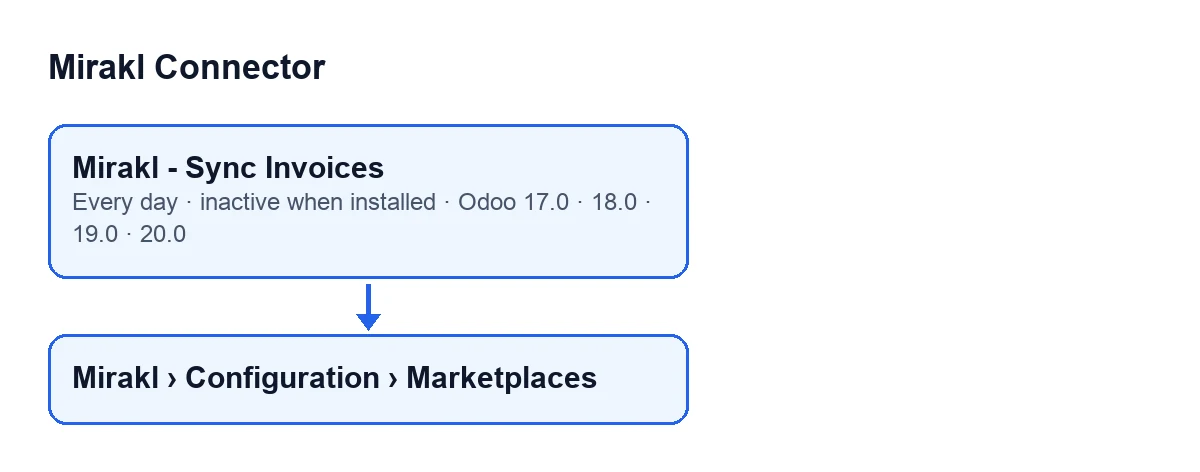
Mirakl › Configuration › Marketplaces menu.
What it does with each marketplace's invoices
When it is a marketplace's turn, the action does this:
- It uses the invoices endpoint the marketplace has or, if that is empty,
/invoices. - It requests the invoices page by page, with a page size and a maximum number of pages (at least one). It stops when a page comes back empty, when a page brings fewer invoices than the page size, when the total reported by Mirakl has been reached, or when it hits the maximum number of pages.
- It processes each invoice received. If one fails, it notes the error with that invoice and carries on with the rest.
If the operator does not expose /invoices, the module notes the warning Invoices endpoint not available (HTTP 404). This operator does not expose /invoices., sets the last invoice sync date to the current moment and finishes with that marketplace. With any other error in the request it notes the error and stops reading pages for that marketplace.
If FlexigoTech Cloud does not let the call through (no subscription, or a relay pause), the pass is cut short: nothing is marked or deleted and the next pass carries on. The module only counts the pause, with its code, in the FlexigoTech Cloud health report. Because direct marketplaces go first, none of them is left uncalled because of that pause.
How often it runs and since when
The action runs once a day and is switched off on install: until someone switches it on, it does nothing. In Odoo 17 the action repeats without end. It is in the published branches 17, 18, 19 and 20.
The marketplace records open from the Mirakl › Configuration › Marketplaces menu.
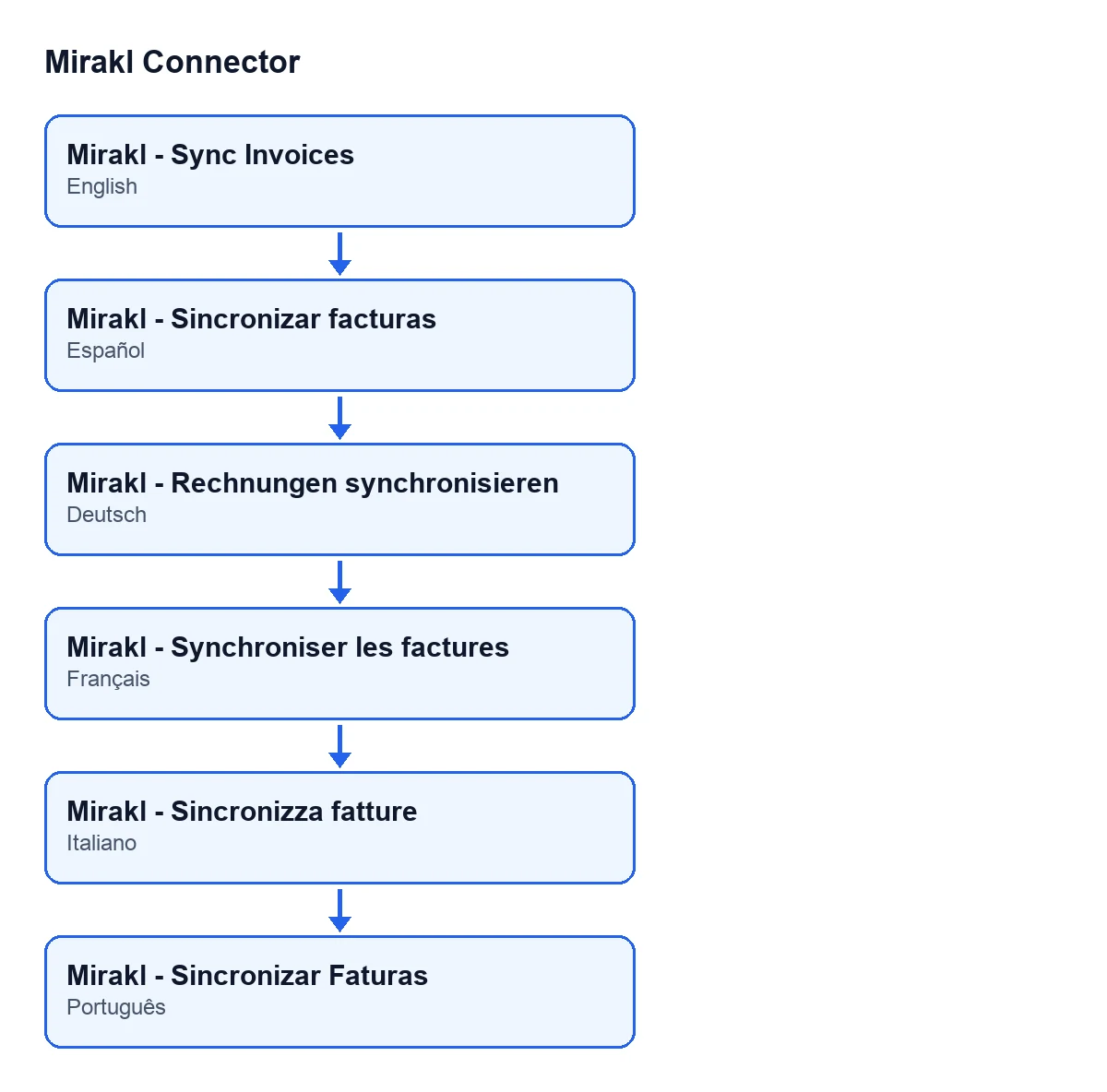
Mirakl - Sincronizar facturas; in German, Mirakl - Rechnungen synchronisieren; in French, Mirakl - Synchroniser les factures; in Italian, Mirakl - Sincronizza fatture; in Portuguese, Mirakl - Sincronizar Faturas.Taller Aralar's review, step by step
- It confirms the action is switched on, because it is switched off on install.
- It bears in mind that the action runs once a day, so it does not expect to see the invoices at once.
- It makes sure an administrator runs the action. Otherwise it stops with
Only an administrator can run this scheduled action.. - It bears in mind that the action only picks up marketplaces that are active and have invoice sync enabled: if its own marketplace does not meet both conditions, it is not part of the pass. The records open from
Mirakl › Configuration › Marketplaces. - If the marketplace goes through FlexigoTech Cloud, it bears in mind that without a saved key it is not called, and that none on that route is called if the stored permit does not include the module's service.
- If the operator does not expose
/invoices, the module notes the warningInvoices endpoint not available (HTTP 404). This operator does not expose /invoices., sets the last invoice sync date to the current moment and finishes with that marketplace. - For other errors, it remembers that the module tries to save a log row linked to the marketplace and also writes the error to the server log.
What the case teaches
If the action brings nothing in, go through the checks in this order: first that it is switched on, because it is switched off on install and, while it stays that way, it does not run. Then, in the order the code applies them: administrator, a marketplace that meets the conditions, the FlexigoTech Cloud route and, last, the errors noted.
As for errors, the module tries to write a log row with the level, the operation, the method, the address called, the response status and the error message. If an error occurs when creating the row, it leaves a warning in the server log.
How FlexigoTech helps
FlexigoTech implements Odoo 17, 18, 19 and 20 and builds connectors and custom integrations. Mirakl Connector is published on Odoo Apps for 17, 18, 19 and 20: see the Odoo Apps listing or the module page.
Keep reading
Checked in the connector's source code (version 17.0 and 20.0) and the linked sources
Sources
- Module source code: flexigobe_mirakl_connector 20.0 (aa05e537): data/ir_cron_data.xml
- Module source code: flexigobe_mirakl_connector 17.0 (e430de3e): data/ir_cron_data.xml
- Module source code: flexigobe_mirakl_connector 20.0 (aa05e537): models/mirakl_instance.py
- Module source code: flexigobe_mirakl_connector 20.0 (aa05e537): models/mirakl_ai.py
- apps.odoo.com/apps/modules/20.0/flexigobe_mirakl_connector
- flexigotech.com/en/services.html