

 Español
 Català
 Deutsch
 Français
 Português
 Italiano
 Nederlands
 Polski
Where it appears and what triggers it
You open the record from the menu Mirakl › Configuration › Marketplaces and click Fetch Refund Reasons. If no reason is left to post, Odoo stops the action and shows The operator returned no reason codes. Check the codes in your marketplace seller portal instead.
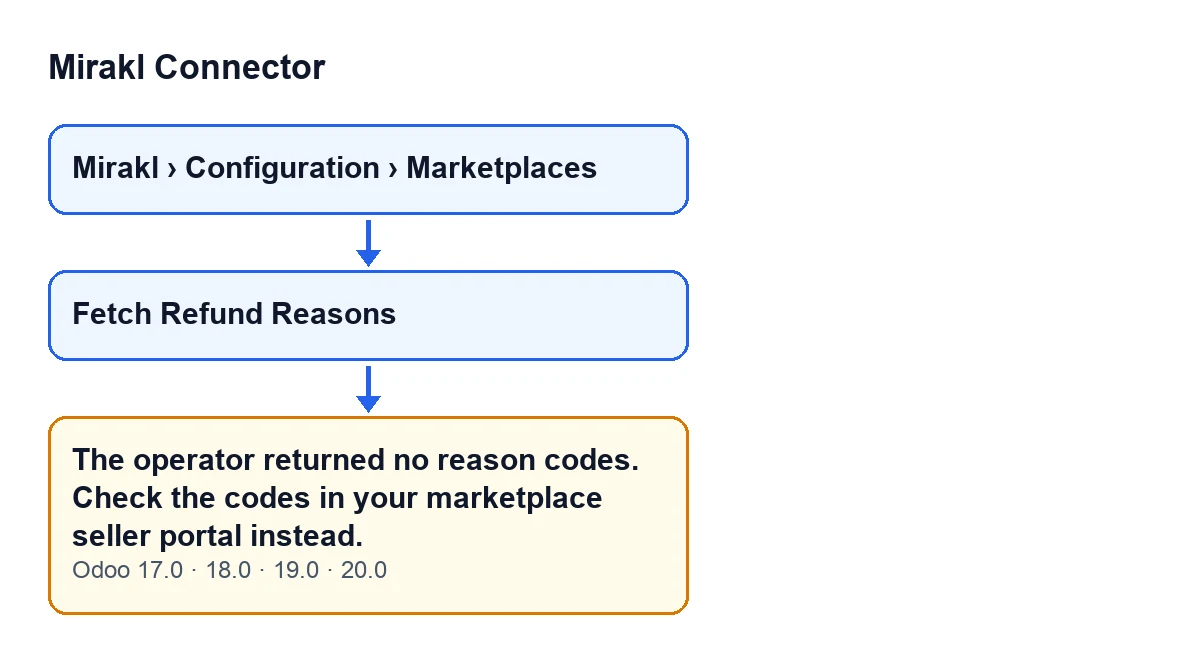
These are the practical details worth knowing before you treat it as a connection fault.
The button is always visible, and the message appears when you click it
In Odoo 17, 18, 19 and 20 the Fetch Refund Reasons button is always visible on the record, with no conditions. The message is one that stops the action: it appears when you click the button and, because the action is cut short there, nothing is posted to the record's chatter.
The condition is that the final list is empty
When you click, the module asks the operator for its list of reasons. It first keeps the reasons whose type contains the word REFUND, in upper or lower case. If none match, it keeps every reason it received. Only if nothing is left after that filtering does the message appear. In the code, the condition is literally that this list is empty.
Having no refund-type reasons is not enough to get the error
If the operator returns reasons but none is of a refund type, the message does not appear: the module posts everything it received. So if you see codes in the chatter that do not look like refund codes, what happened is that the operator returned none of that type and the module fell back to the full list.
A reply with a different shape also counts as empty
The module reads the reply looking for a data block that contains a list of reasons. If that block or that list does not have the expected shape, it is treated as empty. Entries in the list that are not records are ignored. The outcome is the same message, so it does not tell you whether the operator has no codes for you or whether the reply arrived with a different structure. If you doubt the connection, there is a separate piece on what the Test Connection button does.
What happens when there are codes
If the list has content, the module posts a message to the record's chatter that begins with Operator reason codes (use the CODE in 'Refund Reason Code'): and continues with one line per code: the code, its label and the type in brackets, with a hyphen if the type is empty.
Odoo also shows a notification titled Mirakl reading … reason codes posted to the chatter., where the module fills in the number of codes. The notification does not stay pinned on screen.
What to do when it appears
Do what the message asks: open your marketplace's seller portal and look up the operator's reason codes there. According to the module's own code, the button exists so that you know which code to use as the refund reason, because Mirakl rejects refunds without a valid operator code. Until you have the list in the chatter, the portal is your source.
Afterwards the button stays visible, so you can click it again whenever you want to check whether the operator now returns the list. If the reply includes reasons, you will see them posted in the record's chatter and you can copy the code from there.
It is the same message in all four published versions
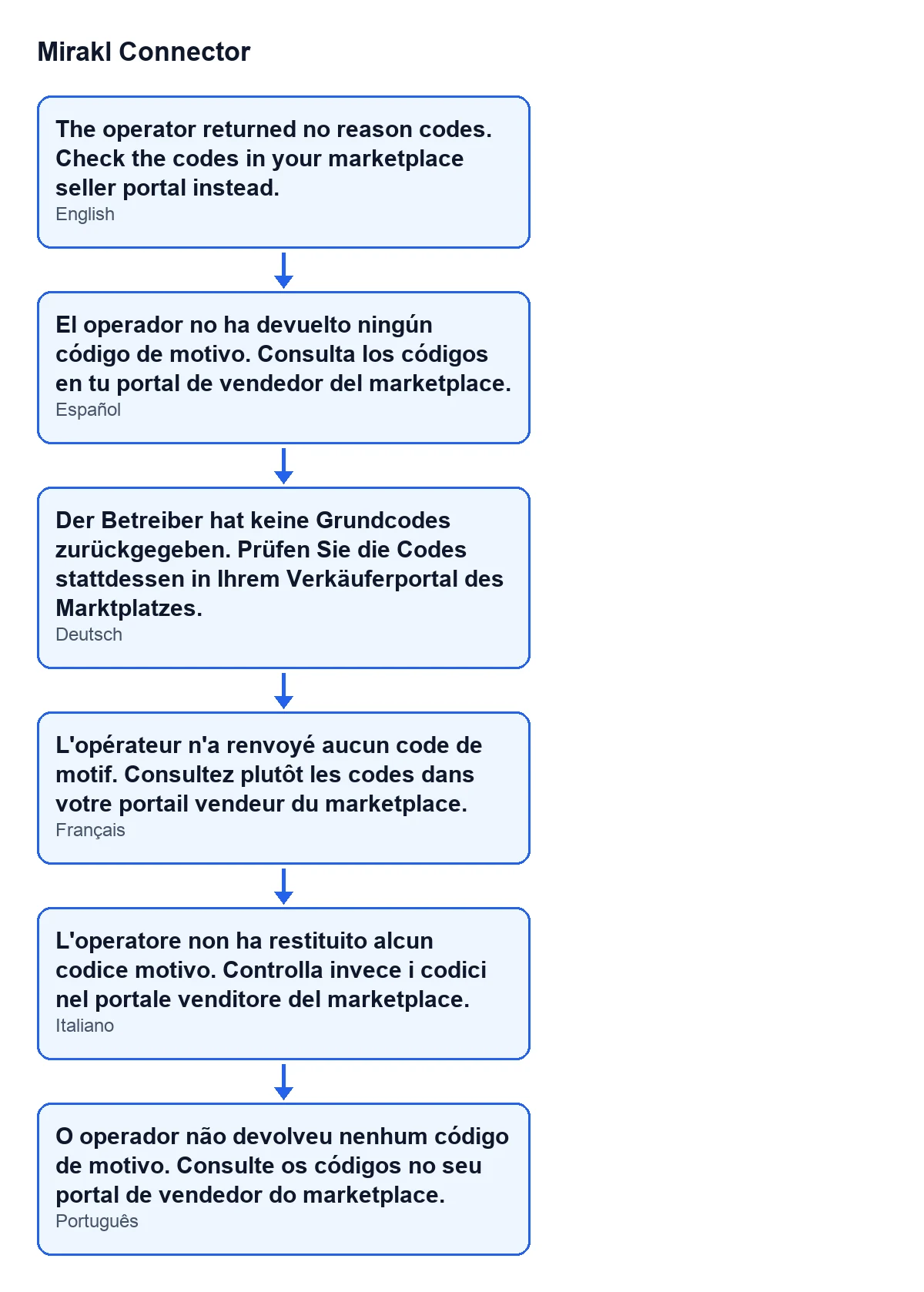
The message is in the code of Odoo 17, 18, 19 and 20, and the module is published on Odoo Apps for those four versions. The second diagram gathers the same text in Spanish, German, French, Italian and Portuguese.

If you need help with the connector
FlexigoTech implements Odoo 17, 18, 19 and 20 and builds connectors and custom integrations. If you want to look at the module, here is its Odoo Apps listing and its page on flexigotech.com.
If the message keeps coming back and you are not sure whether the problem lies with the operator's codes or with the reply reaching Odoo, tell us which marketplace you use and what you see in the record's chatter, and we will look at it with you.
Keep reading
Checked in the connector's source code (version 20.0) and the linked sources
Sources
- Module source code: flexigobe_mirakl_connector 20.0 (aa05e537): models/mirakl_instance.py
- Module source code: flexigobe_mirakl_connector 20.0 (aa05e537): views/mirakl_instance_views.xml
- Module source code: flexigobe_mirakl_connector 20.0 (aa05e537): models/mirakl_ai.py
- apps.odoo.com/apps/modules/20.0/flexigobe_mirakl_connector
- flexigotech.com/en/services.html