

 Español
 Català
 Deutsch
 Français
 Português
 Italiano
 Nederlands
 Polski
How to read a Leroy Merlin Connector message
Placeholders such as %(name)s, %(host)s, %(url)s or %s are replaced with the detail of your case: the marketplace, the host, the URL or the failure detail.
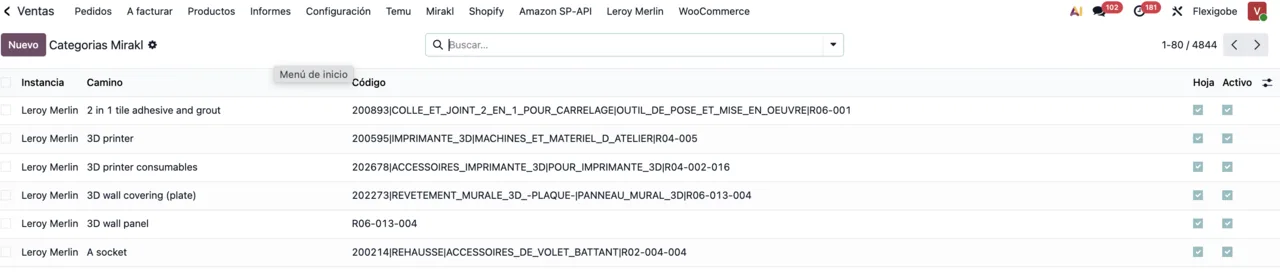
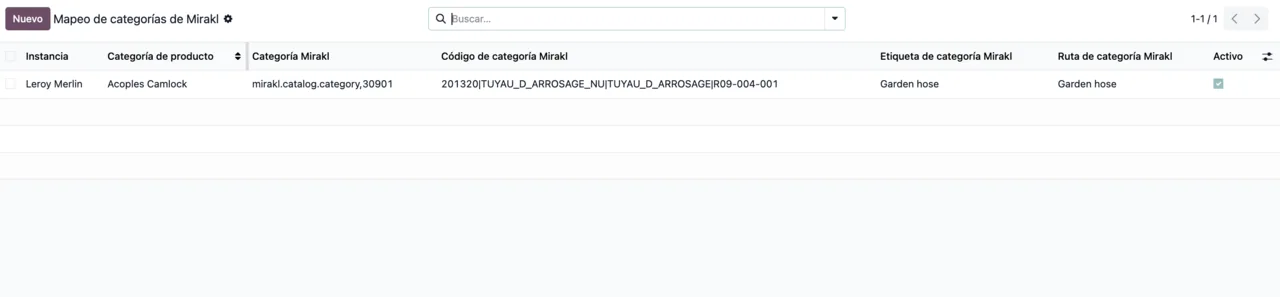
Message table: when each one appears and what to do
They are grouped by topic: connection and API key, operator URLs, binding, carriers, activity clean-up, orders and, finally, offers, prices and stock.
| Message | When it appears | What to do |
|---|---|---|
The Mirakl API key of %s is required on the direct connection. | A marketplace on the direct connection has no Mirakl API key. | Enter that marketplace's API key and save. |
The Mirakl connection of a marketplace does not change: a new one goes through FlexigoTech Cloud, and one that existed before this version keeps the direct connection it was bought with. | You try to change a marketplace's connection type. | It is not a fault: the connection type does not change. |
To move %(name)s to another Mirakl host, type its Mirakl API key again in the same save: the one saved in FlexigoTech Cloud belongs to %(host)s. | You change the Mirakl host without retyping the key saved in FlexigoTech Cloud. | Type the key again in the same save as the host change. |
To move %(name)s to another Mirakl host, an administrator has to type its Mirakl API key again in the same save: the one stored in Odoo belongs to %(host)s. | The same, with the key stored in Odoo. | An administrator retypes the key in that same save. |
On FlexigoTech Cloud the API Base URL of %(name)s has to be https://<operator host>/api (it is %(url)s). Nothing was sent. | On FlexigoTech Cloud, the API Base URL is not in the form the module expects. | Correct it to https://<operator host>/api; the current one is shown in brackets. |
Before saving the API key, a Mirakl manager has to accept that the Mirakl API key and the calls to Mirakl go through FlexigoTech Cloud. Nothing was sent. | The key is saved before a Mirakl manager has accepted that it goes through FlexigoTech Cloud. | Have a Mirakl manager accept it, then save the key. |
%(url)s is outside the Mirakl API of %(name)s (%(api)s): the API key was not sent. | A call points outside that marketplace's Mirakl API. | Compare the URL in the message with the API in brackets. |
Set the real Leroy/Mirakl operator URLs before testing the connection. Each marketplace has its own Base Url and Api Base Url. | You test the connection without the real operator URLs. | Fill in Base Url and Api Base Url for each marketplace and test again. |
'marketplace.mirakl.net' is only a placeholder and not a real Mirakl operator host. | The URL still holds the placeholder value. | Use the operator's URL from the marketplace documentation or support. For ADEO/Leroy, the message gives https://adeo-marketplace.mirakl.net and https://adeo-marketplace.mirakl.net/api. |
This binding has no Leroy Mirakl instance configured. | A binding has no Leroy Mirakl instance. | Assign the instance and repeat the action. |
Could not fetch carriers from Mirakl. Tried endpoints: %(endpoints)s. All returned HTTP 404. | When fetching carriers, every endpoint tried returns HTTP 404. | Check the listed endpoints against the Api Base Url. |
Mirakl returned no carriers from %s. | Mirakl answers with no carriers. | Raise what the message shows with the marketplace's support. |
OdooBot partner not found; nothing to clean. | Activity clean-up is requested and the OdooBot contact does not exist. | Nothing to fix: there is nothing to clean. |
No sale orders found for this instance. | The instance has no sales orders. | Check you are on the right instance. |
Failed to clean activities: %s | The activity clean-up fails. | Read the detail after the colon and, if it does not help, send it to us. |
Missing Leroy Mirakl order id on sale order. | The sales order has no Leroy Mirakl order id. | Check whether that order belongs to a Leroy Merlin order. |
A Leroy Merlin order that is not cancelled cannot be deleted: the next import would bring it back and create its sales order again. | You try to delete a Leroy Merlin order that is not cancelled. | Delete or cancel its sales order; according to the message, the connector remembers it. |
Shop ID is required for Mirakl OF01 offer import. · Shop ID is required for Mirakl PRI01 price import. · Shop ID is required for Mirakl STO01 stock import. | You import offers, prices or stock without a Shop ID. | Fill in the Shop ID and run the import again. |
Offer payload builder is not implemented for this Mirakl profile. · Price export builder is not implemented for this Mirakl profile. | The Mirakl profile has no offer payload or price export implemented. | It needs development: get in touch. |
Where the Mirakl API key lives
Much of the table revolves around the key. The module does not let you change the connection type: a new marketplace goes through FlexigoTech Cloud, and one from before this version keeps the direct connection it was bought with, where the key is required. If you move a marketplace to another host, the key is typed again in the same save; if it is stored in Odoo, the message asks for an administrator to do it.
On FlexigoTech Cloud, the API Base URL must be in the form https://<operator host>/api, and a Mirakl manager has to accept going through FlexigoTech Cloud before the key is saved. FlexigoTech Cloud stores the credentials encrypted, monitors the sync and emails you if it fails. Without a subscription, or with the service suspended, whatever the subscription provides stops; your data stays in your Odoo.
What does not go out to Mirakl and what cannot be deleted
The two messages ending in Nothing was sent and the one saying the API key was not sent tell you nothing has gone out: fix the URL or the pending acceptance and save again. Orders work the other way round: a Leroy Merlin order that is not cancelled cannot be deleted, because the next import would bring it back; what you do is delete or cancel its sales order.
The Shop ID warnings come up on offer, price and stock imports. On the instance, the Operaciones manuales tab gathers those buttons; we cover the fields in setting up the connector.
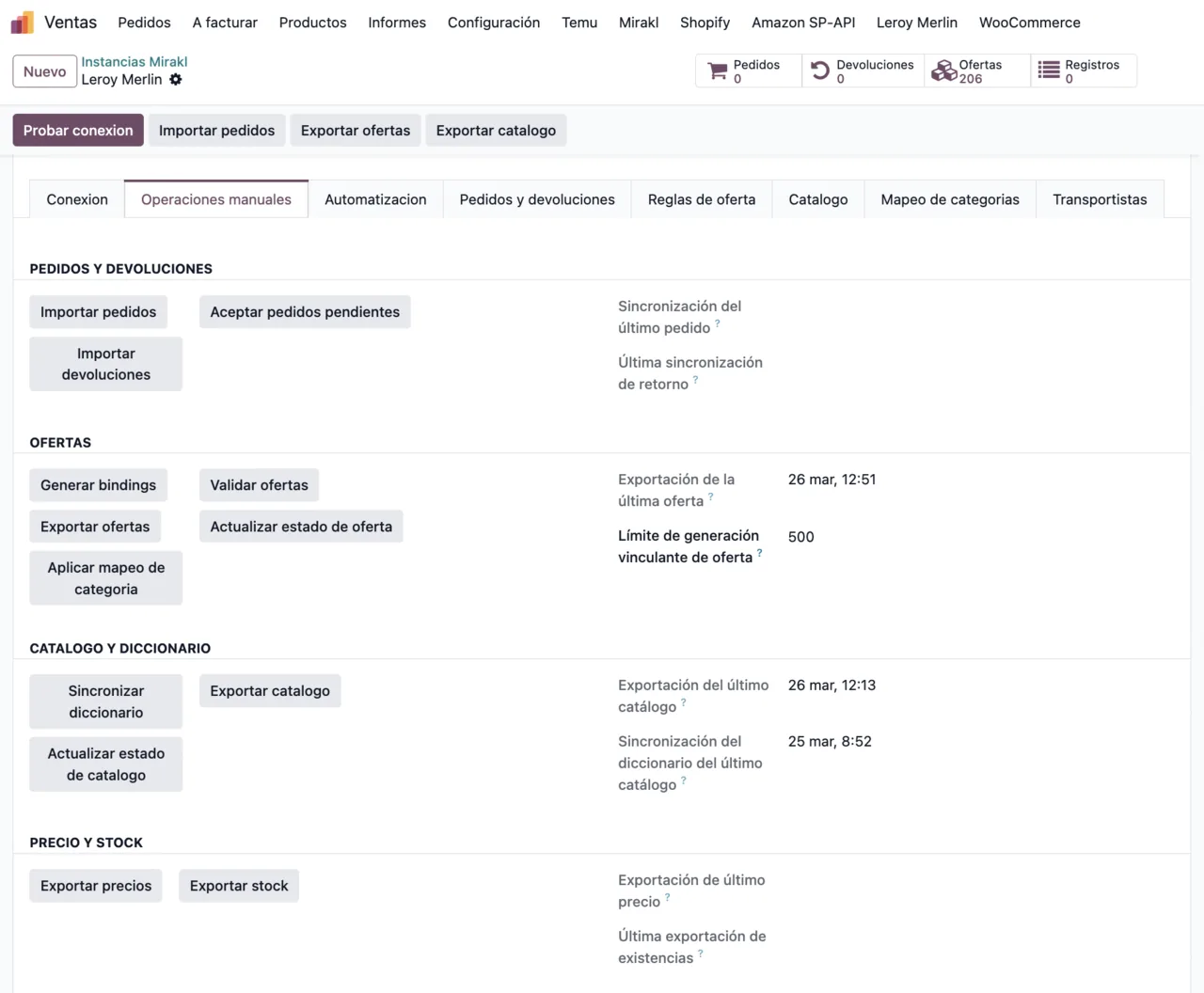
The module's menus are explained in how Leroy Merlin Connector works under the hood.
How FlexigoTech can help
If your Mirakl profile shows a not-implemented warning, that is development work: FlexigoTech implements Odoo 17, 18, 19 and 20 and builds bespoke connectors and integrations. We can also go through your URLs and keys with you when a message does not fit your case.
The app is on the Odoo Apps listing for Odoo 17, 18, 19 and 20, at €9 per Odoo version, one-off payment excluding VAT; the FlexigoTech Cloud connection comes with the Conector plan, €49/month or €490/year excluding VAT.
Keep reading
Checked in the connector's source code (version 20.0) and the linked sources
Sources
- Module source code: flexigobe_leroy_merlin_connector 20.0 (fb656d53): models/leroy_fgt_cloud.py
- Module source code: flexigobe_leroy_merlin_connector 20.0 (fb656d53): models/leroy_mirakl_category_search_wizard.py
- Module source code: flexigobe_leroy_merlin_connector 20.0 (fb656d53): models/leroy_mirakl_instance.py
- Module source code: flexigobe_leroy_merlin_connector 20.0 (fb656d53): models/leroy_mirakl_instance_advanced.py
- Module source code: flexigobe_leroy_merlin_connector 20.0 (fb656d53): models/leroy_mirakl_order.py
- Module source code: flexigobe_leroy_merlin_connector 20.0 (fb656d53): models/mirakl_api_mixin.py
- Module source code: flexigobe_leroy_merlin_connector 20.0 (fb656d53): models/mirakl_offer_export_mixin.py
- Module source code: flexigobe_leroy_merlin_connector 20.0 (fb656d53): models/mirakl_offer_price_stock_mixin.py
- apps.odoo.com/apps/modules/20.0/flexigobe_leroy_merlin_connector
- apps.odoo.com/apps/modules/17.0/flexigobe_leroy_merlin_connector
- apps.odoo.com/apps/modules/18.0/flexigobe_leroy_merlin_connector
- apps.odoo.com/apps/modules/19.0/flexigobe_leroy_merlin_connector
- flexigotech.com/en/services.html
- flexigotech.com/precios.html