

 Español
 Català
 Deutsch
 Français
 Português
 Italiano
 Nederlands
 Polski
What GoCardless says
| Reason | Type | HTTP | GoCardless text |
|---|---|---|---|
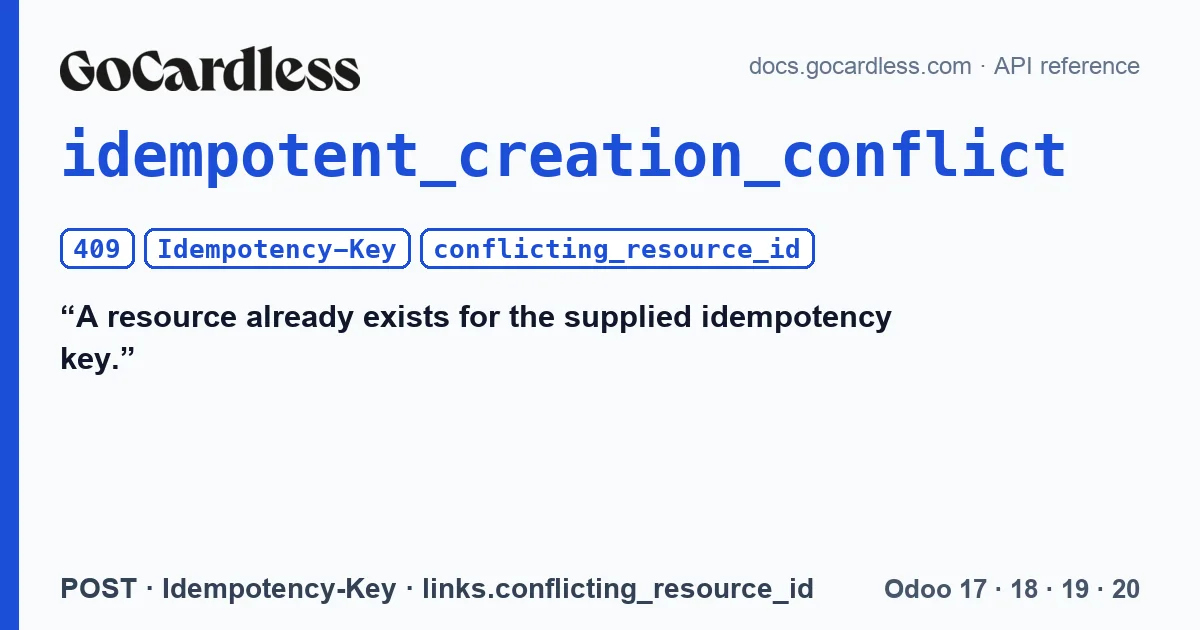
idempotent_creation_conflict | invalid_state | 409 | A resource already exists for the supplied idempotency key. |
GoCardless' limits page completes it: if a resource already exists with that key, the response is a 409 with links.conflicting_resource_id, which points to the resource already created. Keys can be up to 128 characters long, and GoCardless remembers them for at least 30 days.
The problem it solves
A request can take time: GoCardless cuts off those that exceed 29 seconds, and the network can drop before that. If Odoo requests a charge and gets no response, it does not know whether GoCardless created it. Simply repeating the request is dangerous; GoCardless' own documentation warns that retrying without an idempotency key after a timeout can charge the same payment twice.
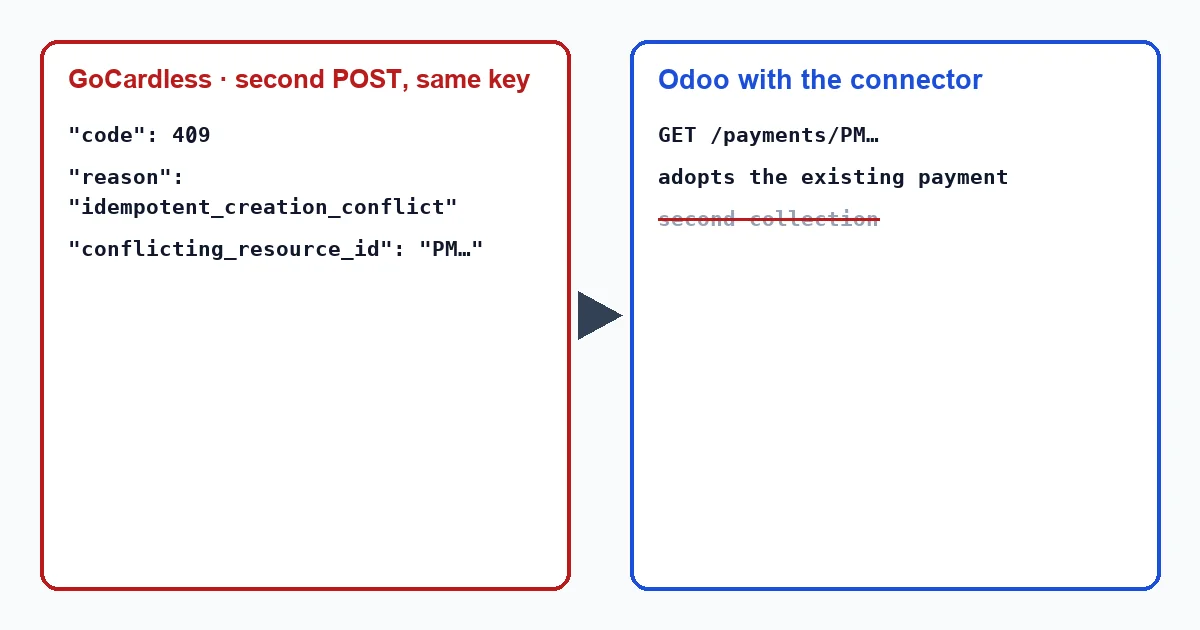
With a key, the second attempt creates nothing: if the first one arrived, GoCardless answers with this 409 and the identifier of the payment that already exists.
How the connector uses it
The connector sends an idempotency key with every request that creates a charge, a refund, a retry or the mandate request. The key is not random. It is calculated from the operation, the Odoo transaction and the database identifier, so that:
- repeating the same charge sends exactly the same key;
- a test copy of the database does not clash with production even if both issue the same invoice.
When the 409 arrives, the connector reads conflicting_resource_id, requests that resource from GoCardless and adopts it as the response. For you there is no error: the transaction is linked to the payment that already existed, and the invoice follows its normal course.
When GoCardless does not answer
If the request gets no response, the connector repeats it once with the same key. Without a key it repeats nothing. If there is still no response, it warns without treating the charge as lost: “GoCardless did not answer, so it is not known yet whether it took the request. It will be sent again, safely, within the hour.”. The transaction is left pending, not in error, because in error Odoo could generate another charge with another reference and another key.
The connector writes these texts in English, so in an English-language Odoo they appear exactly as quoted here, whether a user or a scheduled action triggers them, such as a subscription renewal or the connector's own resend: “GoCardless did not answer, so it is not known yet whether it took the request. It will be sent again, safely, within the hour.”.
What to do
With the connector, normally nothing: the 409 resolves itself. If you see it in another program connected to the same GoCardless account, check two things. First, that you are not reusing a key for different operations. Second, that the resource in conflicting_resource_id is the one you expected: if it is, the retry has worked as it should. If it is not, save the request_id of the response: GoCardless asks you to include it when contacting its support, and the connector adds it to its error messages.
Does a 409 mean the customer paid twice?
The opposite. It means GoCardless refused to create the second charge because the key already had one. The customer pays only once.
What happens if the transaction reference is changed?
The key changes, and GoCardless treats it as a new charge. That is why the connector leaves a charge without a response pending, not in error: this way another one is not created with another reference.
With our connector
In Odoo 17, 18, 19 and 20 the connector applies the rule GoCardless asks for to avoid charging twice: a fixed key per operation, repetition only with the same key, and adoption of the existing resource when the 409 arrives.
Keep reading
Checked in the connector's source code (version 17.0, 18.0, 19.0 and 20.0) and the linked sources
Sources
- docs.gocardless.com/docs/api-reference/limits
- Module source code: flexigo_payment_gocardless: models/payment_provider.py, line 462 in 17.0 (d203ee6), 18.0 (e2ab18b), 19.0 (ce7f5a3) and 20.0 (688d86b)
- Module source code: flexigo_payment_gocardless: models/payment_provider.py, line 352 in 17.0 (d203ee6), 18.0 (e2ab18b), 19.0 (ce7f5a3) and 20.0 (688d86b)
- Module source code: flexigo_payment_gocardless: models/payment_transaction.py, line 68 in 17.0 (d203ee6), 18.0 (e2ab18b), 19.0 (ce7f5a3) and 20.0 (688d86b)
- Module source code: flexigo_payment_gocardless: models/payment_provider.py, line 391 in 17.0 (d203ee6), 18.0 (e2ab18b), 19.0 (ce7f5a3) and 20.0 (688d86b)
- Module source code: flexigo_payment_gocardless: models/payment_provider.py, line 357 in 17.0 (d203ee6), 18.0 (e2ab18b), 19.0 (ce7f5a3) and 20.0 (688d86b)
- Module source code: flexigo_payment_gocardless: models/payment_provider.py, line 373 in 17.0 (d203ee6), 18.0 (e2ab18b), 19.0 (ce7f5a3) and 20.0 (688d86b)
- Module source code: flexigo_payment_gocardless: models/payment_transaction.py, line 299 in 17.0 (d203ee6), line 299 in 18.0 (e2ab18b), line 299 in 19.0 (ce7f5a3) and line 310 in 20.0 (688d86b)
- Module source code: flexigo_payment_gocardless: i18n/flexigo_payment_gocardless.pot, line 448 in 17.0 (d203ee6), line 448 in 18.0 (e2ab18b), line 448 in 19.0 (ce7f5a3) and line 450 in 20.0 (688d86b)
- Module source code: flexigo_payment_gocardless: i18n/flexigo_payment_gocardless.pot, line 29 in 17.0 (d203ee6), 18.0 (e2ab18b), 19.0 (ce7f5a3) and 20.0 (688d86b)
- Module source code: flexigo_payment_gocardless: __manifest__.py, line 31 in 17.0 (d203ee6), 18.0 (e2ab18b), 19.0 (ce7f5a3) and 20.0 (688d86b)
- docs.gocardless.com/docs/api-reference/responses-and-errors
- Module source code: flexigo_payment_gocardless: models/payment_transaction.py, line 123 in 17.0 (d203ee6), line 123 in 18.0 (e2ab18b), line 123 in 19.0 (ce7f5a3) and line 126 in 20.0 (688d86b)
- Module source code: flexigo_payment_gocardless: models/payment_transaction.py, line 247 in 17.0 (d203ee6), line 247 in 18.0 (e2ab18b), line 247 in 19.0 (ce7f5a3) and line 258 in 20.0 (688d86b)
- github.com/odoo/odoo/blob/17.0/odoo/http.py