

 Español
 Català
 Deutsch
 Français
 Português
 Italiano
 Nederlands
 Polski
Example Illustrative case: the company and its figures are made up to explain the flow.
What happened
Casa Lumen sells lamps on several channels through ChannelEngine and runs its warehouse in Odoo. One Monday, two orders for the same model arrive through different channels. Only one unit was left. The second order has to be cancelled, with the bad mark that brings on the channel.
The first suspicion is the usual one: "the connector did not send the stock". The check says otherwise.
How it was found
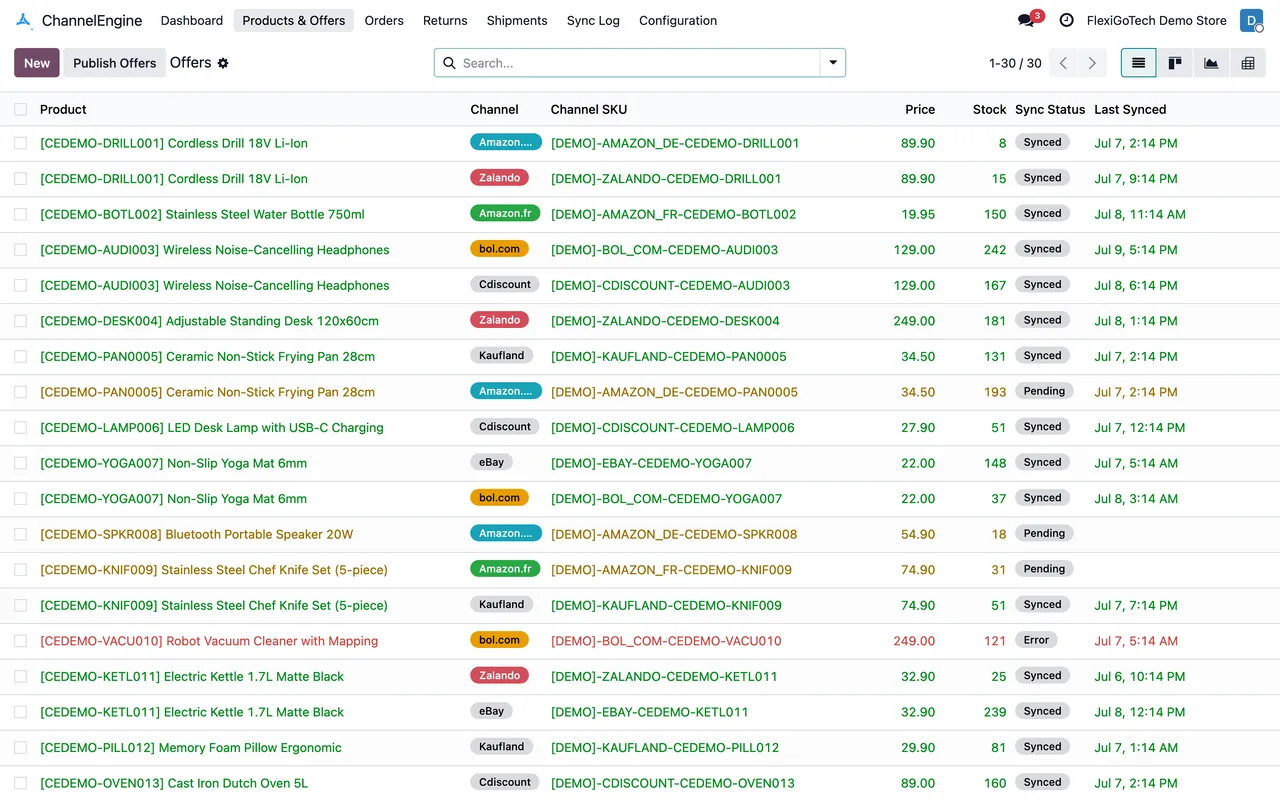
The connector has a daily task that reads the stock ChannelEngine holds and compares it with what Odoo would send at that moment. What Odoo would send is the quantity available in the account's warehouse minus open deliveries and orders still sitting as quotations. Every SKU with a difference lands in Stock Divergences, with three figures: what ChannelEngine has, what Odoo has and the difference.
In Casa Lumen's case, the lamp showed one unit more in ChannelEngine. The reason was a quotation for an in-store sale that nobody had confirmed: Odoo already deducted it, and ChannelEngine was still offering that unit.
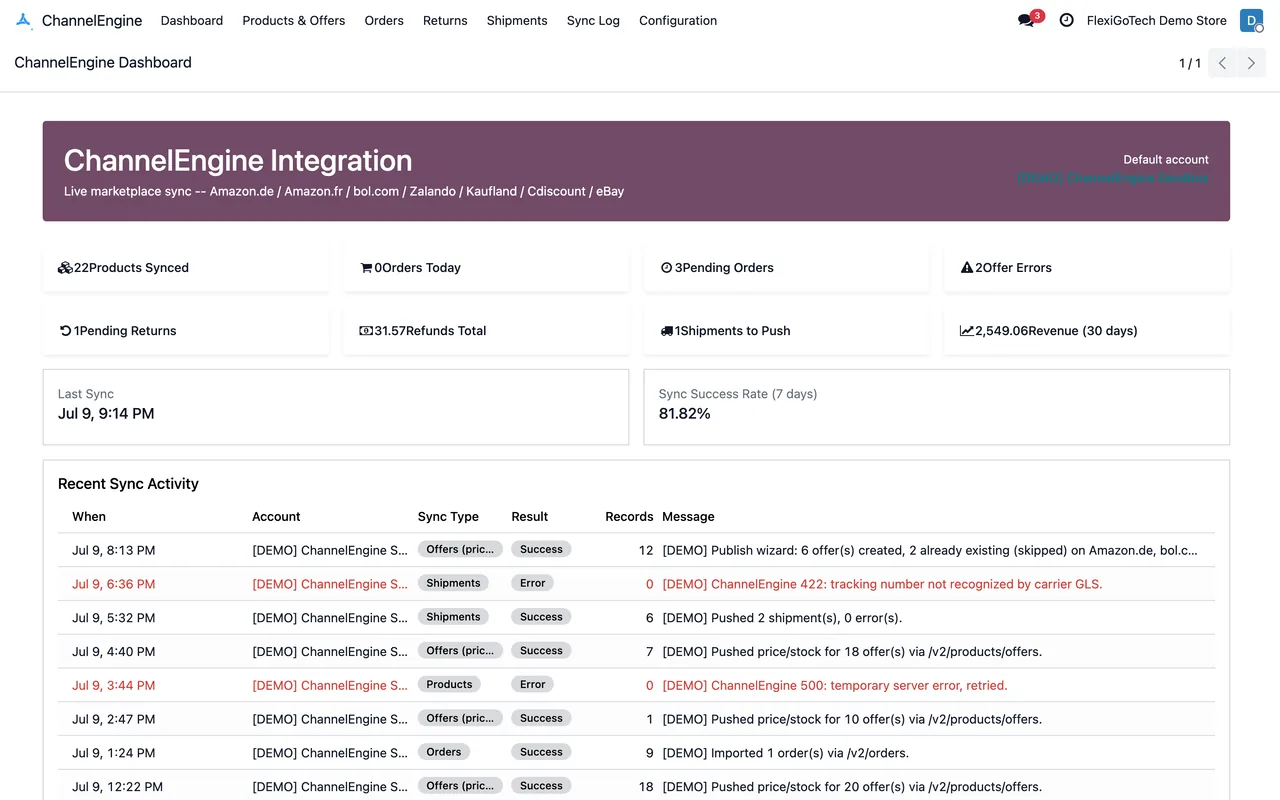
What ChannelEngine does on its side
ChannelEngine has a stock reservation designed, according to its own help centre, to eliminate the risk of overselling. The reservation lasts until the order moves to "In progress" and, on average, is released back to the channels within 1.5 hours, depending on how quickly orders are acknowledged and stock is sent. It works well if your system sends stock regularly. If stock arrives late, the reservation does not fix it.
The settings that changed
- Review the Stock Divergences list every morning and requeue the offers with a difference in one click.
- Turn on the account option to hold orders without enough stock, so an imported order is not confirmed automatically if the warehouse cannot cover it.
- Confirm the account uses ChannelEngine's stock location ID, because Casa Lumen has two locations.
- Keep the default frequencies: orders come in every 15 minutes, price and stock changes are queued every hour and sent every 30 minutes.
One more setting Casa Lumen reviewed: where prices come from. The account can take offer prices from an Odoo pricelist instead of the product's sale price. That way, the price for ChannelEngine is changed in one place.
What the team learned
The difference was not in the connector; it was in a forgotten quotation. Without the daily comparison, the next mismatch would again have looked like a technical fault. With the list in front of them, every difference has a SKU, figures and a check date, and is solved in minutes.
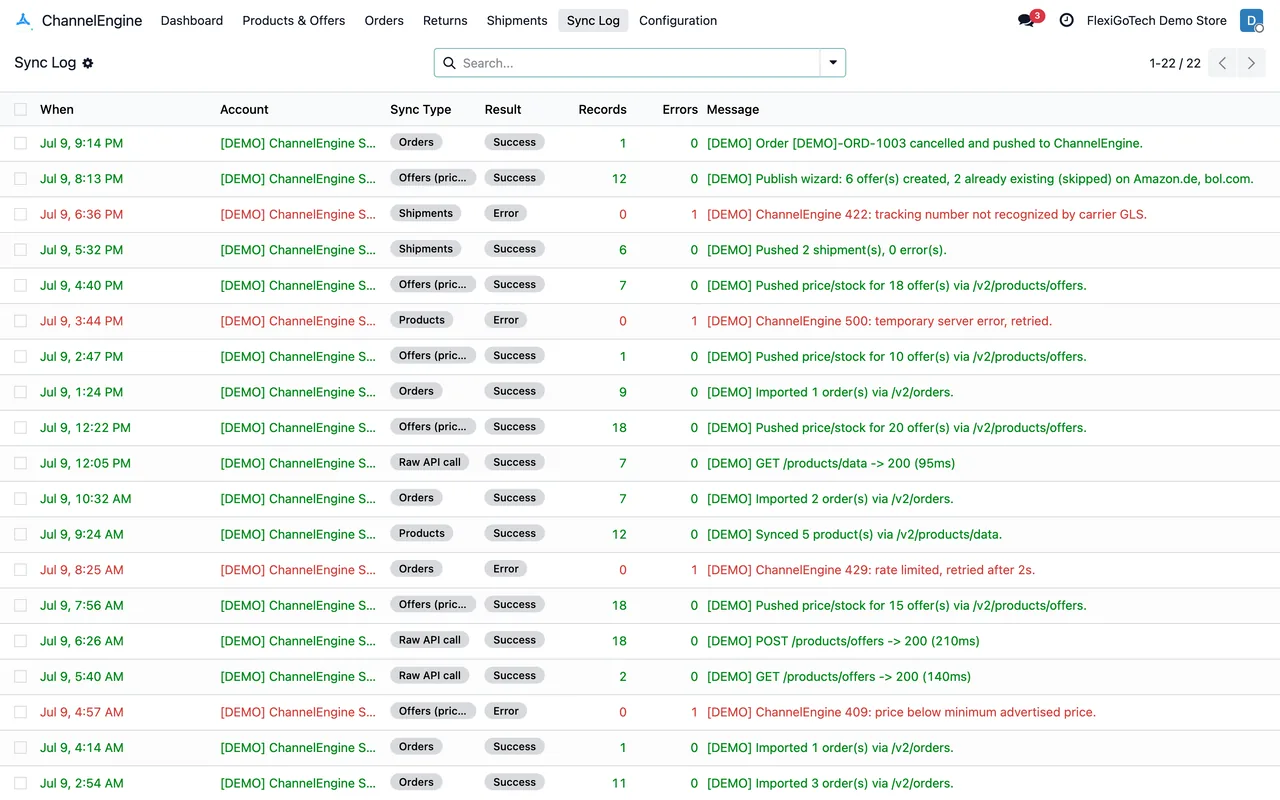
Casa Lumen changed neither channels nor supplier. It only changed the habit of checking the list every morning, and with that it stopped cancelling orders for lack of stock.
If you also sell the same product outside ChannelEngine, Odoo is the only place where every outgoing unit is visible at once. That is why the comparison is made from Odoo.
Keep reading
Checked in the connector's source code (version 20.0) and the linked sources
Sources
- Module source code: flexigobe_channelengine_connector (6032191c): models/channelengine_stock_reconcile.py
- support.channelengine.com/hc/en-us/articles/34273588476317-ChannelEngine-stock-reservation
- Module source code: flexigobe_channelengine_connector 20.0 (6032191c): data/channelengine_cron.xml
- Module source code: flexigobe_channelengine_connector 20.0 (6032191c): views/channelengine_stock_divergence_views.xml
- Module source code: flexigobe_channelengine_connector 20.0 (6032191c): views/menu.xml
- Module source code: flexigobe_channelengine_connector 20.0 (6032191c): models/channelengine_account.py
- apps.odoo.com/apps/modules/20.0/flexigobe_channelengine_connector