

 Español
 Català
 Deutsch
 Français
 Português
 Italiano
 Nederlands
 Polski
How to read the connector's messages
Several of EU Marketplace Connector's messages also tell you what did not happen: nothing was sent or Nothing was changed. Wherever you see %s or %r in this list, your screen will show a specific name or value instead.
If you are just starting, the connector set-up guide goes through the settings one by one. Here we look at what you run into when something does not fit.
The messages, grouped by topic
Credentials for a new connection go to FlexigoTech Cloud
The module puts it like this: The route of a marketplace connection does not change: a new connection goes through FlexigoTech Cloud and the ones bought before keep the direct route. In other words, a new connection goes through FlexigoTech Cloud, those bought earlier keep the direct route, and that route is not changed.
On connections that go through FlexigoTech Cloud, the marketplace credentials are not kept in Odoo. If you see On FlexigoTech Cloud the marketplace credentials are not kept in Odoo: enter them in the FlexigoTech Cloud section of the connection., the message itself tells you what to do: enter them in the FlexigoTech Cloud section of the connection.
In that section the module checks an order:
- First you accept that FlexigoTech Cloud keeps your credentials. If you have not, you get
Accept that FlexigoTech Cloud keeps your marketplace credentials before saving them: nothing was sent. - The
Client ID(for Kaufland,Client Key) and, for Octopia, theSeller IDcome before the secret. If one is missing, you will seeFill in the Client ID (Client Key for Kaufland) and, for Octopia, the Seller ID before the secret: nothing was sent. - If you change something, enter the secret again in that same change. Otherwise you get
Enter the secret again together with this change, so that FlexigoTech Cloud keeps the new credentials. Nothing was changed. - If
Save the credentials of '%s' in FlexigoTech Cloud first (FlexigoTech Cloud section of the connection).appears, save that connection's credentials in theFlexigoTech Cloudsection first.
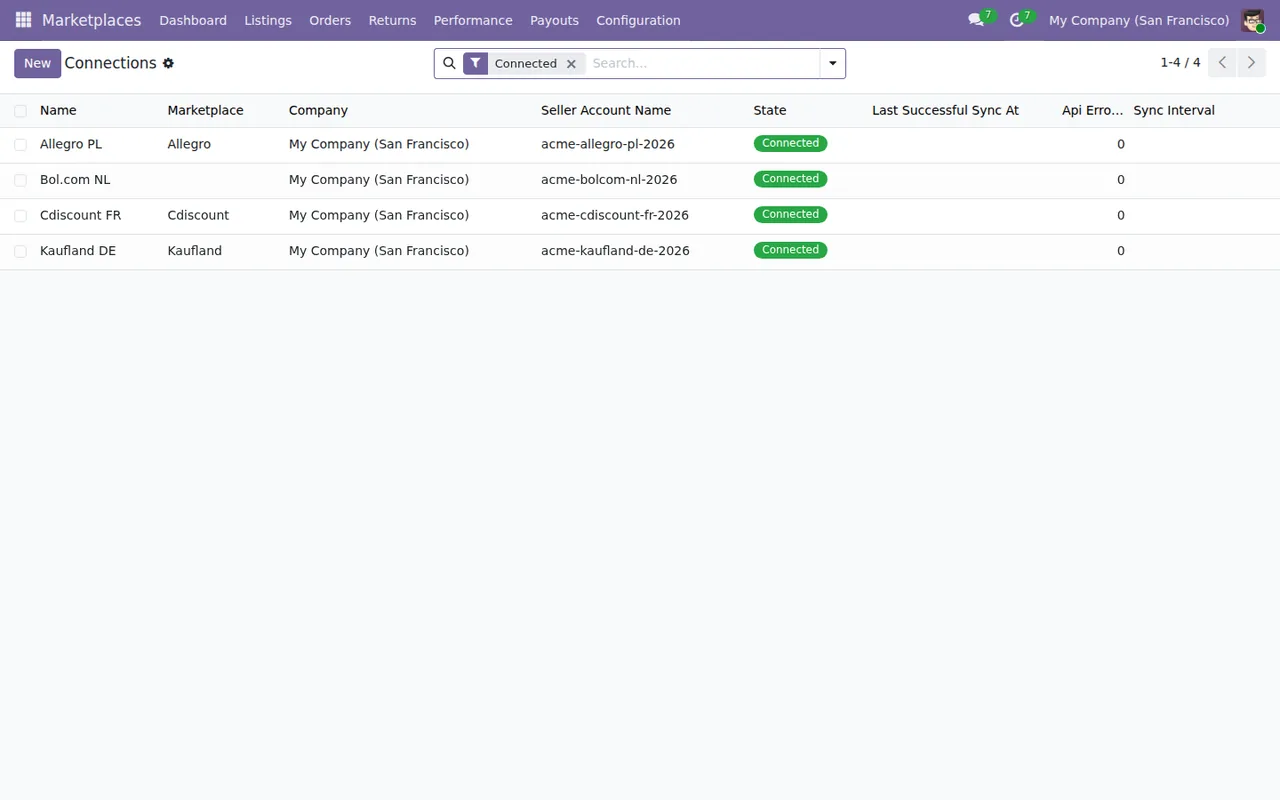
Connected filter: company, seller account, Connected status and API errors at zero.The MKT_FERNET_KEY variable has to be set
The message reads: MKT_FERNET_KEY environment variable is not set. Configure it before saving marketplace credentials. See README installation guide. It tells you that the MKT_FERNET_KEY environment variable is not set and that it must be configured before saving marketplace credentials. The message itself points to the README installation guide; if you do not have access to the Odoo installation yourself, pass the full message to whoever manages it.
Allegro authorisation goes through FlexigoTech Cloud
Allegro has its own authorisation messages:
Only an Allegro connection on FlexigoTech Cloud is authorized here.Only an Allegro connection that goes through FlexigoTech Cloud is authorised there.Save the credentials of '%s' in FlexigoTech Cloud before authorizing.Save that connection's credentials in FlexigoTech Cloud, then authorise.FlexigoTech Cloud could not authorize Allegro (HTTP %s).FlexigoTech Cloud could not authorise Allegro, and the message includes the HTTP code. Note it down before you try again or ask about it.
Octopia wants its delivery modes in a fixed format
Each Octopia delivery mode is written as CODE:cost or CODE:cost:additional cost. If one does not follow that format, the module replies with Octopia delivery mode %r: use CODE:cost or CODE:cost:additional cost., showing the value you entered so you can see which one to fix.
The connection also needs at least one. With none, you will see Set at least one Octopia delivery mode on connection %s. with the name of the connection concerned.
Values the module rejects: HTTP, short intervals, dates the wrong way round
These four are data checks:
Webhook URLs require HTTPS. Update the Odoo base URL to an HTTPS address first.Webhook URLs need HTTPS; the message asks you to change the Odoo base URL to an HTTPS address first.Minimum sync interval is 5 minutes.The sync interval cannot go below 5 minutes.Promotional end date must be after start date.The promotion's end date has to come after its start date.Cost factor must be greater than 0.The cost factor has to be greater than zero.
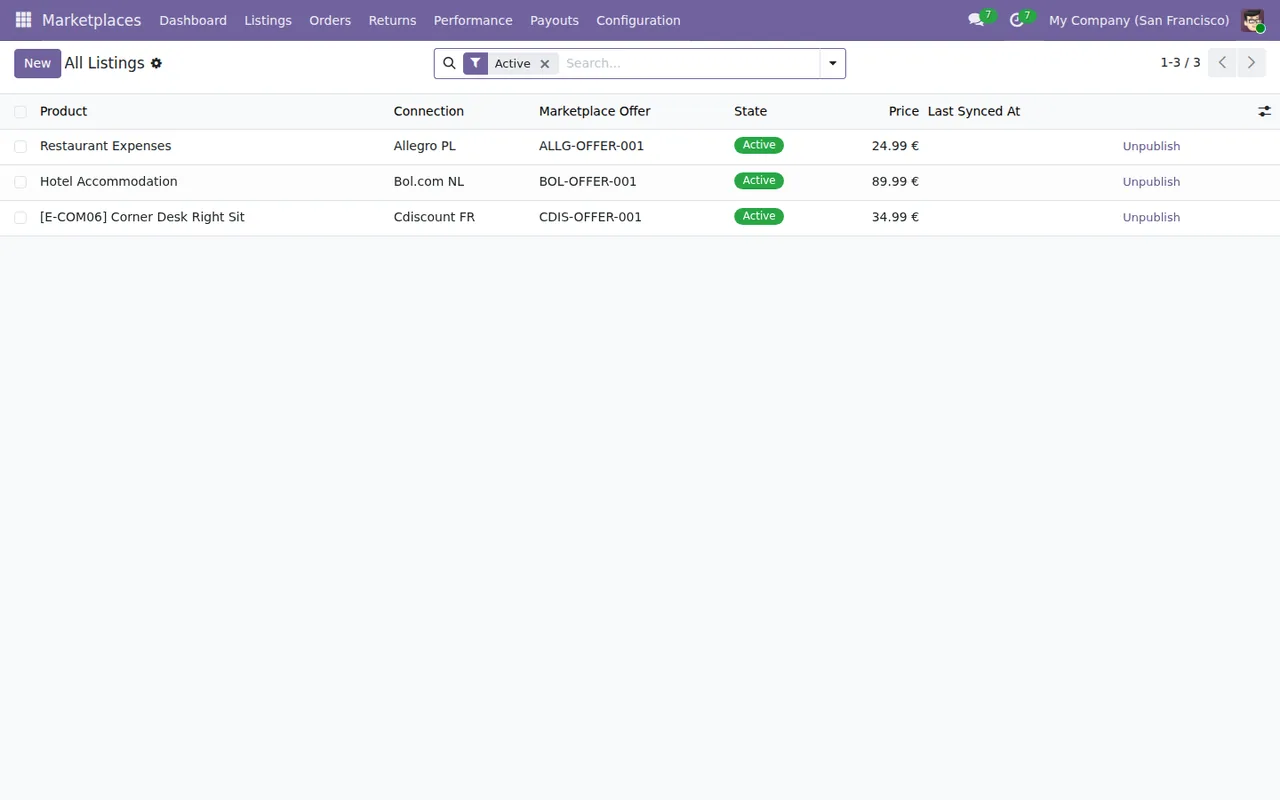
All Listings list with the Active filter: product, connection, offer, Active status, price and Unpublish button.An order still open on the marketplace cannot be deleted from Odoo
This is the longest message and the one that best explains its reason: A marketplace order cannot be deleted while it is open on the marketplace: the next import would create its sales order again and confirm it. Delete or cancel its sales order instead; the connector remembers it.
In practical terms: do not delete the marketplace order while it is still open there, because the next import would create its sales order again and confirm it. What the module suggests is deleting or cancelling the sales order instead; the connector remembers it.
The module also checks the company. If you get %s belongs to another company. or, for orders, Marketplace Order belongs to another company., the record named belongs to another company.
Active filter, Settlements and connections with the Connected filter, in that order.Returns and settlements follow an order of states
For returns, the module checks which order they belong to and what state they are in:
A return belongs to an order of its own connection.A return goes with an order from its own connection.Can only approve returns in Requested or Received state.Only returns in theRequestedorReceivedstate can be approved.Cannot approve a rejected return.A rejected return cannot be approved.Return is already rejected.The return has already been rejected.
If the module cannot find a posted invoice for the order, it says so with No posted invoice found for this order.
For settlements (Settlements), the journal entry is posted with the settlement in the Matched state. If it is not, you get Settlement must be in 'Matched' state before posting.; if the entry has already been posted, Journal entry already posted.; and if the accounting journal is missing, No accounting journal configured.
With CSV files there are two messages: Please upload a CSV file., where the module asks you to upload a CSV file, and No valid rows found in the CSV file., which says it found no valid rows in the CSV.

Marketplaces › Settlements with period, total payout, currency, reconciliations and import method.How FlexigoTech can help
EU Marketplace Connector is published on Odoo Apps for Odoo 17, 18, 19 and 20, at €9 per Odoo version, one-off payment, excluding VAT; you will find it on the Odoo Apps listing. That payment is not the whole cost: in all four versions the module's manifest says «Needs FlexigoTech Cloud subscription (from 49 EUR/month, VAT excl.)», and the Connector plan costs €49/month or €490/year excluding VAT (Pro: €98/month or €980/year). FlexigoTech Cloud is where the connection goes through: it stores the credentials encrypted, monitors the sync and sends an email alert if it fails.
If you want to see which menus and tasks the module has, the article on how it works inside walks through them. FlexigoTech implements Odoo 17, 18, 19 and 20 and builds custom connectors and integrations, in case your situation needs more than the connector covers.
Keep reading
Checked in the connector's source code (version 20.0) and the linked sources
Sources
- Module source code: flexigo_multimarketplace 20.0 (2270b5c0): models/fgt_cloud.py
- Module source code: flexigo_multimarketplace 20.0 (2270b5c0): models/mkt_company_guard.py
- Module source code: flexigo_multimarketplace 20.0 (2270b5c0): models/mkt_connection.py
- Module source code: flexigo_multimarketplace 20.0 (2270b5c0): models/mkt_listing.py
- Module source code: flexigo_multimarketplace 20.0 (2270b5c0): models/mkt_order.py
- Module source code: flexigo_multimarketplace 20.0 (2270b5c0): models/mkt_return.py
- Module source code: flexigo_multimarketplace 20.0 (2270b5c0): models/mkt_settlement.py
- Module source code: flexigo_multimarketplace 20.0 (2270b5c0): models/sale_order_ext.py
- Module source code: flexigo_multimarketplace 20.0 (2270b5c0): wizards/mkt_csv_settlement_wizard.py
- apps.odoo.com/apps/modules/20.0/flexigo_multimarketplace
- apps.odoo.com/apps/modules/17.0/flexigo_multimarketplace
- apps.odoo.com/apps/modules/18.0/flexigo_multimarketplace
- apps.odoo.com/apps/modules/19.0/flexigo_multimarketplace
- flexigotech.com/precios.html
- flexigotech.com/en/services.html